
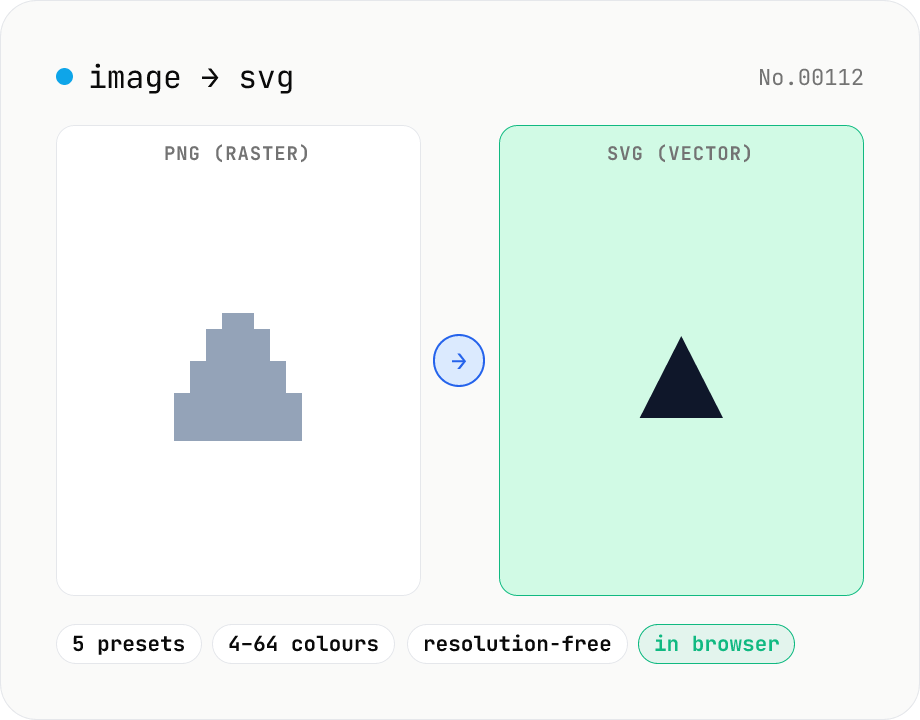
Image to SVG — vectorize raster images with imagetracerjs
Vectorize PNG / JPG / WebP / GIF raster images into SVG paths via imagetracerjs. Pick from five presets: full colour (16 colours), posterised (4 colours), grayscale (7 shades), high-detail, or smooth (curvy). Useful for making logos, icons or sketches resolution-independent. Copy the SVG source or download the .svg file. Runs entirely in your browser — images never leave your device.
How to use
Drop or pick a single image (PNG / JPG / WebP / GIF). Choose one of five presets — Full colour / Posterised / Grayscale / High detail / Smooth curves — and click Convert to SVG. imagetracerjs analyses the bitmap and returns SVG paths, shown in a live preview plus the raw SVG source for copy/download. Great for making logos resolution-free, cleaning up hand-drawn icons, or extracting silhouettes from photos. Complex photos at High detail can produce multi-MB SVGs; switch to Posterised if you need the smallest output.
FAQ
- Which preset should I pick?
- For logos / illustrations the 16-colour full preset is the safe default. Silhouettes / icons → Posterised (4 colours, tiny SVG). Sketches / monochrome photos → Grayscale. Photos → High detail. Hand-drawn → Smooth curves. More colours mean larger SVG output.
- What happens if I vectorise a photo?
- Vectorisation is an approximation, so fine photographic detail is lost — even High-detail mode renders the photo as a painterly approximation. For resolution-independent photos keep the original PNG/JPG; reserve this tool for logos / illustrations / icons.
- My SVG file is huge — how can I shrink it?
- Lower the colour count (16 → 4), or switch to Smooth curves to reduce the number of line segments. You can further compress via the svg-optimize tool on this site.
- Does it handle animated GIFs?
- Only the first frame is processed. To vectorise each frame separately, split the GIF with the gif-frame-extract tool first.
- What is imagetracerjs licensed under?
- Unlicense (public-domain equivalent). The site uses it freely. See jankovicsandras/imagetracerjs on GitHub for algorithm details.
- Is my image uploaded?
- No. imagetracerjs runs entirely in your browser, so images never leave the device.
Related tools
Image format convert — JPG / PNG / WebP interchange
Convert images between JPEG / PNG / WebP using the browser canvas — no network. A quality slider is available for JPEG and WebP. Supports batch processing and a single ZIP download.
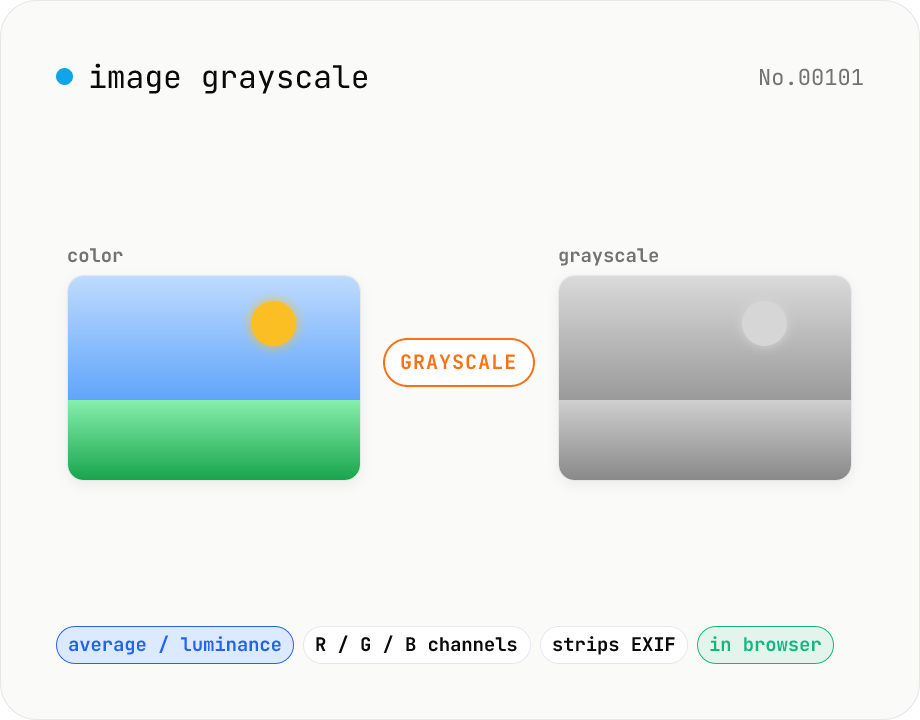
Image grayscale — 5 methods (average / BT.601 / R / G / B)
Convert JPEG / PNG / WebP images to grayscale inside your browser. Pick from five methods: average, luminance (BT.601), or any single channel (red / green / blue). Choose the output format (PNG / JPEG / WebP) and tweak the quality for the lossy formats. Your image is processed via canvas locally — nothing is uploaded.
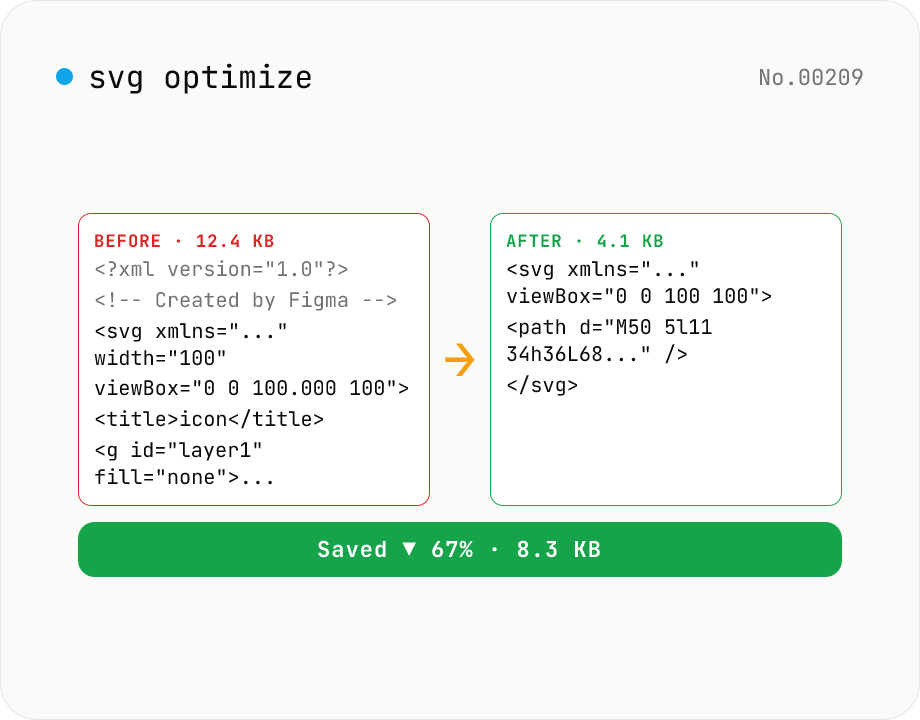
SVG optimize — strip unused attrs, shrink size
Run SVGO on your SVG and see before/after file size with the savings percentage. Toggle numeric precision, id-attribute removal, and stripping of `<title>` / `<desc>`. viewBox is kept by default for safety. Great for cleaning icons before embedding in web fonts or components. Runs entirely in your browser — the SVG never leaves your device.
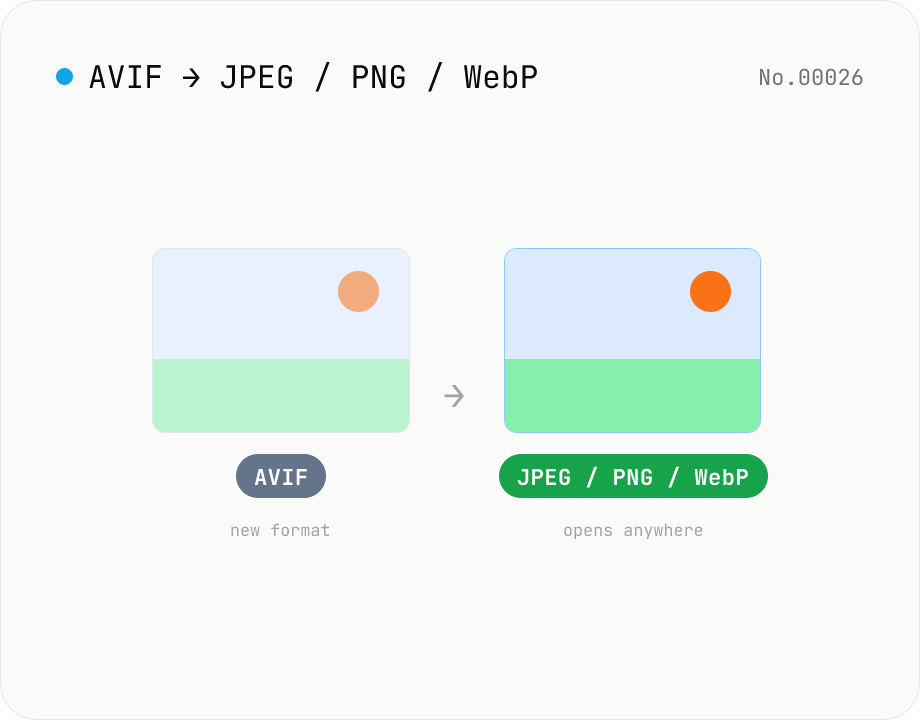
Convert AVIF photos to JPG / PNG / WebP — compatible everywhere
Decode .avif images with the browser-native AVIF decoder and re-encode them as JPEG / PNG / WebP. AVIF is great for the web but older Safari versions, email clients, Slack and Office still can't preview it — convert before sending. Batch conversion with single-click ZIP download is supported. Files never leave your device — everything runs in the browser.