
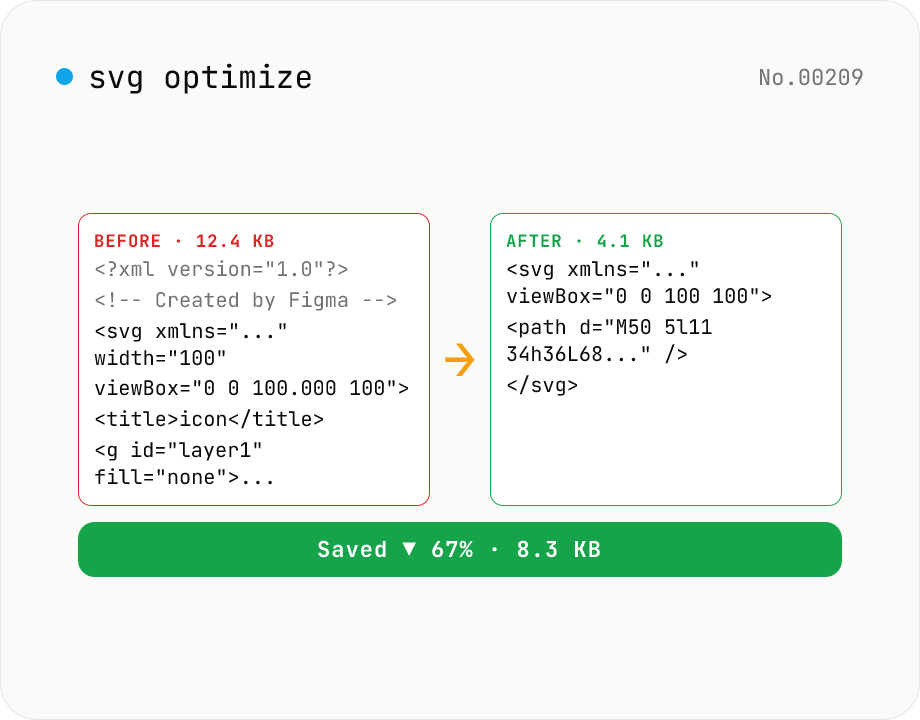
SVG optimize — strip unused attrs, shrink size
Run SVGO on your SVG and see before/after file size with the savings percentage. Toggle numeric precision, id-attribute removal, and stripping of `<title>` / `<desc>`. viewBox is kept by default for safety. Great for cleaning icons before embedding in web fonts or components. Runs entirely in your browser — the SVG never leaves your device.
How to use
Paste an SVG into the textarea or pick a .svg file. Tune the precision, id-stripping, and `<title>` / `<desc>` removal options as needed, then click Optimize and SVGO runs entirely in your browser. The result shows the before / after size with savings percentage, and can be copied or downloaded as .svg. Nothing is uploaded.
FAQ
- Is my SVG uploaded?
- No. SVGO runs in browser JavaScript. Safe for in-house icons, pre-release branding, and other private assets.
- How much can I expect to save?
- Depends on the source. SVGs exported from Figma / Sketch / Illustrator usually shrink 30–70%. Already-minimal hand-authored SVGs (like Iconify icons) only save 5–15%.
- Why is viewBox kept by default?
- Removing viewBox breaks scaling when width / height aren't explicitly set. SVGO's default preset leaves viewBox alone for safety; this tool follows suit. Only opt out if you fully control sizing in CSS.
- What does numeric precision affect?
- It rounds path coordinates and similar floats. Below 2 decimals the geometry can visibly coarsen — 3 for logos / icons, 2 for illustrations, 1 for micro icons.
- Is it safe to strip id attributes?
- Yes for standalone icons not referenced by external CSS / JS / `<use>`. Keep ids if you embed multiple SVGs on the same page or use `<symbol>` / `<use>` for sprite-style reuse.
- What about editor-specific attributes (sodipodi:, inkscape:)?
- SVGO's default preset strips Inkscape / Adobe Illustrator namespaces (sodipodi:, inkscape:, adobe:). They don't affect rendering and just bloat the file.
Related tools
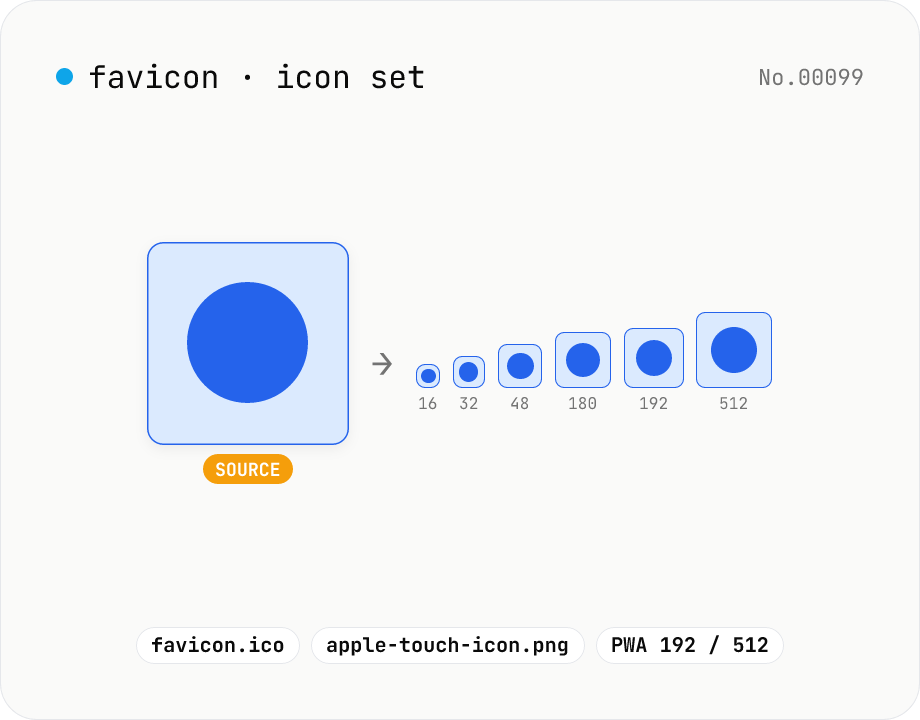
Favicon generator — full 16/32/48/180/192/512 PNG set
Generate a full favicon / PWA / Apple Touch / Android Chrome icon set (16–512px PNGs) plus a multi-size favicon.ico from a single source image, then download them as a ZIP. Canvas handles the resize and the ICO binary is built locally — your image never leaves your browser.
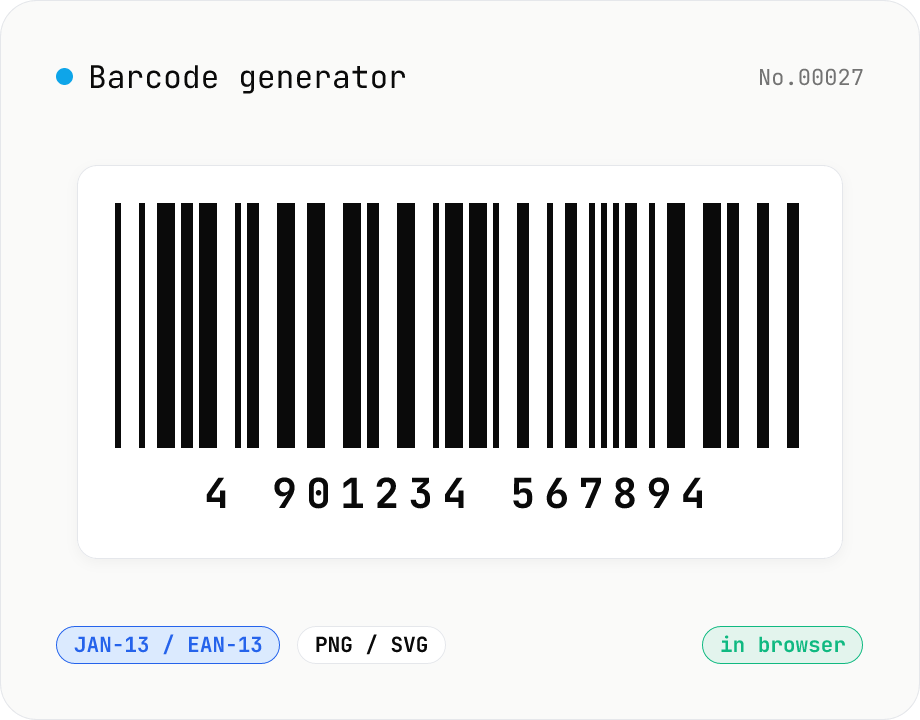
Barcode generator — JAN / EAN / UPC / CODE128 / CODE39
Turn numbers or text into 1D barcodes (JAN-13 / EAN-13, JAN-8 / EAN-8, UPC-A, CODE128, CODE39, ITF, Codabar/NW-7, MSI) and export them as PNG or SVG. Fine-tune bar width, height, colors, margin, and whether the human-readable value is printed below. Check digits are validated automatically. Everything is generated inside your browser — the value you enter never leaves your device.
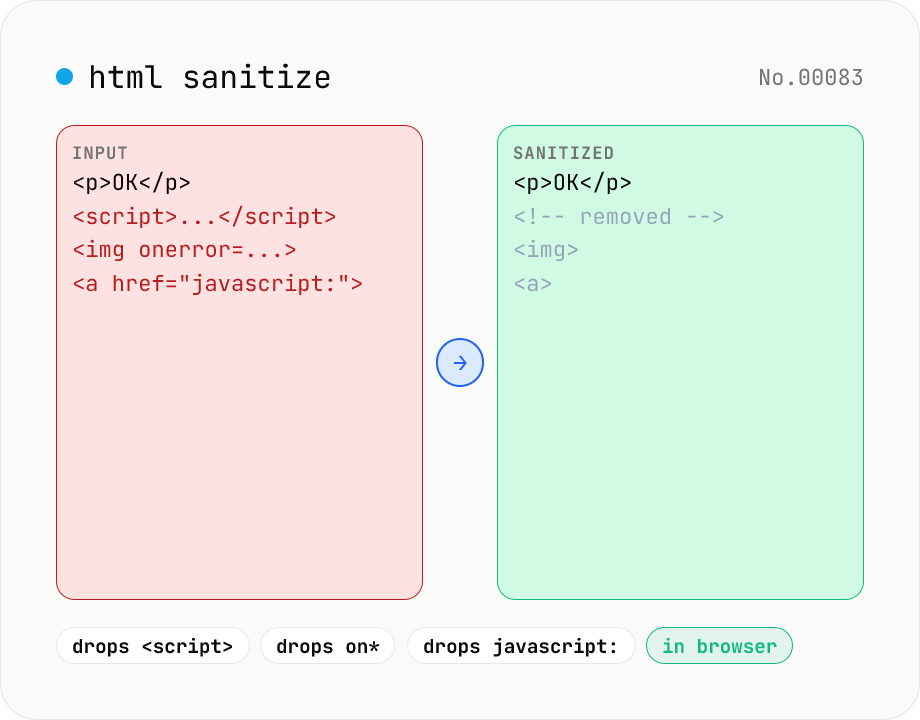
HTML sanitizer — strip XSS vectors with DOMPurify
Strip XSS vectors (script tags, on* handlers, javascript:/data: URLs, iframes, etc.) from untrusted HTML using DOMPurify. Three profiles — Strict / Standard / Permissive — control which tags and attributes survive. Useful before passing user-generated HTML to a CMS / forum, locking down Markdown→HTML output, or cleaning legacy HTML during a blog migration. Runs entirely in your browser — HTML never leaves your device.
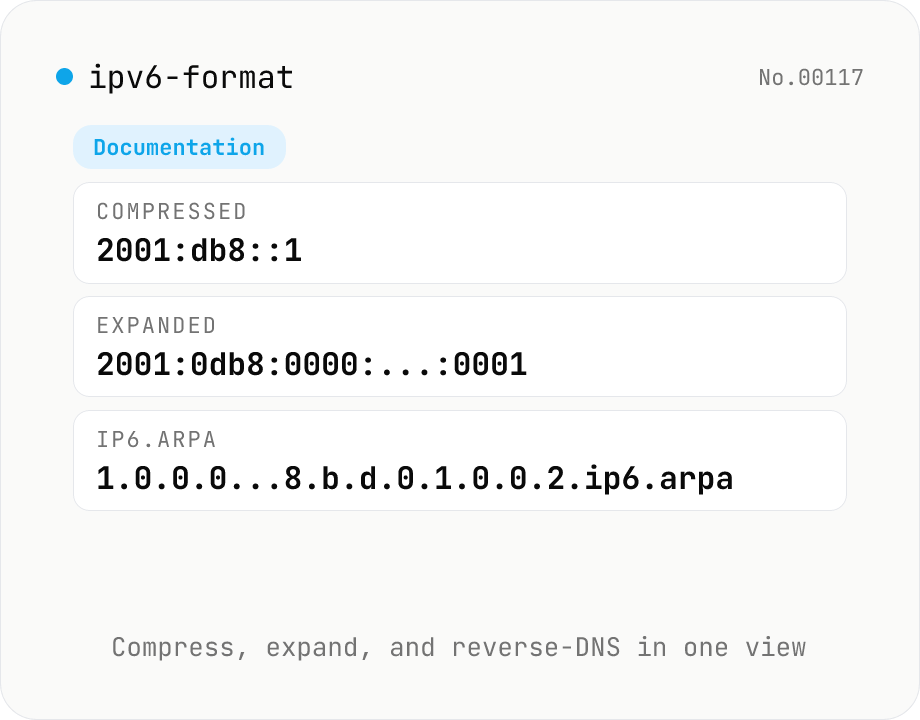
IPv6 formatter — compress / expand / reverse DNS / classify
Parse an IPv6 address (::1, 2001:db8::1, fe80::1%eth0, [::1]:8080, etc.) and view the RFC 5952 compressed form, the fully expanded 8-group form, the ip6.arpa reverse DNS name, hex-concatenated, and binary representations side by side. Auto-classifies loopback, link-local (fe80::/10), unique-local (fc00::/7), multicast (ff00::/8), global unicast (2000::/3), IPv4-mapped (::ffff:0:0/96), documentation (2001:db8::/32) and more. IPv4-mapped addresses are extracted to dotted-quad. Supports zone IDs and bracketed forms. Everything is processed in your browser.