
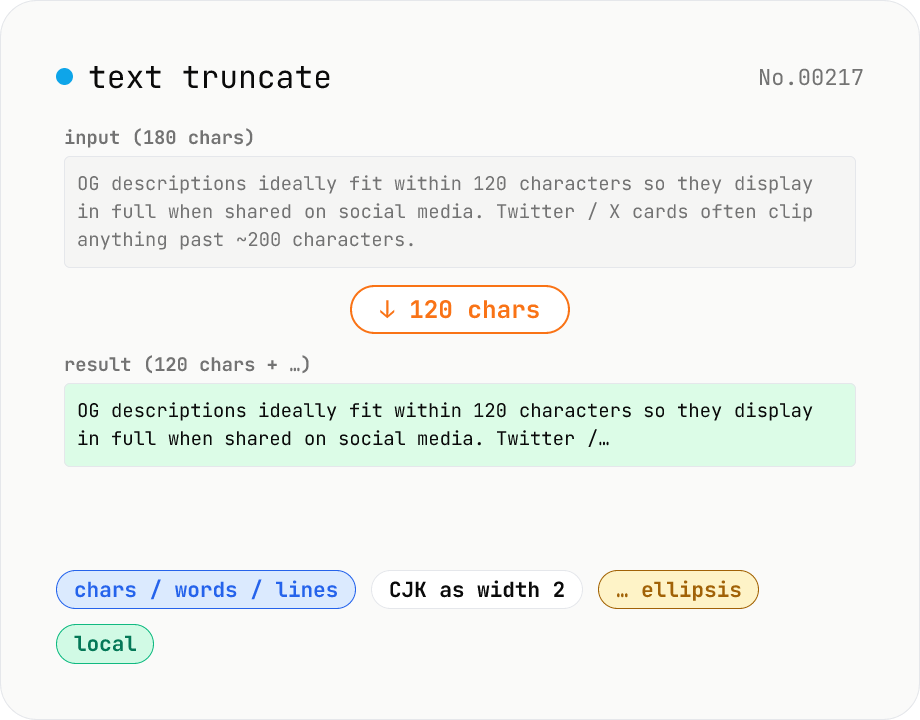
Text truncate — cut to N chars / words / lines with ellipsis
Truncate text by character, word, or line count and append an ellipsis (`…` or `...`). Options for counting CJK characters as double-width and preserving English word boundaries. Great for OG descriptions (120 chars), meta descriptions (160 chars), tweet drafts, product list cards — anywhere a length budget needs to be respected. Runs locally with no library dependencies.
How to use
Pick a truncate mode (by N characters / words / lines). The input placeholder and sample switch accordingly. Enter the limit (e.g. 120 for OG descriptions, 280 for Twitter). Pick the ellipsis style (`…` / `...` / none), CJK width handling, and English word preservation. Results update live as you type. Click Copy to grab the output.
FAQ
- What does 'count CJK as width 2' do?
- Fullwidth Japanese / Chinese / Korean characters are treated as 2 cells (matching their visible width). Platforms like LINE bill by width — toggle this on to match.
- What is the 'don't split English words' option?
- Example: `Hello world` cut at 7 chars becomes `Hello w` by default; with the option ON it becomes `Hello` (rolls back to the previous whitespace). No effect for CJK-only text.
- Does it match Twitter / X (280 char limit)?
- Yes. Set the limit to 280 and enable CJK-as-2 for accurate billing. Twitter shortens URLs to 23 chars internally, so subtract that from your limit when posts contain links.
- `…` (one char) vs `...` (three chars)?
- Visually similar, but `…` (U+2026) is a single character — handy for strict character budgets (119 chars + `…` = 120). Three dots burn 3 chars (117 + `...` = 120).
- Is anything uploaded?
- No. Character counting and truncation run entirely in browser JavaScript.
Related tools
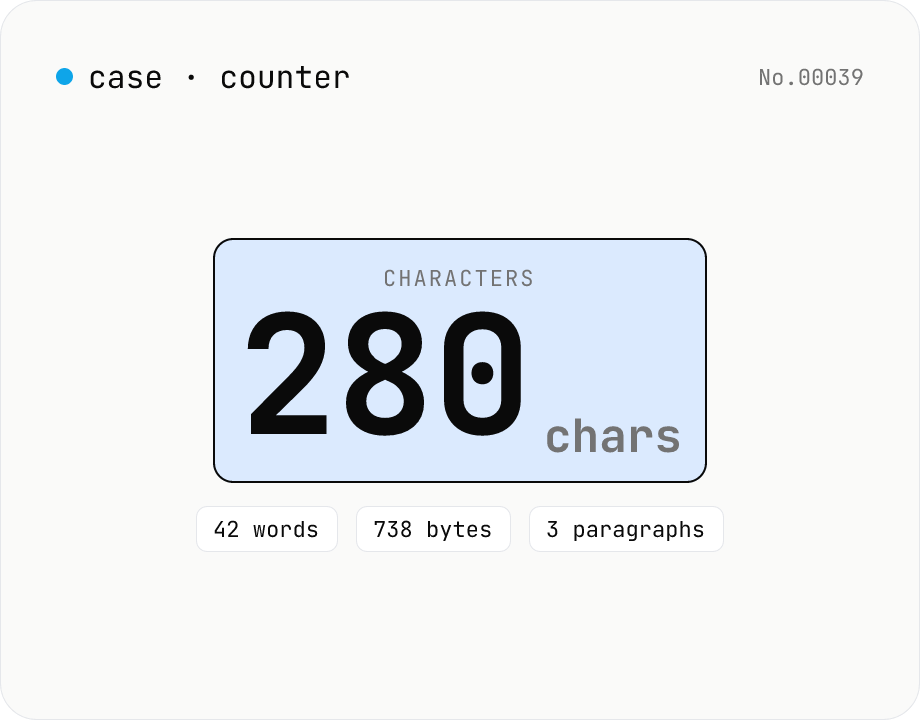
Character counter — chars / bytes / lines / words
Count characters, words, lines, paragraphs, and UTF-8 byte size in real time. Toggle whether whitespace and newlines are included. Progress bars show your text against common limits (tweets, 400-character genkō, etc.) — everything stays in your browser.
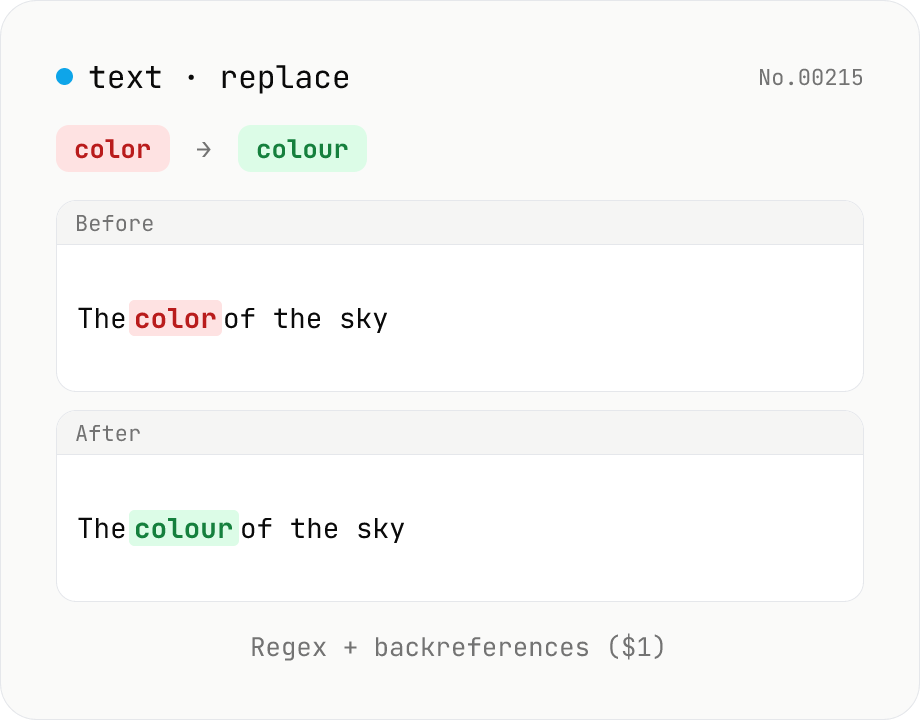
Text replace — regex with backreferences ($1)
Replace substrings across a body of text. Plain strings or regex (ignore-case, multiline (^$ per line), dot matches newline) with backreferences ($1 $2 / $<name>). Newlines accepted via \n in the replacement, and the substitution count is reported. Runs entirely in your browser.
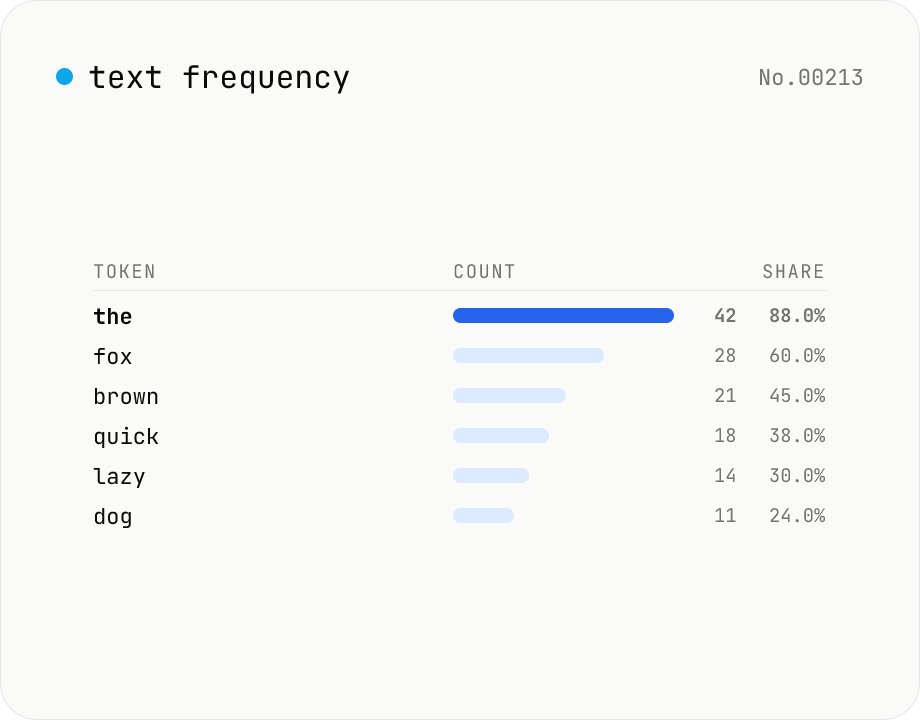
Text frequency — char / word / line tallies
Tally the occurrence of every character, word, or line in your text and rank them by frequency. Toggle case-insensitivity or whitespace stripping, then export the table as CSV. Runs entirely in your browser — drafts, logs, and chat transcripts stay local.
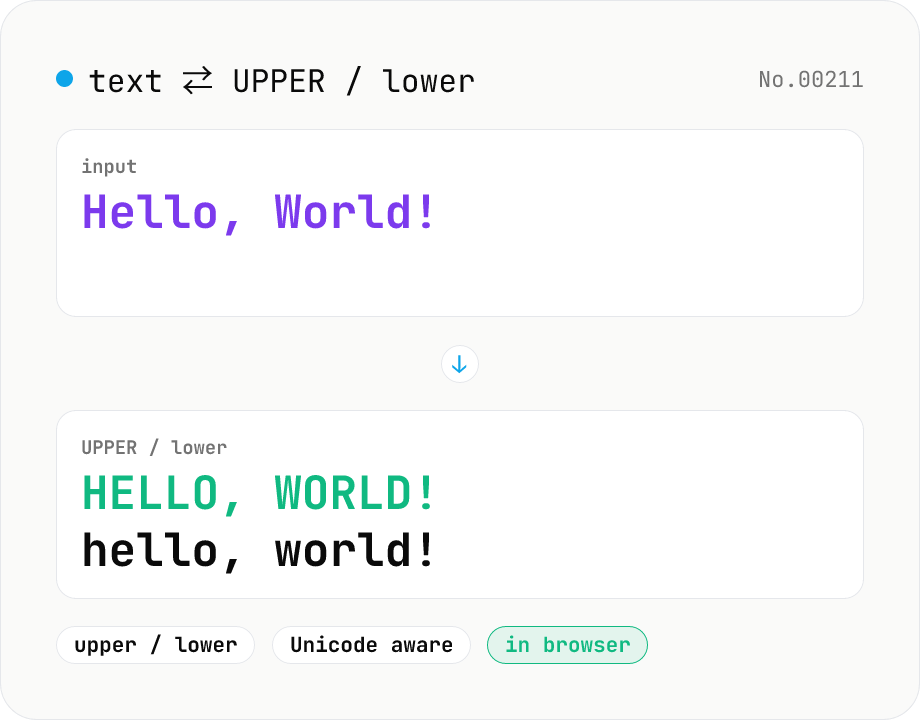
Text case — UPPERCASE / lowercase toggle
Convert text to all UPPERCASE or all lowercase, with a mode toggle. Unicode-aware so non-Latin scripts (Greek, Cyrillic, etc.) are handled correctly. Japanese, symbols, and digits pass through unchanged. Runs entirely in your browser.