
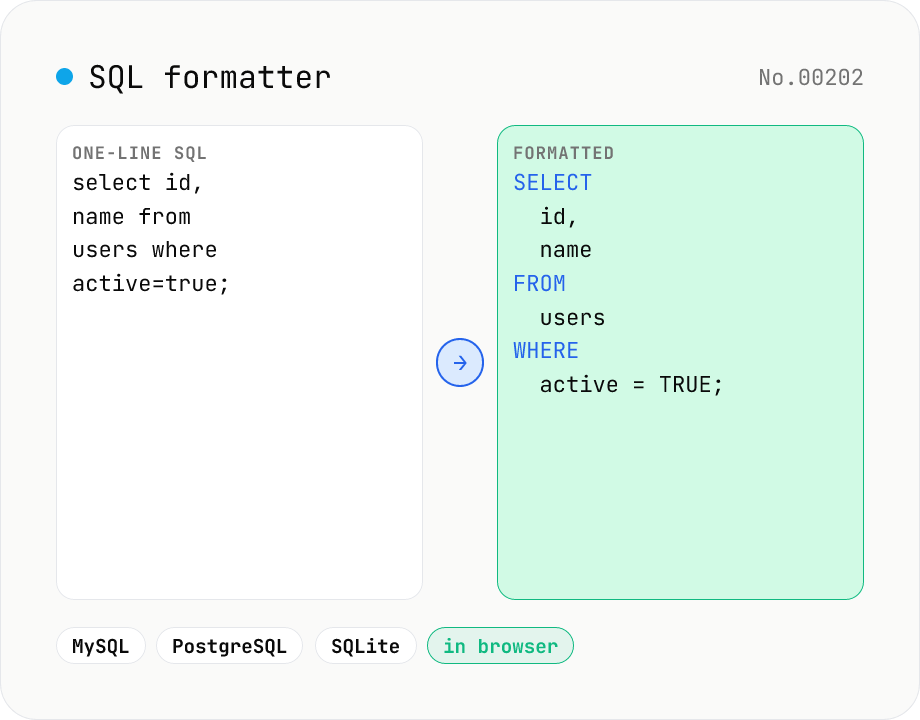
SQL formatter — pretty-print MySQL / PostgreSQL / SQLite and more by dialect
Turn a one-line or messy SQL query into a clean, readable statement with proper indentation and line breaks. Switch between 6 dialects — Standard SQL, MySQL, PostgreSQL, SQLite, SQL Server, and Oracle — so dialect-specific keywords and identifier quoting are recognized correctly. Choose keyword case (upper / lower / preserve) and indent width (2 / 4 / Tab). Your SQL is formatted entirely in your browser and never sent to any server.
How to use
Paste the SQL you want to format and first pick the target database under "SQL dialect" (Standard SQL / MySQL / PostgreSQL / SQLite / SQL Server / Oracle). Choosing a dialect switches the sample and the keywords / identifier quoting that get recognized. Then adjust "Keywords" (UPPER / lower / Preserve) and "Indent" (2 spaces / 4 spaces / Tab) as needed and press Format to get a statement with clean indentation and line breaks. Copy the result or download it as a .sql file.
FAQ
- Is my SQL sent to a server?
- No. Formatting runs entirely in your browser via the sql-formatter library. Your SQL never leaves the device, so it is safe to format production queries or statements containing sensitive data.
- What do the dialects (MySQL / PostgreSQL, etc.) change?
- Dialects differ in keywords and identifier quoting. MySQL uses backticks (`column`), SQL Server uses brackets ([column]), and PostgreSQL supports :: casts and ILIKE. Picking the right dialect lets the formatter recognize these as identifiers/keywords and lay them out correctly. For generic queries, Standard SQL is fine.
- Does formatting change the meaning of my SQL?
- No. It only adjusts whitespace, line breaks, indentation, and keyword case — the query logic and results are unchanged. The keyword-case option applies only to keywords, leaving case-sensitive identifiers (such as table names in some databases) untouched.
- I got a parse error — why?
- It happens when the SQL is not syntactically complete, e.g. unbalanced parentheses or a statement that is cut off. The error shows a line:column position to help you locate it. Unknown function or table names are treated as identifiers and do not cause errors on their own.
- Can it format multiple queries separated by semicolons?
- Yes. Multiple semicolon-separated statements are formatted together, each laid out individually with a blank line between them.
Related tools
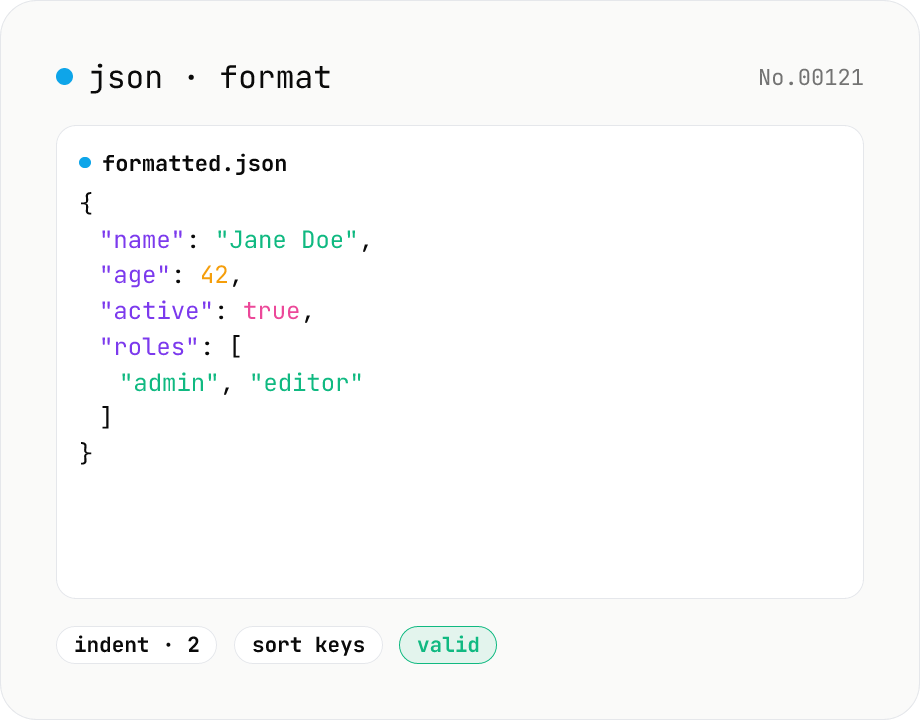
JSON format & validate — indent, minify, error pointer
Format, minify, and validate JSON entirely in your browser. Errors show the line and column. Your data never leaves your device.
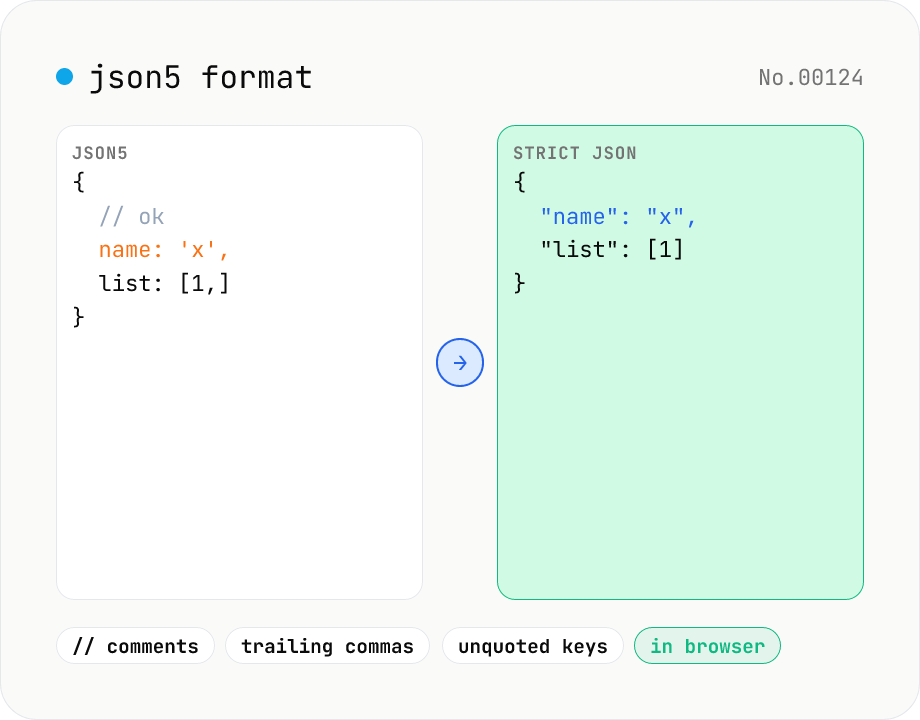
JSON5 formatter — parse JSON5 (comments, trailing commas) and emit JSON5 or strict JSON
Parse JSON5 — the JSON superset that allows comments, trailing commas, single quotes, and unquoted keys — and emit either pretty-printed JSON5 or strict standard JSON. Great for tsconfig.json, Cargo-like commented config files, or any human-edited JSON variant. Choose 2-space / 4-space / Tab indent and get line:column parse-error markers. Runs entirely in your browser.
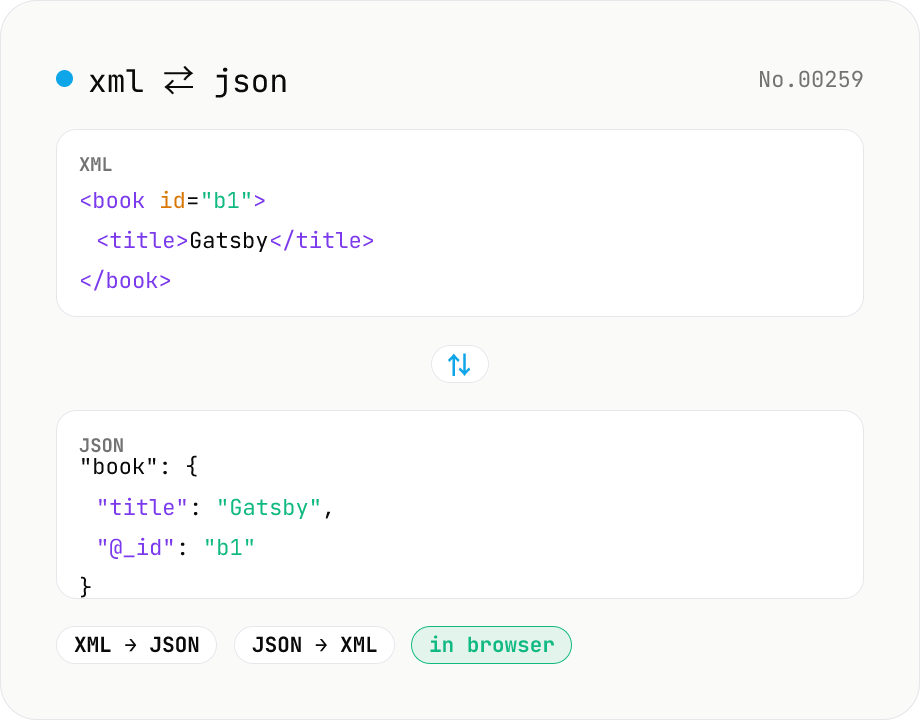
XML ↔ JSON Converter
Convert between XML and JSON. Attributes are preserved with `@_` prefix, indent (2 / 4 / tab) selectable. Runs entirely in your browser via fast-xml-parser (MIT) — no uploads.
Character counter — chars / bytes / lines / words
Count characters, words, lines, paragraphs, and UTF-8 byte size in real time. Toggle whether whitespace and newlines are included. Progress bars show your text against common limits (tweets, 400-character genkō, etc.) — everything stays in your browser.