
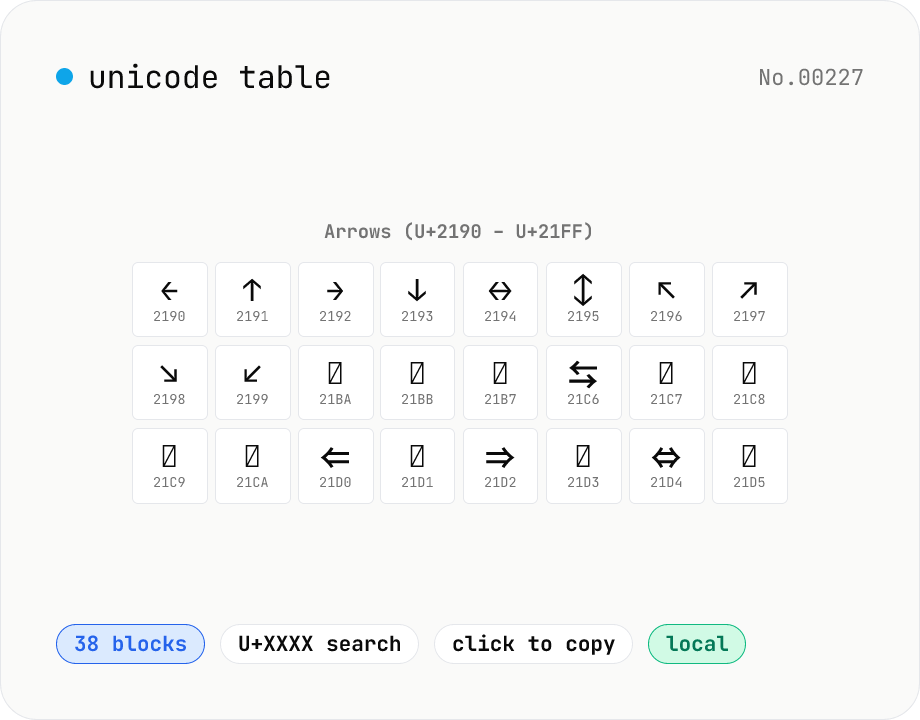
Unicode table — browse 38 major blocks at a glance
Pick a Unicode block (Basic Latin / Hiragana / Katakana / Greek / Cyrillic / Arrows / Box Drawing / Emoji, 38 in total) and see every glyph in a grid alongside its code point (U+XXXX). Click a cell to copy the glyph or HEX. Cross-block search supports queries like `arrow`, `矢印`, or `U+2190`. CJK and Hangul are capped at the first 256 entries to keep the page snappy. Perfect for hunting that exact symbol mid-design or mid-code. Everything bundled — runs in your browser.
How to use
Pick a block from the selector (Basic Latin / Hiragana / Arrows / Emoji, etc.). The grid lists each character with its code point (U+XXXX). Click a cell to copy the glyph, or use the HEX button to copy the code-point string. Type `arrow`, `矢印`, `U+2190`, or `あ` in the search box to auto-jump to the matching block. Massive blocks (Hangul Syllables, CJK Unified Ideographs) are capped at the first 256 characters for rendering performance.
FAQ
- Which blocks are included?
- 38 commonly-used blocks: Basic Latin, Latin Extended-A/B, IPA, Greek, Cyrillic, Hebrew, Arabic, Devanagari, Thai, punctuation, arrows, math, box-drawing, geometric shapes, misc symbols, dingbats, CJK punctuation, Hiragana, Katakana, Bopomofo, first 256 of Hangul Syllables, first 256 of CJK Unified Ideographs, Halfwidth/Fullwidth, and 4 emoji blocks.
- Does astral / SMP (U+1F600 etc.) work?
- Yes. Emoji blocks (U+1F300-1F9FF) use String.fromCodePoint to render the correct surrogate pair, and copying yields a single grapheme.
- How do I see details for one character?
- Use the unicode-inspect tool — it shows per-codepoint decomposition, UTF-8/16 bytes, and HTML entities.
- Why only the first 256 CJK Unified Ideographs?
- There are ~92,000 of them; rendering everything would freeze the browser. We surface the first 256 (U+4E00-4EFF) and recommend the kanji-radical-search tool for targeted lookups.
- Is anything uploaded?
- No. Block metadata and character generation are entirely client-side JavaScript.
Related tools
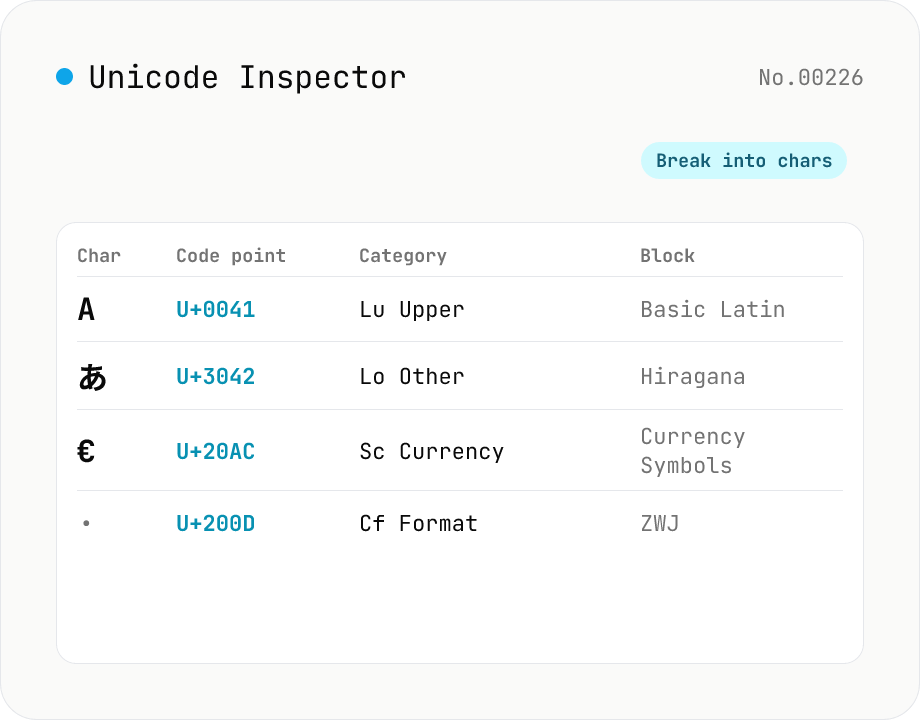
Unicode Character Inspector
Break text into individual characters and show each one's code point (U+XXXX), decimal value, general category (letter / number / symbol, etc.), script (Latin / Han / Hiragana, etc.), Unicode block, UTF-8 / UTF-16 byte sequences, and HTML numeric entity. Surrogate-pair emoji, combining marks, zero-width joiners (ZWJ), control and invisible characters are detected and badged — handy for debugging mojibake and 'invisible character' bugs. Everything runs in your browser — your input is never uploaded.
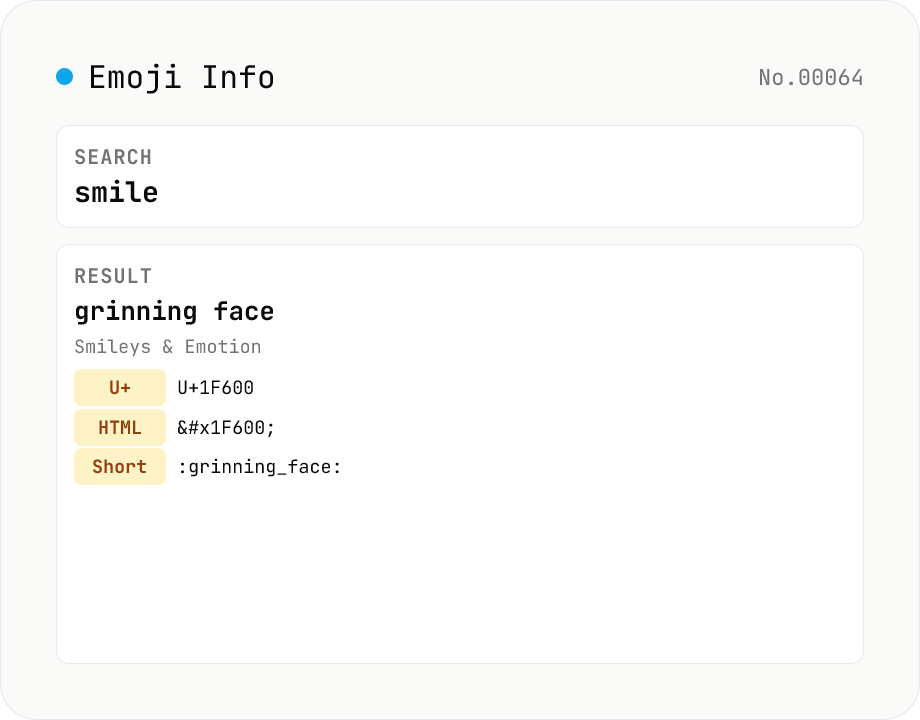
Emoji Info & Search — Unicode names, codepoints, shortcodes
Search Unicode emoji and view all the details. Covers 1900+ emoji from Unicode 16 (2024), searchable by name, keyword, group, or series (smileys, animals, food, transport, flags…). Click one to see every Unicode codepoint (U+1F600 form), HTML entity (`😀`), CSS escape (`\1F600 `), JS escape (`\u{1F600}`), shortcode (Slack/Discord/GitHub compatible, `:grinning_face:`), Unicode group / subgroup, and related keywords — copy any field with one click. Powered by unicode-emoji-json (MIT) + emojilib (MIT) bundled locally; no network calls.
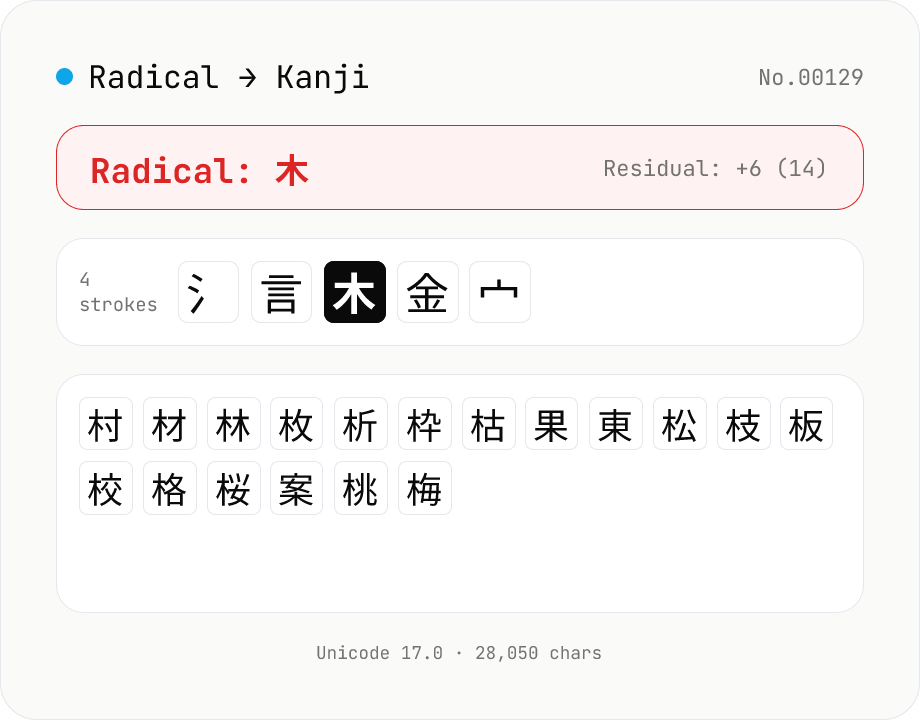
Kanji Radical Lookup
Reverse-lookup kanji by Kangxi radical (1–214) and residual stroke count, just like the radical index in a paper kanji dictionary. Pick a radical (一 / 人 / 木 / 氵 / 言 …) and a remaining-strokes filter to list every matching CJK ideograph from Unicode 17.0 (28,000+ characters). Click to copy; component variants (心→忄, 水→氵, 艸→艹) are noted under each radical. Runs entirely in your browser.
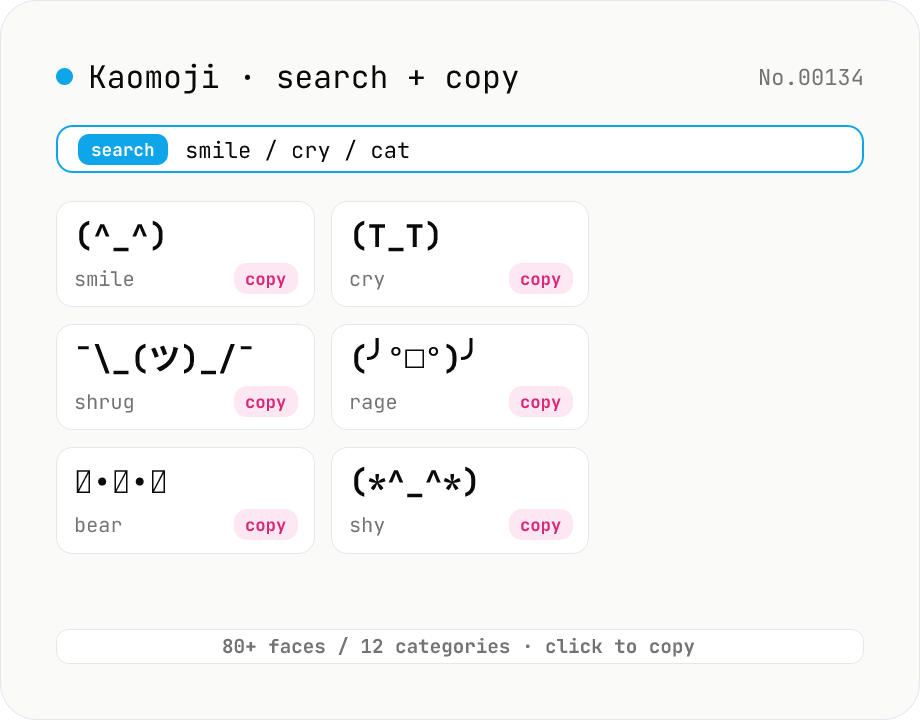
Kaomoji finder — copy (^_^) ¯\_(ツ)_/¯ and 80+ classic faces
Search 80+ classic kaomoji (text emoticons) across 12 categories — happy, sad, angry, surprise, love, confused, shrug, table flip, animal, music, and more — by face, tag, or category, then copy with one click. Unlike emoji, kaomoji render identically on Slack, Discord, LINE, GitHub, and email regardless of fonts or platforms, so you can express emotion without worrying about Unicode compatibility. All data ships with the tool; no network, no upload — everything happens in your browser.