
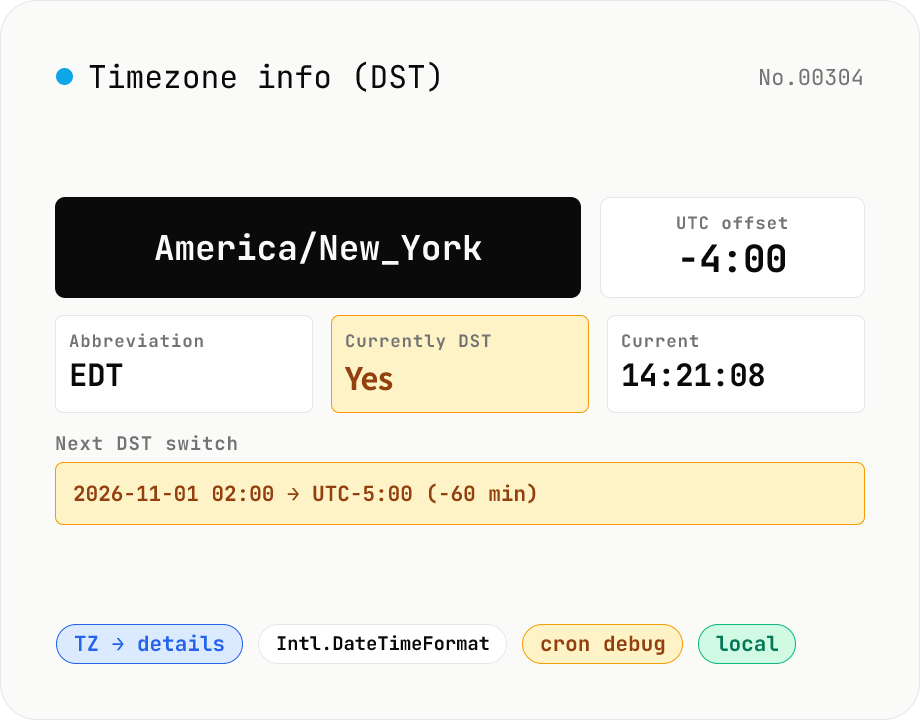
Timezone info (DST) — current UTC offset & switch dates for any IANA TZ
Pick an IANA timezone (Asia/Tokyo, America/New_York, Europe/Paris, …) and see the current UTC offset, whether DST is observed, the next DST switch, plus this year's and next year's transitions. Use it to avoid common cron / scheduling pitfalls: 'DST shifted my job by an hour', 'this clock time never happens (spring forward)', 'this clock time runs twice (fall back)'. Pairs with timezone-convert (translate a fixed instant across zones) and world-clock (live side-by-side clocks). Backed by Intl.DateTimeFormat — runs entirely in your browser.
How to use
Type an IANA timezone name (e.g. Asia/Tokyo, America/New_York) or pick from the presets. You'll see the current local time, UTC offset, abbreviation (JST / EST etc.), and whether the zone observes DST. Next DST transition (spring jump / autumn fallback) is shown alongside this year's and next year's switch list. Press 'Your browser' to instantly load the zone Intl API reports for the current device.
In depth
Timezone lookups in the context of distributed systems
Timezone information becomes operationally important when services span multiple regions. Verifying what wall-clock time a cron job runs at in a given datacenter region, or confirming whether a scheduled task in Europe will be affected by a DST transition, involves knowing both the IANA timezone name and its DST behaviour. The underlying IANA timezone database is public, but which timezone a service uses, which scheduled jobs are sensitive to DST transitions, and which pipeline steps carry time-dependent logic are internal system design details.
Checking timezone rules doesn’t require sending configuration information to an external service. The Intl API built into every modern browser contains a full timezone rule set — the same data that the operating system uses. A browser-local timezone tool can answer the same questions as a server-side one, with no configuration data leaving the device.
The ‘Your browser’ button and what device timezone reveals
The ‘Your browser’ button reads Intl.DateTimeFormat().resolvedOptions().timeZone — the IANA timezone the OS has reported to the browser. This is not GPS-derived location data; it reflects the device’s system clock timezone setting. For a developer checking their own system’s configuration, this is a convenient starting point. For audit or compliance contexts, noting that the tool reads the OS timezone but does not transmit it to any server is relevant.
This tool neither calls the Geolocation API nor sends the resolved timezone name to a server. The name is read from the browser environment and processed entirely on the page.
DST detection using only Intl.DateTimeFormat
This tool detects DST transitions without loading a tzdata bundle or querying an external API. For each day of the year it computes the UTC offset using Intl.DateTimeFormat(locale, \{ timeZone: tz, timeZoneName: 'short' }), flags days where the offset differs from the previous day, and binary-searches within each flagged day at one-minute resolution to identify the exact transition time. The algorithm runs entirely in the browser’s JavaScript engine, which has access to the same timezone rules as the underlying OS.
All computation stays in page memory. System timezone configurations, scheduled job timing analysis, and DST-window planning can be done without transmitting any information about the service’s internal configuration.
Troubleshooting DST-related scheduler issues
When a cron-style scheduler misfires around a DST boundary, the first diagnostic step is confirming exactly when the transition occurs and in which direction. Spring transitions (02:00 → 03:00) skip the 02:30 window entirely, causing jobs scheduled there to not run. Autumn transitions (02:00 → 01:00) create a repeated 01:30 window, causing jobs to run twice. This tool shows the transition time, direction, and magnitude for any IANA timezone, allowing the affected window to be identified quickly. For systems spanning multiple regions, checking several timezone transition dates at once helps identify overlap risks before a scheduled maintenance window.
IANA tz database (Olson) versioning and browser bundling
IANA timezone names like America/New_York or Asia/Tokyo are defined in the IANA Time Zone Database — historically called the Olson database — which is updated several times per year under release tags such as 2024a, 2024b, 2025a. Each release reflects national DST policy changes and historical corrections; for example, tzdata2024a recorded Mexico’s Chihuahua region permanently dropping DST and Jordan moving to permanent summer time. Browsers embed a snapshot of this database at build time, so Chrome, Firefox, and Safari may briefly diverge on which tzdata version they ship, especially within months of a major policy change.
This tool’s DST detection invokes Intl.DateTimeFormat(undefined, { timeZone, timeZoneName: 'short' }).formatToParts(date) for each day of the year, compares the resulting UTC offset to the previous day, and binary-searches at one-minute resolution to pin the transition. If the browser’s bundled tz data lags behind a recent policy change, the displayed transition may not reflect the actual one — for production correctness, cross-checking against the OS tzdata package (Linux /usr/share/zoneinfo or zdump -v) is a good safeguard. Intl.supportedValuesOf('timeZone') enumerates the names the engine recognises.
Variation in TZ handling across cron, systemd, Kubernetes, and cloud schedulers
Where DST trips production systems most often is in scheduler configuration, and each scheduler treats timezones differently. Traditional Linux cron reads /etc/localtime for the system zone; some implementations honour a TZ=Asia/Tokyo line in the crontab to override per job. systemd timers default to the system timezone but accept explicit zone names in OnCalendar=. Kubernetes CronJob shipped a stable spec.timeZone field only in Kubernetes 1.27 — earlier versions ran all jobs in UTC regardless of cluster locale. Quartz Scheduler (Java) accepts a zone attribute on @CronSchedule, but Spring Boot defaults to the JVM user.timezone.
The defensive convention is to write all production cron expressions in UTC and avoid DST-affected zones altogether. AWS EventBridge, Cloudflare Workers Cron Triggers, and GitHub Actions scheduled workflows all enforce UTC by design. This tool helps verify the offset between your business timezone (say, Asia/Tokyo at +09:00 with no DST) and a UTC-locked cloud scheduler, catching the classic ‘the batch at 09:00 JST is written as 00:00 UTC and ran an hour off during the foreign DST window’ mistake. Asia/Tokyo and most APAC zones lack DST, but anything in the Americas, Europe, or Australasia warrants verifying the upcoming spring/autumn transition dates each year. To translate a concrete instant across multiple zones once the DST behaviour is understood, timezone-convert handles the side-by-side rendering, and to round-trip the same instant against UTC epoch seconds, unix-timestamp does the conversion in the browser.
FAQ
- How are DST transitions detected?
- We compute the UTC offset for every day of the year via Intl.DateTimeFormat, flag days where the offset differs from the previous day, then binary-search within that day at 1-minute resolution. Works in any modern browser — no tzdata bundling required.
- What do 'spring jump' and 'fall back' mean?
- At DST start (spring) clocks jump from 02:00 to 03:00, so a time like 02:30 simply doesn't exist that day. At DST end (autumn) clocks fall back from 02:00 to 01:00, so 01:30 exists twice. Cron jobs scheduled at those times either get skipped (spring) or run twice (autumn).
- How do you decide if a zone observes DST?
- We sample the UTC offset for each month of the current year. If two or more distinct offsets appear, DST is observed. Fixed-offset zones like Asia/Tokyo report 'No'.
- How reliable are future DST dates?
- They rely on the browser's tzdata, which is updated by the OS. Next-year switches are usually accurate; further out can shift if a country changes its DST policy. For long-term reservations prefer relative time (UTC + offset) over wall clock.
- Is anything uploaded?
- No. Everything happens via Intl.DateTimeFormat inside your browser.
How to verify nothing is uploaded
This tool never sends your input outside your browser. The pages below explain how it works, how to audit it, and how the site is run.
Related tools
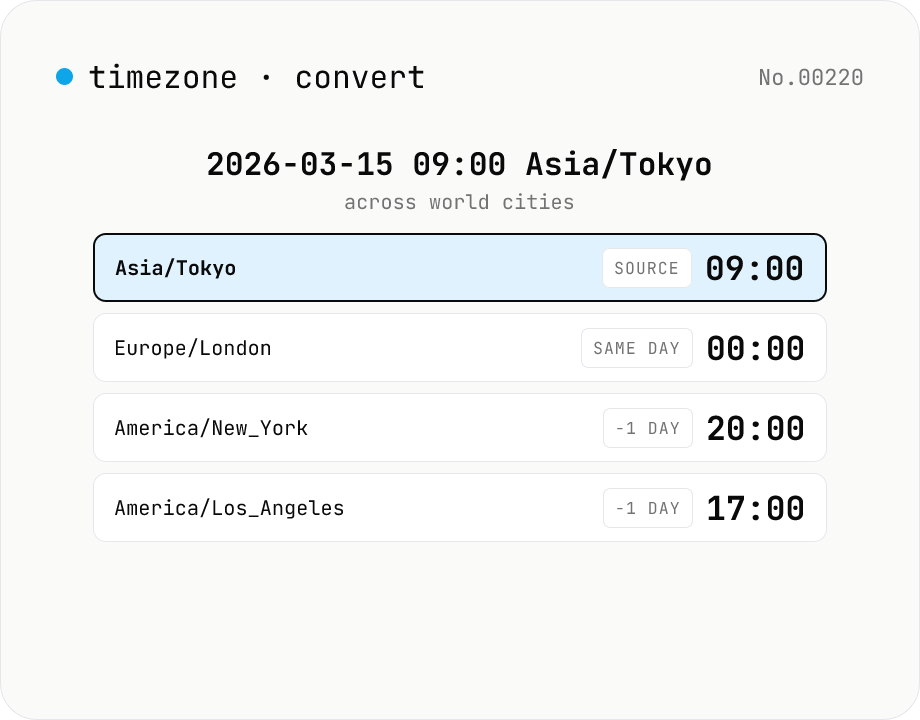
Timezone converter — any date/time to multiple cities at once
Pick a date/time and source IANA timezone, then see the equivalent local time in many target timezones at once, with UTC offsets and ±day badges for date rollovers. Handy for cross-border meeting scheduling, deadline translation, and DST-aware comparisons. Runs entirely in your browser via the Intl API.
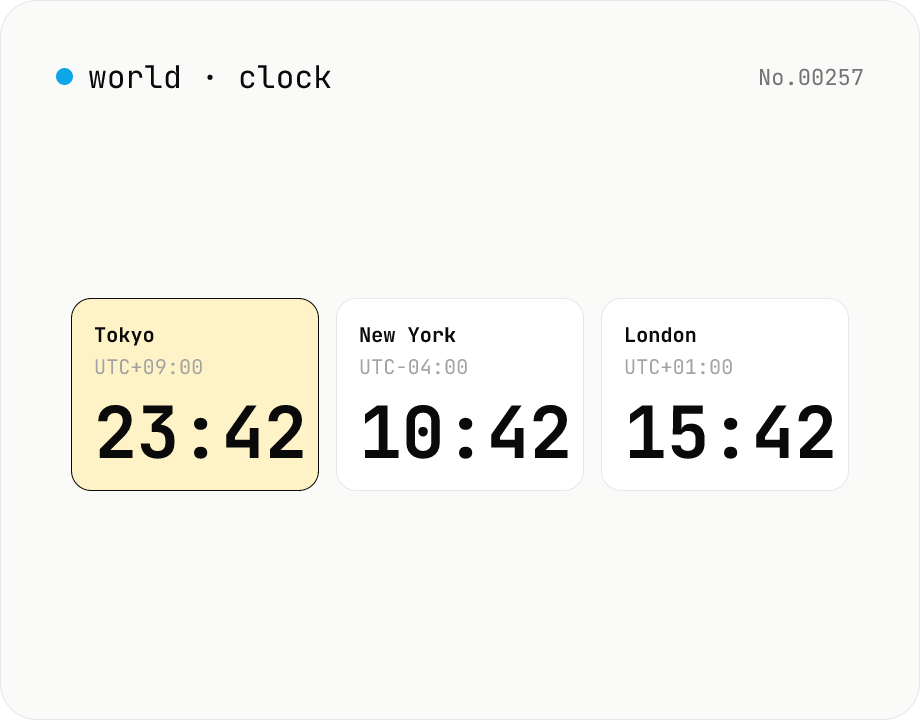
World clock — real-time current time across major global cities
Show the current time across multiple cities live, side by side. Pin one city's time as the base and the rest update to the matching local time. Cities can be added or removed freely.
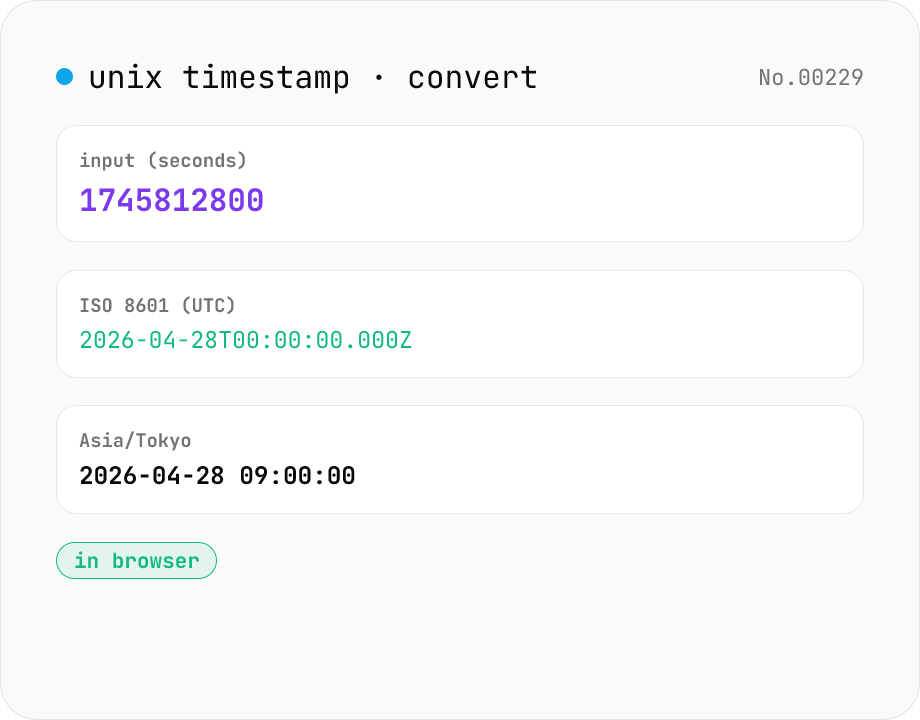
Unix Timestamp to Datetime Converter — Epoch, ISO 8601, Timezone
Free online Unix timestamp converter. Convert epoch time (seconds or milliseconds) to a human-readable datetime in any IANA timezone — UTC, Asia/Tokyo, America/New_York and more. Bi-directional: paste a timestamp or a date and get the other. Runs entirely in your browser — nothing uploaded.
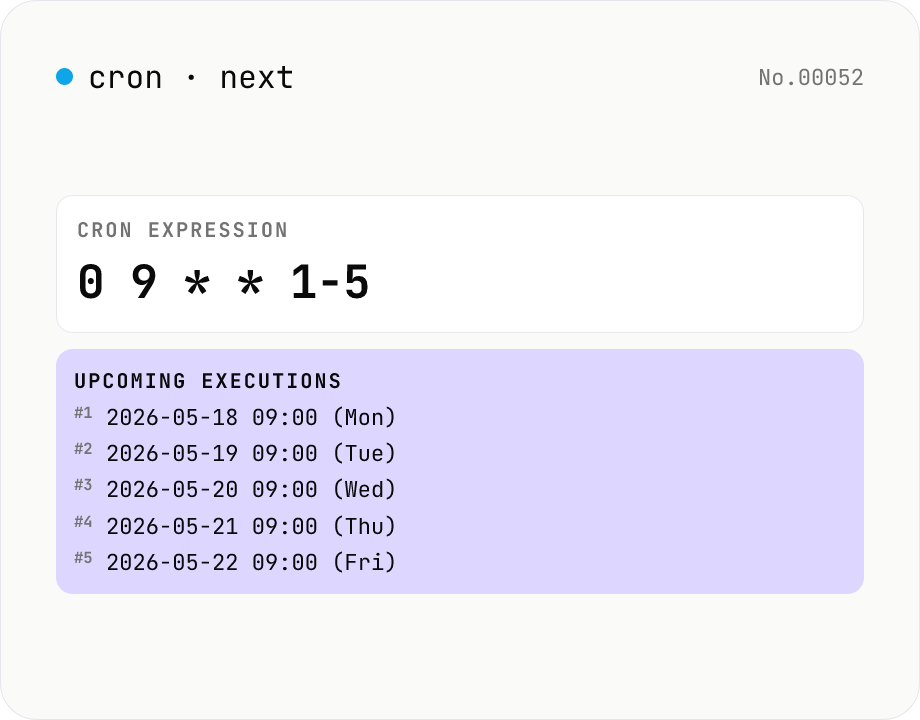
Cron next run time — 5-field crontab
List the next 10–100 firing times for a cron expression like `0 9 * * 1-5`. Validate your crontab / GitHub Actions / Kubernetes CronJob / Vercel Cron Jobs schedules before deploying. Powered by cron-parser running entirely in your browser.