
Timezone converter — any date/time to multiple cities at once
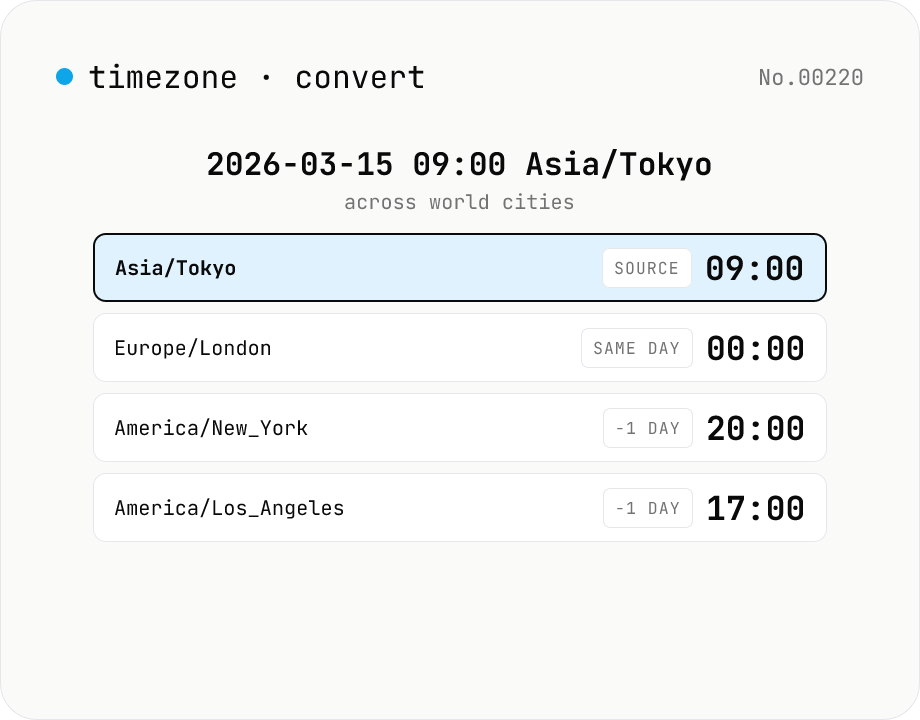
Pick a date/time and source IANA timezone, then see the equivalent local time in many target timezones at once, with UTC offsets and ±day badges for date rollovers. Handy for cross-border meeting scheduling, deadline translation, and DST-aware comparisons. Runs entirely in your browser via the Intl API.
How to use
Pick a source timezone and a date/time. The target list shows what local time that instant maps to in each target TZ, with UTC offset and a ±day badge for date rollovers. Press Now to reset the source to the current instant, or Sample to load a representative cross-timezone time. Add or remove target timezones by IANA name (Asia/Tokyo, America/New_York, Europe/London, ...). DST is automatically handled by the browser's Intl API.
FAQ
- Is the date/time uploaded anywhere?
- No. All math runs in the browser's Intl API; nothing leaves your device. Safe for meeting-time triangulation with confidential calendars.
- How is this different from the world-clock tool?
- world-clock is a live multi-clock face — useful for monitoring several timezones at once. timezone-convert is a one-shot converter: pick a source TZ, type a specific instant, see the rest of the world. The target rows surface day rollovers explicitly and the source TZ is always front-and-center.
- Does it handle Daylight Saving Time (DST)?
- Yes. The browser's IANA tz database does the heavy lifting. Non-existent local times (e.g. 02:30 on a DST 'spring forward' day) are snapped to a nearby valid instant per the browser's rules.
- Which timezones are supported?
- Anything Intl.supportedValuesOf('timeZone') returns — i.e. the full IANA tzdb. Modern Chrome/Edge/Safari/Firefox cover hundreds of zones. If your browser does not expose supportedValuesOf, you can still type the IANA name directly into the add field.
- How is the ±day badge computed?
- By comparing the local date in the source TZ to the local date in each target TZ. e.g. Tokyo (Asia/Tokyo) at 2026-03-15 09:00 maps to Los Angeles (America/Los_Angeles) at 2026-03-14 17:00, so LA gets a '-1 day' badge.
- I want to use UTC as the source
- Pick UTC in the source timezone dropdown and enter the time. The targets will show how that UTC instant lands in each local TZ.
Related tools
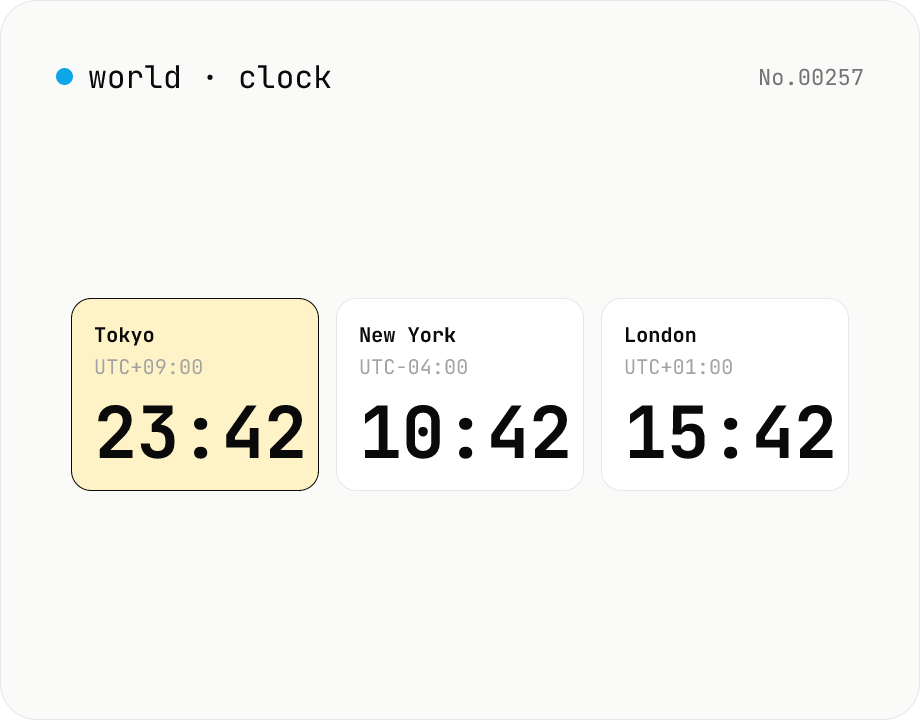
World clock — real-time current time across major global cities
Show the current time across multiple cities live, side by side. Pin one city's time as the base and the rest update to the matching local time. Cities can be added or removed freely.
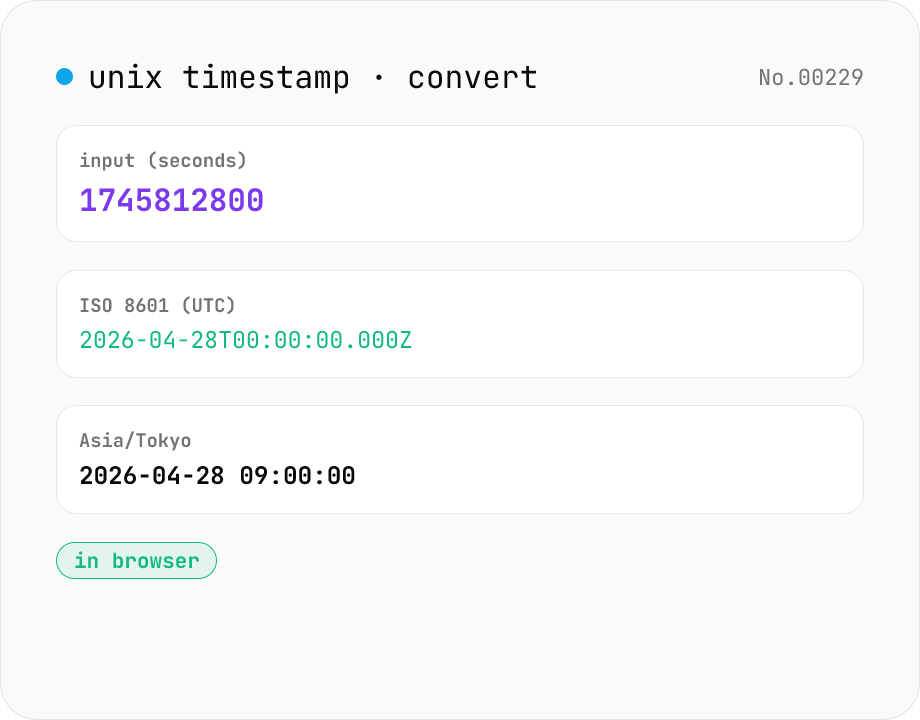
Unix timestamp ⇄ datetime — with timezone
Convert UNIX timestamps (seconds or milliseconds) to ISO 8601 and any IANA timezone (defaults: UTC, Asia/Tokyo, America/New_York — add/remove freely). Runs entirely in your browser.
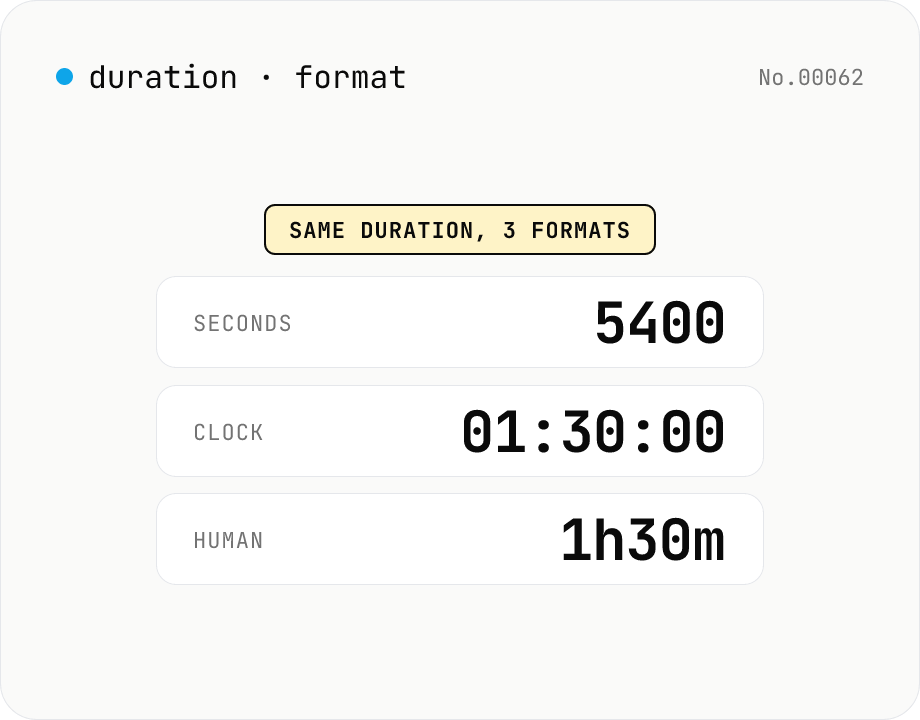
Duration format converter — seconds, mm:ss, hh:mm:ss & 1h30m bulk
Convert durations between three formats: seconds (5400), clock (01:30:00), and human-readable (1h30m). Pick the output format and the input is auto-detected — even mixed formats on different lines. Bulk-converts multi-line input and reports skipped (unparseable) lines. Supports d/h/m/s units (1d = 86400 seconds). Runs entirely in your browser.
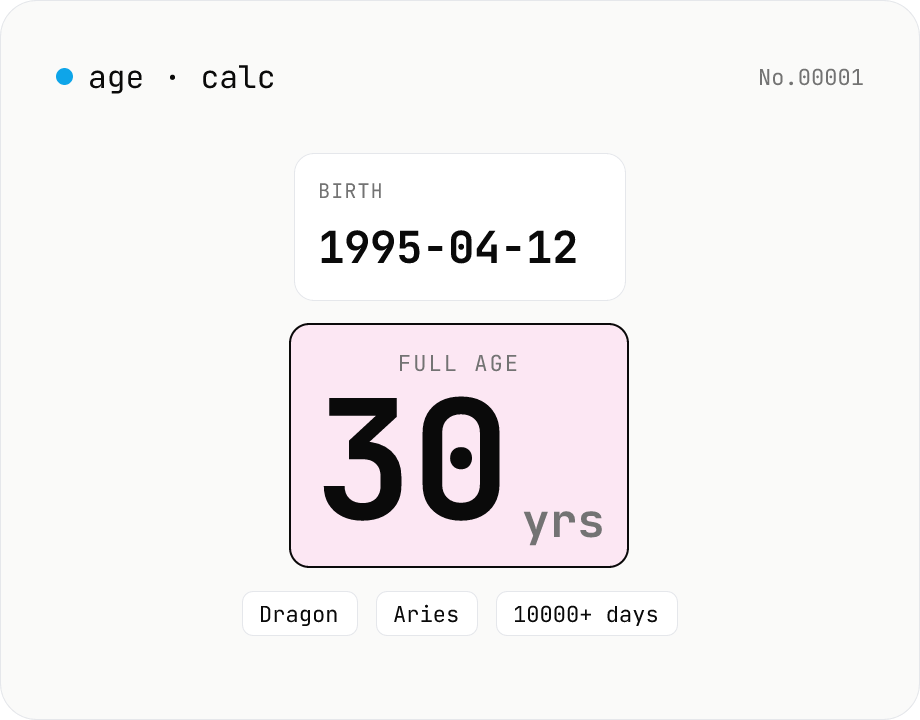
Age calculator — from birthday to years, zodiac & day count
Enter a birth date and a reference date to get the full age in years, days lived, Eastern zodiac (12 animals), and Western zodiac. Change the reference date to compute the age at any past or future point. Everything runs inside your browser — your birthday never leaves the page.