
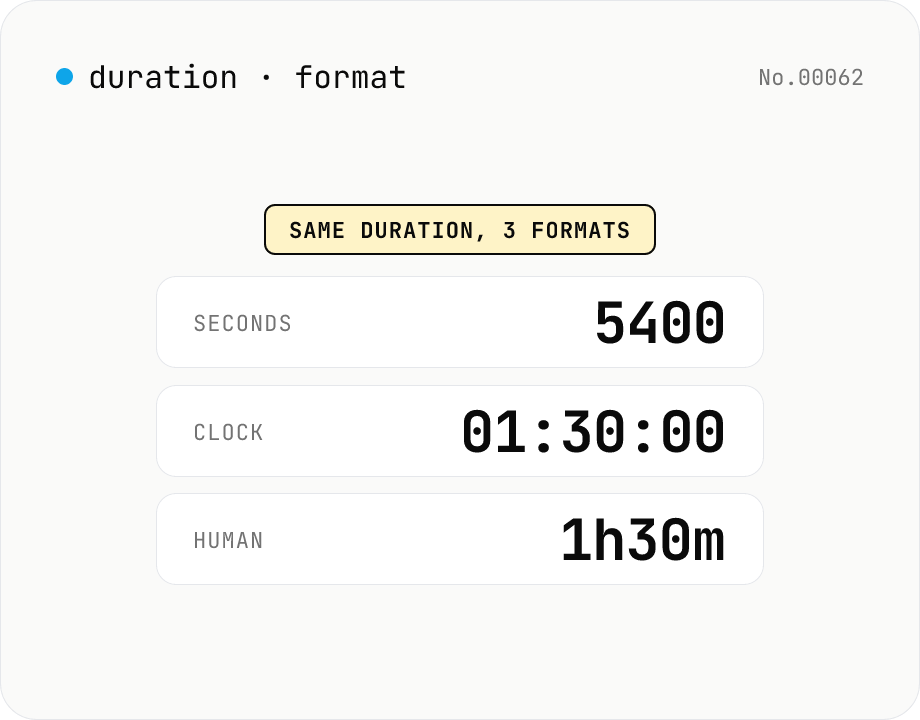
Duration format converter — seconds, mm:ss, hh:mm:ss & 1h30m bulk
Convert durations between three formats: seconds (5400), clock (01:30:00), and human-readable (1h30m). Pick the output format and the input is auto-detected — even mixed formats on different lines. Bulk-converts multi-line input and reports skipped (unparseable) lines. Supports d/h/m/s units (1d = 86400 seconds). Runs entirely in your browser.
How to use
Paste one duration per line into the input, pick an output format (seconds / clock / human-readable) and click Convert. Each line's input format is auto-detected and mixed formats are fine: integer seconds (5400), colon-separated clock `H:M:S` or `M:S` (e.g. 01:30:45 / 90:00), or `1d2h3m4s` with d/h/m/s units (1d = 86400 s). Unparseable lines are skipped and counted in the stats. Copy the result or download it as .txt.
FAQ
- Is my input uploaded?
- No. All conversion runs in the browser via JavaScript — input and output never leave your device.
- Which input formats are accepted?
- Three formats are auto-detected: (1) integer seconds (e.g. 5400), (2) colon-separated clock `H:M:S` or `M:S` (e.g. 01:30:45 / 90:00 — minutes/seconds need not be 0–59), and (3) `1d2h3m4s` with d/h/m/s units (case-insensitive, any unit may be omitted). Empty lines are ignored.
- Does it handle durations longer than 24 hours?
- Yes. Clock format keeps growing the hour field (e.g. `25:00:00`). Human-readable format uses `d` for full days (e.g. `1d2h30m`, where 1d = 86400 s).
- What happens to unparseable lines like `abc`?
- They are skipped (not included in the output). The stats line reports the skipped count, so you can fix those lines in the input and click Convert again.
- Are milliseconds or fractional seconds (1.5s) supported?
- Not currently — only integer seconds are accepted. Inputs like `1.5` or `1500ms` are skipped. We may add support if there's demand.
Related tools
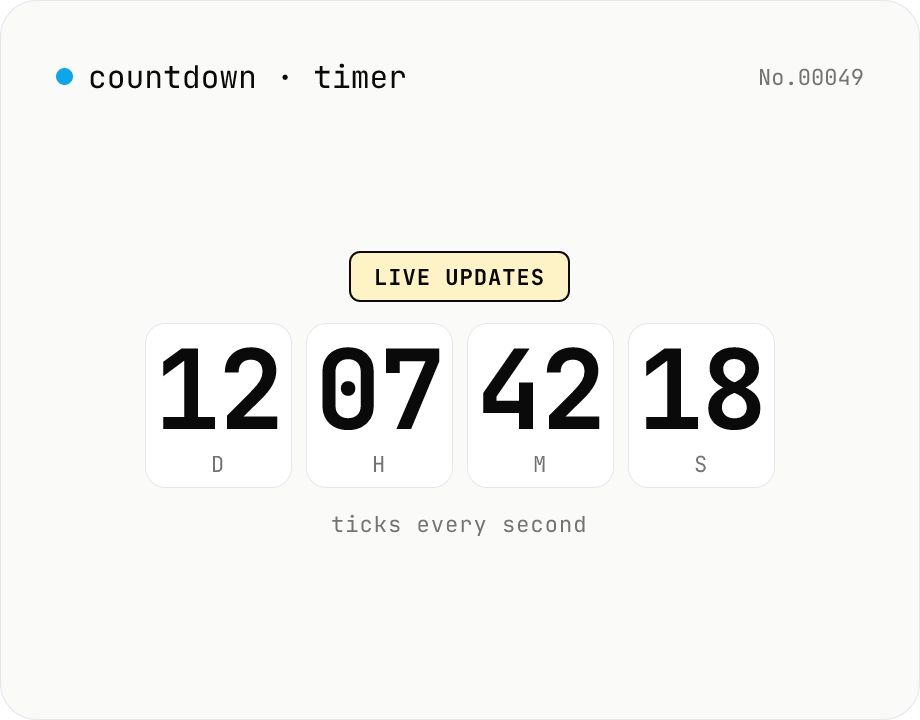
Countdown / count-up timer — time left or elapsed until target date
Real-time display of the remaining time until (countdown) or the elapsed time since (count-up) a target date. Days / hours / minutes / seconds tick every second. Copy the URL to share the current setup (?to=datetime&mode=countdown). Uses your browser's local timezone. Runs entirely in your browser — the target datetime never leaves your device.
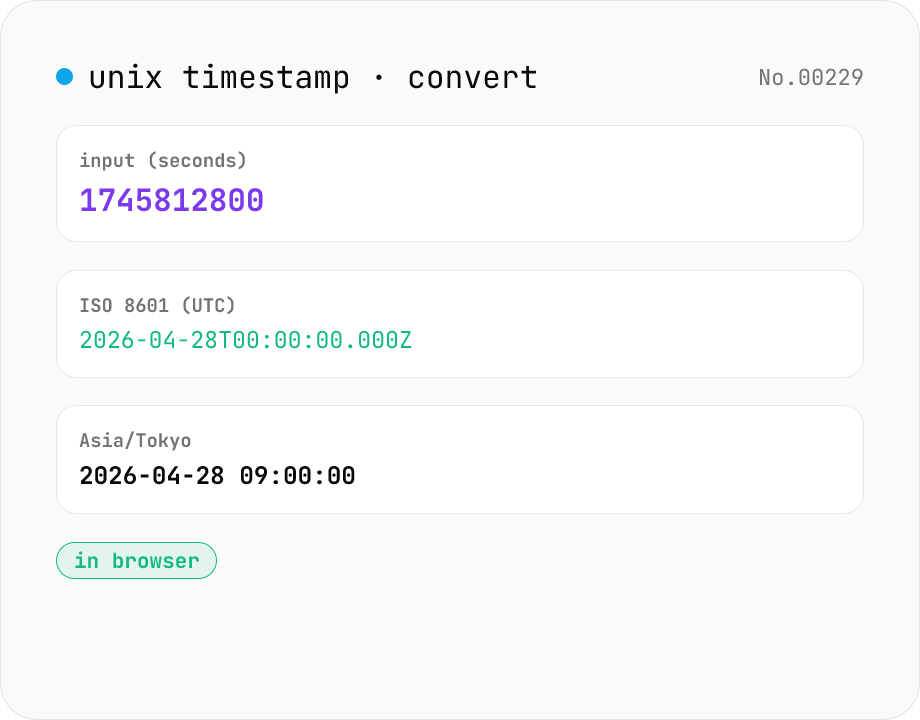
Unix timestamp ⇄ datetime — with timezone
Convert UNIX timestamps (seconds or milliseconds) to ISO 8601 and any IANA timezone (defaults: UTC, Asia/Tokyo, America/New_York — add/remove freely). Runs entirely in your browser.
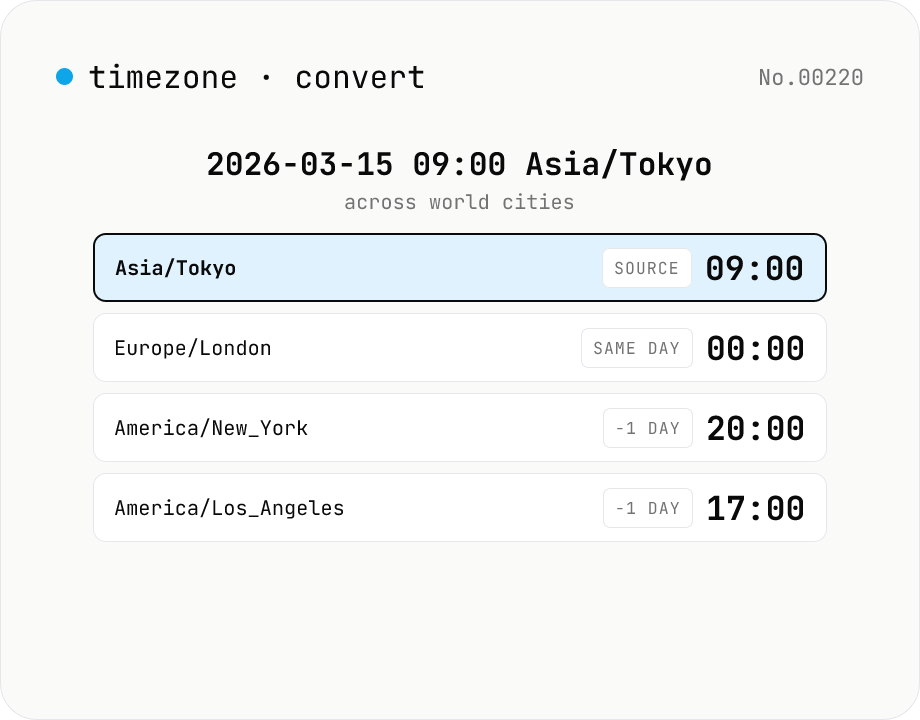
Timezone converter — any date/time to multiple cities at once
Pick a date/time and source IANA timezone, then see the equivalent local time in many target timezones at once, with UTC offsets and ±day badges for date rollovers. Handy for cross-border meeting scheduling, deadline translation, and DST-aware comparisons. Runs entirely in your browser via the Intl API.
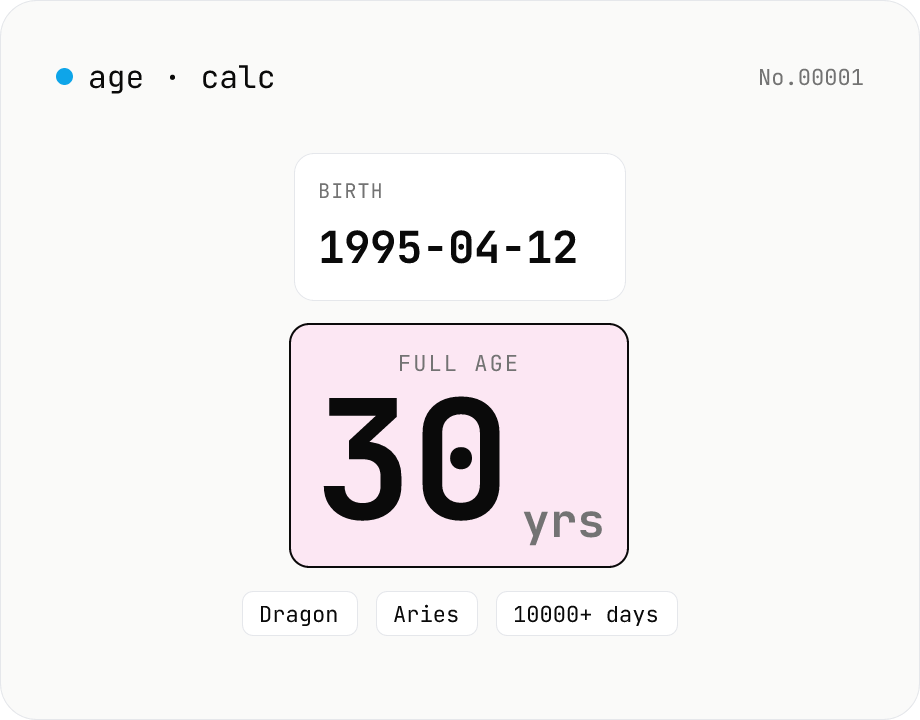
Age calculator — from birthday to years, zodiac & day count
Enter a birth date and a reference date to get the full age in years, days lived, Eastern zodiac (12 animals), and Western zodiac. Change the reference date to compute the age at any past or future point. Everything runs inside your browser — your birthday never leaves the page.