
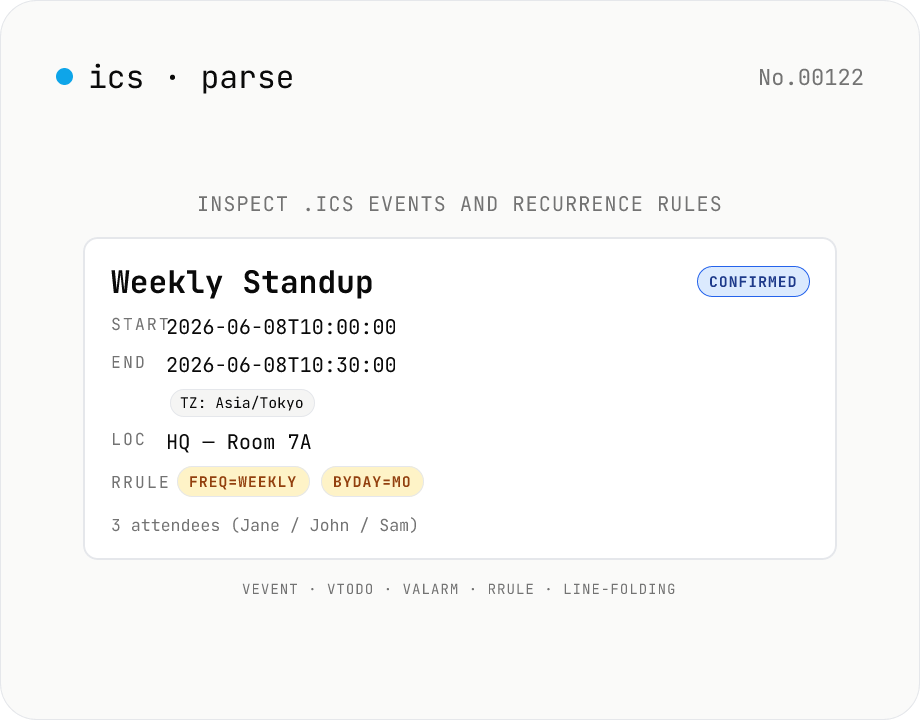
ICS (.ics) Parser — Inspect iCalendar events, todos, and recurrence
Paste an `.ics` file or pick one — every iCalendar (RFC 5545) component is laid out: **events** (VEVENT) and **todos** (VTODO) with **SUMMARY**, **DTSTART / DTEND** (basic `YYYYMMDDTHHMMSS[Z]` reformatted to extended `YYYY-MM-DDTHH:MM:SS`), **DURATION**, **LOCATION**, **DESCRIPTION**, **RRULE** (FREQ / INTERVAL / COUNT / UNTIL / BYDAY / BYMONTH), **EXDATE / RDATE**, **ORGANIZER**, **ATTENDEE** (CN / ROLE / PARTSTAT / RSVP), **CATEGORIES**, **STATUS** (CONFIRMED / TENTATIVE / CANCELLED), **TRANSP** / **CLASS** / **PRIORITY** / **URL** / **GEO** / **ATTACH** / **CALSCALE** / **METHOD** / **PRODID**. Handles **line folding** (75-char continuation), **TZID** extraction from VTIMEZONE, **all-day** (VALUE=DATE) and **UTC** (`Z`) flags. Pure browser-side — your calendar data is never uploaded. Reads `.ics` exports from Google Calendar, iCloud Calendar, Outlook, Notion calendar, Zoom invites, TimeTree, and most schedulers.
How to use
Paste an iCalendar feed (or pick an `.ics` file) and press **Parse**. Each **VEVENT** event and **VTODO** todo renders as its own card with summary / start / end / location / description / organizer / attendees / recurrence (RRULE) / categories / alarms / attachments / extension fields. Use **Sample** to load a Japanese weekly standup + all-day holiday + todo demo. **UID** is one-click copyable on every card.
In depth
The business-context density inside a calendar file
At first glance an .ics file looks like a list of dates. But the ORGANIZER, ATTENDEE, LOCATION, and DESCRIPTION fields pack in the full context of every meeting: who is involved, where it takes place, and what the agenda says. The ATTENDEE list is a direct export of your professional contact graph — email addresses of clients, colleagues, and candidates. SUMMARY lines often expose project names, deal stages, and recruitment pipeline steps.
Recurring rules (RRULE) reveal standing meetings — weekly standups, monthly reviews. All-day VALUE=DATE spans can map out leave periods or travel schedules. A .ics exported from Google Calendar or Outlook is enough to reconstruct a near-complete picture of someone’s working life.
Why uploading to an online iCalendar viewer is a privacy concern
When you upload a .ics to an online parser or viewer, the full ATTENDEE roster, DESCRIPTION notes, LOCATION strings (including internal facility names), and any confidential meeting details arrive at the operator’s server. Many of these tools sit in ambiguous territory in their terms of service about what they do with uploaded content.
The typical use case — checking a meeting invite received from a client, or inspecting a corporate calendar export before importing it — is exactly the scenario where the file contains sensitive information. The file lands on a third-party server the moment you click Upload, before you even know what’s in it.
How the custom RFC 5545 parser stays inside your browser
This tool runs a hand-built iCalendar 2.0 parser (RFC 5545 + RFC 7986 extensions) entirely in browser JavaScript. It handles line folding (unfolding continuation lines that begin with a space or tab), component nesting (VCALENDAR > VEVENT > VALARM), DATE-TIME reformatting from basic to extended form, and escape-sequence processing — all without any external API call.
ATTENDEE email addresses, DESCRIPTION text, and vendor-specific X- fields all stay in page memory. DevTools Network shows no outgoing requests after the initial page load. The source is on GitHub so the parsing logic is auditable.
Reviewing before forwarding or importing
Before forwarding a meeting invite to an external party, or before importing calendar data into another system, use this tool to confirm what ATTENDEE addresses, DESCRIPTION content, and LOCATION strings are actually in the file. It is common for calendar software to auto-populate DESCRIPTION with previous notes, agenda templates, or Zoom links that you may not want to send to a new audience. Inspect the parsed output, edit the raw .ics if needed, and then forward or import with confidence. For related contact-card or e-book metadata reviews, vcard-info and epub-info work the same way.
The RFC 5545 record structure and line folding
iCalendar is a line-oriented ASCII format. Each line is PROPERTY-NAME[;PARAM=VALUE]:VALUE\r\n. VCALENDAR sits at the top, with VEVENT, VTODO, VJOURNAL, VFREEBUSY, and VTIMEZONE nested inside. RFC 5545 requires that lines longer than 75 octets be folded by inserting CRLF followed by a space or tab; the parser must reverse that folding before splitting on property boundaries. This tool unfolds first and then walks property by property.
DATE-TIME values come in three flavours. 20260610T093000Z (trailing Z) is UTC. 20260610T093000 without Z is floating time, meaning the moment is interpreted in the local timezone of whoever reads it. TZID=Asia/Tokyo:20260610T093000 is anchored to a named timezone. VTIMEZONE components carry their own timezone definitions through STANDARD and DAYLIGHT sub-components that describe daylight-saving transitions. Olson names like Asia/Tokyo are standard, but Microsoft Outlook emits its own labels such as Tokyo Standard Time — interoperating across both requires a mapping table.
RRULE / EXDATE / RDATE recurrence and RFC 7986 extensions
RRULE is a one-line DSL for recurring events: RRULE:FREQ=WEEKLY;BYDAY=MO,WE,FR;UNTIL=20261231T000000Z. FREQ is one of SECONDLY / MINUTELY / HOURLY / DAILY / WEEKLY / MONTHLY / YEARLY, modified by INTERVAL, COUNT, UNTIL, BYDAY, BYMONTH, BYSETPOS, and others. Complex rules — FREQ=MONTHLY;BYDAY=2TU,4TU for “second and fourth Tuesday” — are not always interpreted identically across Google Calendar, iCloud, and Outlook, which is a known source of interoperability bugs.
RFC 7986 (2016) added NAME, REFRESH-INTERVAL, SOURCE, COLOR, IMAGE, and CONFERENCE properties to iCalendar. Zoom and Microsoft Teams URLs land in CONFERENCE or in vendor-specific X-* properties such as X-MS-OLK-CONFTYPE. This tool surfaces X- properties verbatim so you can spot vendor-specific data that may not need to travel with a forwarded invite. The METHOD property (PUBLISH, REQUEST, REPLY, CANCEL, COUNTER) classifies the file’s purpose; understanding it before re-distributing helps decide whether the recipient should be treated as an attendee or a new audience.
FAQ
- Is my input uploaded?
- No — our own iCalendar parser handles line folding, component nesting, DATE-TIME reformatting, and escape sequences entirely in your browser.
- Supported iCalendar versions?
- iCalendar 2.0 (RFC 5545) plus RFC 7986 extensions (NAME / DESCRIPTION / X-WR-CALNAME / X-WR-CALDESC). Reads exports from Google Calendar, iCloud Calendar, Outlook, Notion calendar, Zoom invites, TimeTree, and most schedulers.
- What's line folding?
- iCalendar wraps lines longer than 75 octets by prefixing the next line with one space or tab (RFC 5545 §3.1). We unfold automatically before parsing, so long DESCRIPTIONs and RRULEs work fine.
- How is RRULE displayed?
- RRULE values like `FREQ=WEEKLY;BYDAY=MO;COUNT=12` are split into **FREQ / INTERVAL / COUNT / UNTIL / BYDAY / BYMONTH / BYMONTHDAY** chips. **EXDATE** (excluded dates) and **RDATE** (additional dates) render separately. We do **not** expand the recurrence to concrete future dates — leave that to a calendar engine.
- DTSTART / DTEND format?
- Basic-form `20260608T100000Z` is reformatted into extended-form `2026-06-08T10:00:00Z`. A `Z` suffix shows a **UTC** chip; `VALUE=DATE` shows an **All day** chip; `TZID=Asia/Tokyo` shows a **TZ: Asia/Tokyo** chip.
- All-day events?
- Detected by `VALUE=DATE` parameter or 8-digit date-only values (e.g. `20260811`). Shown with an **All day** chip — common for holidays and birthday calendars.
- ATTENDEE / ORGANIZER fields?
- `CN=Jane Doe` becomes the display name, `mailto:` is decoded into the email, and `ROLE` (REQ-PARTICIPANT / OPT-PARTICIPANT / CHAIR), `PARTSTAT` (ACCEPTED / TENTATIVE / DECLINED / NEEDS-ACTION), `RSVP`, and `CUTYPE` render as chips. Multiple attendees are all displayed.
- VTIMEZONE blocks?
- We extract the **TZID** and count the STANDARD / DAYLIGHT subcomponents — we don't fully unwind the offset rules (delegate that to IANA TZ DB in your own code). The Timezones section just shows which zones the calendar declares.
- VALARM (reminders)?
- Each event / todo's nested `VALARM` blocks render under **Alarms** with `ACTION` (DISPLAY / EMAIL / AUDIO), `TRIGGER` (e.g. `-PT15M` = 15 min before), `DESCRIPTION`, `SUMMARY`, `REPEAT`, `DURATION`.
- `X-` extension fields?
- X-WR-CALNAME, X-WR-CALDESC, X-WR-TIMEZONE, X-APPLE-*, X-MICROSOFT-*, etc. — any vendor-specific property goes into **Other fields**. Top-level CALSCALE / METHOD / PRODID / VERSION render at the top of each calendar.
- Multiple VCALENDAR blocks?
- Yes. If the `.ics` contains several `BEGIN:VCALENDAR` blocks (multi-account dump), each renders separately.
- How does this relate to vcard-info / pem-parse / epub-info?
- Same read-only metadata viewer family — drop a file in, get every field at a glance, never write or edit.
How to verify nothing is uploaded
This tool never sends your input outside your browser. The pages below explain how it works, how to audit it, and how the site is run.
Related tools
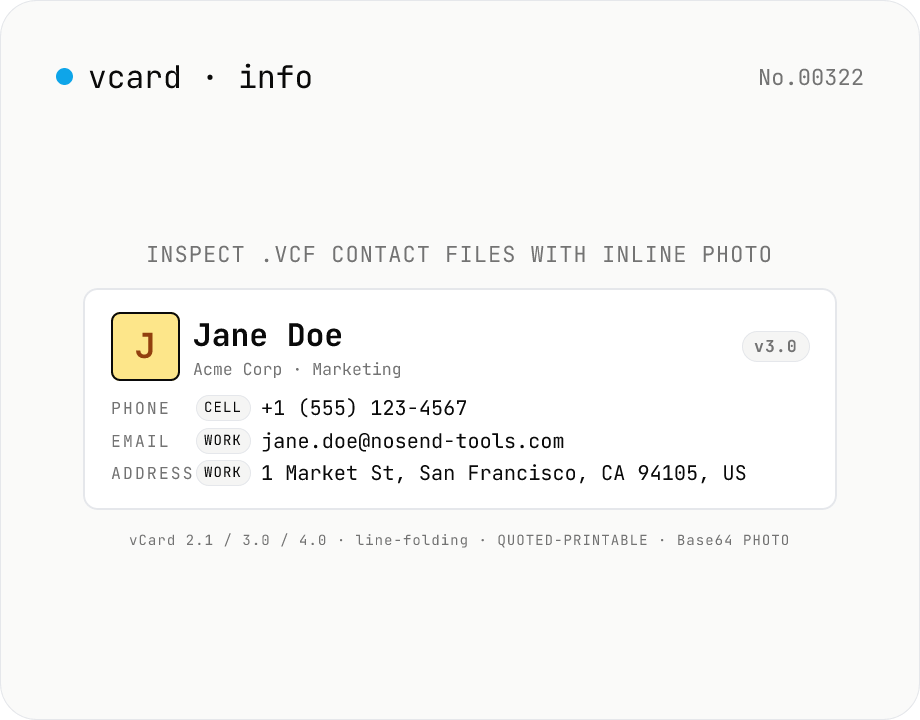
vCard (.vcf) Parser — Inspect contacts, photos, and structured addresses
Paste a `.vcf` file or pick one — every standard field is parsed and displayed: **name** (N / FN), **phone numbers** (CELL / WORK / HOME / FAX grouped by TYPE), **emails**, **structured addresses** (post code / region / locality / street / country), **organization** (ORG), **title / role**, **nickname**, **birthday** (BDAY), **anniversary**, **inline photo** (Base64 → data URL), **URLs**, **categories**, **notes**, and any **X-** extension fields. Supports **vCard 2.1 / 3.0 / 4.0**; multiple concatenated cards parse as a chain. Handles **line folding** (75-char continuation), **QUOTED-PRINTABLE** (v2.1 international text), and inline **Base64 photos**. Pure browser-side — your contacts are never uploaded. Works with `.vcf` exports from Google Contacts, iCloud, Apple Contacts, Outlook, and most CRMs. Great for migrating contacts, verifying business-card imports, or auditing legacy `.vcf` files.
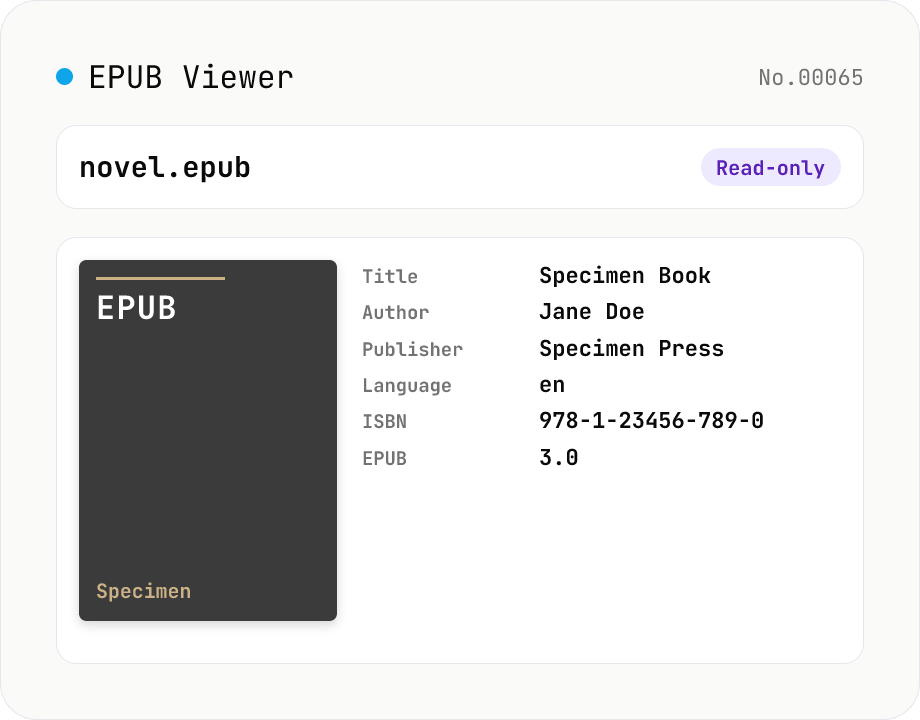
EPUB Metadata Viewer
Drop an EPUB file (.epub) to inspect its cover image and bibliographic data. Pulls dc:title / dc:creator (with role) / dc:language / dc:publisher / dc:identifier (ISBN etc.) / dc:date / dc:modified / dc:description / dc:subject (tags) / dc:rights from the OPF package, along with the reading order (spine), the manifest file list (id / href / media-type / properties), the EPUB version (2.0 / 3.0 / 3.1), and the container.xml rootfile pointer. EPUB is a ZIP container, so fflate unpacks it entirely in your browser — nothing is uploaded.
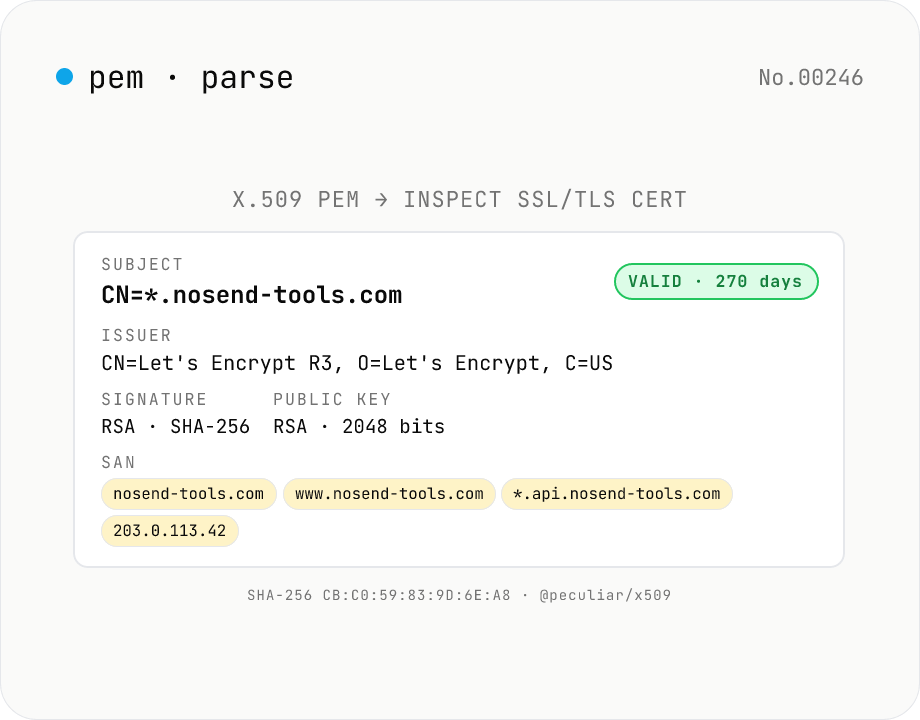
X.509 PEM Certificate Parser — SSL/TLS Cert Inspector & Validity Checker
Paste any **X.509 PEM certificate** (between `-----BEGIN CERTIFICATE-----` and `-----END CERTIFICATE-----`) and inspect every field at a glance: **Subject** (CN / O / OU / C / ST / L / EMAIL), **Issuer**, **validity period** (Not Before / Not After / days remaining + expired badge), **serial number**, **signature algorithm** (RSA-SHA256 / ECDSA-SHA384…), **public key details** (RSA 2048 / EC P-256…), **SHA-1 / SHA-256 fingerprints**, **SAN** (DNS / IP / email / URI), **Key Usage** & **Extended Key Usage**, **Basic Constraints** (CA flag / path length), **SKI / AKI**. Multiple PEM blocks parse as a **chain**. Ideal for SSL/TLS troubleshooting, expiry monitoring, SAN/DNS verification, and Let's Encrypt automation debugging. Powered by **@peculiar/x509 + Web Crypto API** entirely in your browser — certificates are never uploaded.
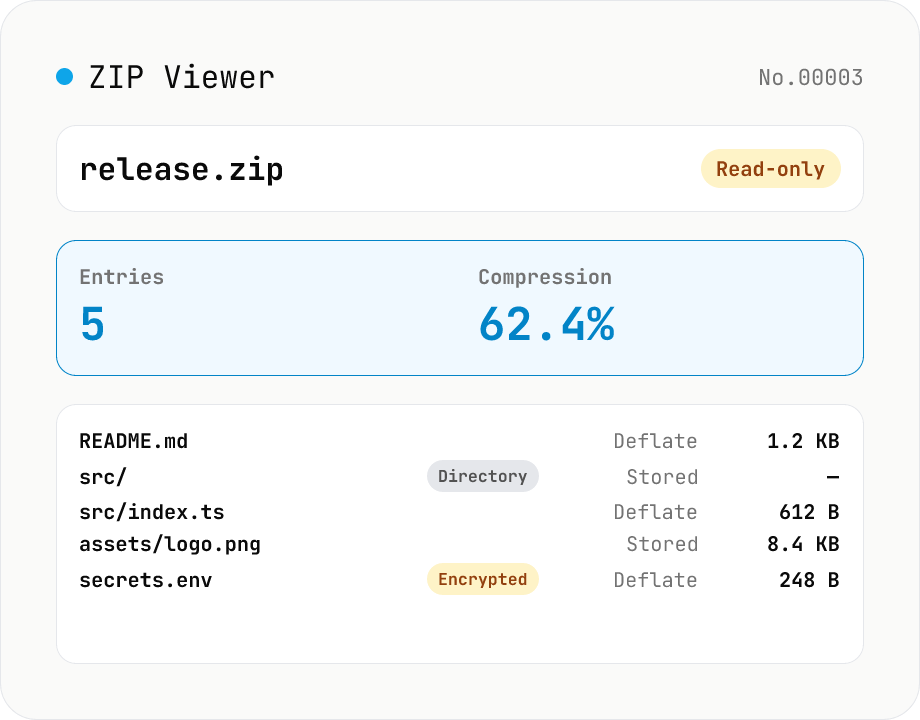
ZIP Archive Viewer
Drop a ZIP file to inspect its contents without extracting. See total entry count, archive size, compression ratio, archive comment, plus per-entry path, original / compressed size, compression method (Stored / Deflate / Deflate64 / BZIP2 / LZMA / Zstandard), last modified time, CRC32, encryption flag, and directory marker. Runs via a hand-rolled Central Directory parser — entry data is never decompressed and nothing is uploaded.