
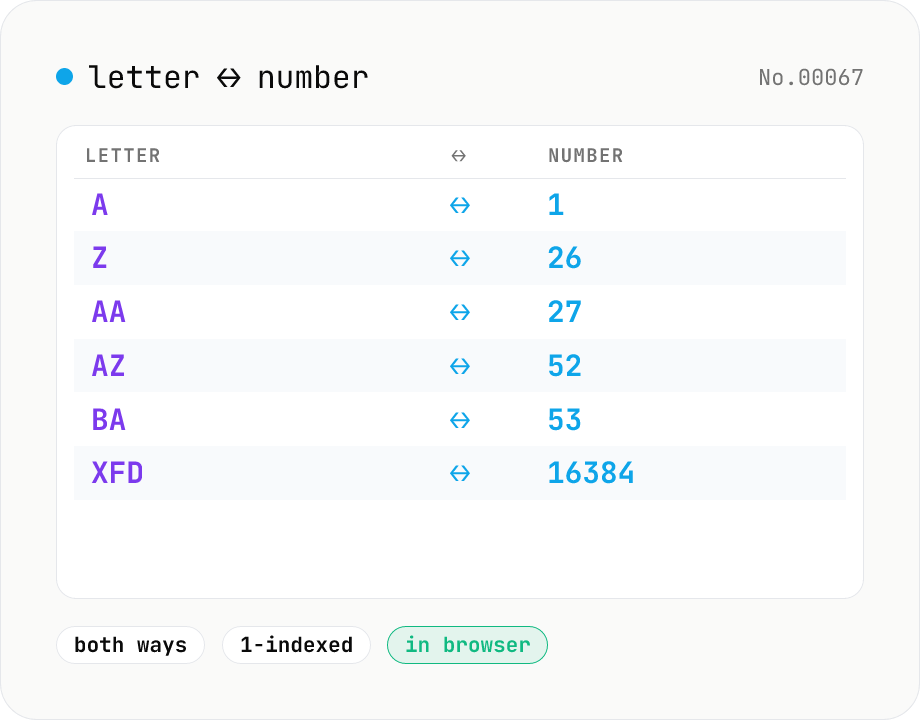
Excel column letter ↔ number — A→1 / 27→AA / 16384→XFD
Convert spreadsheet column letters (A, B, ..., Z, AA, AB, ..., AZ, BA, ..., XFD) and column numbers (1, 2, ..., 16384) in both directions. Process many entries at once — one per line. Use the Mode toggle to switch between letter → number and number → letter. Handy when working with VBA, Apps Script, openpyxl, or SheetJS where you need to map a column index to its bijective base-26 letter form. Runs entirely in your browser.
How to use
Paste one entry per line, pick a direction (letter → number or number → letter) and click Convert. The conversion uses spreadsheet-style bijective base-26 (1-indexed) — the same scheme Excel, Google Sheets, and Numbers use. Mixed case and leading/trailing whitespace are fine; empty lines are skipped, and invalid entries are emitted as `?` so the line correspondence stays aligned. Copy the result or save as .txt with one click.
FAQ
- Is my input uploaded?
- No. Everything runs in your browser as pure string math — no external API calls.
- What happens past Excel's XFD (16384) limit?
- We do not enforce an upper bound. XFD = 16384 is the Excel 2007+ limit, but Google Sheets can go higher, so the tool keeps converting as long as the input is a positive integer.
- Does case or whitespace matter for column letters?
- No. `aa` is treated as `AA` (= 27), and ` Z ` becomes 26. Anything containing non A–Z characters (e.g. `A1`, `列A`, `A B`) is rejected and that line is emitted as `?`.
- What about 0, negative numbers, or decimals?
- Excel column numbers are positive integers, so 0, negatives, and decimals are rejected (emitted as `?`). Leading zeros are allowed and treated as the underlying integer (e.g. `007` → G).
- Why is this 'bijective base-26' rather than regular base-26?
- In ordinary base-26, `AA` would be 0 — Excel needs each digit in the 1–26 range so it can start at A = 1 with no zero digit. The wraparound from Z (26) to AA (27) is unique to this bijective numeral system.
Related tools
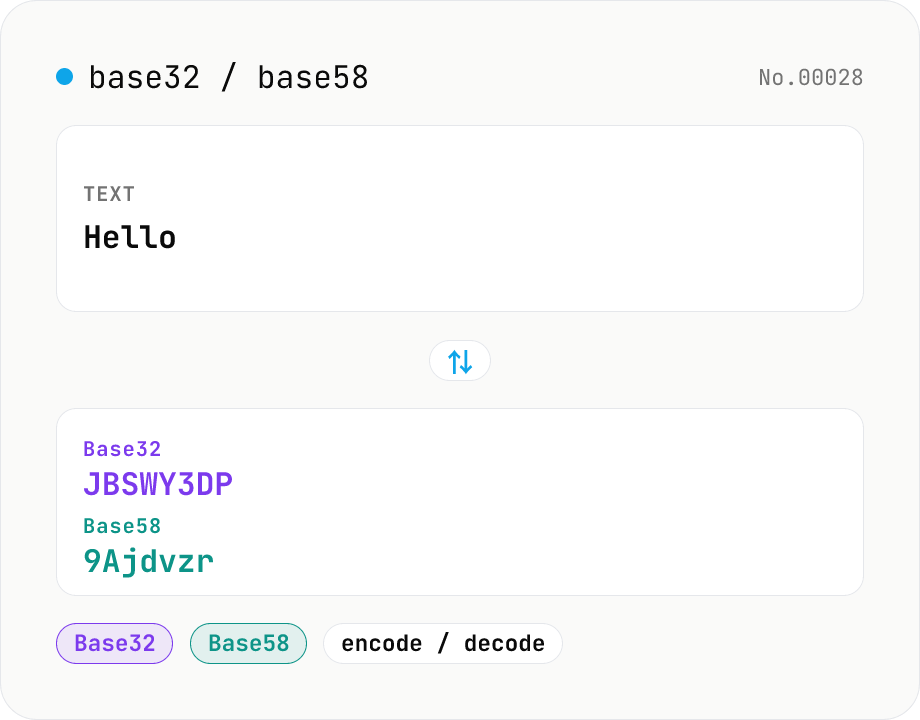
Base32 / Base58 encode & decode
Convert text to and from Base32 (RFC 4648 / TOTP 2FA secrets) and Base58 (Bitcoin addresses). Switch the variant (Base32 / Base58) and direction (encode / decode). UTF-8 byte based, so Japanese and emoji round-trip. Runs entirely in your browser.
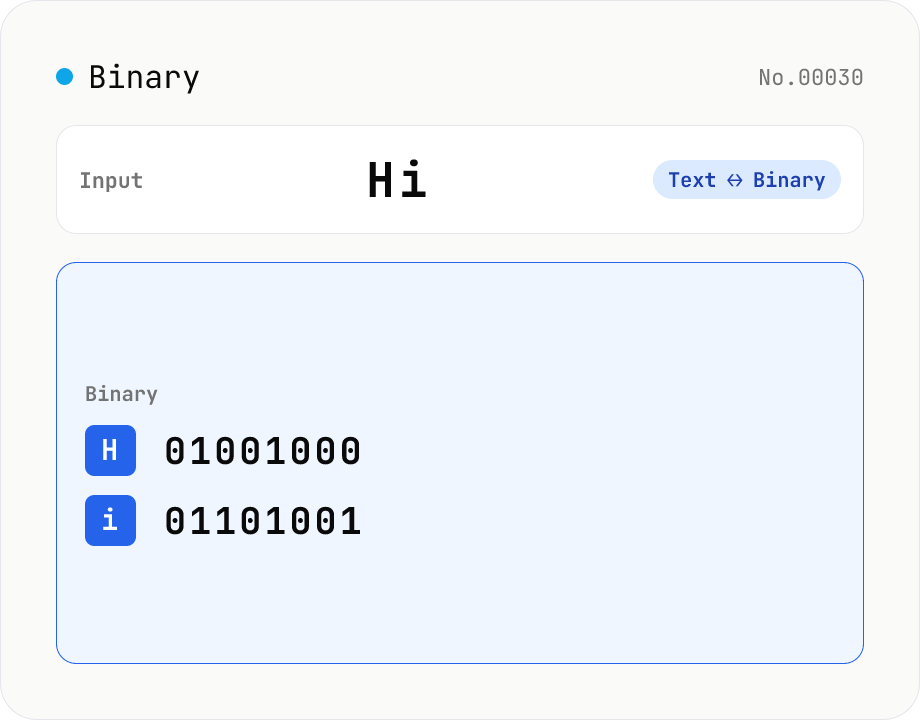
Text ⇄ Binary Converter
Convert between text and binary. Pick a mode (text → binary or binary → text). Text is encoded to UTF-8 bytes and each byte is shown as a zero-padded 8-bit binary number (emoji and non-Latin text convert correctly as multiple bytes). Toggle space separators via an option; on decode, spaces and newlines are ignored and the input is regrouped into 8-bit bytes. Everything runs in your browser — your input is never uploaded.
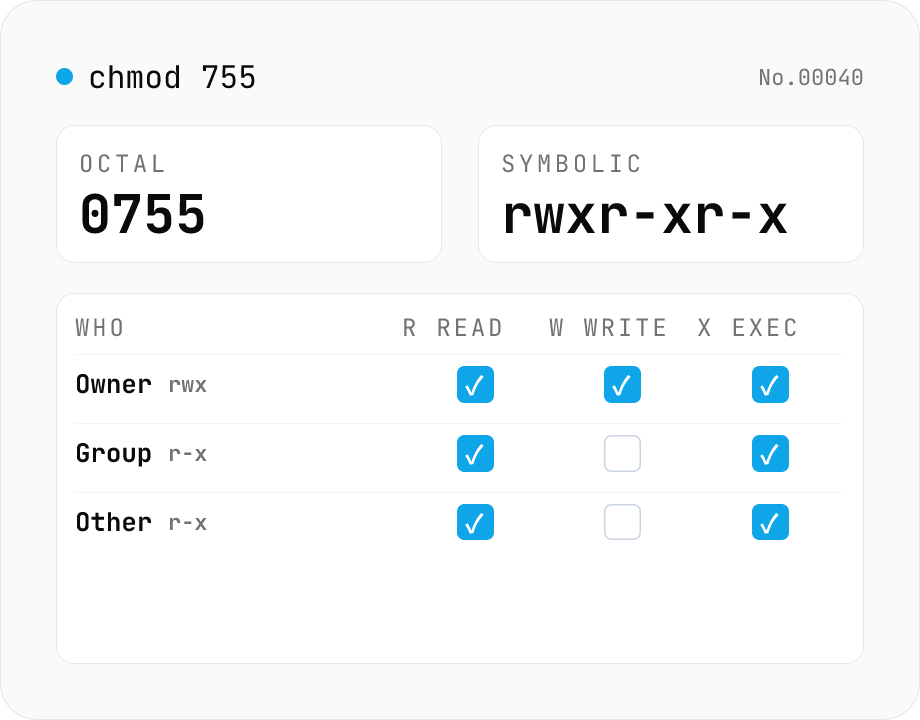
chmod permission calculator — 755 ↔ rwxr-xr-x ↔ checkboxes
Convert Linux / macOS file permissions between octal (755 / 0755 / 4755) and symbolic form (rwxr-xr-x / rwsr-xr-t), or edit them directly with the owner / group / other checkboxes. Supports the setuid / setgid / sticky bits and accepts ls -l output with a leading file-type char (-, d, l, ...). Includes common presets such as 644 (regular file), 755 (directory or executable), 600 (SSH key), and 1777 (shared directory like /tmp). Runs entirely in your browser.
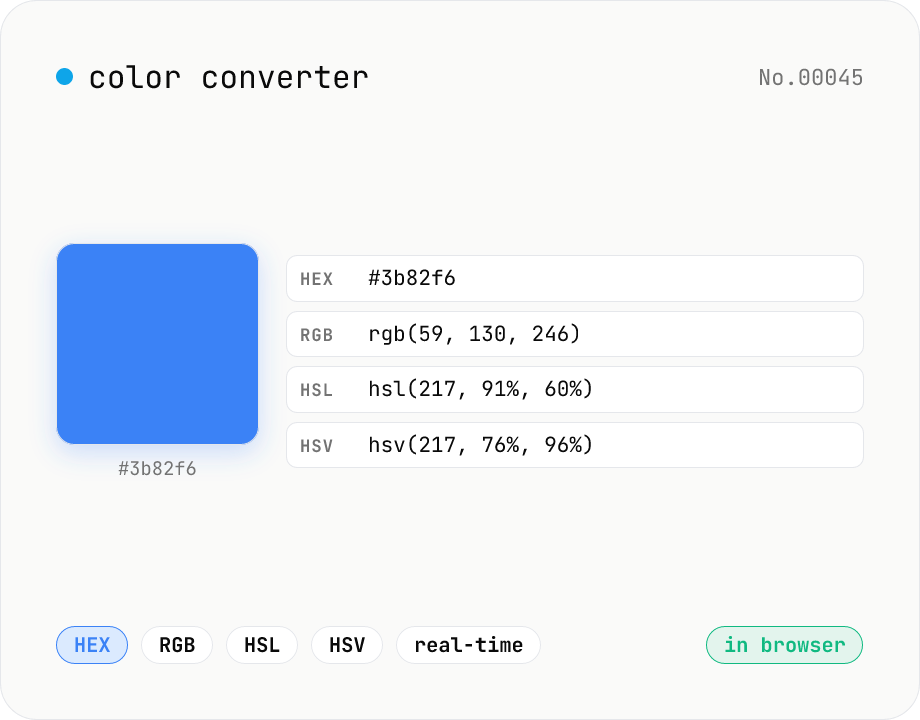
Color converter — HEX / RGB / HSL / HSV
Convert colors between HEX, RGB, HSL, and HSV in real time with a built-in color picker. Edit any field and the other three update instantly. Runs entirely in your browser — your color values never leave the page.