
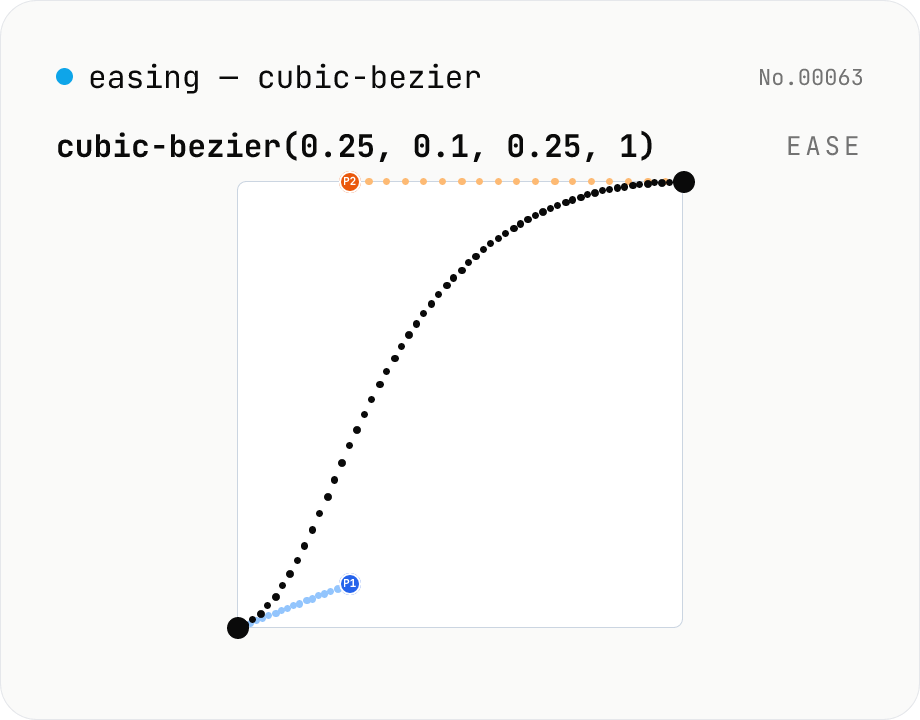
CSS easing builder — edit cubic-bezier(x1, y1, x2, y2) visually
Build cubic-bezier() timing functions for CSS transitions and animations with three synced views: an SVG preview curve with draggable control points, a numeric slider/input pair per coordinate, and a one-click library of presets (ease / ease-in / ease-out / ease-in-out, Material-style cubics, back/overshoot). A live motion preview (a bar that travels end-to-end) shows the actual feel. Output is the cubic-bezier(...) value or a ready-to-paste transition-timing-function declaration. Runs entirely in your browser.
How to use
1. Click a preset (ease / ease-in-out / ease-in-back …) to start from a familiar shape — it's the fastest way to find a baseline. 2. Drag the blue (P1) and orange (P2) handles on the curve preview to fine-tune the feel. The Y axis goes below 0 and above 1 for back / overshoot motion — drag freely. 3. To dial in exact numbers, edit the sliders or number inputs under "Control points" (all three views stay in sync). 4. Watch the motion preview bar to feel the actual easing. When you're happy, copy the CSS output and paste it into your transition / animation timing-function.
FAQ
- How does this differ from the built-in 'ease' / 'ease-in-out' keywords?
- Those CSS keywords are fixed cubic-bezier values. The tool ships them as presets but lets you tweak any coordinate to build your own easing.
- Why does Y go above 1 or below 0?
- That's intentional. The CSS spec only constrains X (time axis) to 0–1; Y (progress) may overshoot, which is exactly how back / overshoot easings work. The sliders allow Y between −1 and 2.
- Does it support step functions (steps() / jump-*)?
- Not yet. This tool is dedicated to cubic-bezier(). Step functions are a different timing-function family (discrete steps, not interpolation) and may get their own tool in the future.
- The preview bar feels janky.
- The preview uses a CSS transition, so very short durations (< 200ms) or extreme overshoot can drop frames. Use the duration slider to find a value that gives a smooth feel for your easing.
- Is my data uploaded?
- No. Everything runs inside your browser and never leaves your machine.
Related tools
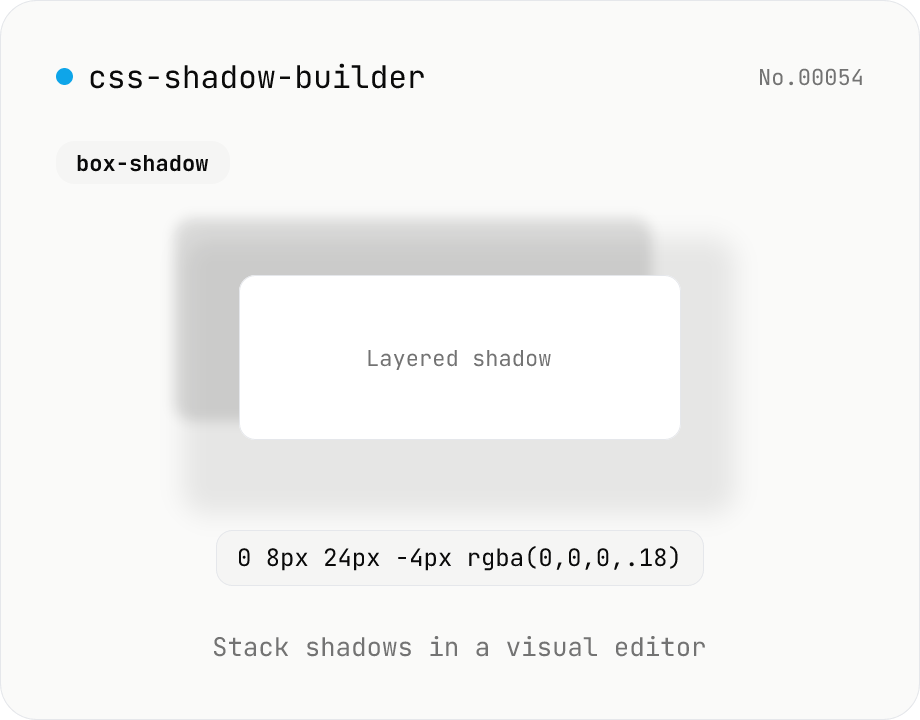
CSS shadow builder — visual GUI for box-shadow / text-shadow
Build CSS box-shadow and text-shadow visually. Toggle box / text mode and tune offset-x, offset-y, blur, spread (box only), color, and inset (box only) with sliders and number inputs. Stack multiple shadows for layered Material-style elevation, Neumorphism, text outlines, neon glows, and retro overlap — 9 presets to start. Live preview on a real div or real heading, plus a one-click copy as raw value or full CSS declaration. Pair with gradient-css for the full CSS-style trio. Runs entirely in your browser.
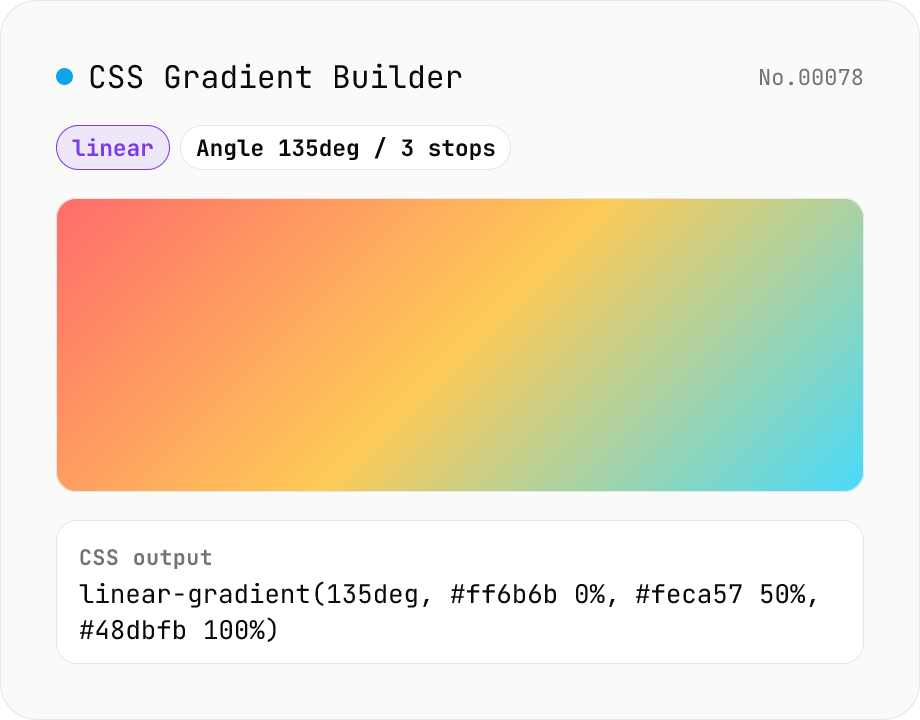
CSS Gradient Builder (linear / radial / conic)
Build CSS linear-gradient / radial-gradient / conic-gradient in the browser with a Mode-first picker. Add or remove color stops with live preview, tweak angle (linear / conic), shape and extent (radial), and center position (radial / conic). Copy as a full `background: …` declaration or just the value — both work straight into Tailwind arbitrary values like `bg-[linear-gradient(...)]`. Everything renders client-side; nothing is uploaded.
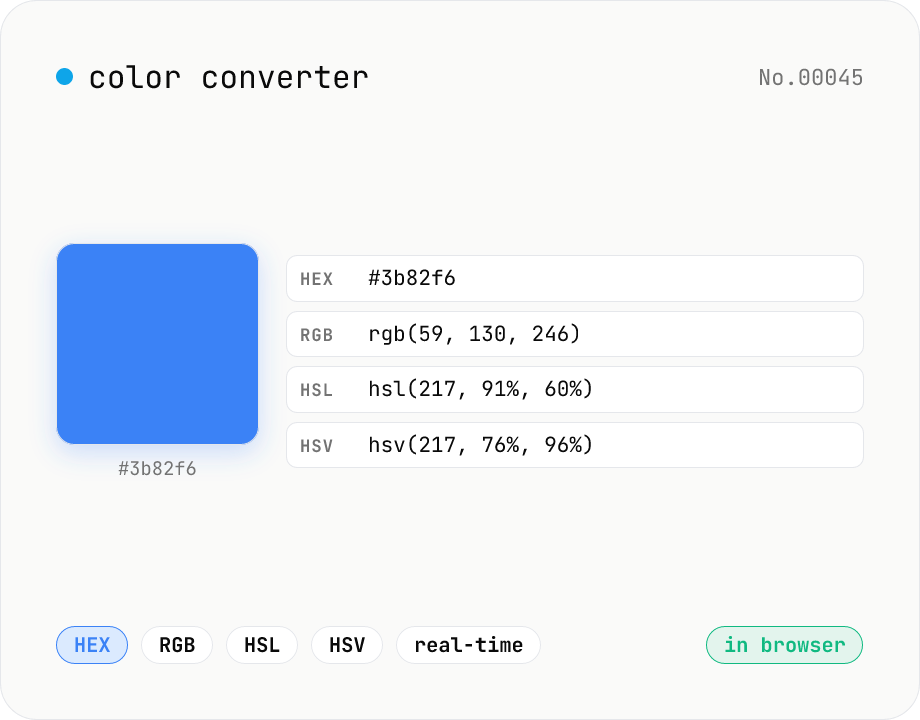
Color converter — HEX / RGB / HSL / HSV
Convert colors between HEX, RGB, HSL, and HSV in real time with a built-in color picker. Edit any field and the other three update instantly. Runs entirely in your browser — your color values never leave the page.
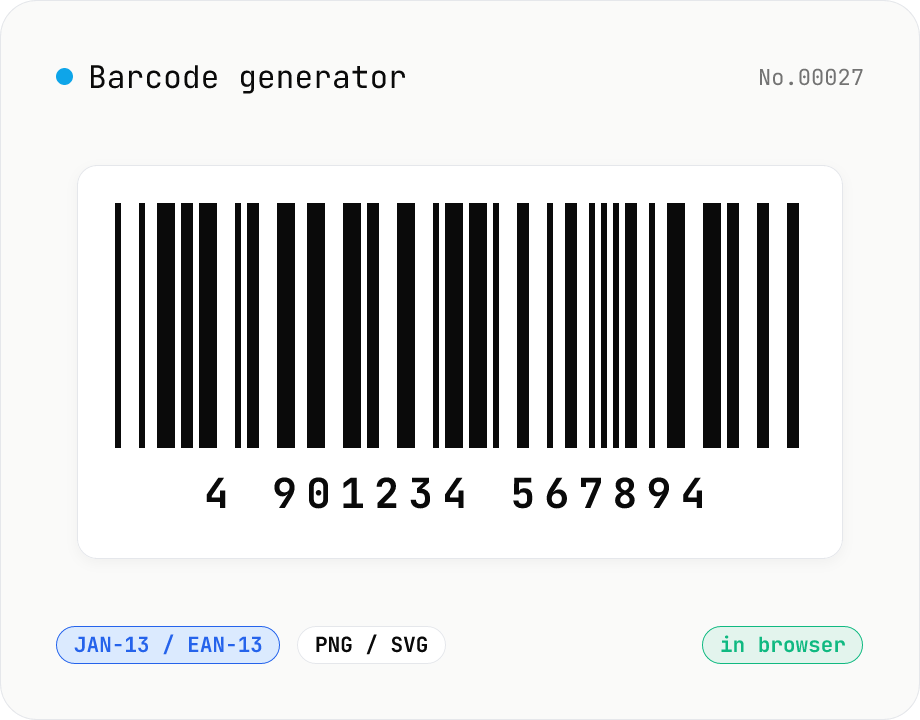
Barcode generator — JAN / EAN / UPC / CODE128 / CODE39
Turn numbers or text into 1D barcodes (JAN-13 / EAN-13, JAN-8 / EAN-8, UPC-A, CODE128, CODE39, ITF, Codabar/NW-7, MSI) and export them as PNG or SVG. Fine-tune bar width, height, colors, margin, and whether the human-readable value is printed below. Check digits are validated automatically. Everything is generated inside your browser — the value you enter never leaves your device.