
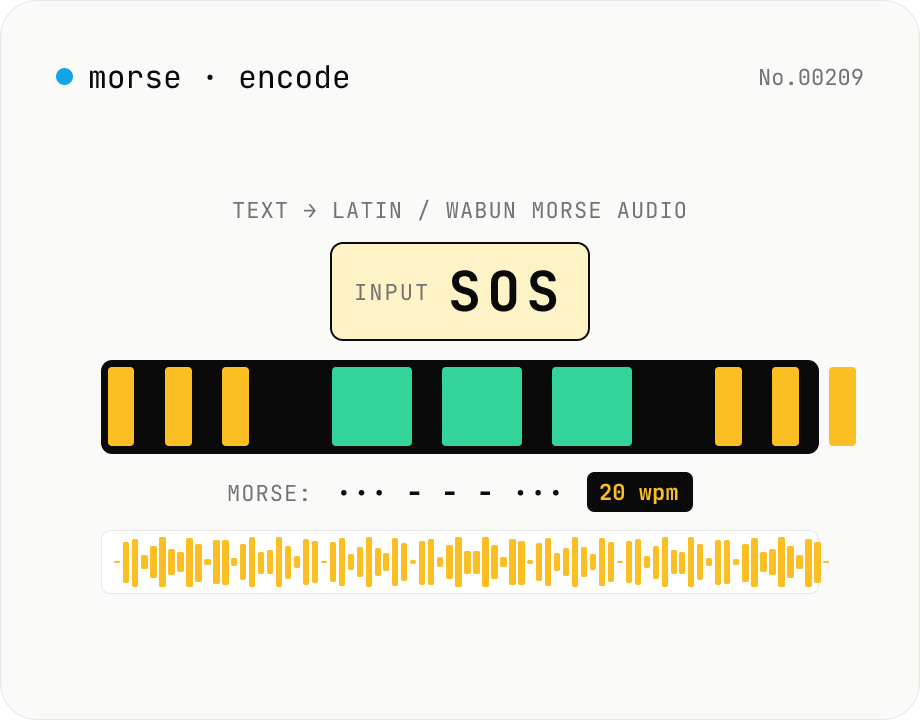
Morse audio encoder — text → Latin / Wabun Morse WAV/MP3 (CW)
Synthesise **Morse code (CW) audio** from any text and download as **WAV** (16-bit PCM mono) or **MP3** (lamejs). Supports both **International Morse (ITU-R M.1677)** and **Japanese Wabun** alphabets. Configurable **WPM** (5-50), **tone frequency** (300-1500 Hz), **volume**, and **sample rate** (8 / 22.05 / 44.1 / 48 kHz). Includes **Farnsworth timing** (separate character and effective WPM — fast dots with stretched inter-character / inter-word gaps), the canonical CW-learning technique. Preview in-browser, then download — round-trip with **morse-decode-audio** to verify. Useful for CW practice, CTF challenge crafting, callsign test transmissions, and retro-telegraphy education. Runs entirely in your browser; your text never leaves the device.
How to use
Pick the alphabet (Latin ITU or Wabun Japanese), type your text, tune **WPM** (default 20), **tone frequency** (600 Hz — the international CW standard), **volume** (60%), **sample rate** (44.1 kHz), and **MP3 bitrate** (192 kbps). To produce student-friendly CW, set **Effective WPM** lower than character WPM — that's **Farnsworth timing**: fast dots, stretched gaps. Preview in browser, then download as **WAV** (uncompressed, ideal for verification) or **MP3** (small, ideal for sharing). The generated Morse string (`. -` with `space` letter separators and ` / ` word separators) is also shown in the Morse panel.
In depth
The sensitivity of the text being encoded
The text typed into a Morse encoder is the message the user intends to send. For alphabet drills and practice strings this raises no concerns, but when the tool is used to prepare actual transmission content — call signs paired with grid locators, short operational messages, or any text that carries real meaning — the input is sensitive in exactly the way the encoded audio is not. Morse is a reversible encoding: anyone who can decode audio can read the original text.
Farnsworth timing settings reveal the user's current skill level unambiguously. The gap between character WPM and effective WPM shows how far the operator is from operating speed. A service that logs both the input text and these parameters accumulates a profile linking message content to technical capability.
What a server-side Morse audio generator receives
Dedicated Morse audio generators are uncommon online, but text-to-speech and audio synthesis platforms sometimes include this feature. A service that encodes text server-side to produce the audio file receives the plaintext input before it's transformed. Because Morse is losslessly reversible, the server holds both the original text and a file from which the text can be reconstructed.
For Wabun (Japanese katakana Morse), the input is Japanese text, which is delivered to the server in plain form. Practice sessions for CW amateur licensing exams, actual transmission preparation, or custom educational material — depending on the use case, the input may contain personal identifiers or operational information.
PCM synthesis and @breezystack/lamejs encode audio in the browser
The tool looks up each character in an ITU or Wabun Morse table, computes dot/dash/gap durations from the PARIS formula (`dot_ms = 1200 / WPM`), and applies Farnsworth timing via the ARRL formula (Jon Bloom, QST 1990) when effective WPM is less than character WPM — distributing the extra gap time at a 3:7 letter-to-word ratio. The timing sequence is expanded into a 44.1 kHz Float32Array with a sine wave written into ON intervals only. The buffer is converted to 16-bit PCM for WAV and passed to `@breezystack/lamejs` for MP3.
Open DevTools Network and type text: no requests appear after the initial page load. Table lookup, PCM synthesis, WAV header construction, and MP3 encoding all run inside browser memory. The implementation is in the GitHub source.
Making useful CW training audio
For Farnsworth training material, set character WPM to the target operating speed and reduce effective WPM to a comfortable copying pace. As proficiency grows, raise effective WPM toward character WPM in steps — this is the ARRL-recommended progression for building copy speed without losing pattern recognition. For round-trip verification, save as WAV and run through morse-decode-audio; the decoded text should match the input exactly.
Wabun encoding expands small kana (ッ ャ …) to their full-size equivalents, which is irreversible on decode. If your training material includes small kana, keep a note of the converted string alongside the audio file. For distribution or posting, MP3 at 128 kbps or above keeps symbol boundaries clear even at higher WPM speeds.
FAQ
- Is my input uploaded?
- No — table lookup → Morse string → PCM synthesis → WAV/MP3 encoding all run in JavaScript. No external API.
- What is Morse?
- Samuel Morse's 1838 telegraph alphabet — dots (·) and dashes (—) chaining into characters. Now standardised as ITU-R M.1677 for international Morse, still in active use for amateur radio, maritime distress, and aeronautical navigation (VOR/ILS).
- Latin vs. Wabun?
- Latin (International/ITU): A-Z, 0-9, common punctuation — about 57 codes. Wabun (Japanese): 46 katakana plus dakuten ゛, handakuten ゜, long mark ー, punctuation — about 50 codes. Voiced kana use TWO codes (base + dakuten/handakuten). Hiragana auto-converts to katakana. Small kana (ッ ャ …) expand to full size — Wabun has no separate codes for them.
- What's WPM?
- Words Per Minute, defined by the PARIS reference: 50 dot units. 1 WPM = 1200 ms per dot. Beginners 5 WPM, hobbyists 15-20, intermediate 25-30, contesters 40+. We support 5-50 WPM.
- Farnsworth timing?
- Devised by Russ Farnsworth (W2QYT). Keep **dots fast** (e.g. 18 WPM) so muscle memory forms at speed, but **stretch inter-character / inter-word gaps** for an effective WPM of 5-10. The ARRL formula (Jon Bloom, QST 1990) distributes the extra time 3:7 between letter and word gaps. This tool applies it automatically when character WPM > effective WPM.
- Why 600 Hz tone?
- International CW spot frequency — easiest to match with a CW filter's center, comfortable for long listening (below the 2-4 kHz hearing-sensitivity peak so it doesn't fatigue). Hams often prefer 400-800 Hz; older typewriter-telegraph style preferred 1000 Hz+. We support 300-1500 Hz.
- How does this relate to morse-decode-audio?
- This tool: text → audio. **morse-decode-audio**: audio → text (Otsu threshold + dot-length estimation). They're symmetric — round-trip a WAV from here through the decoder and the text should match. **morse-code** (developer) handles string-level conversion (text ↔ `. -` string) without audio.
- How is this different from dtmf-encode-audio?
- DTMF: telephone touch-tones (two simultaneous sines), 16 fixed-frequency symbols. Morse: single sine ON/OFF with long / short durations, variable-length symbols, arbitrary tone frequency (CW tradition 400-1000 Hz). Different signal models and time structures = separate tools.
- Unsupported Wabun characters?
- **Kanji**: no Morse equivalent (counted as unsupported). **Small kana** (ッ ャ ュ ョ …): expanded to full size — Wabun has no separate codes (lossy on decode). For mixed alphanumeric content prefer Latin mode (Wabun lacks digit codes).
- MP3 or WAV?
- For round-trip verification through morse-decode-audio use **WAV** (uncompressed) — MP3 compression noise slightly perturbs envelope detection. For sharing / posting / student handouts use **MP3** (about 3× smaller for 1 minute audio). Download both and pick per use case.
How to verify nothing is uploaded
This tool never sends your input outside your browser. The pages below explain how it works, how to audit it, and how the site is run.
Related tools
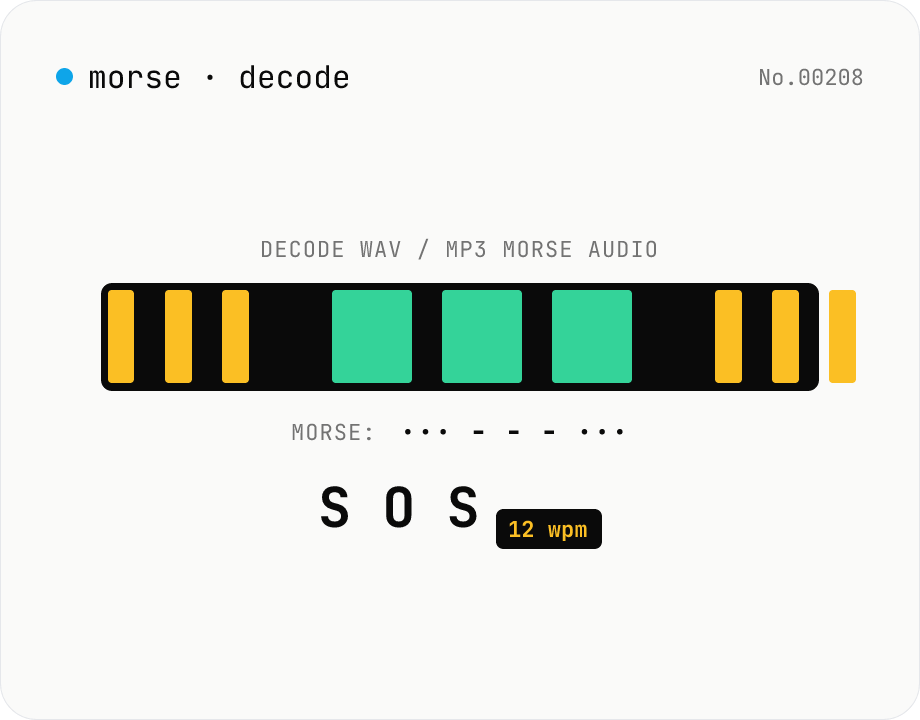
Morse audio decoder (WAV/MP3 → dot/dash → text)
Upload a **WAV / MP3 / OGG** file containing a Morse-code signal and the tool decodes it: **envelope detection → automatic Otsu threshold → on/off run-length segmentation → dot/dash classification → Morse string → text**, with a **WPM (words-per-minute) estimate** thrown in. Useful for CW (continuous wave) practice tracks, amateur-radio drills, CTF / survival / education SOS challenges. Runs entirely in your browser via the Web Audio API — your audio is never uploaded.
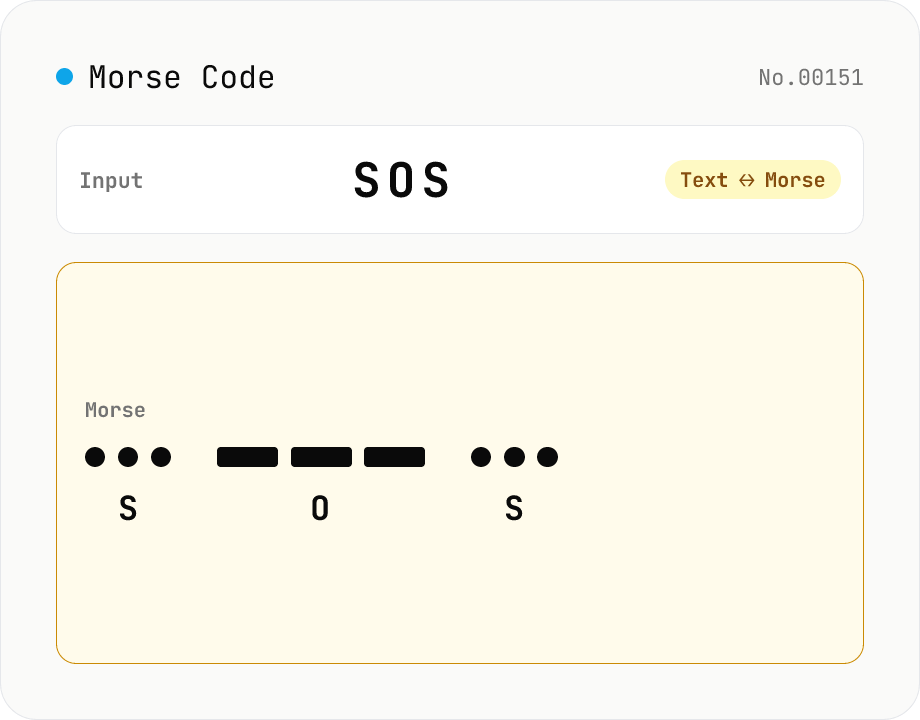
Morse Code Translator
Translate between text and Morse code. Pick a mode (text → Morse or Morse → text) and a character set: international (ITU: A-Z / 0-9 / punctuation) or Japanese wabun code (katakana with dakuten / handakuten / long vowel). Symbols are separated by a space and words by ' / '. Japanese voiced marks are split and recomposed via Unicode normalization (NFD/NFC). Everything runs in your browser — your text is never uploaded.
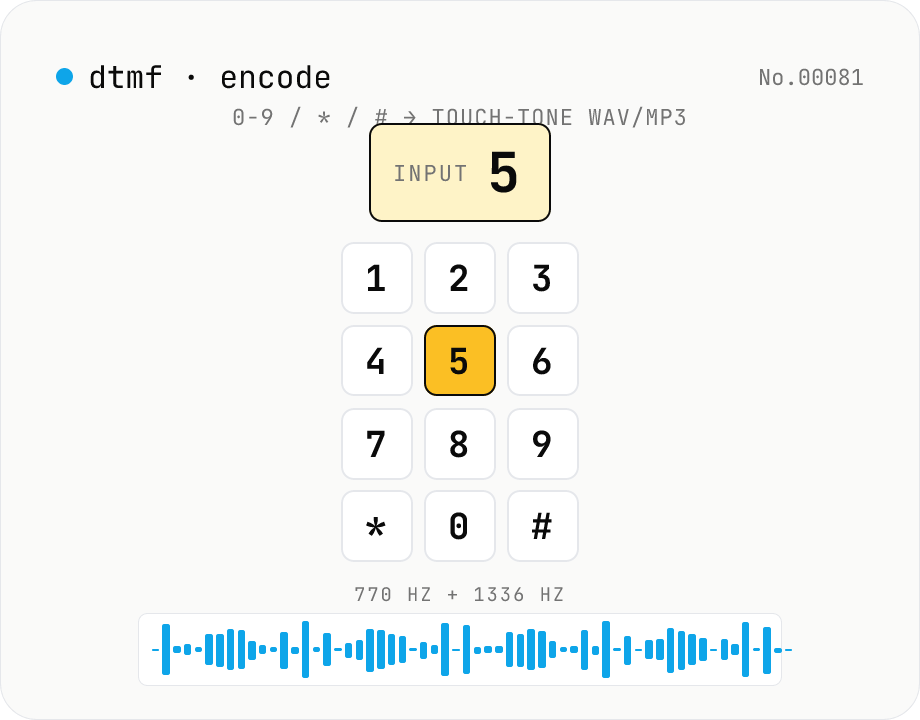
DTMF audio encoder — 0-9 / * / # / A-D → phone touch-tone WAV/MP3
Synthesise **DTMF (Dual-Tone Multi-Frequency)** phone touch-tones from any keypad sequence and download them as **WAV** (16-bit PCM) or **MP3** (lamejs). Each of the 16 keypad symbols (0-9, *, #, A-D) is generated by summing one **row** tone (697 / 770 / 852 / 941 Hz) and one **column** tone (1209 / 1336 / 1477 / 1633 Hz). Configurable **tone length, gap, volume, and sample rate** (8 / 22.05 / 44.1 / 48 kHz). Preview in the browser before download. The symmetric counterpart of **dtmf-decode-audio** — useful for IVR test audio, CTF challenge crafting, retro phone-system research, and phreaking education. Everything runs in your browser; your text never leaves the device.
Online Tone Generator — Sine, Square, Triangle, Sawtooth (Hz)
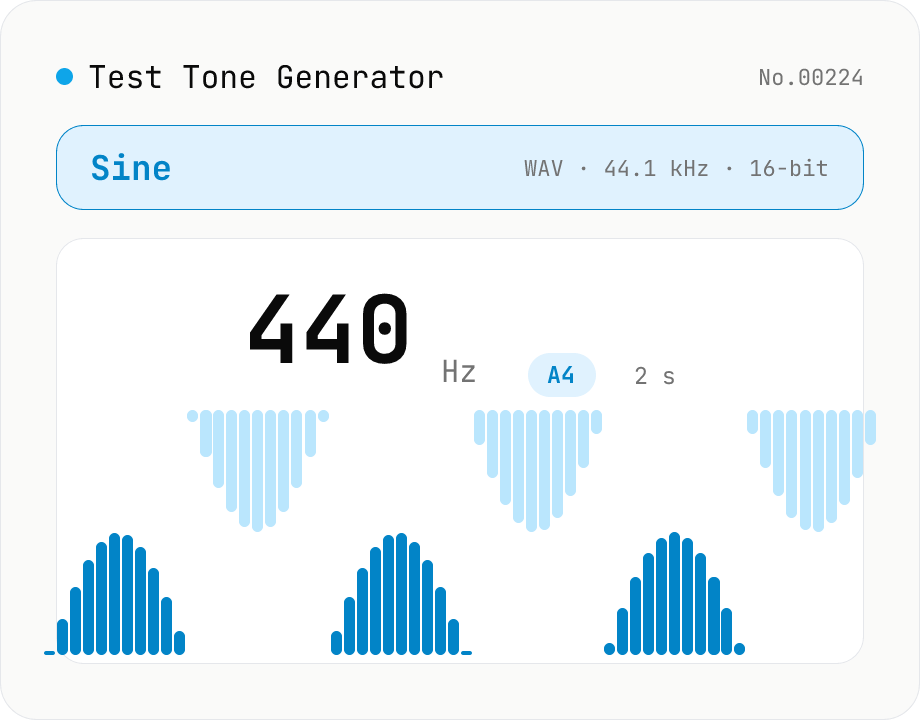
Free online sound tone generator. Play and download test tones at any frequency between 20 Hz and 20 kHz using the Web Audio API. Choose sine, square, triangle, or sawtooth wave, preset A4 (440 Hz) / 1 kHz / 10 kHz, with live note name and cents offset. Fade in/out avoids click noise. Export as WAV (44.1 kHz / 16-bit / mono). Useful for instrument tuning, speaker channel checks, hearing tests, and reference signals. Synthesized in your browser — nothing uploaded.