
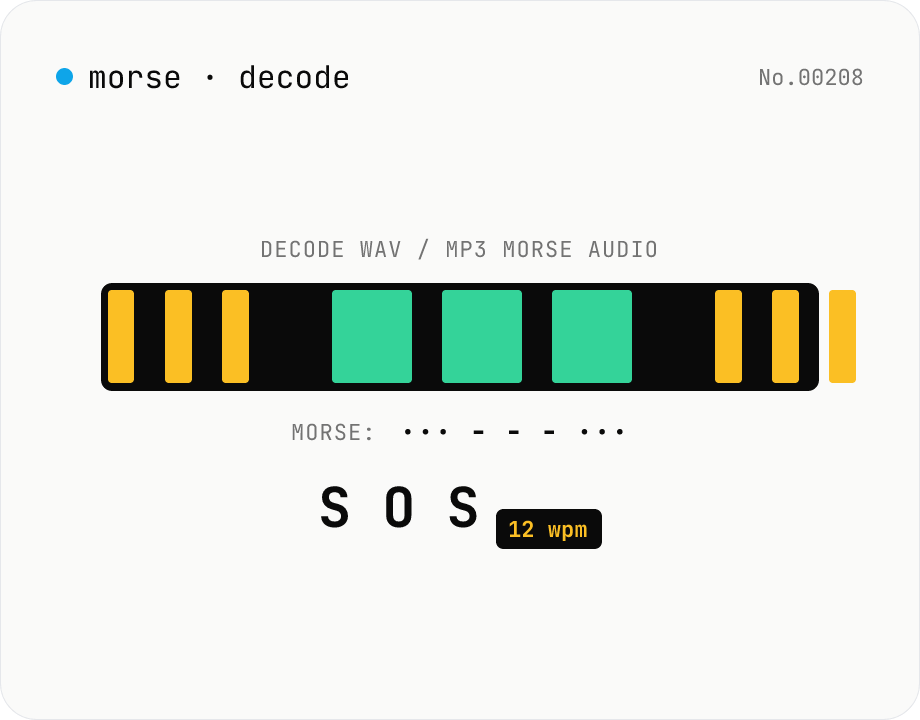
Morse audio decoder (WAV/MP3 → dot/dash → text)
Upload a **WAV / MP3 / OGG** file containing a Morse-code signal and the tool decodes it: **envelope detection → automatic Otsu threshold → on/off run-length segmentation → dot/dash classification → Morse string → text**, with a **WPM (words-per-minute) estimate** thrown in. Useful for CW (continuous wave) practice tracks, amateur-radio drills, CTF / survival / education SOS challenges. Runs entirely in your browser via the Web Audio API — your audio is never uploaded.
How to use
Drop a **WAV / MP3 / OGG / FLAC / WebM** audio file and the tool runs: (1) a 5 ms-window **envelope** of the absolute waveform, (2) **Otsu's automatic threshold** to separate noise-floor from signal, (3) **on/off run-length** segmentation, (4) **dot vs dash** classification (≤ 2D = dot, > 2D = dash), (5) **symbol / letter / word** gap classification, (6) **international Morse decode** to text. **WPM** is estimated from the dot length via the classic PARIS formula (`WPM = 1200 / dot-ms`). Useful for CW practice, amateur-radio drills, CTF / education tasks. Otsu adapts to signal level automatically — no gain knob to fiddle with.
In depth
Morse audio as a record of communications
Morse code has been the medium of telegraph and radio communication for nearly two centuries, and the interception and decoding of Morse transmissions forms a significant part of signals-intelligence history. Today, Morse audio shows up in amateur-radio CW contacts, CTF challenges where the flag is hidden in an audio file, and training recordings for exam preparation. A recording of an actual on-air exchange contains call signs, the correspondent's identity, and the content of the transmission.
Amateur radio logs are semi-public by convention, but the content of individual exchanges — frequencies used, signal reports, and conversational text — is considered private to the participants. Sending a CW recording to a cloud service to decode it delivers that content to a third-party server. The call signs alone are enough to identify the station; the decoded text makes the meaning explicit.
What a cloud Morse-decode service receives
Dedicated Morse audio decoders are rare online, but general audio-analysis tools sometimes include this feature. A server-side decoder receives the raw audio and produces the decoded text — both are then present in the service's infrastructure. The decoded text is more directly readable than the raw audio, raising the sensitivity of what's stored.
For CTF competitors, the challenge audio contains the flag or a clue that they don't want others to see before the competition ends. For radio operators, the audio may contain grid locators, power levels, or personal details exchanged in a casual contact. For training materials, the recording may be sourced from a licensed or copyrighted course. In all cases, keeping the decoding local avoids delivering the content to an external party.
Otsu threshold and segment classification run entirely in the browser
The tool decodes audio via `AudioContext.decodeAudioData`, then computes a 5 ms moving-average envelope of the absolute waveform. Otsu's method finds the threshold that maximises inter-class variance when the histogram is partitioned into two classes (noise floor and signal) — no manual gain adjustment needed. From the on/off run-length segmentation, dot length D is estimated as the 25th-percentile of on-segment durations (sub-5 ms pulses filtered as click noise). Segments ≤ 2D are dots; > 2D are dashes.
Open DevTools Network and drop a file: no audio requests appear after page load. The entire pipeline — Otsu calculation, segmentation, Morse-string generation, ITU character decode — runs inside browser memory. The implementation is in the GitHub source, verifiable without trusting any external party.
Getting clean decodes in practice
SNR is the main lever. Line-level capture (directly from a receiver's audio output rather than through a microphone) removes ambient noise from the recording before it even reaches the decoder. Recordings with fade-in or fade-out can confuse Otsu's threshold calculation — a few seconds of flat signal at the start and end keeps the boundary stable.
For Wabun (Japanese katakana Morse), extract the dot-dash string from this tool and paste it into the morse-code tool's Wabun decode mode. For round-trip verification, encode text with morse-encode-audio, save as WAV (uncompressed), then decode here — the text should come back intact. WAV avoids the envelope perturbation that MP3 compression introduces, making verification more reliable.
FAQ
- Is my input uploaded?
- No — Web Audio API (`AudioContext.decodeAudioData`) decodes the file locally. No external API, no upload.
- Does it cope with noisy audio (CW with QRM)?
- Otsu's method separates noise-floor from signal as two classes, so clean SNR is fine. Strong **CW QRM** (interference) or low-SNR signals will mis-decode — pipe your radio through a clean filter and record from there. A manual threshold override is on the wishlist.
- How are dots and dashes distinguished?
- Dot-length **D** is estimated from the bottom-25th-percentile of `on` segments (filtering out sub-5 ms clicks). On-segments ≤ 2D are dots, > 2D are dashes. Off-segments < 2D are intra-symbol, 2D–5D are letter gaps, ≥ 5D are word gaps. The thresholds are looser than the canonical 1:3 / 3:7 ratios to absorb hand-keying jitter.
- How is WPM computed?
- **WPM = 1200 / dot-ms**, derived from the PARIS test word (50 units). 100 ms dots → 12 wpm (beginner), 50 ms → 24 wpm (contest medium), 33 ms → 36 wpm (advanced).
- Does it support Japanese Wabun Morse?
- **International Morse only** for now. Japanese Wabun (iroha-based, 44 kana + dakuten / handakuten / long-vowel) has a larger alphabet — use the `morse-code` tool for direct Wabun ↔ text, or paste the `. -` string output from this tool into morse-code's decode mode.
- Audio formats?
- Anything `AudioContext.decodeAudioData` can read: WAV, MP3, OGG Vorbis, FLAC, WebM (Opus), AAC. Browser-dependent but covers all common containers. For exotic codecs (m4a, wma), convert to WAV first with `audio-convert`.
- File-size limit?
- 30 MB. ~5 minutes of mono 16-bit 44.1 kHz WAV — meant for short practice tracks (10–30 s). Longer captures need streaming decode; file a feedback request if you need it.
- Decoding tips when it doesn't work?
- 1) Make sure the **volume is consistent** — fades break thresholding. 2) Background noise should be visibly quieter (SNR > 10 dB). 3) Hand-keying should keep the **1:3 dot/dash ratio** roughly. 4) Use WAV or FLAC to rule out compression artefacts. The **segment table** below the output shows every on/off duration the decoder saw — handy for debugging.
- What's the SOS sample?
- The international distress signal `... --- ...` (3 dots + 3 dashes + 3 dots) generated as a 600 Hz sine wave for ~5 s. Clicking the sample button loads the file, decoding should produce `SOS` — quick sanity-check.
How to verify nothing is uploaded
This tool never sends your input outside your browser. The pages below explain how it works, how to audit it, and how the site is run.
Related tools
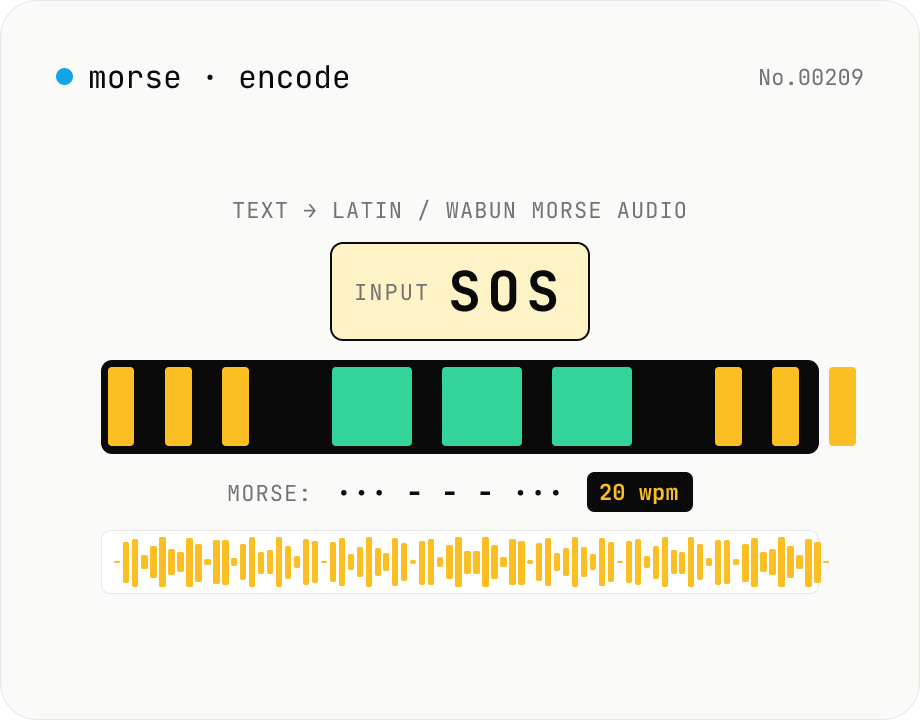
Morse audio encoder — text → Latin / Wabun Morse WAV/MP3 (CW)
Synthesise **Morse code (CW) audio** from any text and download as **WAV** (16-bit PCM mono) or **MP3** (lamejs). Supports both **International Morse (ITU-R M.1677)** and **Japanese Wabun** alphabets. Configurable **WPM** (5-50), **tone frequency** (300-1500 Hz), **volume**, and **sample rate** (8 / 22.05 / 44.1 / 48 kHz). Includes **Farnsworth timing** (separate character and effective WPM — fast dots with stretched inter-character / inter-word gaps), the canonical CW-learning technique. Preview in-browser, then download — round-trip with **morse-decode-audio** to verify. Useful for CW practice, CTF challenge crafting, callsign test transmissions, and retro-telegraphy education. Runs entirely in your browser; your text never leaves the device.
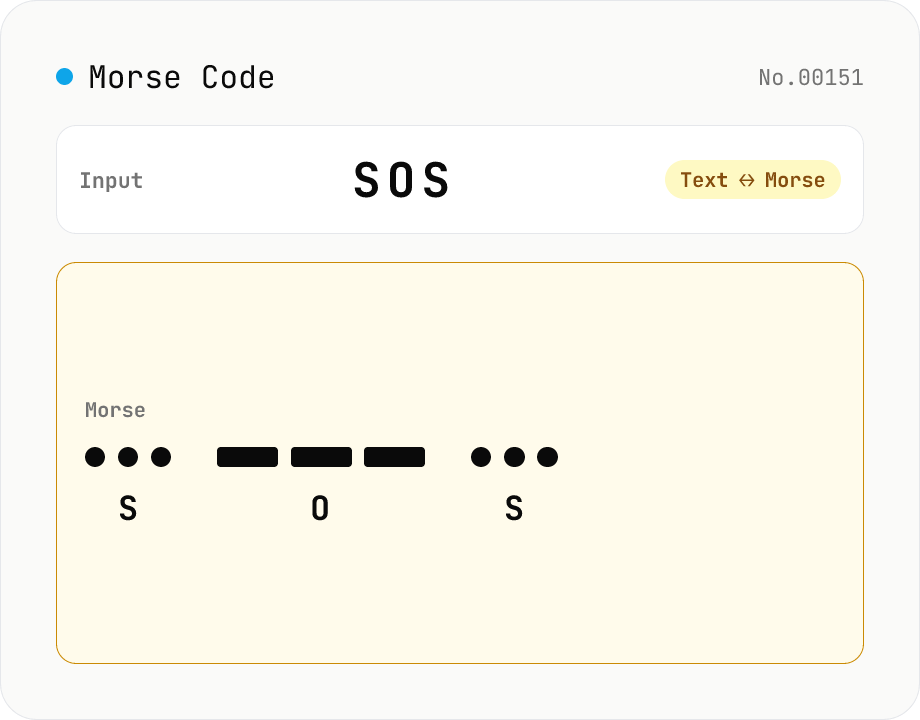
Morse Code Translator
Translate between text and Morse code. Pick a mode (text → Morse or Morse → text) and a character set: international (ITU: A-Z / 0-9 / punctuation) or Japanese wabun code (katakana with dakuten / handakuten / long vowel). Symbols are separated by a space and words by ' / '. Japanese voiced marks are split and recomposed via Unicode normalization (NFD/NFC). Everything runs in your browser — your text is never uploaded.
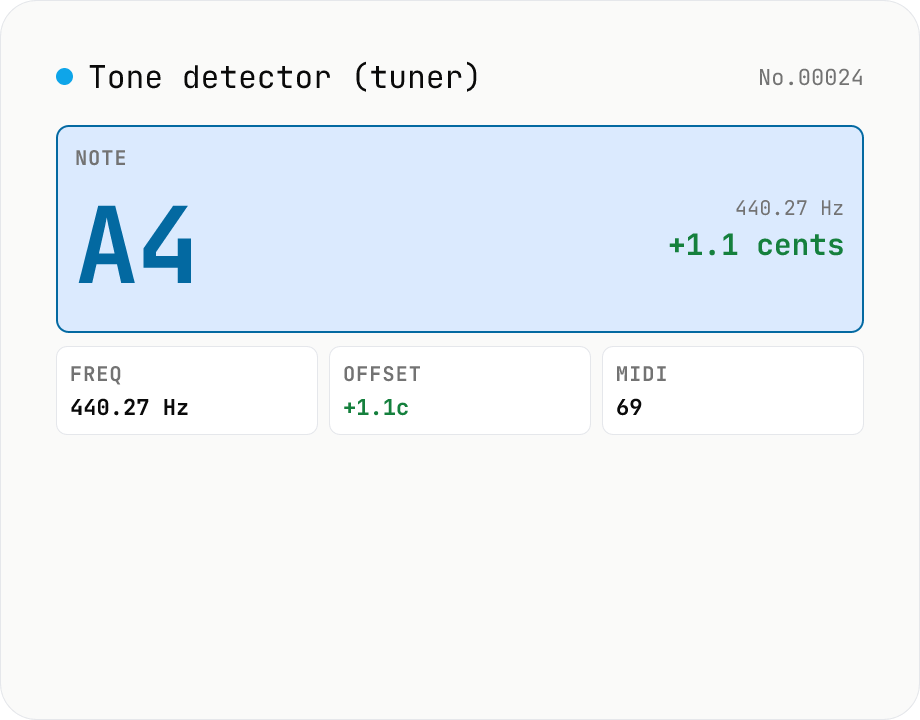
Audio tone detector — fundamental pitch → note name + cents offset
Drop an audio file and the tool runs **autocorrelation-based pitch detection** in your browser to extract the fundamental frequency. Each frame is converted to a **note name (e.g. A4, F#4)** and the **cents offset** from concert pitch. Works as a software tuner for guitar / bass / vocals / flutes / whistles. The per-frame pitch track is graphed and exportable as CSV — great for vocal intonation practice or fine-tuning synth oscillators. autocorrelation excels at short isolated tones (50 ms +) but mis-fires on chords and choirs. Symmetric counterpart to `tone-generate` (frequency → tone); this tool inverts that flow (audio → note). Different from `audio-spectrum` (full frequency distribution); here we only report the fundamental. Audio is never uploaded.
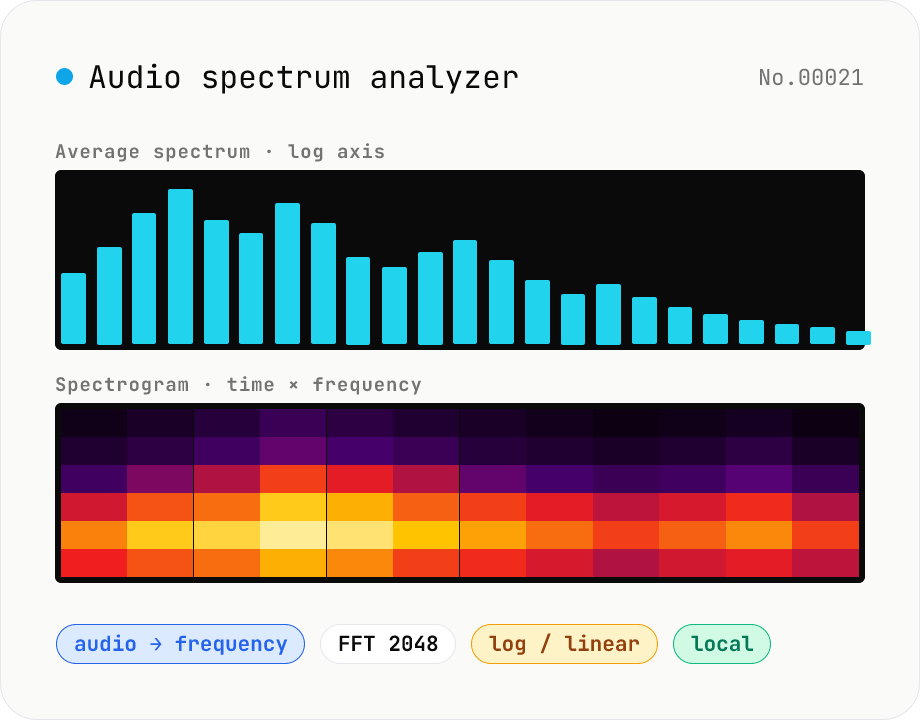
Audio spectrum analyzer — visualize frequency content
Drop an audio file (MP3 / WAV / M4A / FLAC / OGG / Opus) to run an in-browser FFT analysis and visualize its frequency content. A Mode toggle switches between the average spectrum (frequency vs. amplitude over the whole file) and a spectrogram (time × frequency × amplitude). Pick the FFT size (512 / 1024 / 2048 / 4096) and the frequency axis (linear / log). Useful for checking the low end before mastering, locating noise bands, inspecting an instrument's harmonic structure, or sanity-checking the S/N ratio of a lecture recording. Download the canvas as PNG, or export the average spectrum as CSV. Everything runs in your browser — no upload.