
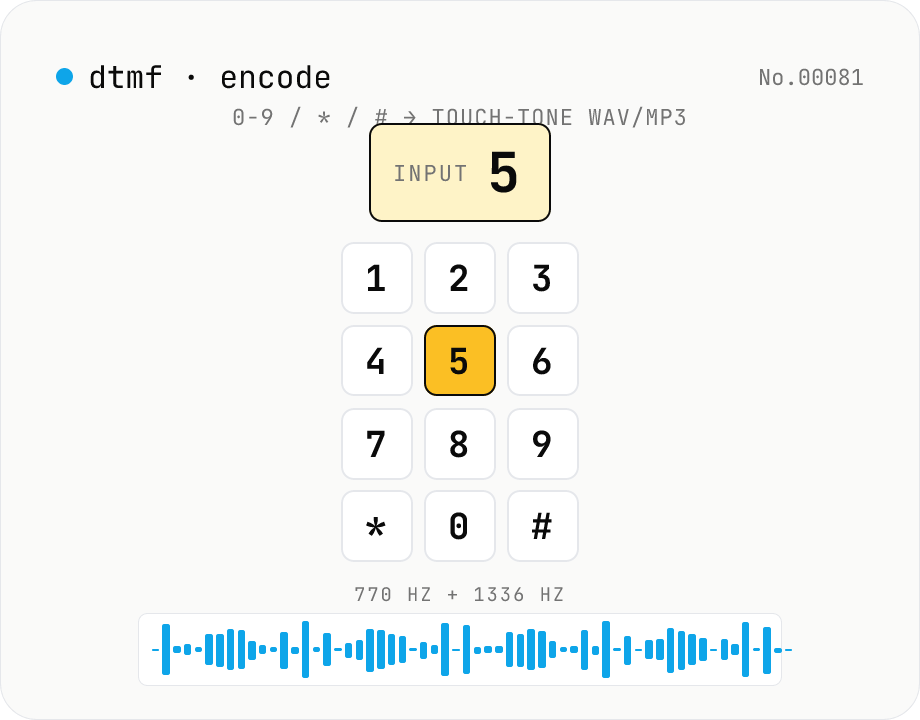
DTMF audio encoder — 0-9 / * / # / A-D → phone touch-tone WAV/MP3
Synthesise **DTMF (Dual-Tone Multi-Frequency)** phone touch-tones from any keypad sequence and download them as **WAV** (16-bit PCM) or **MP3** (lamejs). Each of the 16 keypad symbols (0-9, *, #, A-D) is generated by summing one **row** tone (697 / 770 / 852 / 941 Hz) and one **column** tone (1209 / 1336 / 1477 / 1633 Hz). Configurable **tone length, gap, volume, and sample rate** (8 / 22.05 / 44.1 / 48 kHz). Preview in the browser before download. The symmetric counterpart of **dtmf-decode-audio** — useful for IVR test audio, CTF challenge crafting, retro phone-system research, and phreaking education. Everything runs in your browser; your text never leaves the device.
How to use
Paste a DTMF key sequence (0-9, *, #, A-D) into the input. Case insensitive; **whitespace** inserts an extra silent gap between tones; common phone-number punctuation (hyphens, brackets, dots) is silently dropped. Use the **Sample** button to load `0120 117 117`. Adjust **tone length** (default 100 ms), **gap** (80 ms), **volume** (60%), **sample rate** (8 / 22.05 / 44.1 / 48 kHz), and **MP3 bitrate** (192 kbps). **Preview** in-browser, then download as **WAV** (16-bit PCM, uncompressed) or **MP3** (lamejs, lossy but compact). Round-trip with **dtmf-decode-audio** to verify encoding fidelity.
In depth
DTMF encoding — why input data privacy matters even for a synthesis tool
DTMF encoding typically serves testing, education, or verification: generating IVR test audio, creating CTF challenge material, building training samples for decoder testing. The input is a digit string, not an audio file, which might seem to lower the stakes. But the digit strings used in realistic contexts can be sensitive: PBX extension numbers, IVR routing codes, test access numbers, or actual phone numbers used as representative examples.
Entering such strings into an online service creates a server-side record of which numbers were encoded, from which IP address, at what time. For telecom security work or network testing, that log is an information exposure even if the resulting audio file never leaves the user's machine.
Behavioural observation for a no-input tool
DTMF encoding is a generator — no audio file is uploaded. Yet the pattern of when, how frequently, and with what digit sequences the tool is used can still be informative. A session that systematically encodes a set of extension numbers is different from one that encodes a single phone number. Log analysis of an online service can surface that difference.
The browser-local design means the digit strings and the generated audio both remain on the user's device. A service that can't log what you typed is structurally different from one that records it but promises not to look.
PCM synthesis and lamejs encoding run entirely in browser JavaScript
The tool parses the key sequence, looks up the two sine-wave frequencies for each symbol, generates PCM samples at 30% amplitude per component (summing to 60% peak), and writes tone and silence segments into a sample buffer. WAV output uses a custom RIFF/WAVE header builder. MP3 output uses `@breezystack/lamejs` (a JavaScript port of LAME) for CBR encoding at the selected bitrate. No network requests are made during any part of this process.
Open DevTools Network and click Preview or Download: no audio-related requests appear. The PCM synthesis loop and the lamejs encode path are in the GitHub source.
Testing, education, and some practical notes
The primary verification workflow: generate a digit sequence here, feed the WAV into dtmf-decode-audio, confirm the decoded output matches the input. This round-trip confirms encoder and decoder are consistent. Both halves of the loop stay in the browser.
For realistic test cases that use real extension numbers or phone numbers: the digit strings are processed locally and the audio is saved locally. What you do with the audio file from that point is a separate chain of custody question — but at least the synthesis step itself didn't expose the numbers to a third party.
FAQ
- Is my input uploaded?
- No — parsing, PCM synthesis, and WAV / MP3 encoding all run locally in JavaScript. No external API.
- What's DTMF?
- Dual-Tone Multi-Frequency — the touch-tone system used since 1963. Each button mixes one **row** tone (697 / 770 / 852 / 941 Hz) with one **column** tone (1209 / 1336 / 1477 / 1633 Hz). Button `5` = 770 + 1336 Hz. Standardised by AT&T and ITU-T Q.23 / Q.24. Still alive in IVRs, fax handshakes, legacy phones.
- Frequency table?
- Rows: 697 (1/2/3/A) / 770 (4/5/6/B) / 852 (7/8/9/C) / 941 (*/0/#/D) Hz. Columns: 1209 (1/4/7/*) / 1336 (2/5/8/0) / 1477 (3/6/9/#) / 1633 (A/B/C/D) Hz. A-D live on the 4th column — absent from consumer phones but used in military / business radio and IVR special modes. We encode them too.
- Why two simultaneous frequencies?
- A single tone is too easy to confuse with speech or music. Picking **one from each of two disjoint bands** produces combinations that don't occur naturally — vastly improving noise immunity. Western Electric devised this in 1963 and it's why DTMF still works on noisy phone lines six decades later.
- Default tone / gap timing?
- ITU-T Q.24 specifies a minimum of 40 ms tone + 40 ms gap; telco recommends 65 ms + 65 ms. We default to **100 ms + 80 ms** — common in IVR recordings and CTF challenges. Below 40 ms, real telephone switches may refuse to decode.
- Sample rate guidance?
- **44.1 / 48 kHz**: CD / Web standard, easiest to edit further. **22.05 kHz**: legacy game-console and conferencing systems. **8 kHz**: telephony standard (G.711). DTMF's top frequency is 1633 Hz, well under the Nyquist limit of 4 kHz, so 8 kHz captures everything. Prefer **WAV** at low sample rates — MP3 compression noise hurts more there.
- Optimal volume?
- Default **60%**. Each component sine is rendered at half-amplitude (30%) so their sum peaks at 60% in the worst case. **100%** can introduce clipping when the two frequencies phase-align. For round-trip decoding with dtmf-decode-audio, 60-80% is the sweet spot.
- MP3 quality?
- Powered by **lamejs** (LGPL / MIT-derived JavaScript port). Constant bitrate at 128 / 192 / 256 / 320 kbps. DTMF is essentially pure sinusoids — 192 kbps is more than enough, 320 sounds identical. For deterministic round-trip validation use **WAV (uncompressed)** — MP3 compression noise slightly biases Goertzel estimates.
- What about `-`, `(`, `)` in phone numbers?
- All silently dropped. `090-1234-5678` becomes the 11 tones `09012345678`. Only **whitespace** is special: it inserts one extra gap (pause) between tones. Newlines are treated as whitespace.
- How does this relate to dtmf-decode-audio?
- **dtmf-encode-audio** (this tool): key sequence → audio. **dtmf-decode-audio**: audio → recovered keys via Goertzel filters. They're symmetric — feed our WAV into the decoder and the digits come back. Sits alongside tone-generate (arbitrary single sine tones) and morse-decode-audio in the Web Audio family.
How to verify nothing is uploaded
This tool never sends your input outside your browser. The pages below explain how it works, how to audit it, and how the site is run.
Related tools
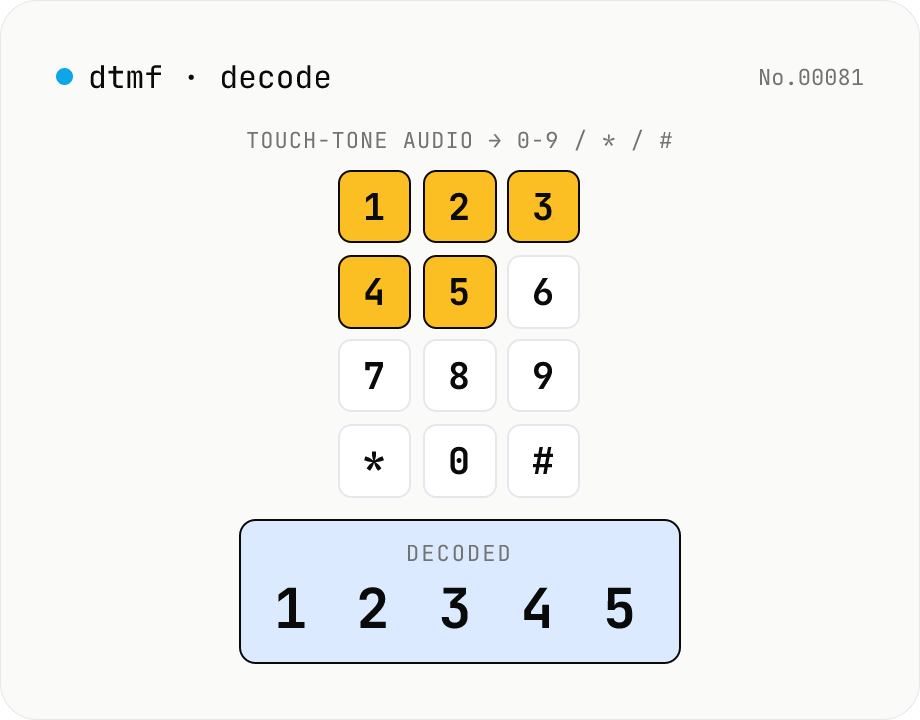
DTMF audio decoder — phone touch-tone WAV/MP3 → 0-9 / * / # / A-D
Decode **DTMF (Dual-Tone Multi-Frequency)** phone touch-tones from WAV / MP3 / OGG audio. The decoder runs the **Goertzel algorithm** on the 8 canonical frequencies (697 / 770 / 852 / 941 Hz × 1209 / 1336 / 1477 / 1633 Hz) and maps detected pairs to the 16 keypad symbols (0-9, *, #, A-D). Each detected tone reports start time, duration, and confidence. Useful for analysing IVR recordings, retro phone-system research, CTF, and phreaking education. Everything runs in your browser via the Web Audio API — your audio never leaves your device.
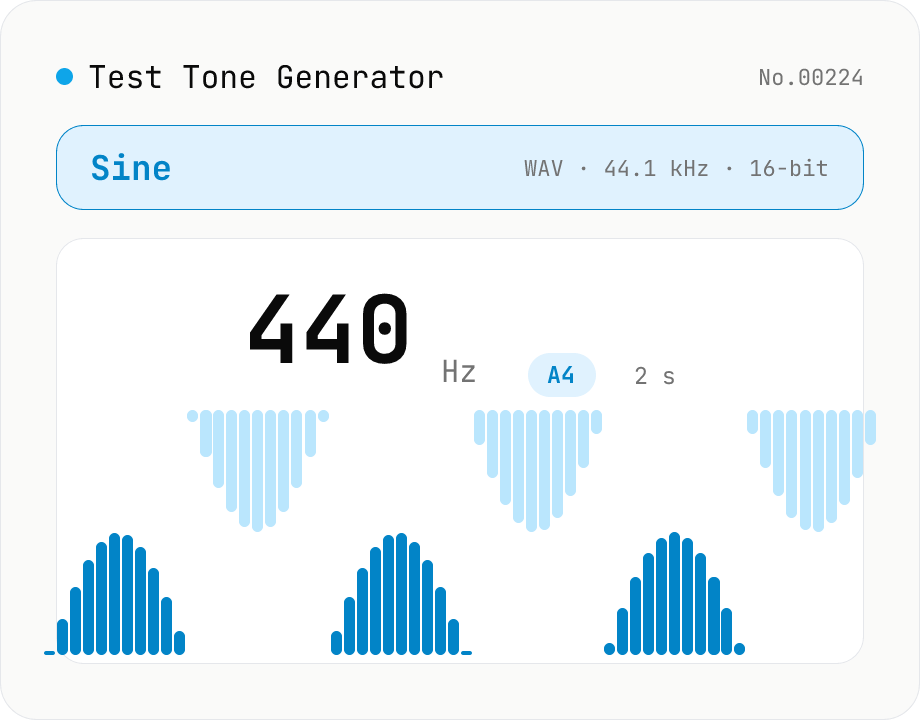
Online Tone Generator — Sine, Square, Triangle, Sawtooth (Hz)
Free online sound tone generator. Play and download test tones at any frequency between 20 Hz and 20 kHz using the Web Audio API. Choose sine, square, triangle, or sawtooth wave, preset A4 (440 Hz) / 1 kHz / 10 kHz, with live note name and cents offset. Fade in/out avoids click noise. Export as WAV (44.1 kHz / 16-bit / mono). Useful for instrument tuning, speaker channel checks, hearing tests, and reference signals. Synthesized in your browser — nothing uploaded.
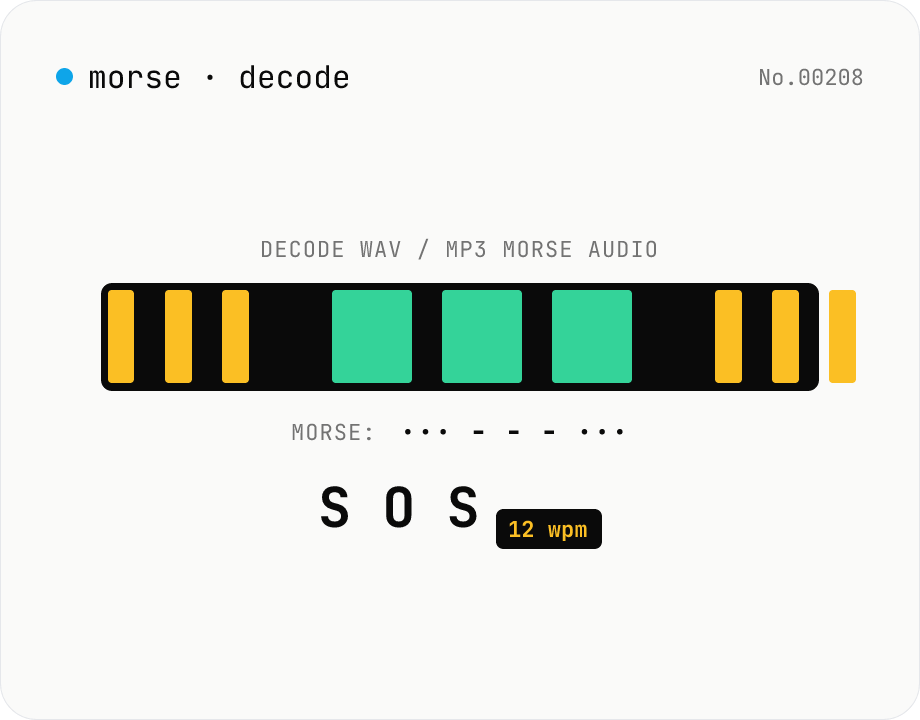
Morse audio decoder (WAV/MP3 → dot/dash → text)
Upload a **WAV / MP3 / OGG** file containing a Morse-code signal and the tool decodes it: **envelope detection → automatic Otsu threshold → on/off run-length segmentation → dot/dash classification → Morse string → text**, with a **WPM (words-per-minute) estimate** thrown in. Useful for CW (continuous wave) practice tracks, amateur-radio drills, CTF / survival / education SOS challenges. Runs entirely in your browser via the Web Audio API — your audio is never uploaded.
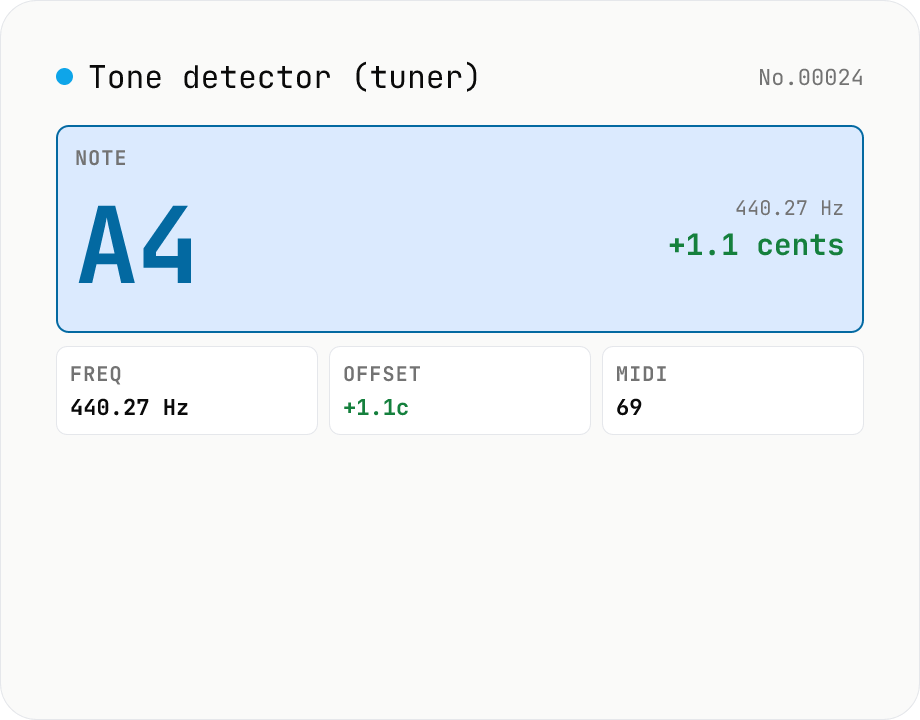
Audio tone detector — fundamental pitch → note name + cents offset
Drop an audio file and the tool runs **autocorrelation-based pitch detection** in your browser to extract the fundamental frequency. Each frame is converted to a **note name (e.g. A4, F#4)** and the **cents offset** from concert pitch. Works as a software tuner for guitar / bass / vocals / flutes / whistles. The per-frame pitch track is graphed and exportable as CSV — great for vocal intonation practice or fine-tuning synth oscillators. autocorrelation excels at short isolated tones (50 ms +) but mis-fires on chords and choirs. Symmetric counterpart to `tone-generate` (frequency → tone); this tool inverts that flow (audio → note). Different from `audio-spectrum` (full frequency distribution); here we only report the fundamental. Audio is never uploaded.