
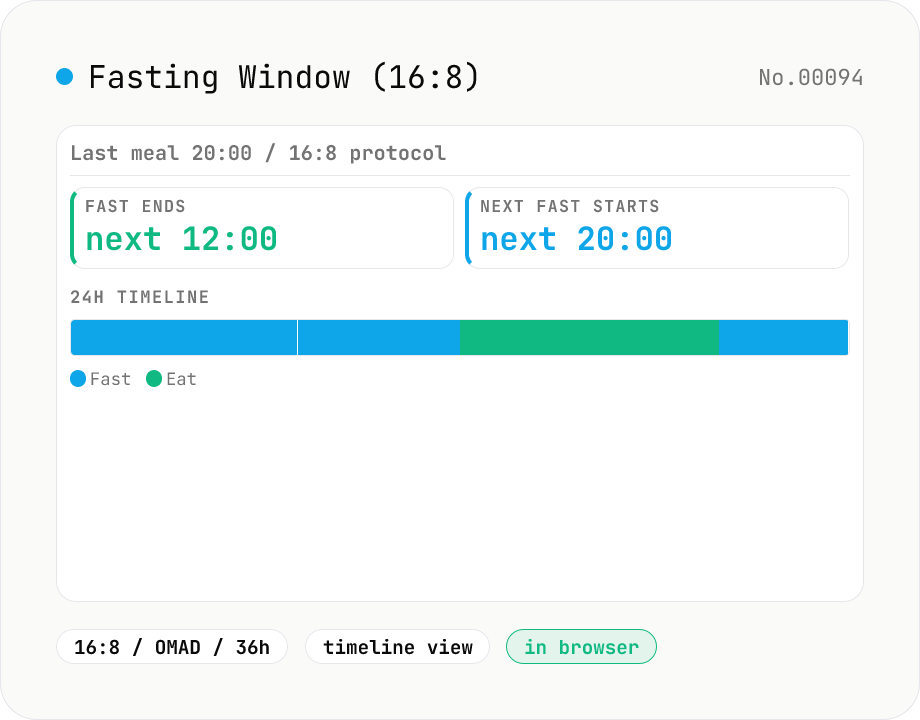
Intermittent Fasting Window Calculator
From your last meal time and a chosen fasting protocol — 12:12, 14:10, 16:8, 18:6, 20:4 (Warrior), 23:1 (OMAD), 36h extended, or custom — the tool shows when the fast ends and the next eating window opens / closes. A 24-hour heat-map visualises 'fasting' vs 'eating' hours. Built for Leangains, OMAD, and 5:2 practitioners.
How to use
Pick your last-meal time and a fasting protocol (12:12 / 14:10 / 16:8 / 18:6 / 20:4 / 23:1 OMAD / 36h Extended / custom) and the tool shows **when the fast ends (next meal allowed)** and **when the eating window closes (next fast starts)**. Example: 20:00 last meal + 16:8 → eat from 12:00 the next day, finish by 20:00. The **24-hour heat-map** below colour-codes every hour as either fasting or eating so you can sanity-check the schedule. Built for Leangains, OMAD, Warrior Diet, and Extended fasting practitioners. Midnight wrap-around (e.g. 21:00 last meal → 13:00 next day) is handled automatically.
In depth
Meal timing and fasting patterns reveal health information
The fact that someone practices intermittent fasting, and which protocol they follow (16:8, OMAD, Extended), says something about their health intentions and potentially their medical context. OMAD practitioners, for example, overlap with populations at elevated eating-disorder risk — a detail that insurers, employers, and health-data brokers have monetised in documented cases.
Meal timestamps are also behavioural data. ‘This user ends eating at 20:00 every day’ is a persistent lifestyle signal. Health and fitness apps accumulate that pattern under a user account, where it can be combined with location data, heart rate logs, and other signals to build a detailed health profile.
What health apps do with your fasting and meal data
Most dedicated fasting trackers require account creation and log meal times, fasting windows, and protocol choices to a server. That data has appeared in third-party health data broker marketplaces and has been used to inform insurance pricing in several jurisdictions. Broad health-app terms of service frequently permit sharing aggregated or de-identified data with partners — with de-identification that has repeatedly been reversed.
The protocol choice itself (is this person doing OMAD or 16:8?) is a high-value signal for dietary supplement, weight-loss, and health insurance advertisers. None of that inference can happen if the data never leaves your device.
Pure clock arithmetic, running only in your browser
The tool takes a last-meal time and a protocol’s fast duration and eating-window duration, then uses JavaScript Date arithmetic to compute the fast-end and next-fast-start times. Midnight wrap-around (e.g. last meal at 21:00 → fast ends 13:00 next day) is handled by plain date addition. The 24-hour heat-map is CSS and array arithmetic — no external API.
Open DevTools Network and make a change: you will see zero additional requests. The time you enter for your last meal never crosses the network.
Before and during fasting: what to keep in mind
This tool computes times only — it is not medical advice. Extended 36-hour fasts, and any fasting done by someone with a chronic condition or on medication, should be discussed with a physician first. OMAD especially risks inadequate caloric intake if not carefully planned.
The computed window is a guideline based on the protocol’s nominal hours. Individual metabolism, sleep pattern, and stress levels all affect the optimal window for any given person. Use the result as a starting point and adjust to how you feel.
Mealtime arithmetic and midnight wrap-around
Meal-time arithmetic in 24-hour notation frequently crosses midnight (21:00 last meal + 16 hours fasted = 13:00 the next day). A naive (hour * 60 + minute + duration) % 1440 gives minute precision but loses the date progression. This tool starts from a Date object’s getTime() value, adds duration * 3600000 ms, then formats with toLocaleTimeString. That handles both day boundaries and DST transitions in zones outside Asia/Tokyo, where the spring forward / fall back jump otherwise misplaces the result by an hour.
The 24-hour heat-map is an array operation over 24 one-hour cells labelled “fasting” or “eating.” When the eating window crosses midnight (an OMAD 19:00-20:00 followed by a 23-hour fast) the array wraps around. The Intl.DateTimeFormat option hour: 'numeric' automatically switches between 12-hour and 24-hour display by locale — ja and de default to 24-hour, en-US defaults to 12-hour with AM/PM. This tool follows the browser locale rather than imposing one format.
Research background and regional practice patterns
Common intermittent fasting protocols (16:8 Leangains, 18:6, 20:4 Warrior, OMAD = 23:1, 5:2, Alternate Day Fasting) come from different research lineages. 16:8 was popularised by Martin Berkhan in 2010, drawing on earlier Ramadan-window studies. OMAD revives a documented Roman soldier practice. 5:2 reached a mainstream audience with Michael Mosley’s 2013 book and includes two “modified-fast” days of 500–600 kcal rather than a complete fast. This tool computes only the time window — calorie management still has to happen separately.
Ramadan fasting (sunrise to sunset during the 9th month of the Islamic calendar) varies widely by latitude. In the Arctic Circle, summer Ramadan can stretch to 18–22 hours; religious authorities accept following Mecca time or the nearest Muslim-majority country’s schedule as an alternative. Medical guidance across jurisdictions cautions against extended fasts (over 24 hours) for people with chronic conditions like diabetes or a history of disordered eating, and pregnant women, breastfeeding mothers, and children in growth phases are typically advised against intermittent fasting entirely. This tool is a time calculator — medical decisions belong with a clinician. To design the fasting and sleep windows together in one daily rhythm, sleep-cycle-calc is the companion piece; for a live ticker counting down to your fast-end time, countdown renders the same moment as a visible clock; and to record the resulting fast length as an ISO 8601 PT16H value for journalling, duration-format keeps the data local too.
FAQ
- Is my input uploaded?
- No. Everything runs in your browser — pure clock arithmetic, no external API.
- How do I choose a protocol?
- **12:12** is beginner-friendly — a normal dinner-to-breakfast gap mostly hits it. **14:10 / 16:8** are the practical standards: skip breakfast. **18:6 / 20:4 (Warrior)** are intermediate, targeting autophagy. **23:1 (OMAD)** is one meal a day for cut / convenience-focused experienced users. **36h Extended** is once or twice a week and should be done under medical guidance. This tool does the math only — it isn't medical advice.
- What counts as a 'last meal'?
- The last caloric intake (food or drink). Water, plain coffee, and plain tea are generally considered fast-friendly; milk, sports drinks, and sweetened beverages break the fast. Strict practitioners also avoid zero-calorie gum. The tool just takes the start of the fast — what's allowed depends on the protocol.
- Does OMAD really only allow one hour?
- The strict protocol is a 1-hour eating window, with a single large meal that hits the daily calories. Many practitioners stretch it to 1–2 hours in practice. The tool models a 1-hour window; adjust to your tolerance.
- Why is the 24-hour timeline based on a 'reference day'?
- Most protocols are 24-hour cycles (16+8 = 24), so a single-day strip naturally repeats. OMAD (23+1) fits the same view. The 36h Extended fast is a 1.5-day cycle, so the strip shows a single-day snapshot — the remaining half-day rolls into the next fast.
- Does the tool cover 5:2 fasting?
- **Not yet.** The 5:2 protocol is weekly (5 normal days + 2 restricted days at 500–600 kcal) — the tool is currently 24-hour-cycle only. A separate tool for 5:2 may come later.
How to verify nothing is uploaded
This tool never sends your input outside your browser. The pages below explain how it works, how to audit it, and how the site is run.
Related tools
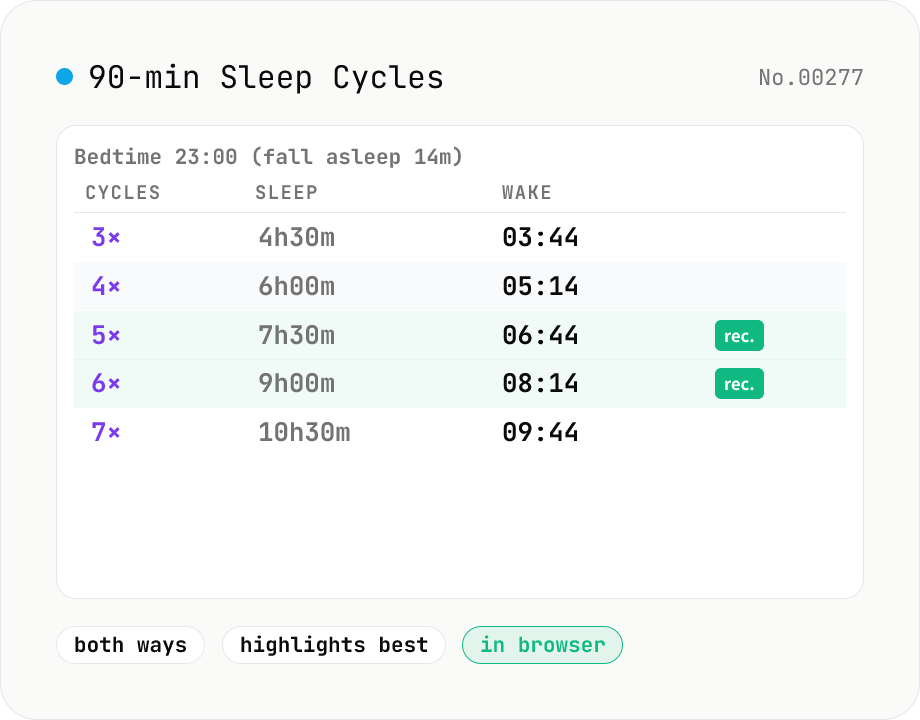
Sleep Cycle Calculator (90 min cycles)
Using the 90-minute sleep cycle theory, calculate the optimal wake-up times from a bedtime (5 candidates), or the right bedtimes from a wake-up alarm (5 candidates). Includes a configurable fall-asleep delay (14 min by default), and shows cycle count, sleep duration, and clock time side by side from short (4.5h / 6h) to recommended (7.5h / 9h) lengths.
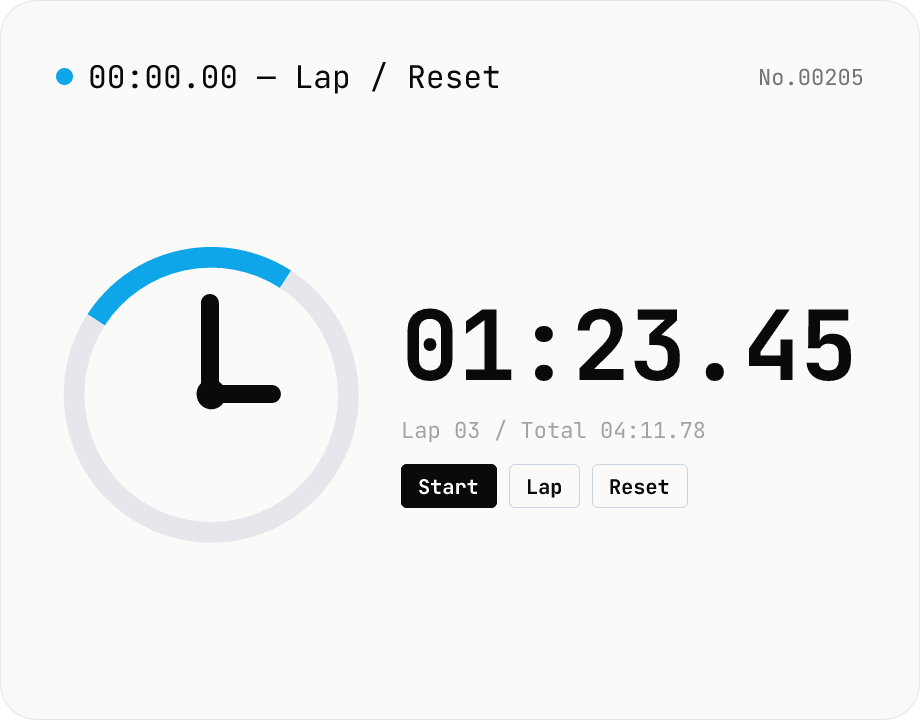
Stopwatch — lap timing with millisecond precision
A simple in-browser stopwatch with 0.01s precision and lap (split) recording. Keeps running as long as the tab stays open, and lets you export laps as CSV. While countdown counts toward a target time, this measures elapsed time from now. There is no data input — everything stays in your browser.
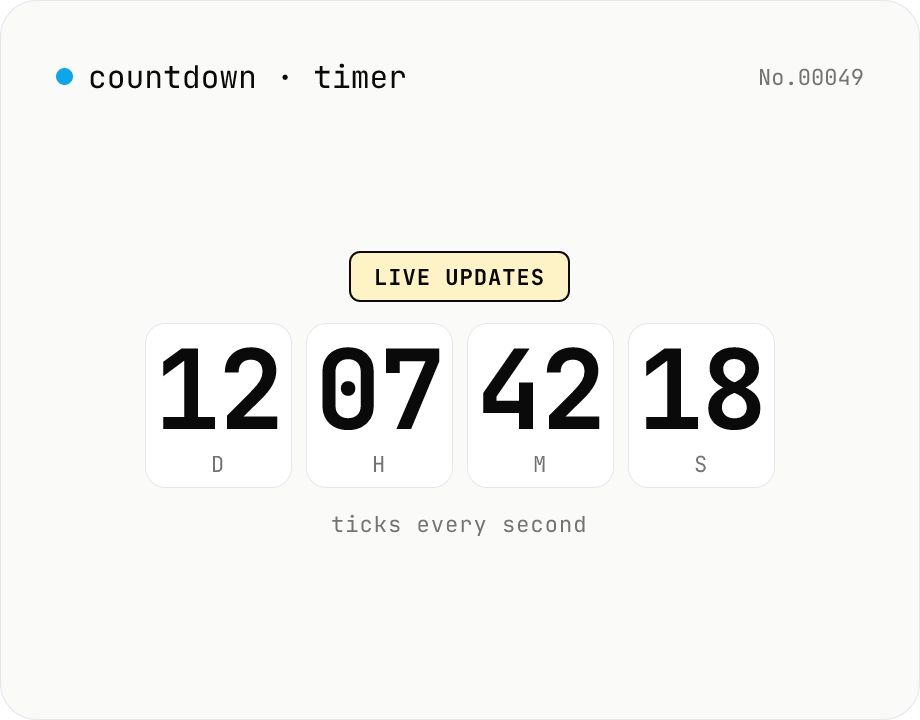
Countdown / count-up timer — time left or elapsed until target date
Real-time display of the remaining time until (countdown) or the elapsed time since (count-up) a target date. Days / hours / minutes / seconds tick every second. Copy the URL to share the current setup (?to=datetime&mode=countdown). Uses your browser's local timezone. Runs entirely in your browser — the target datetime never leaves your device.
Duration format converter — seconds, mm:ss, hh:mm:ss & 1h30m bulk
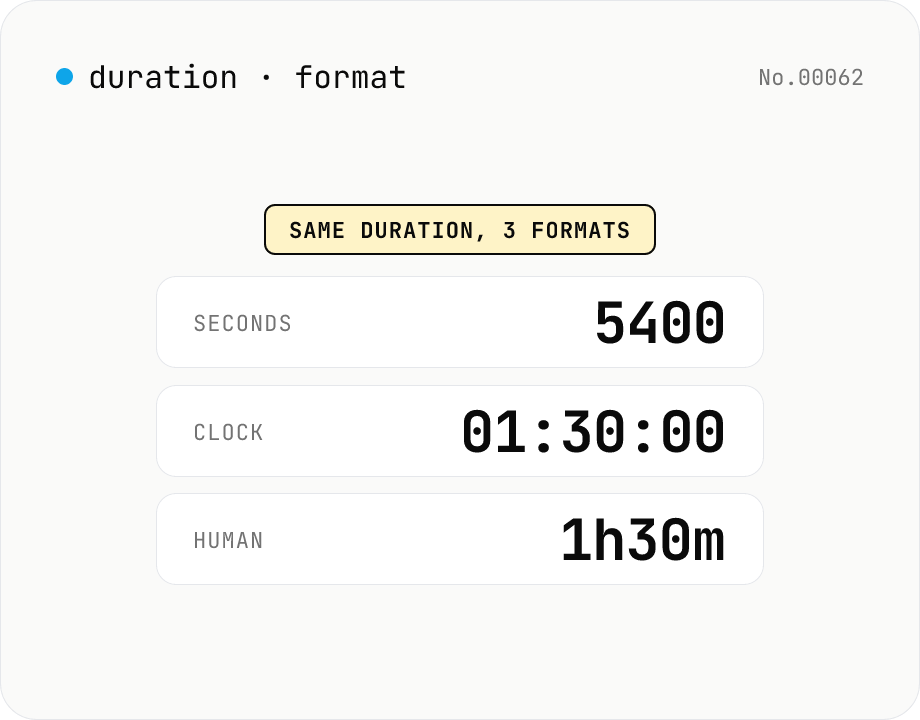
Convert durations between three formats: seconds (5400), clock (01:30:00), and human-readable (1h30m). Pick the output format and the input is auto-detected — even mixed formats on different lines. Bulk-converts multi-line input and reports skipped (unparseable) lines. Supports d/h/m/s units (1d = 86400 seconds). Runs entirely in your browser.