
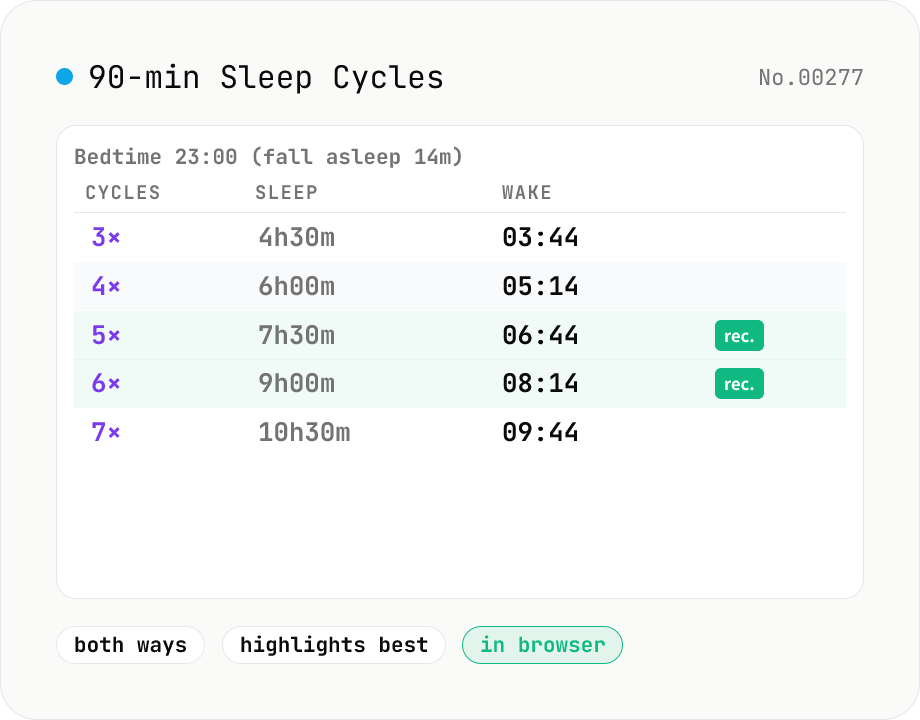
Sleep Cycle Calculator (90 min cycles)
Using the 90-minute sleep cycle theory, calculate the optimal wake-up times from a bedtime (5 candidates), or the right bedtimes from a wake-up alarm (5 candidates). Includes a configurable fall-asleep delay (14 min by default), and shows cycle count, sleep duration, and clock time side by side from short (4.5h / 6h) to recommended (7.5h / 9h) lengths.
How to use
Sleep is organised into REM / non-REM cycles that run roughly 90 minutes each. If your alarm rings mid-cycle (during deep sleep), waking up feels heavier — this tool helps you land on a cycle boundary. **Bedtime → Wake**: enter tonight's bedtime and we list 3–7 cycles' worth of wake-up candidates (4.5–10.5 hours). **Wake → Bedtime**: enter tomorrow's alarm and we list 5 bedtimes that will put your wake-up between cycles. The *Fall asleep* field is the delay between lying down and actually falling asleep — the research median is 14 minutes, but real people vary from 5 to 30.
In depth
Sleep schedules are personal health data
Bedtime, wake time, and sleep onset latency together paint a detailed picture of someone’s sleep habits. A pattern of ‘bed at 02:00, wake at 09:00, 30-minute onset’ signals a delayed circadian rhythm, possible insomnia, or shift-work adaptation. Insurers, wellness platforms, and employers have begun treating sleep pattern data as a health-risk signal — in several jurisdictions, wearable sleep data has been used in insurance underwriting.
Sleep onset latency over 30 minutes is a clinical indicator of insomnia. Repeatedly submitting that value to an external service is functionally similar to disclosing a health condition. A sleep-cycle calculator that sends nothing to a server avoids that disclosure entirely.
What sleep apps do with bedtime and wake-time data
Smartphone sleep apps log bedtimes, wake times, and quality scores to a server to generate trend charts and personalised advice. That accumulated data has been shared with wearable ecosystems, health insurers, and research institutions in documented cases. What begins as a convenience feature becomes a longitudinal health record under someone else’s control.
Bedtime and wake-time data also signals ‘when this person is home and asleep’ — information that, combined with location data from the same app, can profile home-away patterns with high accuracy. Sleep schedules have a physical-security dimension that is easy to overlook.
REM cycle arithmetic, computed locally
This tool adds fall-asleep latency + N × 90 minutes to the bedtime using JavaScript Date arithmetic to produce N candidate wake times. The reverse mode subtracts the same quantity from the wake-up alarm. Midnight crossings are handled automatically by Date addition. No external API is involved.
Open DevTools Network and change the bedtime input: zero additional requests appear. Your bedtime, wake time, and sleep onset latency never leave your browser.
Notes for using this tool as a health aid
The 90-minute cycle is a population average. Individual cycles range from 70 to 120 minutes and shift with age, stress, alcohol, and illness. Treat the candidates as starting points, not precise targets, and adjust based on how you feel on successive mornings.
The 5–6 cycle range labelled ‘recommended’ corresponds to the National Sleep Foundation’s 7–9 hour guideline for adults. Actual needs vary. If you regularly feel unrefreshed despite adequate sleep time, or if you experience persistent insomnia, consult a physician or sleep specialist rather than optimising the tool settings.
Time arithmetic across midnight and DST transitions
The arithmetic core is handling the midnight wrap-around: 23:00 bedtime + 14-minute latency + 4 × 90 minutes = 07:14 next morning. Adding totalMinutes * 60000 to the Date object’s getTime() value automatically advances the date. The reverse direction (compute bedtime from wake time) subtracts the same value: targetWake.getTime() - (latency + N * 90) * 60000. When formatting with toLocaleTimeString, Intl.DateTimeFormat’s hour: 'numeric' option chooses 12- or 24-hour display by locale (en-US uses AM/PM, ja and de use 24-hour).
Crossing a DST transition in zones outside Asia/Tokyo adds an hour. On the second Sunday of March in North America (spring forward at 02:00 → 03:00), going to bed late that evening can produce a “local time that does not exist” (02:30 inside the gap). new Date('2026-03-08T02:30') parses ISO strings as UTC; to handle local time safely, use the constructor form new Date(2026, 2, 8, 2, 30) (month 2 = March because of zero-indexed months) or pass timeZone explicitly to Intl.DateTimeFormat.
Research roots of the 90-minute cycle and regional sleep patterns
The 90-minute cycle traces to the 1953 discovery of REM sleep by Nathaniel Kleitman and Eugene Aserinsky. Subsequent work formalised the Basic Rest-Activity Cycle (BRAC) hypothesis — humans cycle through NREM 1 → 2 → 3 → REM roughly every 90 minutes, with 4–6 cycles per night. Individual variation is substantial: actual cycle length spans 70–120 minutes and shifts with age, alcohol intake, and stress. This tool uses the population average. Polysomnography (PSG, simultaneous EEG, EOG, and EMG measurement) can measure an individual’s true cycle length but is not modelled here.
Regional sleep habits vary widely. OECD data places Japan at the shortest average national sleep duration (7 hours 22 minutes), with the US at 8h 51min and France at 8h 33min. Spanish and southern European siesta culture redistributes about two hours of afternoon sleep, compressing nighttime sleep to 6–7 hours. Shift work (nursing, manufacturing with three-shift rotations) does better with forward rotation (morning → evening → night) than backward, and European labour standards recommend the forward pattern. This tool is a single-session calculator and is not designed for ongoing shift-work schedule management. The National Sleep Foundation’s age-stratified recommendations (adults 7–9 hours, older adults 7–8 hours, adolescents 8–10 hours) are commonly cited reference values. To structure naps or daytime focus blocks alongside the night schedule, pomodoro-timer handles the 25/5 cadence; for a pre-bed countdown to the chosen wake time, countdown renders the same instant as a live ticker; and to log the resulting nightly sleep length as PT7H30M in a journal, duration-format keeps that browser-local too.
FAQ
- Is my input uploaded?
- No. Everything happens in your browser — just clock arithmetic, no external API calls.
- Where does the 90-minute number come from?
- Since Kleitman & Aserinsky discovered REM sleep in the 1950s, the typical adult sleep cycle has been pegged at roughly 90 minutes (varying 70–120 between individuals). Each cycle goes non-REM 1 → 2 → 3 (deep) → REM; waking just after REM is considered the lightest, easiest point to wake up. The tool uses 90 min as a fixed average — if your own cycle is closer to 80 or 100 min, the candidates will be slightly off (currently not adjustable from the UI).
- How many hours of sleep should I get?
- The National Sleep Foundation recommends 7–9 hours for adults aged 18–64. That maps to 5 cycles (7.5h) or 6 cycles (9h), which is why we label those as *recommended*. Shorter (4.5h / 6h) is for short-sleep / nap recovery, longer (10.5h) is for weekend catch-up.
- Why 14 minutes for fall-asleep delay?
- Sleep onset latency studies put the median around 10–20 minutes; the average for healthy adults sits near 14 minutes. Over 30 minutes is considered a marker of insomnia. The field accepts 0–60 minutes so you can match your own pattern.
- What about going to bed after midnight?
- Late bedtimes (e.g. 02:30) are treated as same-day, so wake candidates show as 08:44 on the same day. In the reverse mode, a 07:00 alarm with 7.5h sleep maps to 23:16 the previous day, with a *prev day* badge. The day boundary is handled automatically.
- Can I change the cycle count?
- Not in the UI — it's fixed at 3–7 cycles (4.5–10.5 hours). Power naps (1–2 cycles) are outside the scope; use a dedicated nap timer for those.
How to verify nothing is uploaded
This tool never sends your input outside your browser. The pages below explain how it works, how to audit it, and how the site is run.
Related tools
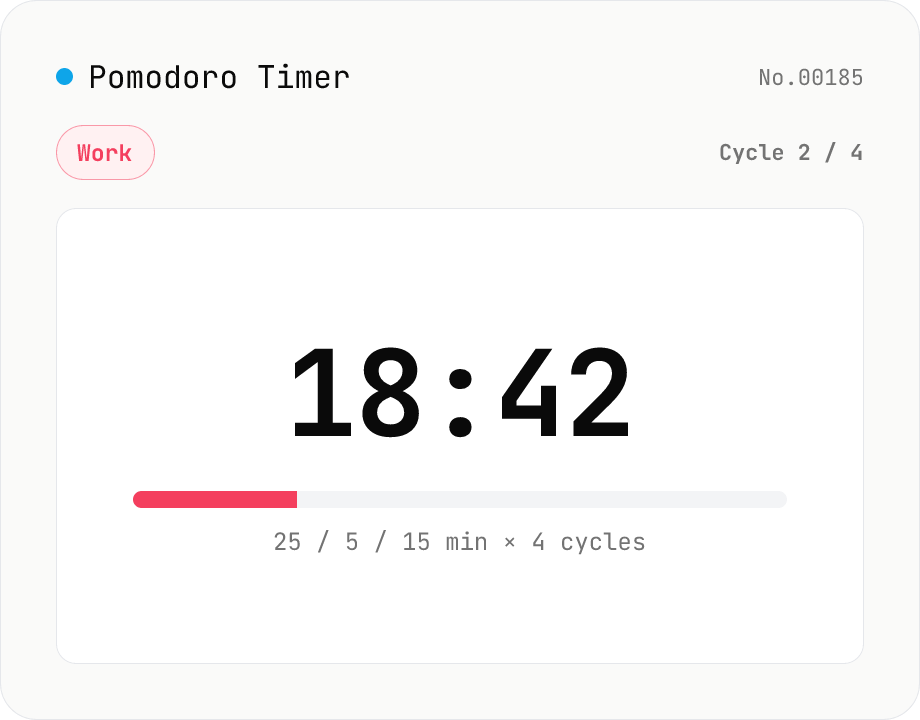
Pomodoro Timer (25 / 5 / long-break cycle)
A browser-only Pomodoro timer for focused work cycles: 25 minutes work + 5 minutes short break, then a 15–30 minute long break every fourth pomodoro. Customise work / short-break / long-break minutes, number of cycles and the audio chime — settings autosave to localStorage. Phase-end chimes are synthesised with the Web Audio API (descending for work-end, ascending for break-end, a C-major chord for set-end). Uses `performance.now()` deltas so transitions stay accurate even in throttled background tabs. Timer logic, settings and audio all run inside your browser — nothing is uploaded.
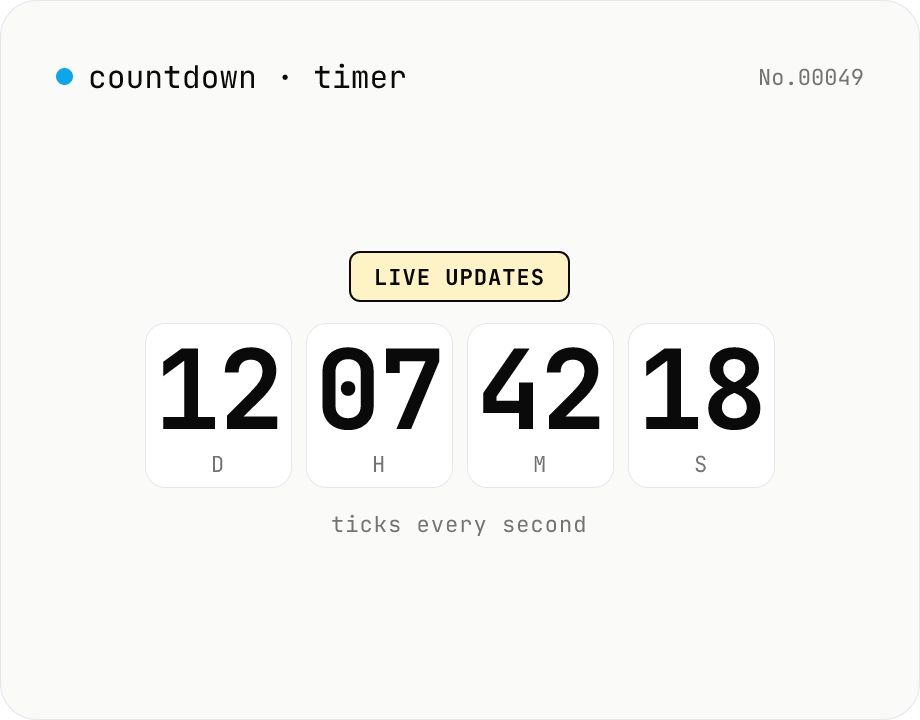
Countdown / count-up timer — time left or elapsed until target date
Real-time display of the remaining time until (countdown) or the elapsed time since (count-up) a target date. Days / hours / minutes / seconds tick every second. Copy the URL to share the current setup (?to=datetime&mode=countdown). Uses your browser's local timezone. Runs entirely in your browser — the target datetime never leaves your device.
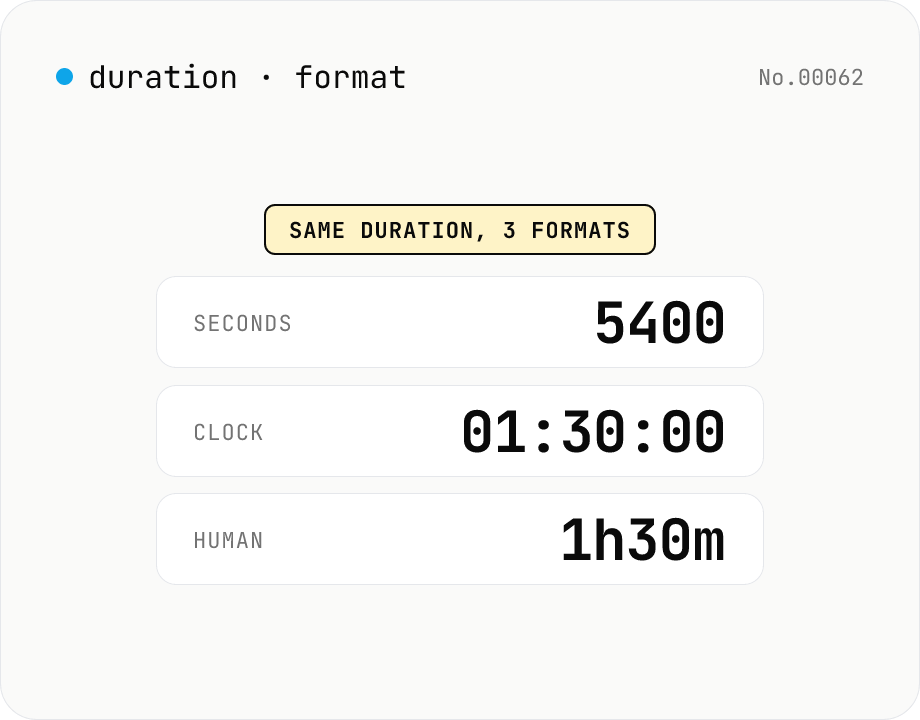
Duration format converter — seconds, mm:ss, hh:mm:ss & 1h30m bulk
Convert durations between three formats: seconds (5400), clock (01:30:00), and human-readable (1h30m). Pick the output format and the input is auto-detected — even mixed formats on different lines. Bulk-converts multi-line input and reports skipped (unparseable) lines. Supports d/h/m/s units (1d = 86400 seconds). Runs entirely in your browser.
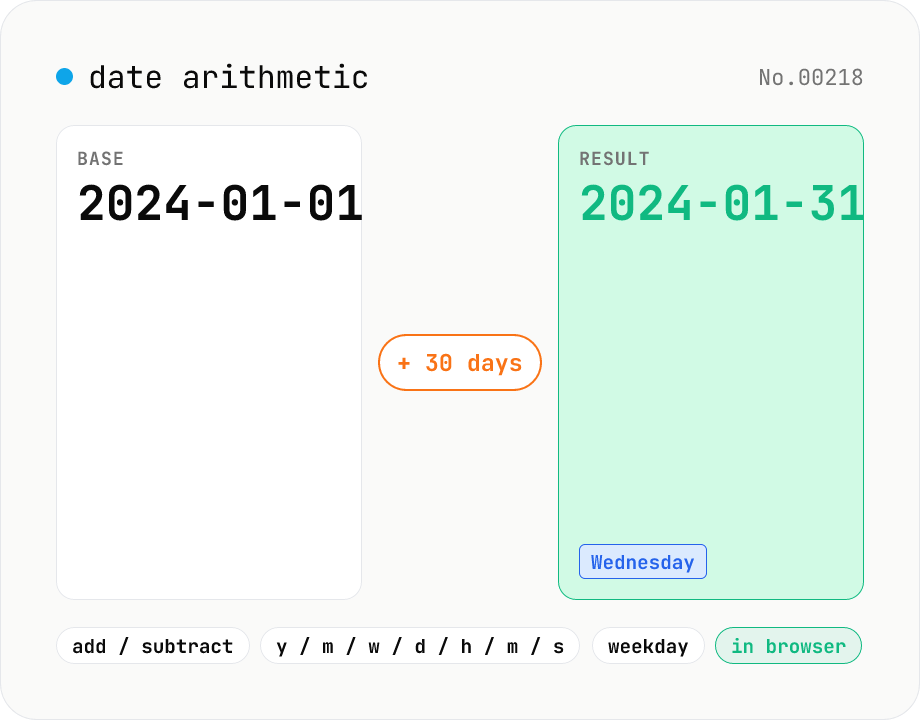
Date arithmetic — add or subtract years / months / days / hours / minutes
Add or subtract years, months, weeks, days, hours, minutes or seconds from a base date and time. Useful for due-date calculations, contract expirations, scheduling N days ahead or N hours back. Month-end arithmetic follows JavaScript's Date roll-over rules (e.g. Jan 31 + 1 month becomes Feb 28/29). The result shows the new local timestamp, the weekday, a diff summary versus the base and the Unix epoch. Runs entirely in your browser — your input never leaves the device.