
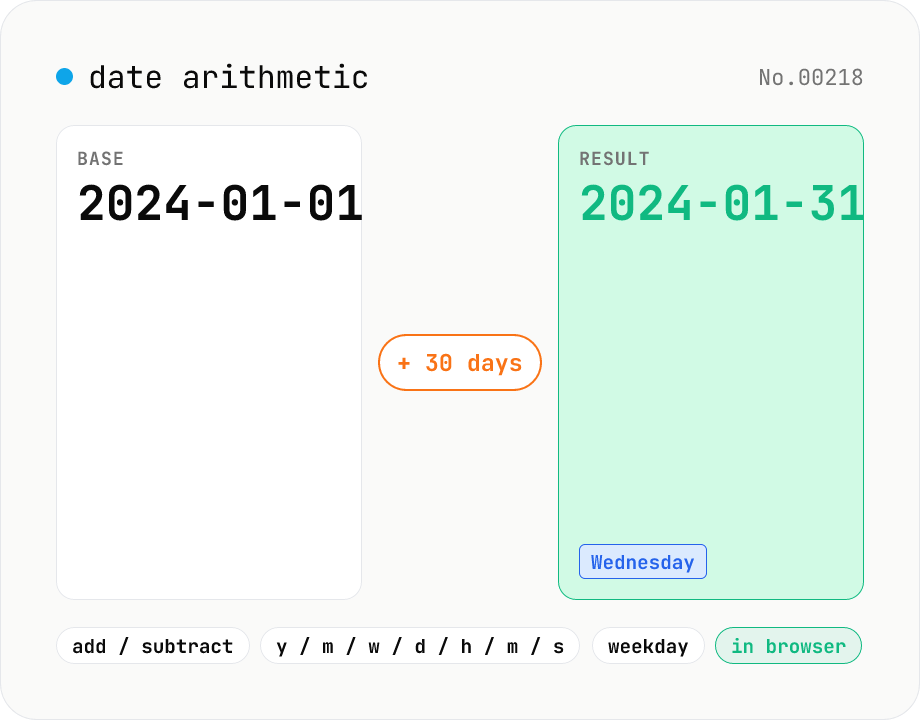
Date arithmetic — add or subtract years / months / days / hours / minutes
Add or subtract years, months, weeks, days, hours, minutes or seconds from a base date and time. Useful for due-date calculations, contract expirations, scheduling N days ahead or N hours back. Month-end arithmetic follows JavaScript's Date roll-over rules (e.g. Jan 31 + 1 month becomes Feb 28/29). The result shows the new local timestamp, the weekday, a diff summary versus the base and the Unix epoch. Runs entirely in your browser — your input never leaves the device.
How to use
Type a base date in datetime-local form (YYYY-MM-DDTHH:MM) — or click Now to drop in the current time — pick the operation (Add / Subtract), choose a unit (years / months / weeks / days / hours / minutes / seconds) and enter an amount. The output shows the resulting local timestamp, weekday, delta-from-base summary, Unix epoch and ISO 8601 (UTC). Month arithmetic uses the same roll-over rule as JavaScript's Date: Jan 31 + 1 month becomes Feb 28 (or Feb 29 in leap years). The tool runs in your local timezone — pair it with timezone-convert if you need to mix timezones.
FAQ
- How are end-of-month edges handled?
- Same as JavaScript's Date roll-over. Jan 31 + 1 month → Feb 28 (or Feb 29 in leap years). Mar 31 − 1 month → end of February. Think of it as 'if the day doesn't exist in the target month, clamp to the last day'.
- How is the week unit computed?
- Weeks are simply days × 7. So 8 weeks = 56 days. This is independent of months and won't trigger the end-of-month rule.
- What timezone is used?
- Your browser's local timezone. The base input and the displayed result are both local. The Unix epoch and ISO 8601 lines show UTC equivalents so you can share them across timezones.
- How is this different from date-diff?
- date-diff computes the gap between two dates. time-arithmetic computes new = base + amount. Pick this tool when you have a base date and want to project forward or back; pick date-diff when you have two dates and want the gap.
- Does it support business-day arithmetic?
- Not yet — it only handles plain calendar arithmetic. For business-day calculations that skip weekends and Japanese national holidays, use business-day-jp instead.
- Is my input uploaded?
- No. The calculation runs entirely in your browser, so your dates and times never leave the device.
Related tools
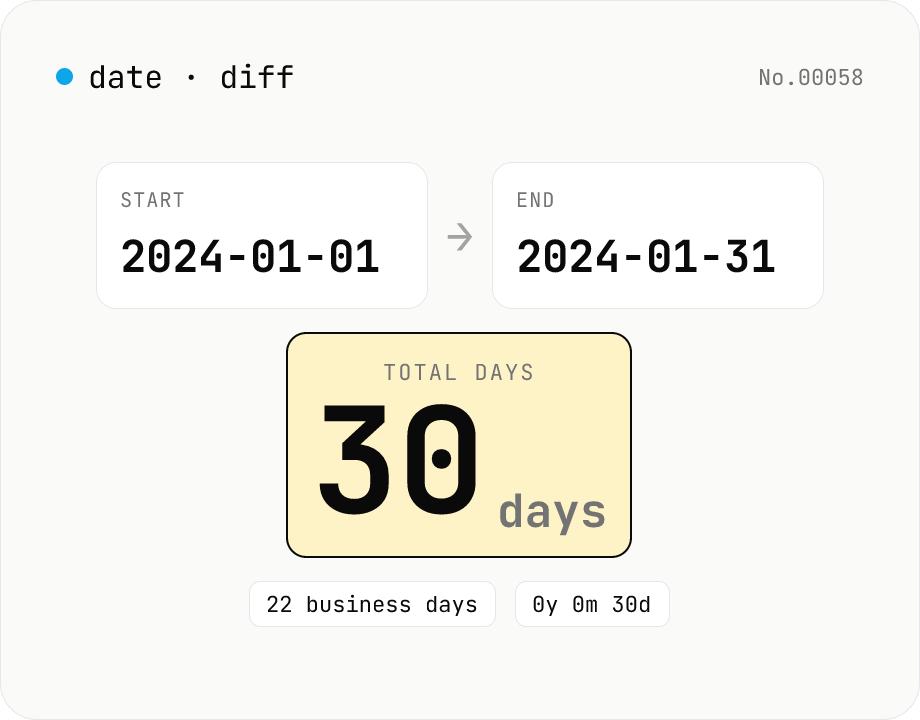
Date difference calculator — days / weeks / months / years
Compute the gap between two dates in days, weeks, business days, a years-months-days breakdown, and (optionally) hours/minutes/seconds. Toggle inclusivity and time-of-day with a checkbox. Everything runs inside your browser.
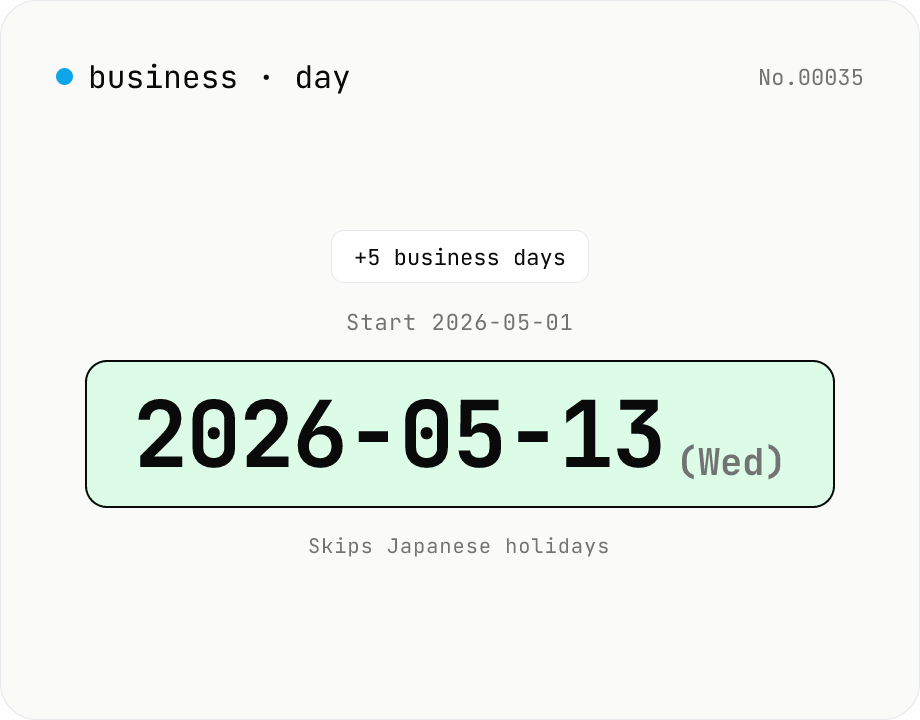
JP business-day calculator — count workdays excluding holidays
Compute the date that is N business days before or after a given date, skipping Japanese national holidays plus weekends. Handles substitute holidays, citizen's holidays, and vernal/autumnal equinoxes (1955-2099). Useful for due dates, settlement dates, and Japan-side delivery scheduling. Runs entirely in your browser.
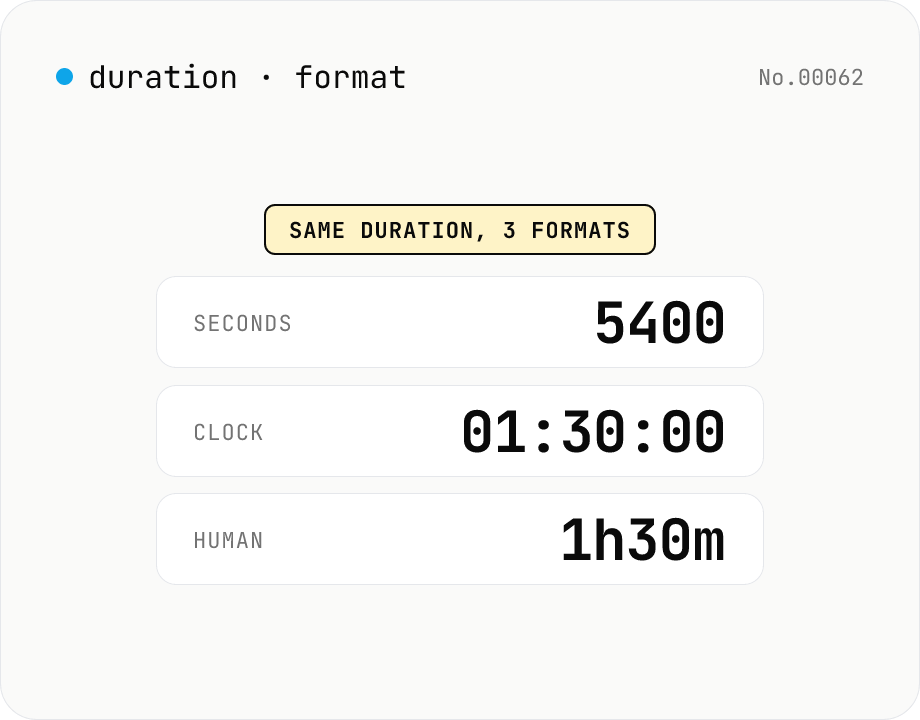
Duration format converter — seconds, mm:ss, hh:mm:ss & 1h30m bulk
Convert durations between three formats: seconds (5400), clock (01:30:00), and human-readable (1h30m). Pick the output format and the input is auto-detected — even mixed formats on different lines. Bulk-converts multi-line input and reports skipped (unparseable) lines. Supports d/h/m/s units (1d = 86400 seconds). Runs entirely in your browser.
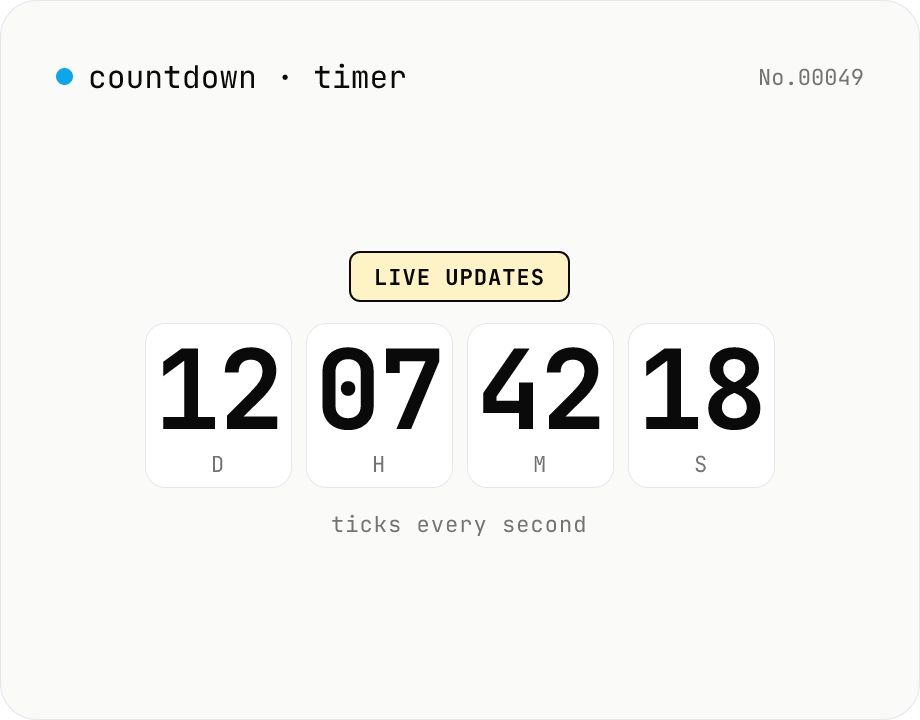
Countdown / count-up timer — time left or elapsed until target date
Real-time display of the remaining time until (countdown) or the elapsed time since (count-up) a target date. Days / hours / minutes / seconds tick every second. Copy the URL to share the current setup (?to=datetime&mode=countdown). Uses your browser's local timezone. Runs entirely in your browser — the target datetime never leaves your device.