
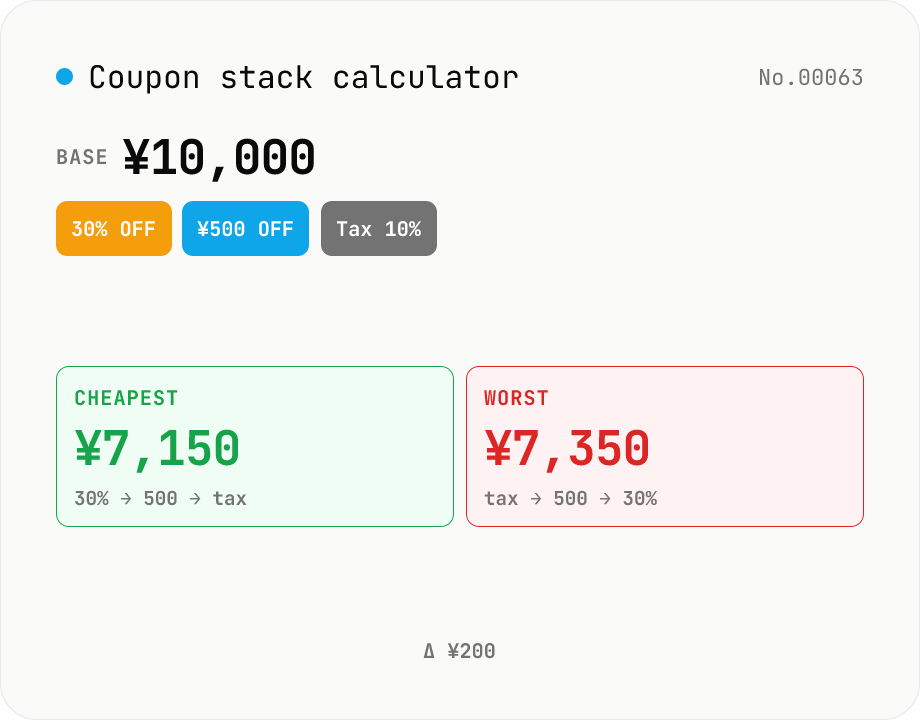
Coupon stack calculator — does order matter?
Apply multiple coupons (% off, flat amount off, point rebate, sales tax) to a list price in a specific sequence and see how the final total moves. E-commerce checkouts and brick-and-mortar registers don't always apply coupons in the same order, and the answer differs depending on the sequence. Reorder the coupons to see step-by-step totals at every stage, then compare orderings to **find the cheapest** and **most expensive** sequence automatically. Pairs nicely with `discount-calc` (stacking two %-off rates) when you need richer behaviour: 5+ coupons, tax-before vs. tax-after, point rebates with their own basis. Nothing is uploaded — math runs in your browser.
How to use
Type the pre-tax base price. Add coupons of any type (% off / flat off / point rebate / sales tax). Drag — well, reorder via the move buttons — to change application order. The summary card shows final payable, points earned, and effective price. The Steps table shows each calculation step. The 'cheapest / most expensive order' badges run every permutation (up to 8 coupons) to find the best and worst orderings.
In depth
What coupon-stacking data says about your spending behaviour
Typing a base price and a stack of discount rules into a web form looks innocuous. But the combination tells a story: the price range of what you’re buying, which types of promotions you respond to (percentage vs flat vs points), and how carefully you optimise before spending. For e-commerce platforms and loyalty programs, that behavioural fingerprint is precisely the data used to sharpen retargeting and personalised offer strategies.
The concern is not that any single calculation session is damaging in isolation. It’s that repeated use of a server-side tool builds a usage history — and free calculators funded by advertising have a structural incentive to learn from that history.
Why stacking calculations belong entirely in your browser
The arithmetic here is multiplicative: apply each discount in sequence and multiply. There is nothing in the computation that requires a server. Yet many online coupon calculators send each update to a backend as you type, often to support analytics, A/B testing, or feature-usage tracking — purposes that have nothing to do with helping you find the cheapest order.
This tool computes every permutation (up to 8! = 40,320 orderings) using only the JavaScript engine inside your browser tab. No number you enter reaches any server. The Network panel stays silent after the initial page load.
How the permutation search is implemented
The tool walks all permutations of your coupon list, applies each one step-by-step to the running total, and records the cheapest and most-expensive orderings. Point rebates set aside a share of the running total as points without reducing the cash amount; effective price is (paid − points). The Japanese consumption-tax step, when included, is applied to the post-discount pre-tax amount — matching the legal convention under Japan’s tax code.
All of this runs in-memory inside the browser. The source is on GitHub if you want to inspect the permutation logic or the tax-step implementation.
Before you pay: checking the order against the store’s actual calculation
The cheapest ordering is a mathematical result, but retailers don’t always apply coupons in the order that minimises your bill. Run the tool before checkout to identify the optimal sequence, then compare it against what the store’s cart actually shows. If the cart arrives at a different total, the store is using a different ordering — knowing this lets you decide whether to apply coupons manually or accept the store’s automatic stacking. For a single percent-off check use discount-calc; to divide the final settled bill across a group, expense-split stays in the same browser-only workflow.
Japan’s consumption tax rules: 10% standard / 8% reduced, and the discount-base interaction
Under Japan’s 消費税法 (Consumption Tax Act) Article 28, tax is computed on the post-discount sale price — meaning a retailer-issued coupon reduces both the principal and the tax (source: NTA Tax Answer No.6101). This tool applies that convention: tax is the last step, multiplied against the running discounted subtotal. The wrinkle is that manufacturer-issued coupons (the kind reimbursed by the maker to the store) are legally a ‘sales promotion subsidy’ rather than a price discount — they do not reduce the taxable base, so the consumption tax does not change even though the customer pays less. Outside Japan, similar distinctions apply between retailer markdowns and supplier rebates.
The reduced 8% rate applies only to food and beverages (excluding alcohol and dining-in service) and to newspapers published two or more times per week. A convenience-store sandwich taken away is 8%; the same sandwich eaten in-store is 10%. When entering amounts here, separate the pre-tax base by applicable rate and run the calculation twice if you have mixed items. The custom-rate input accepts 0–30%, which also handles European VAT scenarios (typically 19–25%) and reduced-rate categories in other jurisdictions.
How point rebates are taxed and the limits of ‘effective price’ calculations
Point rebates fall into two categories under Japanese tax law. Points earned from making a purchase (Rakuten Points, PayPay Points, credit-card cashback) are treated as a price discount per a 2020 NTA guideline and are not taxable income. Points earned without a corresponding purchase — signup bonuses, referral rewards — are ‘occasional income’ (一時所得) and become taxable above the JPY 500k annual deduction (source: NTA Tax Answer No.1490).
The ‘effective price = paid − points’ figure this tool reports treats one point as one yen. In practice the realised value is often less: (1) points have expiry dates (one year for Rakuten, indefinite for PayPay) and unused points eventually go to zero; (2) some programmes restrict redemption to specific merchants or product categories; (3) monthly caps on rebate rates mean the headline rate may not apply once your spend exceeds the threshold. When stacking multiple payment methods to chase double or triple rebates, enter each redemption rate as a separate coupon step in this tool to see the cumulative effective price — but verify the cap rules on each programme before assuming the headline rate applies.
FAQ
- How much does the order really matter?
- Take base 10,000 + 30% off + 500 flat off + 10% tax. Order 30→500→tax = 7150 (cheapest). Order 500→30→tax = 7315. Order tax→500→30 = 7350 (worst). ¥200 swing depending on sequence, and stores rarely explain which sequence they use.
- How are point rebates modelled?
- Point rebates set aside X % of the running total as separate points; the cash you pay doesn't change. Effective price = paid − points (treating points as cash-equivalents).
- Is there a coupon limit?
- Up to 8 coupons get the full permutation scan (40320 orderings) for cheapest / most-expensive detection. Past 8 we only compute the current order — the search space explodes.
- When should tax be applied?
- Under Japanese tax law, tax is applied to the discounted pre-tax total, so it normally comes last. Many e-commerce systems instead operate on tax-inclusive prices the whole time. By letting you reorder coupons explicitly, this tool helps you confirm what your retailer actually does.
- Is anything uploaded?
- No. The whole calculation runs in your browser.
How to verify nothing is uploaded
This tool never sends your input outside your browser. The pages below explain how it works, how to audit it, and how the site is run.
Related tools
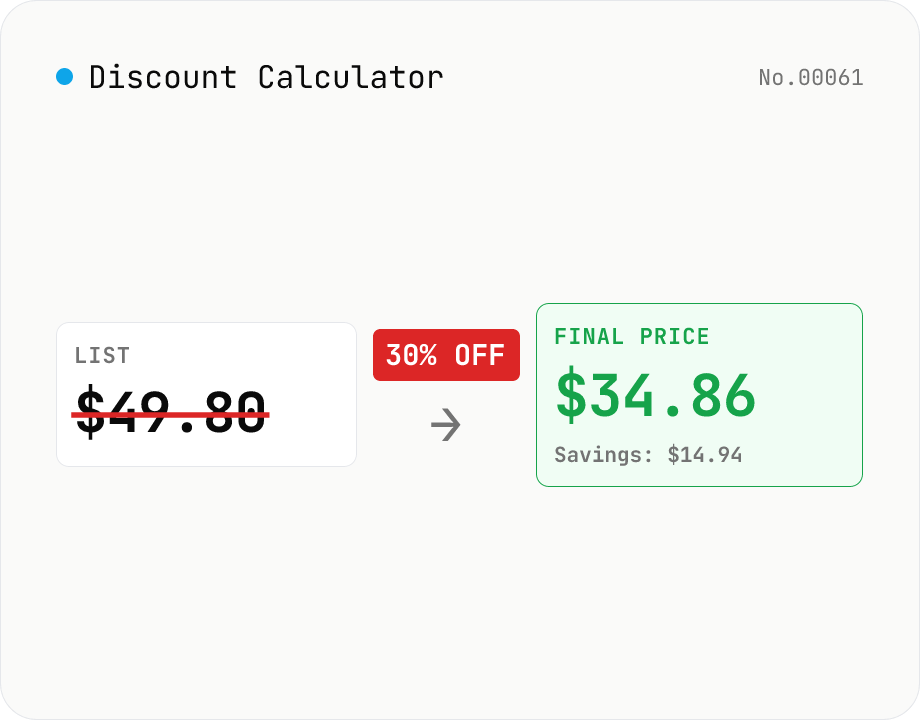
Discount Calculator — list price / discount rate / sale price all ways
Compute sale prices, discount amounts, and discount rates in four modes: (1) list price + discount% → savings + final price, (2) list price + sale price → effective discount %, (3) list price + discount amount → discount %, (4) list price + discount1 + discount2 → final price after stacking (e.g. 30% off + extra 10% = 1 − 0.7 × 0.9 = 37% off). Each mode also displays tax-included / tax-excluded values (10% / 8% / custom). Useful for shoppers comparing deals and store owners pricing inventory. Runs entirely in your browser.
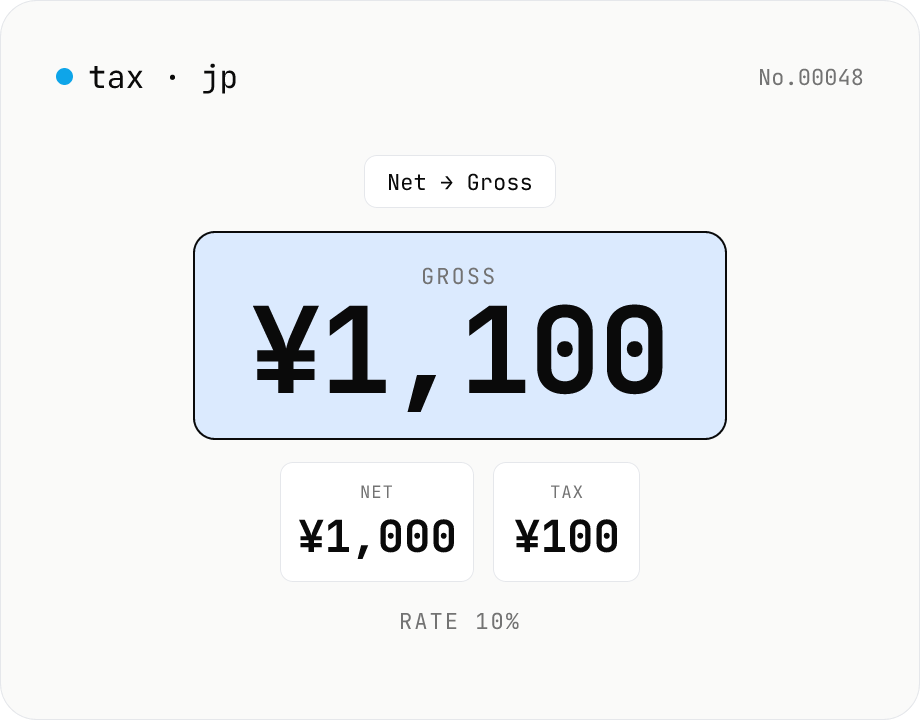
Japan Consumption Tax Calculator — 10% / 8% Net ↔ Gross
Free online Japanese consumption tax (shōhizei) calculator. Convert net ↔ gross both ways at the 10% standard rate, 8% reduced rate, or a custom rate, and see net, tax, and gross amounts together. Selectable rounding (floor / round / ceiling). Runs entirely in your browser — no amounts are uploaded.
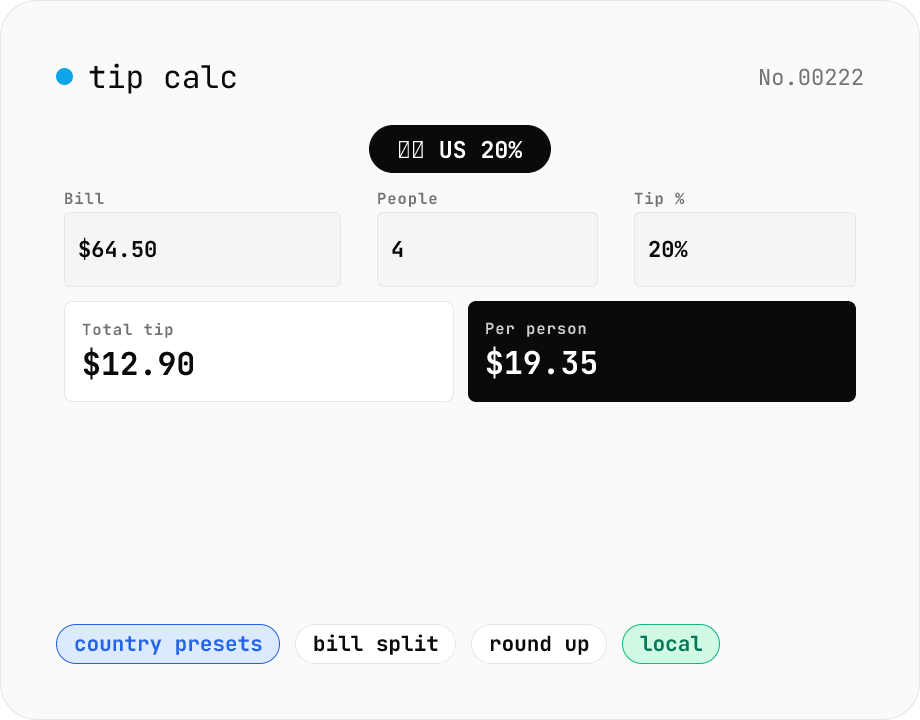
Tip calculator — restaurant tip + bill split
Enter the bill, tip percentage, and party size to compute per-person tip, per-person total, and grand total. Country-aware presets (US 18-20%, Canada 15-20%, Europe 5-10%, Japan 0%) save you the lookup, and a round-up toggle covers the awkward cents. Perfect for travel, business dinners, guided activities, or splitting a taxi fare. Runs locally in your browser.
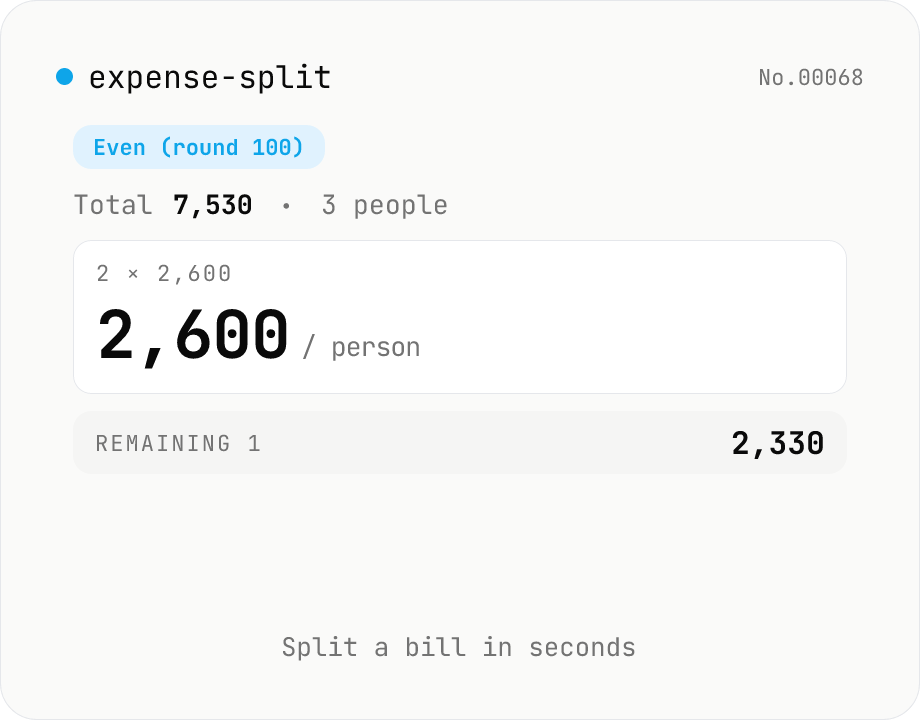
Expense splitter — even or organizer-pays-extra
Calculate how much each person owes when splitting a bill. Enter the total and the number of people, choose a rounding unit (1 / 10 / 100 / 500 / 1000), and see the per-person amount instantly. Two modes: (1) 『Even』 — everyone pays the same rounded-up amount, and one person gets a discount on the difference; (2) 『Organizer』 — most pay the rounded-down amount, and the organizer covers the leftover. The reconstructed total and the difference are shown live. Everything runs in your browser.