
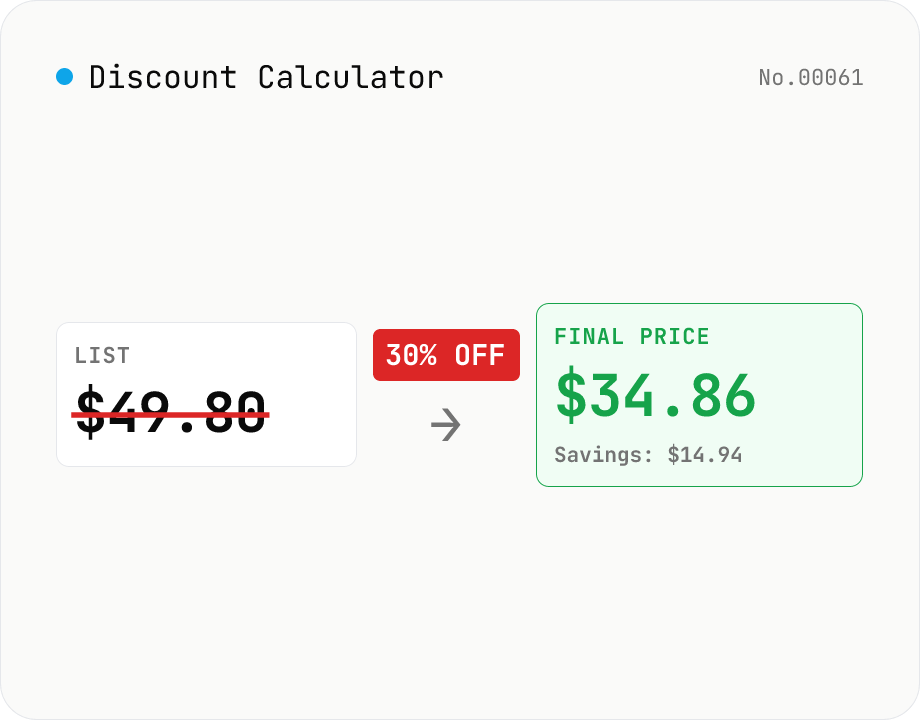
Discount Calculator — list price / discount rate / sale price all ways
Compute sale prices, discount amounts, and discount rates in four modes: (1) list price + discount% → savings + final price, (2) list price + sale price → effective discount %, (3) list price + discount amount → discount %, (4) list price + discount1 + discount2 → final price after stacking (e.g. 30% off + extra 10% = 1 − 0.7 × 0.9 = 37% off). Each mode also displays tax-included / tax-excluded values (10% / 8% / custom). Useful for shoppers comparing deals and store owners pricing inventory. Runs entirely in your browser.
How to use
1) Pick a mode (List + rate → final / List + sale → rate / List + savings → rate / List + stacked discounts → final). 2) Type numbers — the result updates live. 3) Tick 'Add sales tax' for 10% / 8% / custom-rate tax-inclusive prices. 4) Copy puts the result string on the clipboard.
FAQ
- Why is stacking 30% + 10% only 37%, not 40%?
- Stacked discounts multiply sequentially: `1000 × (1 - 0.30) × (1 - 0.10) = 1000 × 0.70 × 0.90 = 630` (= 37% off). Addition (40% off → 600) gives the wrong answer by 30. Coupon stacking and 'additional 10% off' promotions almost always use this multiplicative formula.
- How are tax-inclusive prices computed?
- `(price after discount) × (1 + tax rate)`. Japan's standard sales tax is 10%, with 8% for reduced-rate items (food etc.). Use 'Custom' for your local rate. Both list-price and final-price tax breakdowns are shown.
- How is this different from percent-calc?
- percent-calc is a general 'what is X% of Y' calculator. This tool is dedicated to sales / discounts and shows savings, final price, and effective discount rate together. Shoppers → this tool, general math → percent-calc.
- Can I reverse-engineer the list price from sale price?
- Use 'List + sale price → rate' (enter both to get rate). To compute list from sale + rate, use the formula `list = sale / (1 - rate)` on a calculator, or iterate the list field until the final price matches.
- How are fractional values rounded?
- Math is precise in floating point; display rounds to the locale default. Real-world stores apply different conventions (floor / ceil / round) so exact 1-unit matches aren't guaranteed.
- Is anything uploaded?
- No. All computation happens inside your browser; numbers you type are never sent over the network.
Related tools
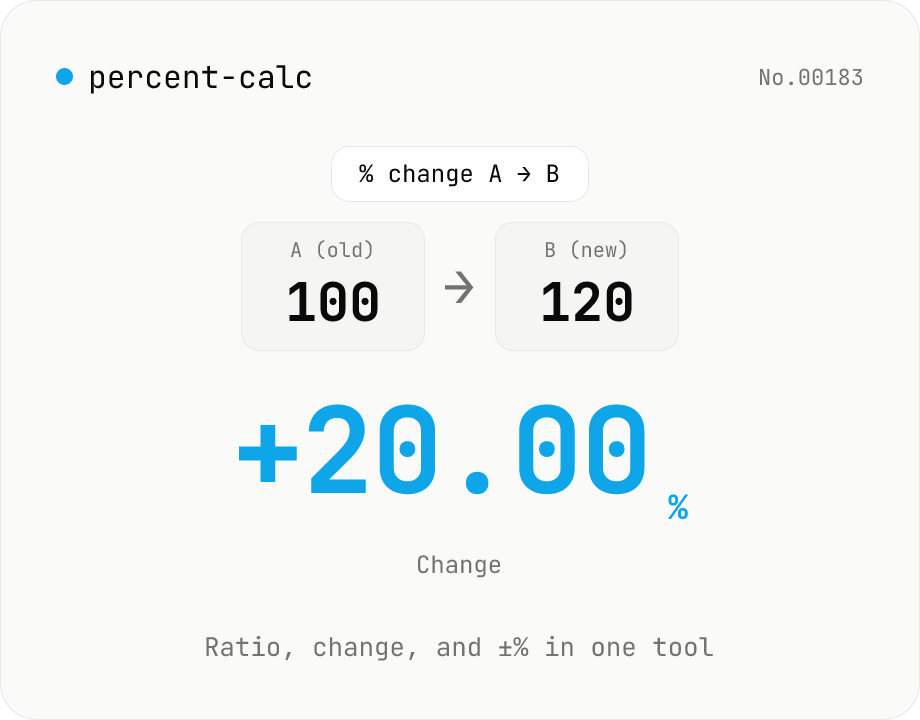
Percentage calculator — ratio, change, and ±% in one tool
A general-purpose percentage tool with four modes: X% of Y, X as % of Y, percent change from A to B, and a value increased or decreased by N%. Use it for discounts, year-over-year change, success rates, custom tax rates, tips, or grade percentages — all in one screen. Live calculation, 0 to 10 decimal places, and one-click copy. Everything runs in your browser.
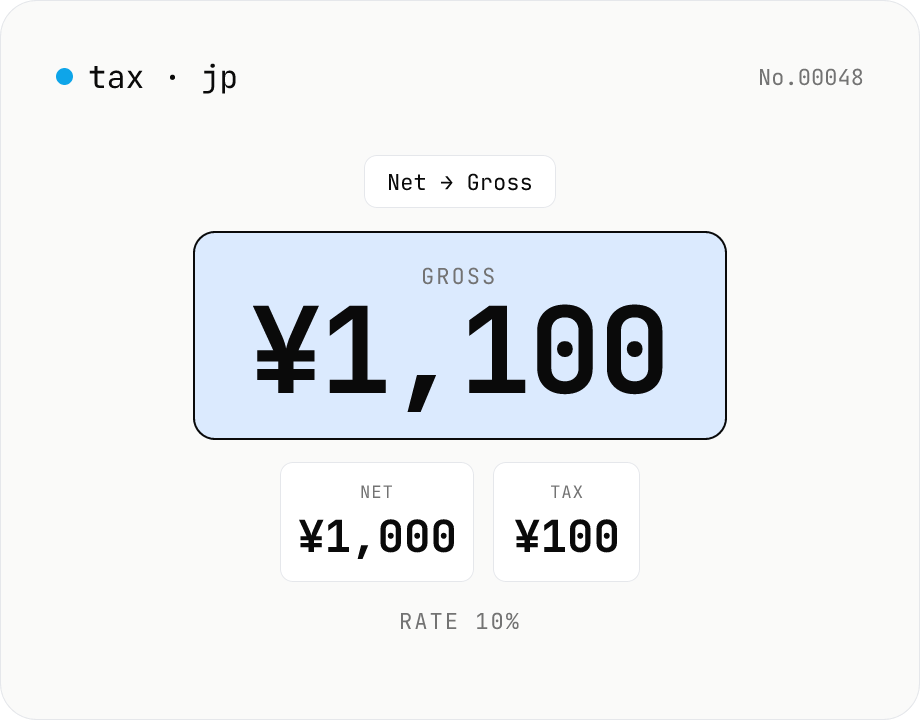
Japanese consumption tax calculator — net ⇄ gross at 10% / 8% rate
Convert Japanese consumption tax both ways (net→gross or gross→net) at 10% standard, 8% reduced, or a custom rate. Shows net, tax, and gross amounts together with selectable rounding (floor / round / ceiling). Runs entirely in your browser — no amounts are uploaded.
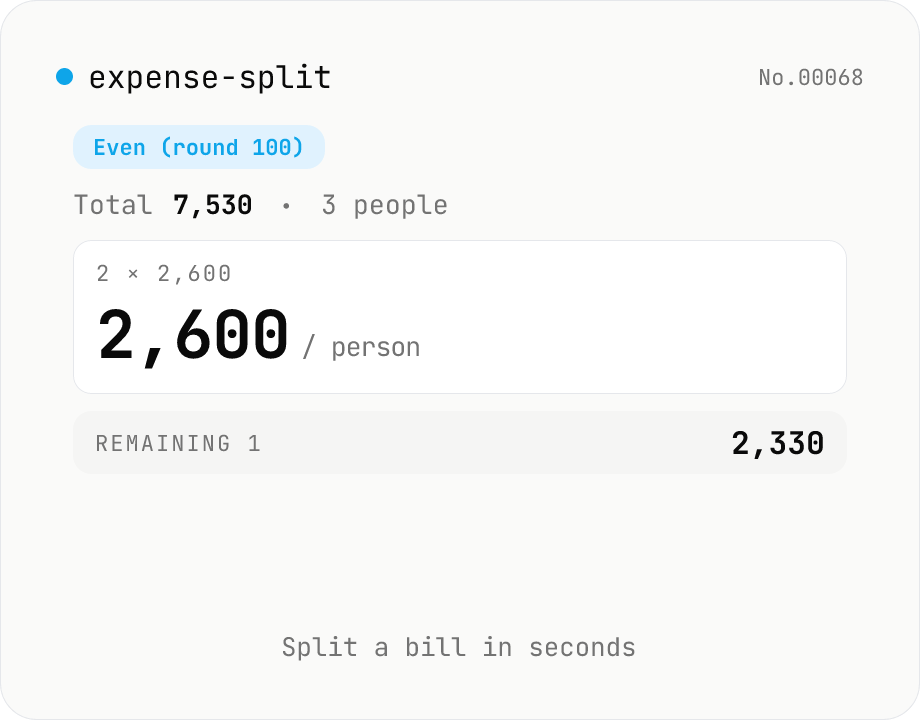
Expense splitter — even or organizer-pays-extra
Calculate how much each person owes when splitting a bill. Enter the total and the number of people, choose a rounding unit (1 / 10 / 100 / 500 / 1000), and see the per-person amount instantly. Two modes: (1) 『Even』 — everyone pays the same rounded-up amount, and one person gets a discount on the difference; (2) 『Organizer』 — most pay the rounded-down amount, and the organizer covers the leftover. The reconstructed total and the difference are shown live. Everything runs in your browser.
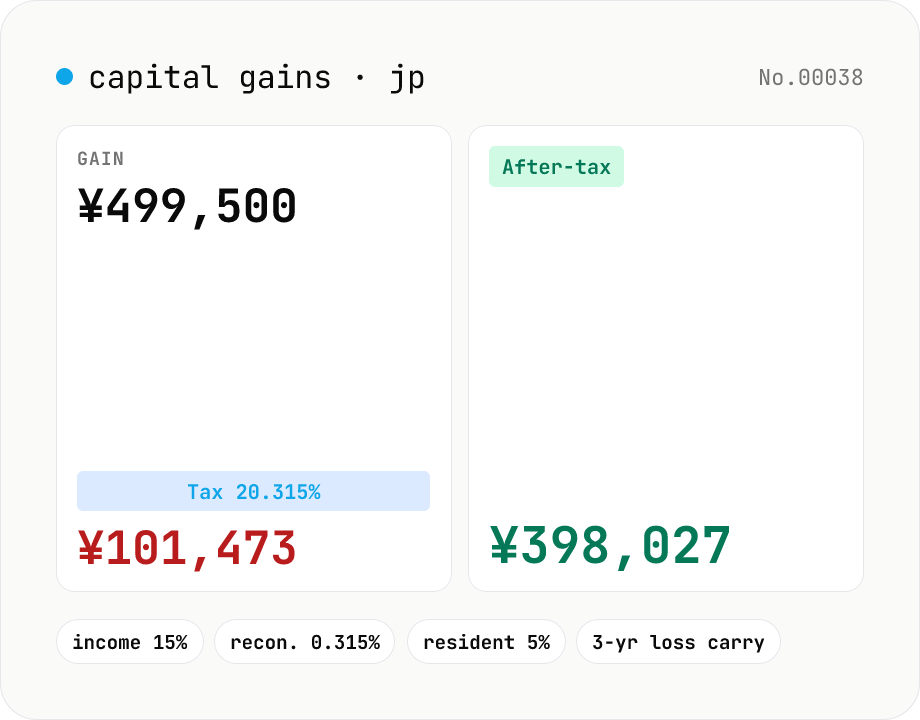
Japanese capital-gains tax (20.315%) — stock-sale net calculator
Estimate the 20.315% Japanese tax on listed-stock and mutual-fund capital gains (income tax 15% + 0.315% reconstruction surtax + 5% resident tax). Enter sale proceeds, acquisition cost (incl. buy-side fees) and sell-side expenses; the tool returns the gain, each tax line and the after-tax take-home. Losses display zero tax and a note about the 3-year carry-over deduction. Excludes NISA / iDeCo tax-free balances. Runs entirely in your browser — your figures never leave the device.