
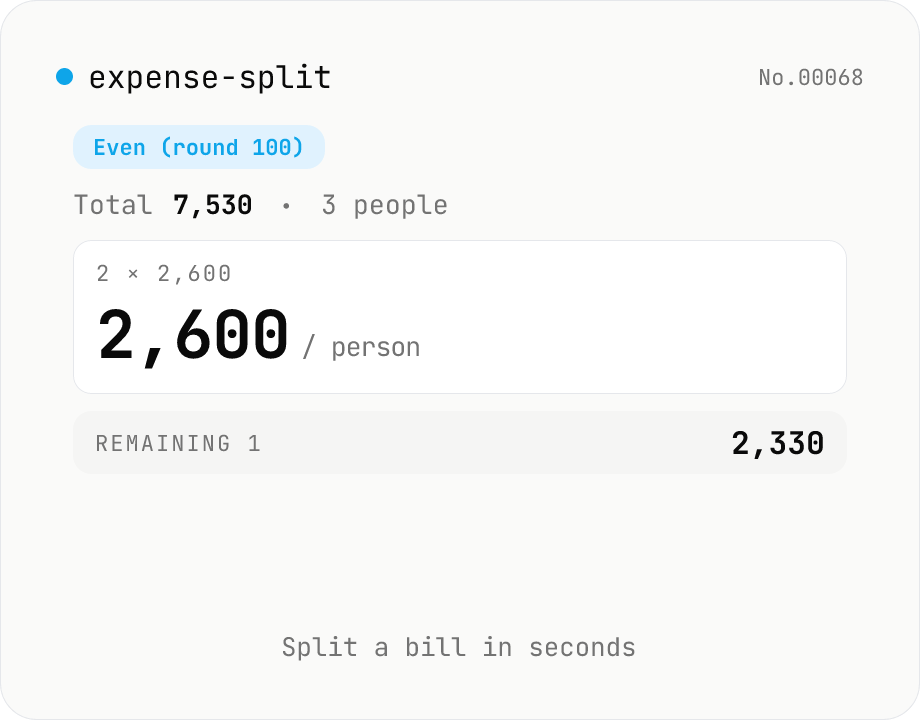
Expense splitter — even or organizer-pays-extra
Calculate how much each person owes when splitting a bill. Enter the total and the number of people, choose a rounding unit (1 / 10 / 100 / 500 / 1000), and see the per-person amount instantly. Two modes: (1) 『Even』 — everyone pays the same rounded-up amount, and one person gets a discount on the difference; (2) 『Organizer』 — most pay the rounded-down amount, and the organizer covers the leftover. The reconstructed total and the difference are shown live. Everything runs in your browser.
How to use
Enter the total amount and the number of people, then pick a rounding unit (1 / 10 / 100 / 500 / 1000). Two modes: 『Even』 (everyone pays the same rounded-up amount, one person gets the discount) or 『Organizer』 (most pay the rounded-down amount, organizer absorbs the leftover). The per-person amount, a reconstructed sum, and the difference are shown live. Copy any value with one click.
FAQ
- What's the difference between 『Even』 and 『Organizer』?
- Even rounds up so everyone pays the same — one person gets a discount on the leftover. Example: 7,530 split by 3 with a 100 unit → everyone pays 2,600, one person pays 2,330 (-270). Organizer rounds down so participants pay the round number — the organizer covers the leftover. Same example → 2,500 / 2,500 / 2,530 (+30).
- Which rounding unit should I pick?
- For cash collection at convenience stores, 100 or 500 is smooth. For exact splits, use 1. For adult-night-out culture, 500 or 1000 is common.
- Is it fair that one person pays differently?
- Someone has to absorb the remainder, so perfect fairness is impossible. Organizer mode reframes the unfairness as a small fee the organizer pays. For maximum fairness pick rounding = 1 with even mode — the discount becomes 0–1 currency unit.
- Should I enter the pre-tax or post-tax total?
- Enter what you'll actually pay. The receipt's tax-inclusive total is standard. If you need to add tax first, use the consumption-tax-jp tool.
- What if organizer mode has only 1 person?
- Organizer mode needs participants other than the organizer, so it requires at least 2 people. Even mode works with 1 person but splitting with yourself is rarely useful.
Related tools
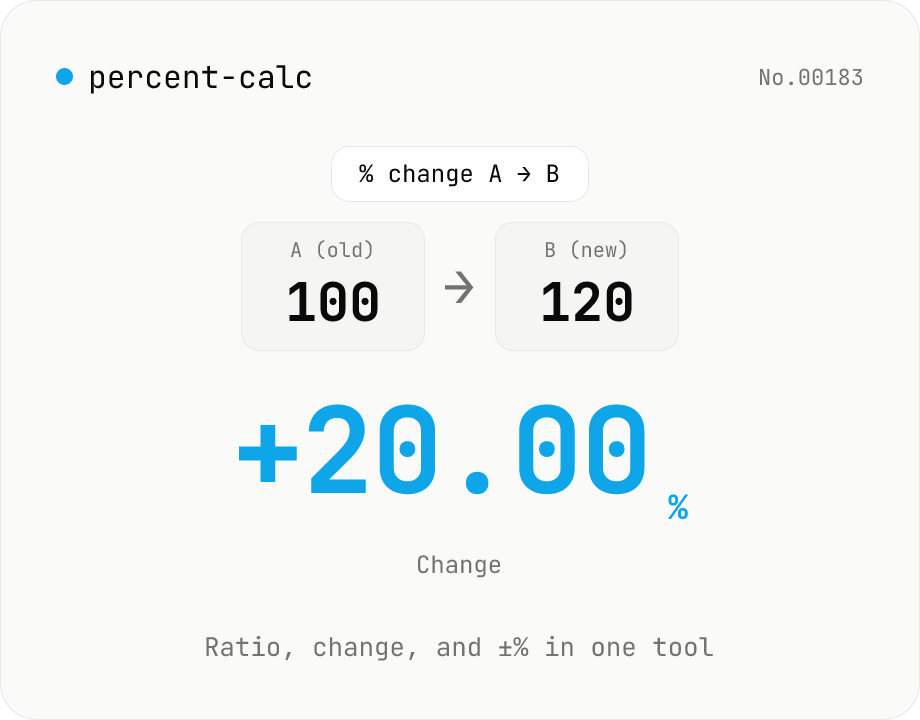
Percentage calculator — ratio, change, and ±% in one tool
A general-purpose percentage tool with four modes: X% of Y, X as % of Y, percent change from A to B, and a value increased or decreased by N%. Use it for discounts, year-over-year change, success rates, custom tax rates, tips, or grade percentages — all in one screen. Live calculation, 0 to 10 decimal places, and one-click copy. Everything runs in your browser.
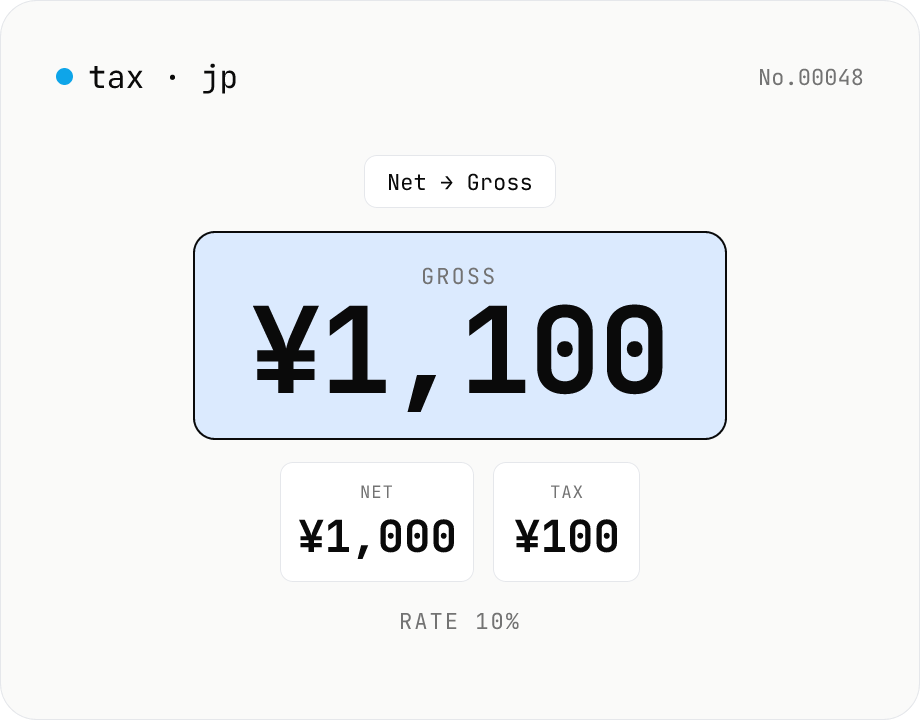
Japanese consumption tax calculator — net ⇄ gross at 10% / 8% rate
Convert Japanese consumption tax both ways (net→gross or gross→net) at 10% standard, 8% reduced, or a custom rate. Shows net, tax, and gross amounts together with selectable rounding (floor / round / ceiling). Runs entirely in your browser — no amounts are uploaded.
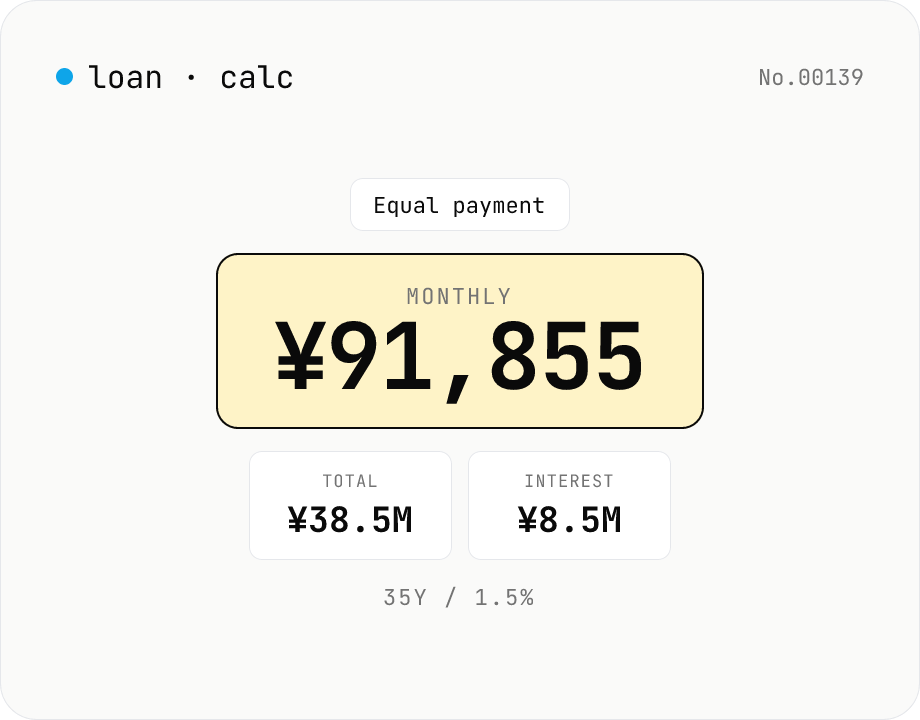
Loan repayment calculator — equal payment & equal principal table
Simulate mortgage, auto, and student-loan repayments under both equal-payment and equal-principal schedules. Enter principal, annual rate, and term to see the monthly payment, total interest, total paid, and a full amortization table. Everything runs in your browser — no loan or income data is uploaded.
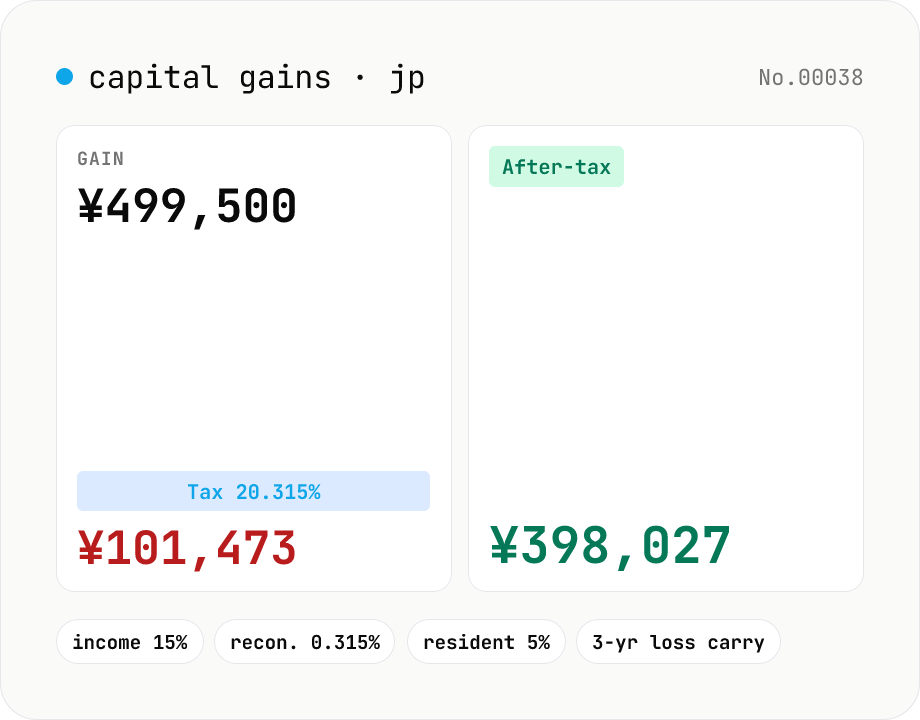
Japanese capital-gains tax (20.315%) — stock-sale net calculator
Estimate the 20.315% Japanese tax on listed-stock and mutual-fund capital gains (income tax 15% + 0.315% reconstruction surtax + 5% resident tax). Enter sale proceeds, acquisition cost (incl. buy-side fees) and sell-side expenses; the tool returns the gain, each tax line and the after-tax take-home. Losses display zero tax and a note about the 3-year carry-over deduction. Excludes NISA / iDeCo tax-free balances. Runs entirely in your browser — your figures never leave the device.