
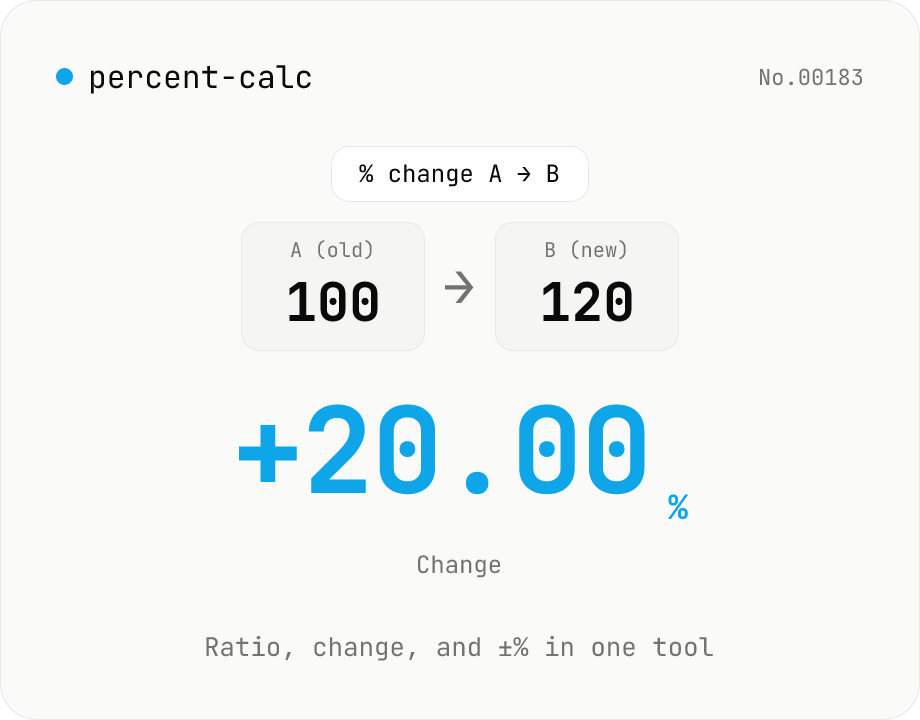
Percentage calculator — ratio, change, and ±% in one tool
A general-purpose percentage tool with four modes: X% of Y, X as % of Y, percent change from A to B, and a value increased or decreased by N%. Use it for discounts, year-over-year change, success rates, custom tax rates, tips, or grade percentages — all in one screen. Live calculation, 0 to 10 decimal places, and one-click copy. Everything runs in your browser.
How to use
Pick one of four modes depending on what you want. Use 『X% of Y』 for discounts, sales tax, or tips. Use 『X is what % of Y』 for completion rates and shares. Use 『% change from A to B』 for year-over-year or month-over-month changes. Use 『X ± Y%』 for the value after a discount or markup. Type two numbers and the result updates live; choose decimal places and copy with one click.
FAQ
- Which mode should I pick?
- Want the actual amount of a percentage? Pick 『X% of Y』 (e.g. 8% of 1,000 = 80). Want the share? Pick 『X is what % of Y』 (e.g. 30 of 120 = 25%). Want the rate of change? Pick 『A → B』 (e.g. 100 → 120 = +20%). Want the value after the change? Pick 『X ± Y%』 (e.g. -20% off 5,000 = 4,000).
- Can I enter a negative Y%?
- Only in the 『X ± Y%』 mode. Enter -20 to apply a 20% discount. In 『A → B』 mode the sign comes automatically: negative when B < A.
- The result rounds to 0 — why?
- Tiny results like 0.0001 round to 0 at 0 decimal places. Increase 『Decimal places』 to 4 or more. For money amounts, 0 or 2 places are usually best.
- What happens if I divide by zero?
- 『X is what % of Y』 and 『% change from A to B』 modes show an error when Y or A is 0, since percentage is undefined.
- Is there a dedicated sales tax tool?
- Yes — for Japanese consumption tax with rounding modes (down / nearest / up) use the consumption-tax-jp tool. This tool is for general percentage math.
Related tools
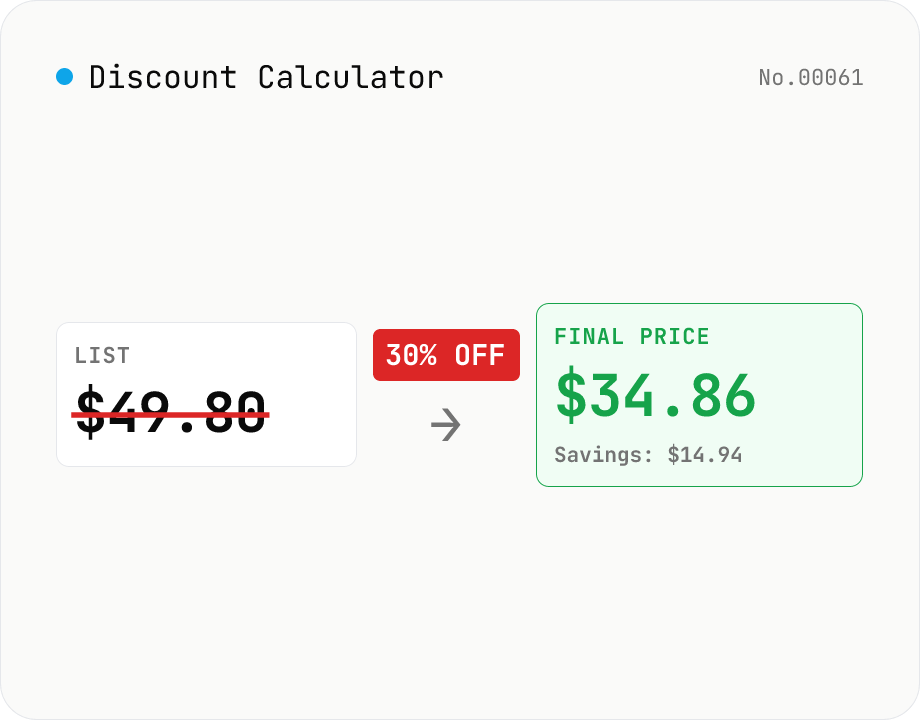
Discount Calculator — list price / discount rate / sale price all ways
Compute sale prices, discount amounts, and discount rates in four modes: (1) list price + discount% → savings + final price, (2) list price + sale price → effective discount %, (3) list price + discount amount → discount %, (4) list price + discount1 + discount2 → final price after stacking (e.g. 30% off + extra 10% = 1 − 0.7 × 0.9 = 37% off). Each mode also displays tax-included / tax-excluded values (10% / 8% / custom). Useful for shoppers comparing deals and store owners pricing inventory. Runs entirely in your browser.
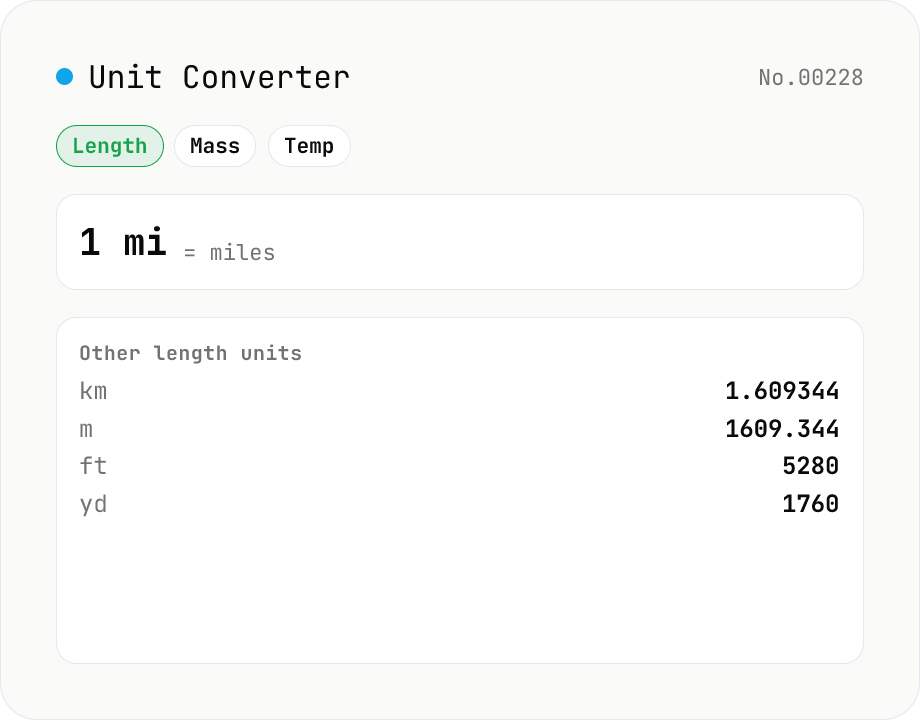
Unit Converter
Convert between length, weight, temperature, volume, area, speed, data size, and time units. Enter one value and see equivalents in every supported unit at once. Runs entirely in your browser — no uploads.
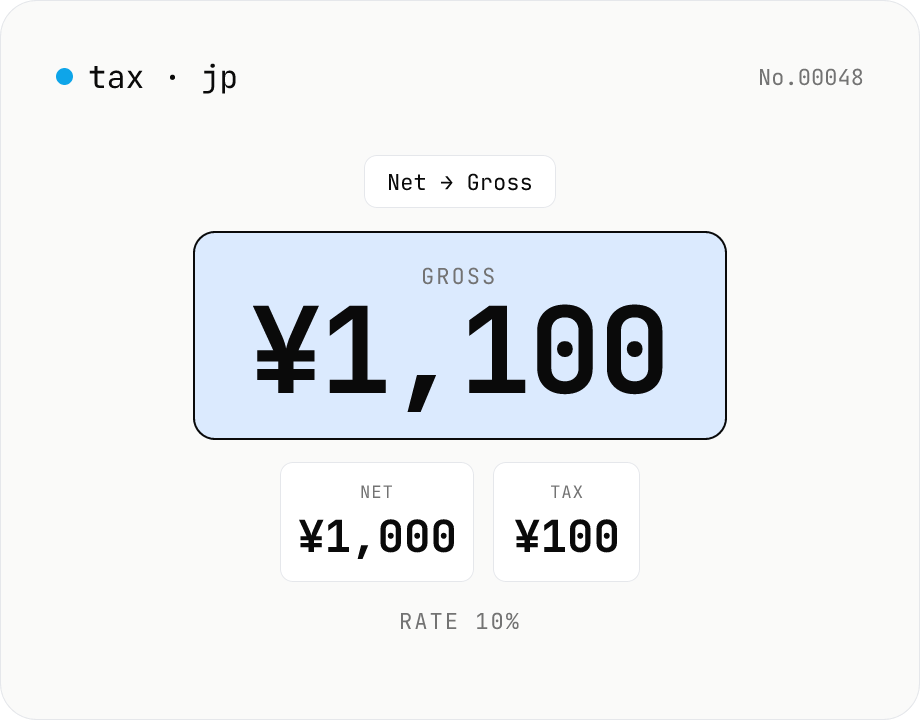
Japanese consumption tax calculator — net ⇄ gross at 10% / 8% rate
Convert Japanese consumption tax both ways (net→gross or gross→net) at 10% standard, 8% reduced, or a custom rate. Shows net, tax, and gross amounts together with selectable rounding (floor / round / ceiling). Runs entirely in your browser — no amounts are uploaded.
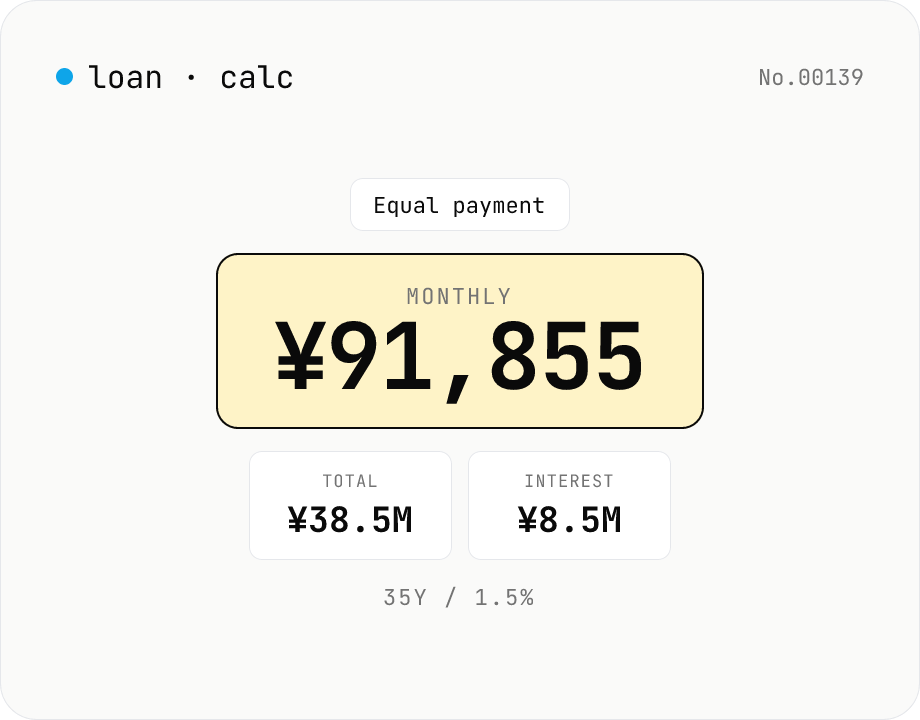
Loan repayment calculator — equal payment & equal principal table
Simulate mortgage, auto, and student-loan repayments under both equal-payment and equal-principal schedules. Enter principal, annual rate, and term to see the monthly payment, total interest, total paid, and a full amortization table. Everything runs in your browser — no loan or income data is uploaded.