
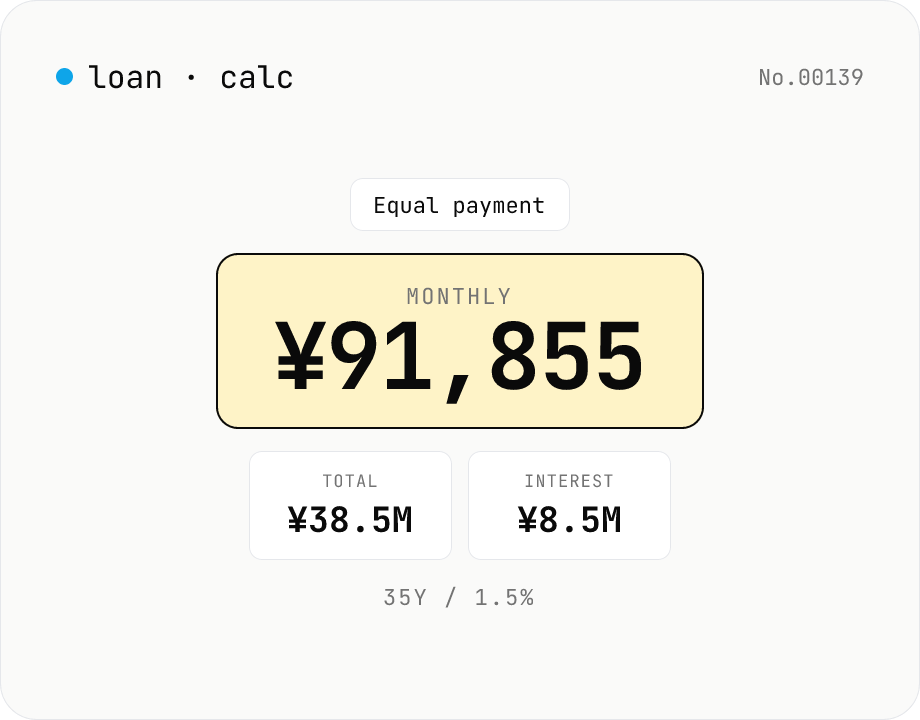
Loan repayment calculator — equal payment & equal principal table
Simulate mortgage, auto, and student-loan repayments under both equal-payment and equal-principal schedules. Enter principal, annual rate, and term to see the monthly payment, total interest, total paid, and a full amortization table. Everything runs in your browser — no loan or income data is uploaded.
How to use
Pick a repayment mode (equal payment or equal principal), enter the principal, annual rate, and term (years + months), then press Calculate. The tool shows the monthly payment, total amount paid, and total interest, plus an amortization schedule you can toggle and download as CSV. The Sample button fills in a typical Japanese mortgage scenario (¥30M @ 1.5% / 35 years). All values stay on your device — nothing is uploaded.
FAQ
- Is the loan amount uploaded?
- No. Principal, rate, and term are all processed by JavaScript in your browser; nothing leaves your device. Safe to use for pre-approval and budgeting scenarios.
- Which repayment mode should I pick?
- Equal payment (元利均等) gives you a flat monthly amount — easier to budget and the dominant style for Japanese mortgages. Equal principal (元金均等) starts with the largest payment and shrinks each month; pays less total interest but requires more cash up front.
- What is the monthly payment formula?
- Equal payment: M = P × i × (1+i)^n / ((1+i)^n − 1), where P is principal, i = annual rate / 12, n = months. Equal principal: monthly principal = P / n; interest each month = remaining balance × i; payment = principal + interest.
- Are bonus payments supported?
- No. The tool models monthly-only repayments. For a Japanese bonus-and-monthly mix, split the principal into a bonus portion and a monthly portion and run the tool twice.
- Can I simulate prepayments?
- Not in this version. Export the amortization CSV and run a prepayment scenario in Excel / Google Sheets for now.
- The amortization table scrolls slowly
- A 35-year mortgage is 420 rows. The table is a plain HTML table (no virtualization), which is fine up to a few thousand rows. For heavy analysis, prefer the CSV export.
Related tools
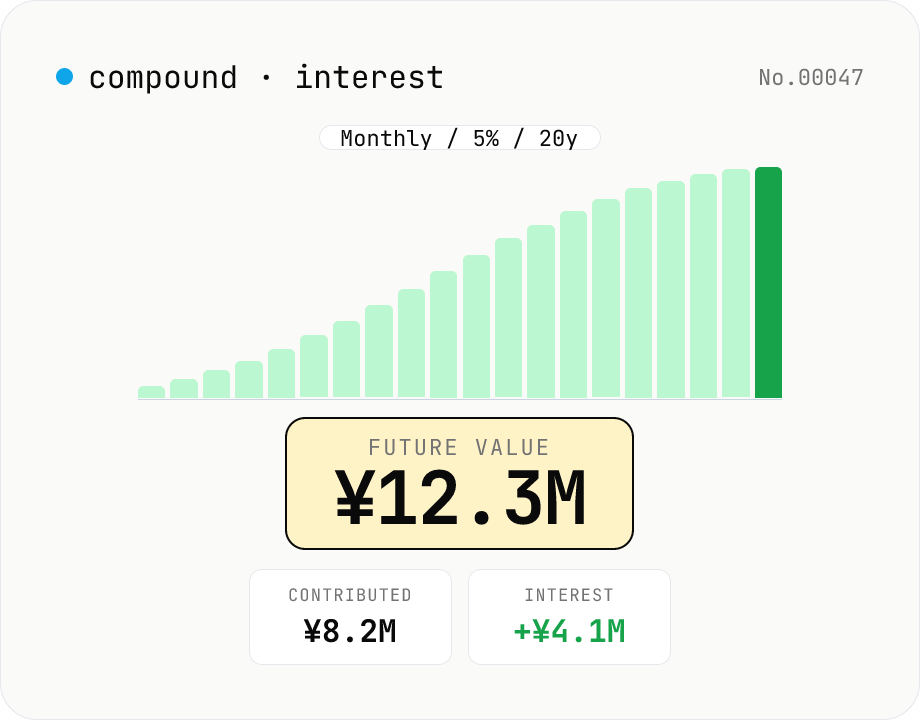
Compound interest calculator — lump-sum & monthly contribution
Project the future value of an investment compounded over time. Supports three modes: principal only, monthly contributions, or annual contributions. Great for simulating Tsumitate NISA / iDeCo / certificates of deposit. Year-by-year balances can be exported as CSV. Principal, rate, and term stay in your browser — nothing is uploaded.
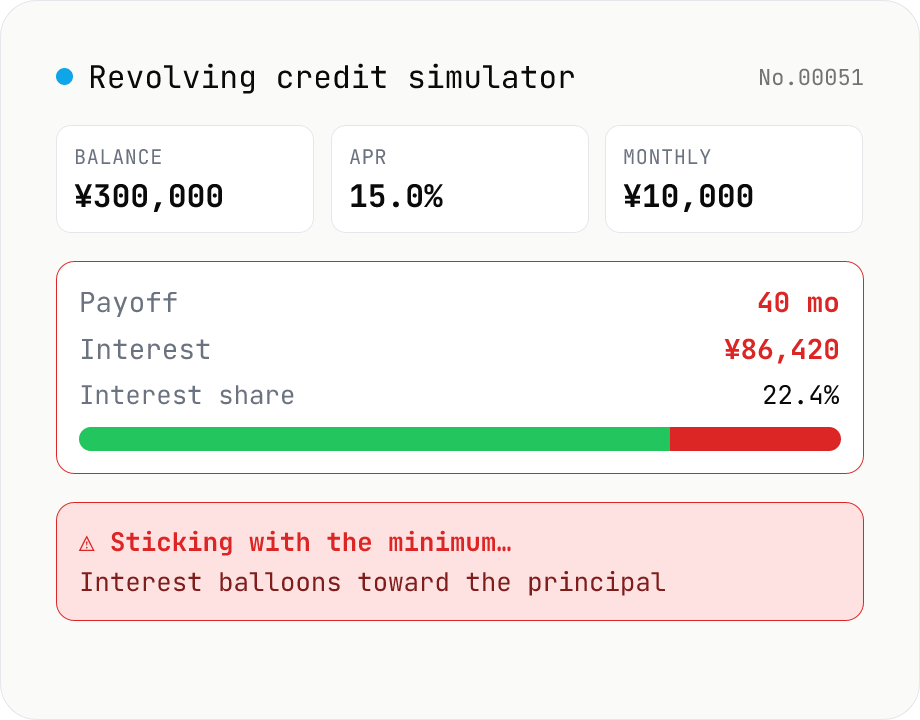
Credit-card revolving simulator — months to payoff, total interest
Simulate Japanese credit-card revolving (リボ払い) repayments month-by-month from the current balance, fixed monthly payment, and APR. Visualize months-to-payoff, total interest paid, and the principal vs interest split over time. Supports three Japanese-style methods: balance-slide (残高スライド), equal-payment (元利定額), and equal-principal (元金定額). Most card issuers charge 15.0–18.0% APR — keeping the minimum payment low usually grows the balance instead of paying it down, so the tool also lets you compare an extra-payment scenario. Nothing leaves your browser.
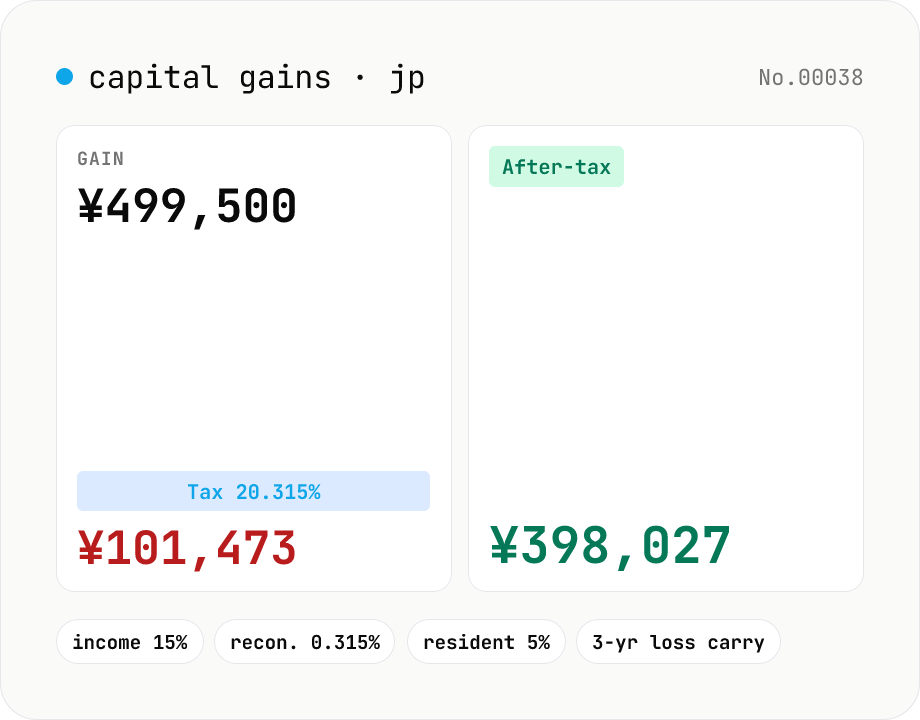
Japanese capital-gains tax (20.315%) — stock-sale net calculator
Estimate the 20.315% Japanese tax on listed-stock and mutual-fund capital gains (income tax 15% + 0.315% reconstruction surtax + 5% resident tax). Enter sale proceeds, acquisition cost (incl. buy-side fees) and sell-side expenses; the tool returns the gain, each tax line and the after-tax take-home. Losses display zero tax and a note about the 3-year carry-over deduction. Excludes NISA / iDeCo tax-free balances. Runs entirely in your browser — your figures never leave the device.
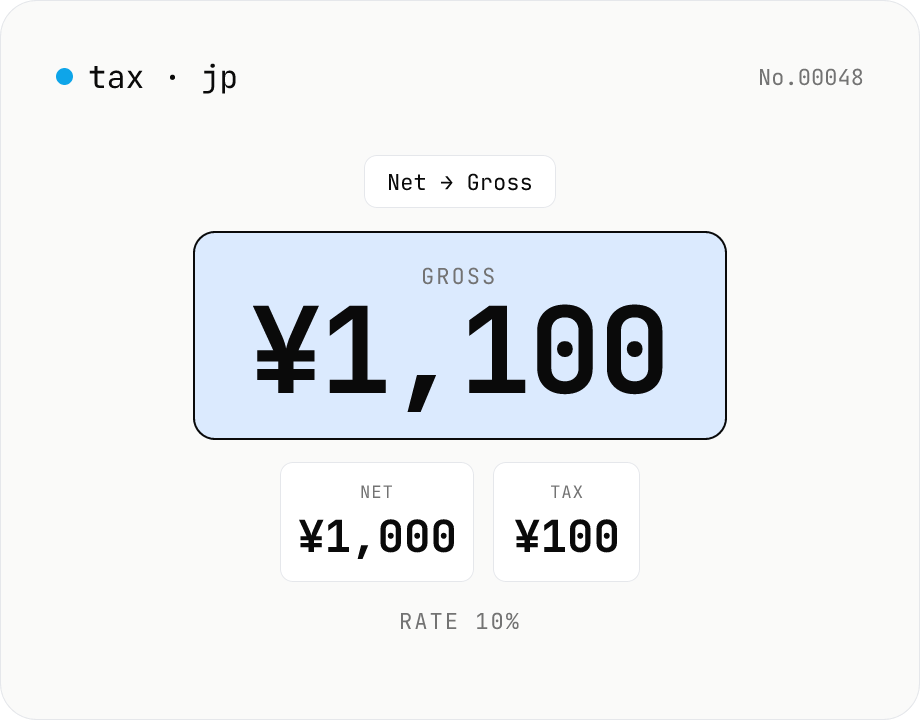
Japanese consumption tax calculator — net ⇄ gross at 10% / 8% rate
Convert Japanese consumption tax both ways (net→gross or gross→net) at 10% standard, 8% reduced, or a custom rate. Shows net, tax, and gross amounts together with selectable rounding (floor / round / ceiling). Runs entirely in your browser — no amounts are uploaded.