
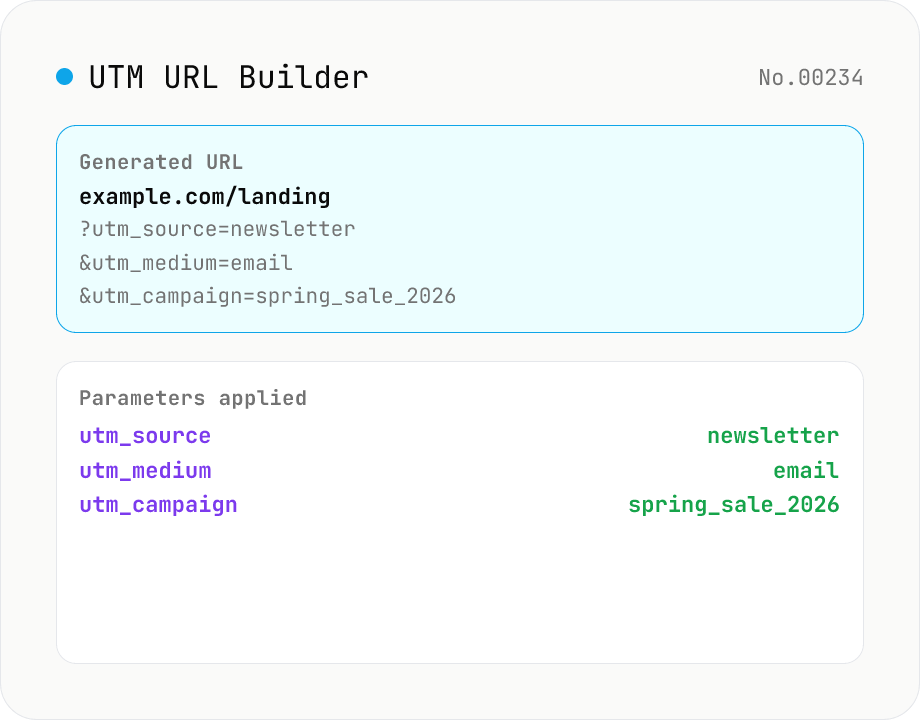
UTM URL Builder
Build campaign-tracking URLs for Google Analytics / GA4 with utm_source / utm_medium / utm_campaign / utm_term / utm_content / utm_id parameters. Existing query strings and `#fragment` are preserved, blank fields are omitted. Runs entirely in your browser — your URL is never uploaded.
How to use
Enter a base URL, fill in utm_source / utm_medium / utm_campaign (required), and optionally utm_term / utm_content / utm_id. The tool produces a campaign-tracking URL ready for Google Analytics / GA4. The "Lowercase" and "Space handling (_ / + / %20)" options normalise values to avoid case / encoding mismatches. Existing query strings and `#fragment` are preserved, and blank utm_* fields are omitted. Everything runs in your browser — safe for internal or unpublished campaign URLs.
FAQ
- Is my URL uploaded?
- No. URL construction is pure string manipulation via the URL constructor, all in the browser. Internal or unpublished URLs are safe.
- What's the difference between utm_source / utm_medium / utm_campaign?
- utm_source = *where it came from* (newsletter / twitter / google — individual sources). utm_medium = *type of channel* (email / social / cpc / organic — categories). utm_campaign = *which campaign* (spring_sale_2026 — name). GA recommends all three as required.
- When do I use utm_term vs utm_content?
- utm_term records the paid-search keyword (Google Ads). utm_content identifies the creative variation in an A/B test (hero_banner_red vs hero_banner_blue). Both are optional and omitted if blank.
- What do "Lowercase values" and "Spaces" do?
- GA treats utm_* values case-sensitively, so "Newsletter" and "newsletter" become two campaigns. Lowercasing normalises this. URLs can't contain raw spaces, so we replace them with `_` (Google-recommended), `+` (form-style), or `%20` (RFC 3986).
- What if the base URL already has utm_* parameters?
- Existing utm_* are *replaced* by the new values. Non-UTM query parameters (e.g. `?ref=abc`) and `#fragment` are preserved as-is.
Related tools
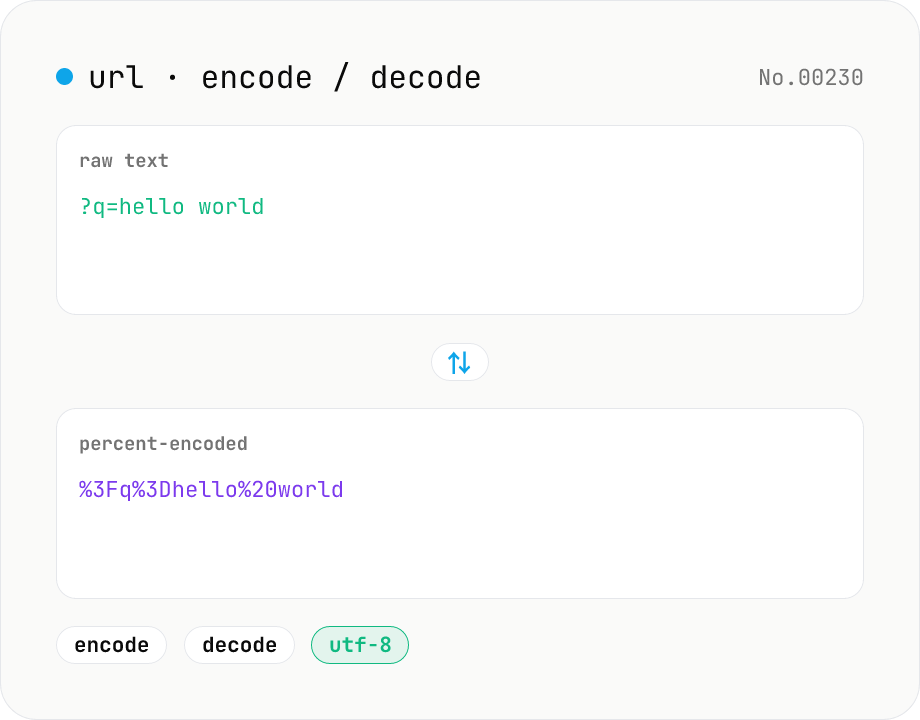
URL encode / decode — safe query strings
Convert between plain text and %XX percent-encoded URL strings. Toggle between encodeURIComponent / encodeURI (and their decode counterparts). UTF-8 based, runs entirely in your browser.
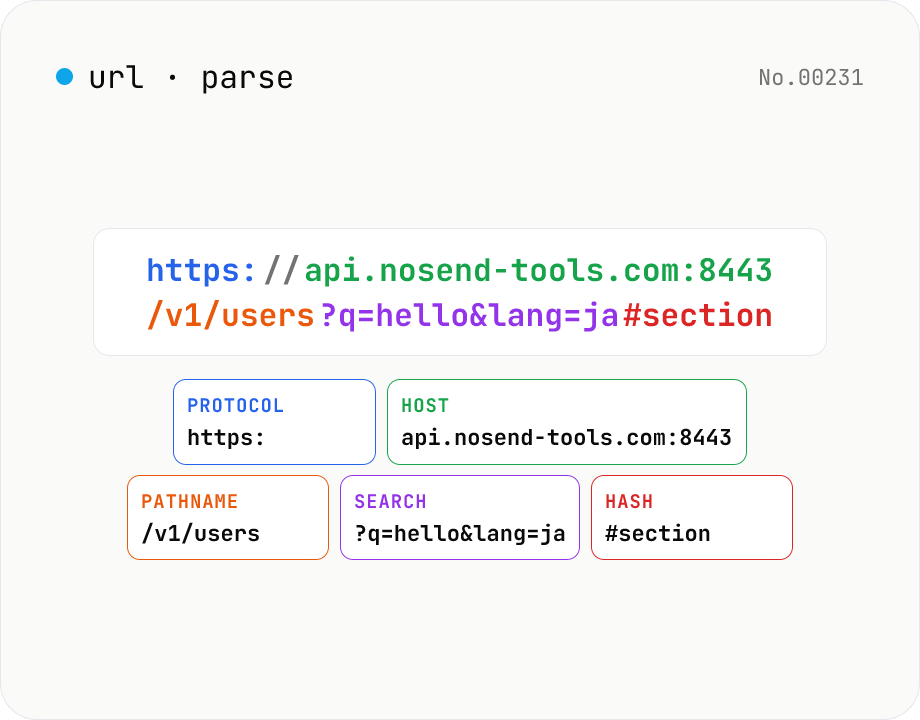
URL parse — host, path, query, fragment
Break a URL into protocol, host, port, path, query, hash, etc. with the browser's URL API. Query parameters are auto-expanded into a table (percent-decoded). Copy individual parts or download the whole breakdown as JSON. Runs entirely in your browser — your URL stays local.
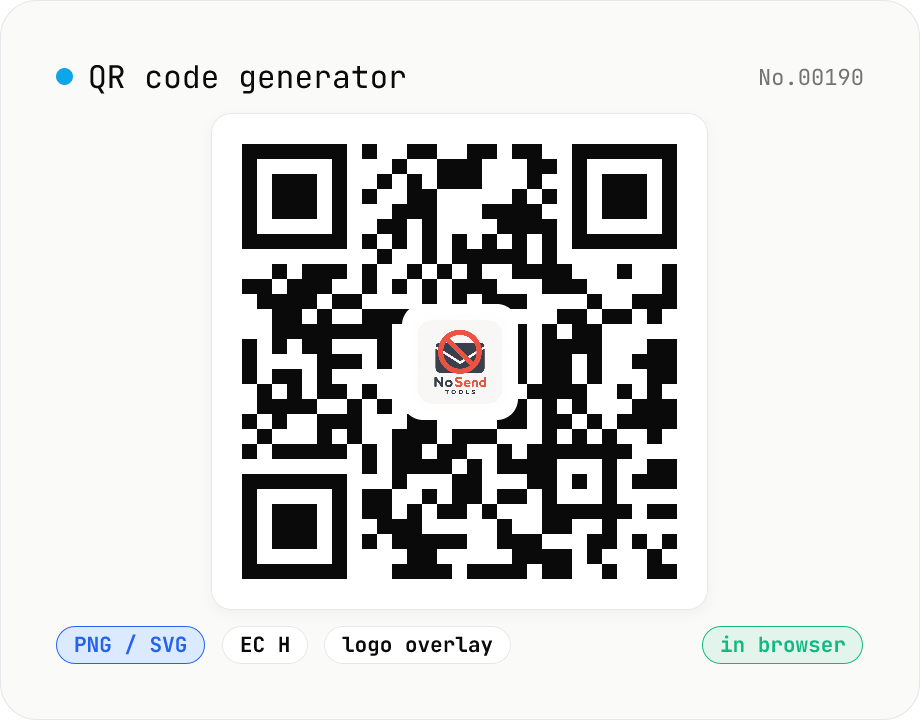
QR code generator — text / URL / with logo
Convert text or URLs into QR codes (PNG / SVG). Fine-tune size, error correction level, foreground / background colors, and optionally overlay a logo (PNG / JPG / SVG) in the center. Use error correction H when adding a logo. Generation and image compositing run entirely inside your browser — neither the input text nor your uploaded logo ever leaves your device.
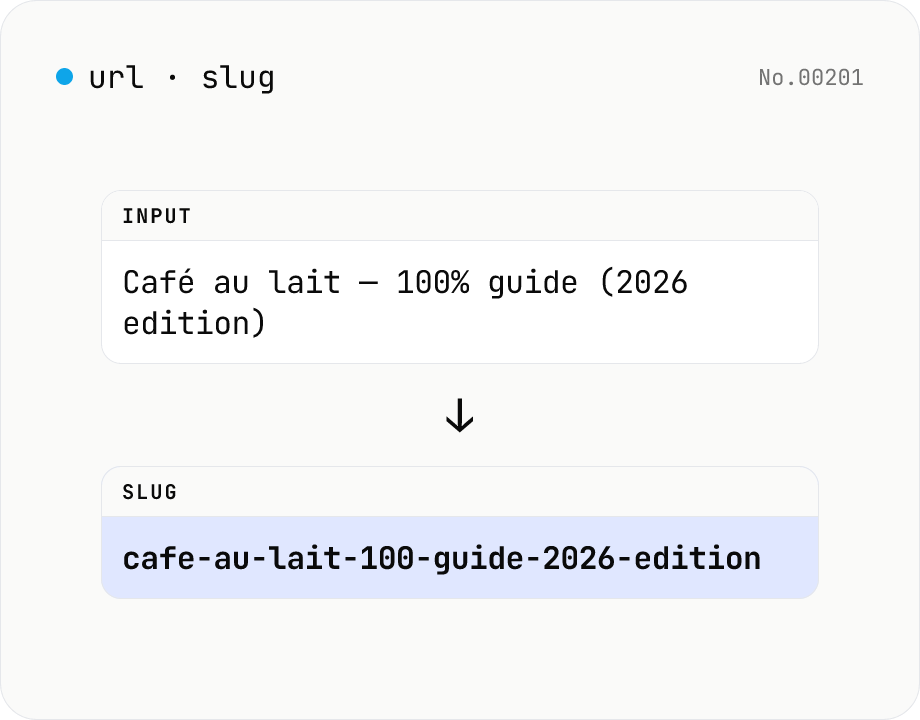
Slug generator — URL-safe string from any title
Turn titles and headings into URL-safe slugs (kebab-case or snake_case). Diacritics (é → e) are normalised to ASCII, emoji and punctuation are stripped, and whitespace is collapsed into the separator. Configurable length cap, case preservation, and non-ASCII handling — all in your browser.