
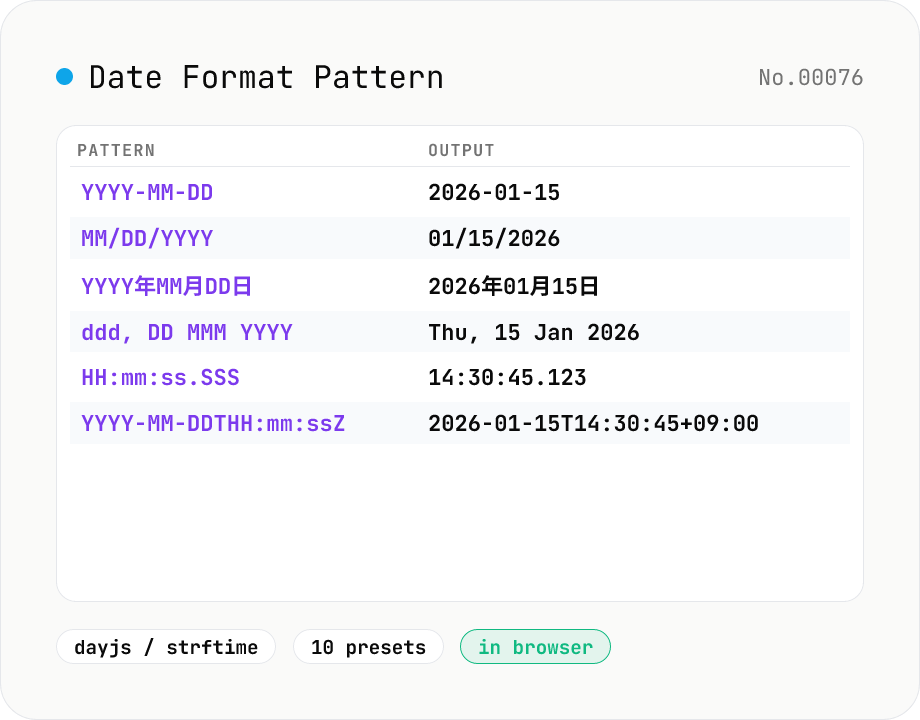
Date Format Pattern Cheatsheet (dayjs / strftime)
Type a date format pattern like `YYYY-MM-DD` or `%Y-%m-%d` and the tool formats the current time (or any reference datetime) on the fly. Switch between **dayjs / Moment.js** and **strftime** (C / Python / PHP) styles, browse 10 presets (ISO 8601, RFC 3339, RFC 2822, JP, US, log line, etc.), and reference the full token cheatsheet without leaving the page.
How to use
Pick a style (**dayjs / Moment** or **strftime**) and type a pattern. The current time (or any reference datetime as ISO) is formatted instantly. Examples: `YYYY-MM-DD` → `2026-01-15`, `%Y-%m-%d` → `2026-01-15`, `YYYY年MM月DD日 (ddd) HH:mm` → `2026年01月15日 (Thu) 14:30`. Browse 10 **common presets** (ISO 8601, RFC 3339, RFC 2822, JP, US, log line, etc.) for that *what was that pattern again?* moment, plus the full **token reference** on the same page. dayjs is fully Moment.js-compatible; strftime is C / Python / PHP / Ruby / Rust compatible.
In depth
Date-format queries reveal more about your work than you might notice
Searching for %Y/%m/%d %H:%M:%S tells an observer not only that you are writing code, but which language stack (Python / Ruby / PHP), what output shape you need, and roughly which part of a system you are building. Online date-format tools that send queries to a server accumulate a log of who looked up which patterns, how often, and when. Individual queries look mundane; repeated patterns across sessions start to sketch a picture of your project rhythm and your team’s technology choices.
Ad-supported developer tools routinely pass behavioural signals to targeting platforms. A classification like “backend engineer frequently looking up ISO 8601 timestamp patterns” becomes an audience attribute, which travels with you across the ad ecosystem well beyond the tab you closed.
Keeping your development activity out of external logs
Pulling documentation while coding is entirely normal — the problem is when the frequency and content of those lookups are continuously transmitted to a server you do not control. A query like “RFC 3339 YYYY-MM-DDTHH:mm:ssZ format output” contains implicit context about which external specification you are trying to satisfy, and therefore which integration you are working on. Routing reference lookups through a browser-only tool is a small habit that keeps your development log local.
How the Date API and string replacement keep everything local
This tool takes the current time from the browser’s Date object (or a custom reference datetime you provide), then resolves both dayjs / Moment.js-style tokens and strftime-style tokens through JavaScript string replacement — no external API call is involved. The timezone comes directly from Date.prototype.getTimezoneOffset(), so your local UTC offset is reflected without the tool ever learning your location.
Open the DevTools Network tab and type a pattern: after the initial page load, no further requests appear. The implementation is on GitHub for anyone who wants to verify the replacement logic.
Using the presets as a reference checklist
The ten built-in presets (ISO 8601, RFC 3339, RFC 2822, Japanese date, US date, log line, and others) exist to answer the recurring question: “does my output match the spec I’m targeting?” Before writing a formatter from scratch, drop the spec’s pattern into the tool and check that the rendered output looks like what the downstream API or log system expects. Catching a misplaced mm (minutes) vs MM (months) during development is much cheaper than finding the mismatch in production.
Why dayjs and strftime use different token grammars
dayjs / Moment.js tokens use repeated letters to express width: YYYY for four-digit year, MM for zero-padded month, M for the bare integer. strftime, which dates back to ISO C’s <time.h> and survives in Python datetime.strftime, PHP date(), and Ruby Time#strftime, uses percent-prefixed single letters: %Y %m %d. This tool implements the two grammars as independent string-replacement passes, switched by the Mode toggle, so a stray %Y inside a dayjs pattern stays literal rather than being interpreted.
The most expensive mistake in both grammars is letter case. In dayjs, MM is month and mm is minute; DD is day-of-month and dd is the day-name abbreviation. In strftime, %M is minute and %m is month — the inverse of the dayjs convention. %Y is a four-digit year and %y is two-digit, which catches people writing log timestamps that suddenly look ten years old. The presets sidestep this entire class of bug by carrying the spec-correct casing.
Timezones, UTC offsets, and locale-dependent tokens
ISO 8601 and RFC 3339 both accept YYYY-MM-DDTHH:mm:ssZ, but RFC 3339 is the stricter profile and is what most APIs actually require. The browser’s Date.prototype.getTimezoneOffset() returns the local offset, so producing a literal Z (UTC) output usually means either feeding the tool a UTC reference moment or post-processing the +09:00 offset back to Z.
Locale-aware tokens add another wrinkle. MMMM (full month name) and dddd (full day name) return January / Monday in English, 1月 / 月曜日 in Japanese — driven by the browser’s Intl.DateTimeFormat and navigator.language. For log files aggregated across regions, sticking to locale-independent numeric formats (YYYY-MM-DD HH:mm:ss) avoids downstream confusion when a parser written in one locale reads timestamps written in another. To round-trip the same instant between epoch seconds, ISO 8601, and Date, unix-timestamp shows all three values in lockstep, and iso-week makes the YYYY-Www boundaries explicit when working with week-numbered formats.
FAQ
- Is my input uploaded?
- No. Everything runs in your browser — just the `Date` API and string replacement, no external calls.
- dayjs vs strftime?
- **dayjs / Moment.js** dominates JS land (`YYYY-MM-DD HH:mm:ss`). **strftime** comes from C and is the standard on Python (`%Y-%m-%d`), PHP, Ruby (`Time#strftime`), Rust (`chrono::format`), and Linux CLIs. Front-end JS → dayjs; back-end → strftime. The tool lets you flip between them.
- How do I escape literal text?
- **dayjs**: wrap text in `[brackets]`. So `[Today is] YYYY-MM-DD` becomes `Today is 2026-01-15`. **strftime**: anything that isn't a `%` specifier passes through, so no escaping needed: `Today is %Y-%m-%d` works directly.
- ISO 8601 vs RFC 3339?
- **ISO 8601** is the original standard for datetime strings (`2026-01-15T14:30:45+09:00`). **RFC 3339** is a narrowed profile of ISO 8601 used by Internet standards (JSON Schema, OAuth, etc.). For most purposes, `YYYY-MM-DDTHH:mm:ss.SSSZ` (milliseconds + Z for UTC) is the safe form.
- What about timezones?
- The tool uses your **browser's local timezone**. `Z` (dayjs) / `%z` (strftime) prints the local UTC offset (e.g. `+09:00`). For fixed UTC output, pass a Z-suffixed ISO string into the reference field, or pair this with the timezone-convert tool.
- Other format conventions?
- **Java SimpleDateFormat** (`yyyy-MM-dd`; similar to dayjs but with different case semantics), **Unicode CLDR LDML** (used inside Intl.DateTimeFormat), **RFC 2822** (mail headers), **.NET custom format** (`yyyy/MM/dd`). The tool focuses on the two highest-demand styles (dayjs / strftime).
How to verify nothing is uploaded
This tool never sends your input outside your browser. The pages below explain how it works, how to audit it, and how the site is run.
Related tools
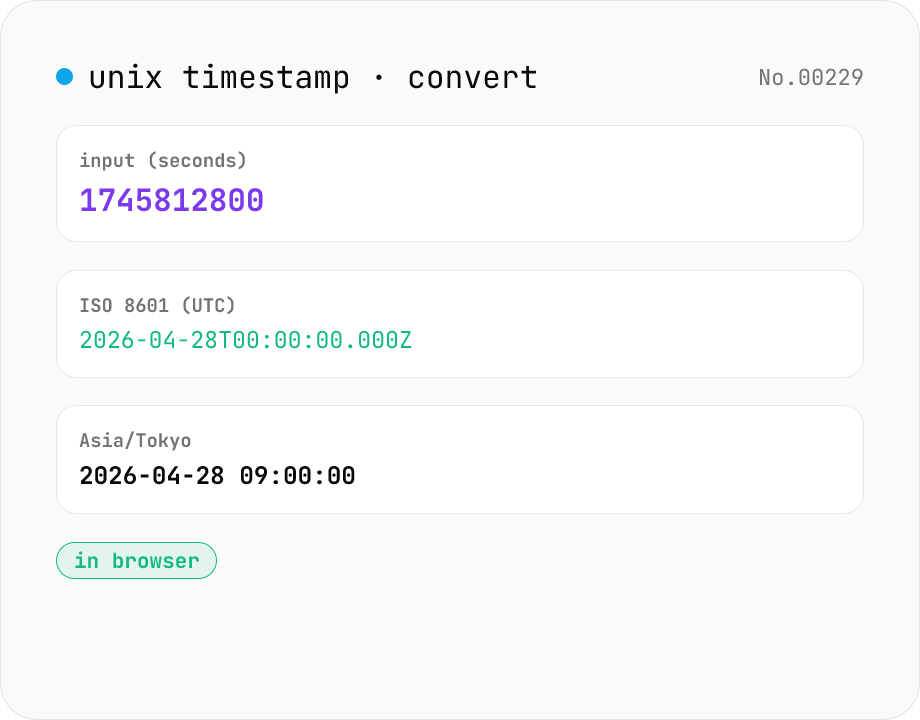
Unix Timestamp to Datetime Converter — Epoch, ISO 8601, Timezone
Free online Unix timestamp converter. Convert epoch time (seconds or milliseconds) to a human-readable datetime in any IANA timezone — UTC, Asia/Tokyo, America/New_York and more. Bi-directional: paste a timestamp or a date and get the other. Runs entirely in your browser — nothing uploaded.
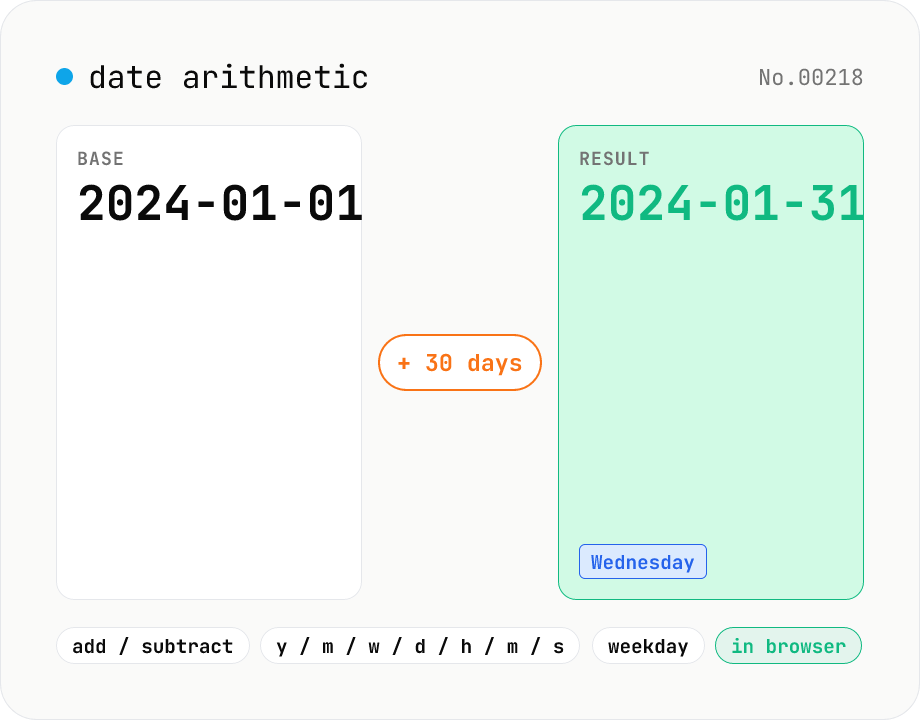
Date arithmetic — add or subtract years / months / days / hours / minutes
Add or subtract years, months, weeks, days, hours, minutes or seconds from a base date and time. Useful for due-date calculations, contract expirations, scheduling N days ahead or N hours back. Month-end arithmetic follows JavaScript's Date roll-over rules (e.g. Jan 31 + 1 month becomes Feb 28/29). The result shows the new local timestamp, the weekday, a diff summary versus the base and the Unix epoch. Runs entirely in your browser — your input never leaves the device.
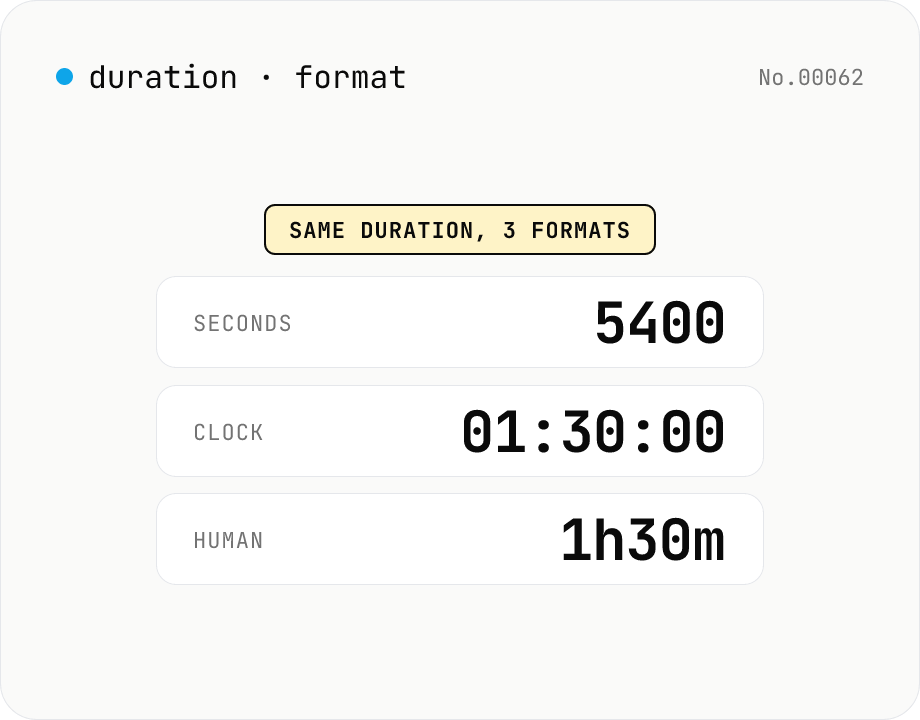
Duration format converter — seconds, mm:ss, hh:mm:ss & 1h30m bulk
Convert durations between three formats: seconds (5400), clock (01:30:00), and human-readable (1h30m). Pick the output format and the input is auto-detected — even mixed formats on different lines. Bulk-converts multi-line input and reports skipped (unparseable) lines. Supports d/h/m/s units (1d = 86400 seconds). Runs entirely in your browser.
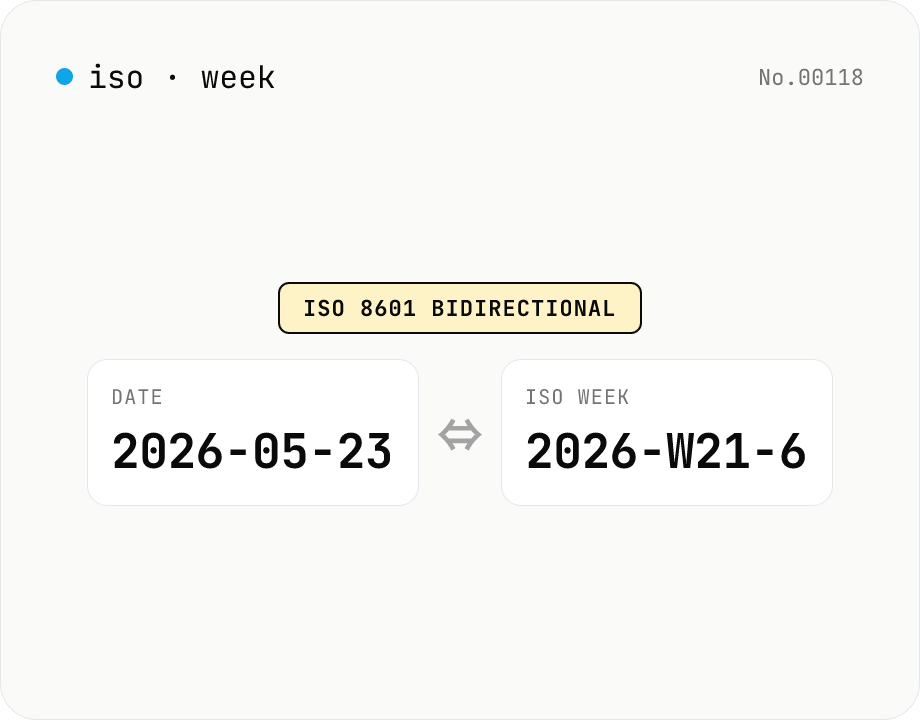
ISO 8601 week number ⇔ date — find week-of-year & week start
Convert between ISO 8601 week numbers (e.g. 2026-W21-6) and calendar dates (e.g. 2026-05-23). Pick the output format with a mode toggle. Week-only input (2026-W21) is parsed as the Monday of that week. Follows ISO rules: W01 is the week containing 4 Jan, weeks start on Monday, and year-boundary cases (2024-12-30 = 2025-W01-1) are handled correctly. Runs entirely in your browser.