
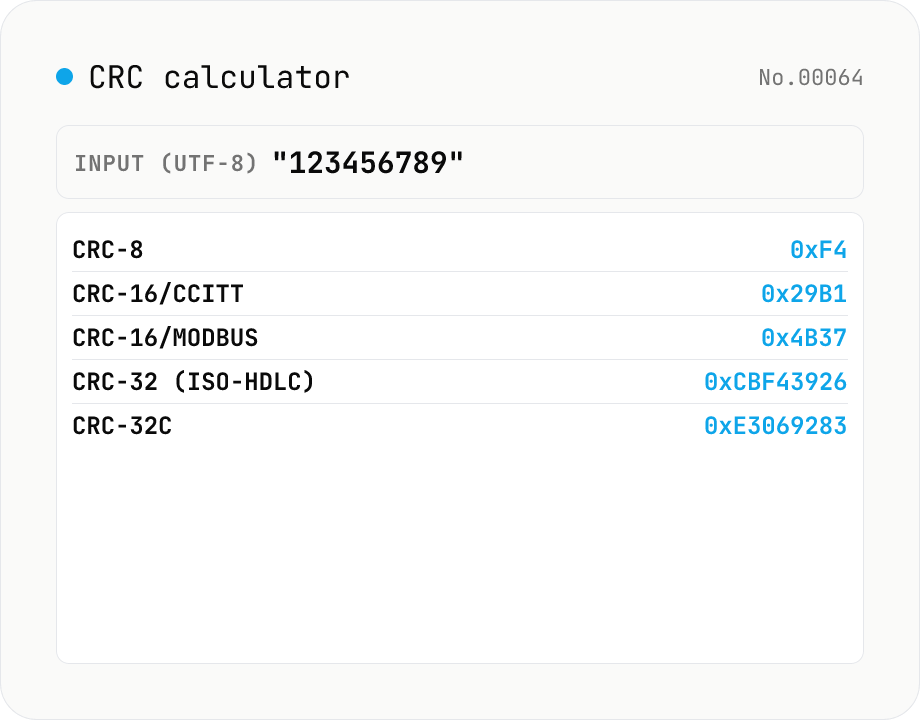
CRC calculator — CRC-8 / CRC-16 / CRC-32 / CRC-32C in parallel
Compute CRC-8, CRC-16 (CCITT-FALSE), CRC-16 (Modbus), CRC-32 (ISO-HDLC, ZIP/Ethernet) and CRC-32C (Castagnoli, SCTP/iSCSI) for the same input. CRC variants are the workhorse error-detecting checksums in binary protocols — ZIP/PNG/gzip frame trailers, Modbus industrial-control buses, SCTP/iSCSI, embedded firmware updates. They are not cryptographic hashes but they are tiny, fast, and fixed-width (8/16/32 bit). Input can be UTF-8 text or hex bytes; results are shown in both hex (uppercase) and decimal alongside each algorithm's polynomial, initial value, reflection flags and final XOR — useful for matching against datasheets. Everything runs in your browser; nothing is uploaded.
How to use
Pick an input mode (UTF-8 text or hex bytes). Paste data into the input field. Hex mode accepts `48 65 6c` style separators (space / `-` / `:` / `0x`). Five CRC variants (CRC-8, CRC-16 CCITT, CRC-16 Modbus, CRC-32, CRC-32C) are computed simultaneously and shown in hex and decimal. Each algorithm's polynomial, initial value, reflection flags and final XOR are listed alongside — handy for matching against device datasheets.
In depth
CRC input data often carries industrial control commands or captured frames
CRC verification is routine in embedded systems and industrial communications debugging. The bytes passed to a CRC calculator are commonly: Modbus RTU frames containing device addresses, function codes, and register values (i.e. machine control commands); segments of ZIP, gzip, or PNG files where you are verifying an internal checksum; Ethernet or Bluetooth packet captures from a protocol analyser. Each of these represents internal operational data — factory automation logic, file integrity internals, or proprietary protocol payloads.
Modbus in particular embeds the device address, function code, and register payload directly in the frame. That information reflects control logic that factory operators do not share externally. Pasting a Modbus frame into an online CRC calculator sends that control logic to a third-party server.
Debug data in the wild ends up on CRC tools
When a CRC value does not match a datasheet reference and the developer needs to debug, the natural step is to paste the captured hex byte string into a calculator. That captured string may include sensor readings, configuration values, device state — whatever the serial bus was carrying at the time of the capture. The CRC tool is a debugging aid, not a data ingestion service, but the data flows there anyway.
CRC calculators are not typically in scope for security tools categories, so their data handling policies are rarely detailed. An online tool may run server-side, log inputs for analytics, or pass inputs through third-party SDKs — without any of this being disclosed on the page.
Lookup-table CRC computation runs entirely in the browser
CRC computation is a loop over input bytes, each producing a 256-entry table lookup. The polynomial, initial value, reflection settings, and output XOR for each variant (CRC-8, CRC-16/CCITT-FALSE, CRC-16/Modbus, CRC-32, CRC-32C) are hardcoded constants. The tool converts UTF-8 text input via TextEncoder.encode() or parses hex with a simple scanner, then runs the five CRC loops in sequence. No external library, no network call.
All five results are computed in the same browser event loop tick. Open DevTools Network while pasting hex bytes: no requests fire. The polynomial, init, RefIn, RefOut, and XorOut parameters displayed next to each result come from the Catalogue of parametrised CRC algorithms (crccalc.com) standard references, hardcoded in the tool.
Safe datasheet cross-referencing during embedded development
The most common use of a CRC tool is to verify that an implementation matches the datasheet. Running the same frame bytes through this tool and comparing against the datasheet’s expected CRC value confirms correctness without those bytes leaving your machine. If the result still does not match, the parameter table (Poly / Init / RefIn / RefOut / XorOut) shown next to each algorithm is the right place to start cross-checking against the datasheet — it saves hours of confusion over which ‘CRC-16’ variant a document is actually specifying.
Generator polynomials over GF(2) and the math underneath CRC
CRC is mathematically a polynomial remainder over GF(2), the finite field of two elements. Input bytes 0x48 0x69 (Hi) are treated as the polynomial coefficients of x^15 + ... + x^0 from the bit pattern 0100100001101001. Multiply by x^N (where N is the CRC width) and divide by a generator polynomial G(x); the remainder is the CRC. For CRC-32/ISO-HDLC, G(x) is x^32 + x^26 + x^23 + ... + x^0, encoded as 0x04C11DB7.
In GF(2), addition is XOR and multiplication is AND — there is no carry. Division becomes ‘shift and conditionally XOR’, which is why CRC hardware reduces to a shift register and a handful of XOR gates. Software implementations almost always use the Sarwate algorithm: precompute a 256-entry table mapping each input byte to its CRC contribution, then process input one byte at a time with a single XOR plus a table lookup. This tool’s five CRC variants all use that lookup-table approach, which is why they run in microseconds for typical input sizes.
Why there are so many things called ‘CRC-16’
A name like ‘CRC-16’ is not enough to specify the algorithm — the same 16-bit width can mean wildly different polynomials and parameter choices. The Catalogue of parametrised CRC algorithms (reveng.sourceforge.net) lists over 100 documented CRC variants, each defined by six parameters: width, polynomial, initial value, input reflection (RefIn), output reflection (RefOut), and final XOR (XorOut). Two variants with the same polynomial but opposite RefIn/RefOut produce entirely different outputs.
This tool covers five variants:
- CRC-8 (poly
0x07, init0x00) — SMBus, Dallas 1-Wire - CRC-16/CCITT-FALSE (poly
0x1021, init0xFFFF, no reflection) — XMODEM and many legacy protocols - CRC-16/Modbus (poly
0x8005, init0xFFFF, reflected) — Modbus RTU industrial bus - CRC-32/ISO-HDLC (poly
0x04C11DB7, init0xFFFFFFFF, reflected, final XOR0xFFFFFFFF) — ZIP, PNG, gzip, Ethernet - CRC-32C / Castagnoli (poly
0x1EDC6F41, init0xFFFFFFFF, reflected) — SCTP, iSCSI, Btrfs
CRC-32C was published by Castagnoli in 2002 with a polynomial chosen to minimise collision probability for short messages and is hardware-accelerated by Intel’s CRC32C SSE 4.2 instruction. When a datasheet vaguely specifies ‘CRC-16’, the practical move is to try both CCITT-FALSE and Modbus first — this tool computes all five in parallel so you can pattern-match on which result lines up with the expected value. To inspect the same payload at the bit level, binary-text expands HEX into a 0/1 string, and when you need tamper-resistance rather than error detection hash-generate is the right primitive — CRC was never designed to resist intentional collisions.
FAQ
- How is CRC different from a hash like SHA-256?
- CRC is an error-detecting checksum designed to be cheap and fixed-width (8/16/32 bit). It is cryptographically weak — anyone can forge a message with a matching CRC. Cryptographic hashes (SHA-256 etc.) provide collision resistance and are suitable for tamper detection. Use CRC for transport-level bit-flips in ZIP, PNG, gzip, Ethernet or Modbus; use SHA-256 for password storage or digital signatures.
- CRC-32 vs. CRC-32C (Castagnoli) — what's the difference?
- Different polynomials. CRC-32 (ISO-HDLC / IEEE 802.3 / ZIP / Ethernet, 1975) uses `0x04C11DB7` (reflected: `0xEDB88320`). CRC-32C (Castagnoli, 1993) uses `0x1EDC6F41` (reflected: `0x82F63B78`) and gives better Hamming distance for many block sizes, which is why SCTP, iSCSI, Btrfs, Ceph and the Intel `_mm_crc32_*` SSE4.2 instructions all use it.
- Why are there two CRC-16 variants?
- CRC-16 has dozens of variants picked by choice of polynomial, initial value and reflection. CRC-16/CCITT-FALSE (poly `0x1021`, init `0xFFFF`, no reflection) is used by XMODEM, Bluetooth and V.41. CRC-16/Modbus (poly `0x8005`, init `0xFFFF`, reflected) is used by Modbus industrial buses. When reading a hardware datasheet always confirm all four of poly / init / refl / xorout.
- My online tool gives a different result!
- Almost always it's a polynomial or reflection mismatch. We follow the Catalogue of parametrised CRC algorithms (`crccalc.com`). Compare the Poly / Init / RefIn / RefOut / XorOut row with whatever your other tool reports.
- Is anything uploaded?
- No. Everything runs in your browser.
How to verify nothing is uploaded
This tool never sends your input outside your browser. The pages below explain how it works, how to audit it, and how the site is run.
Related tools
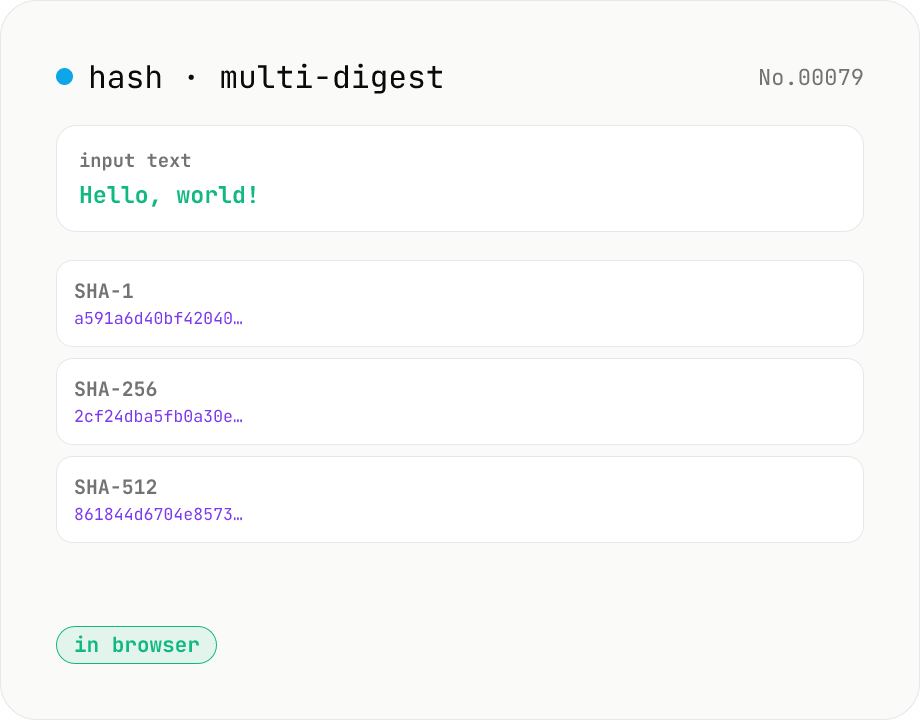
Hash generator — SHA-1 / 256 / 384 / 512
Generate SHA-1, SHA-256, SHA-384, and SHA-512 digests from text in parallel. Powered by the Web Crypto API and runs entirely in your browser.
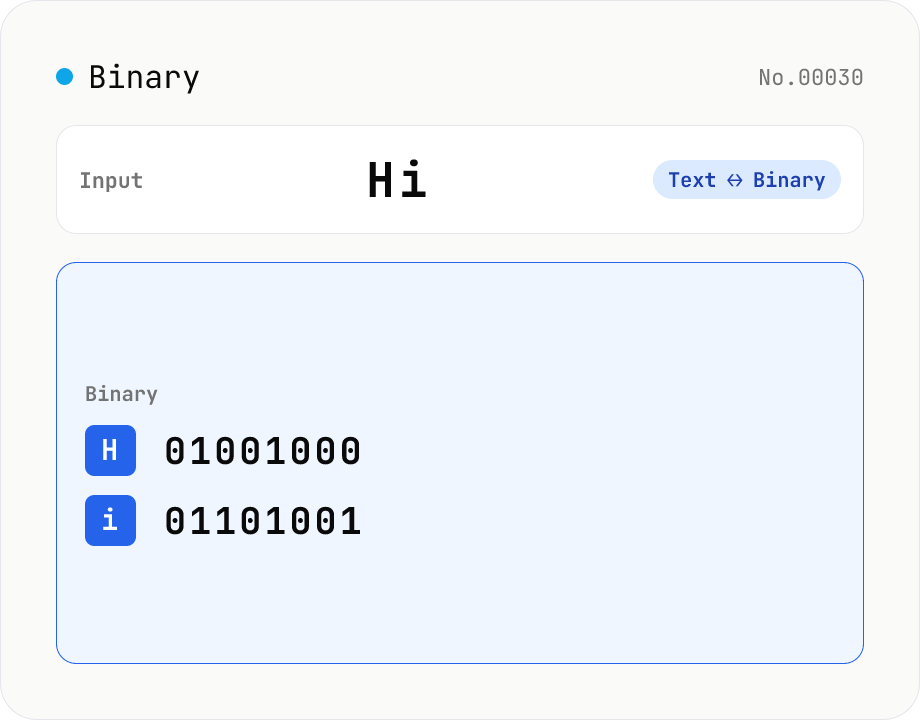
Text ⇄ Binary Converter
Convert between text and binary. Pick a mode (text → binary or binary → text). Text is encoded to UTF-8 bytes and each byte is shown as a zero-padded 8-bit binary number (emoji and non-Latin text convert correctly as multiple bytes). Toggle space separators via an option; on decode, spaces and newlines are ignored and the input is regrouped into 8-bit bytes. Everything runs in your browser — your input is never uploaded.
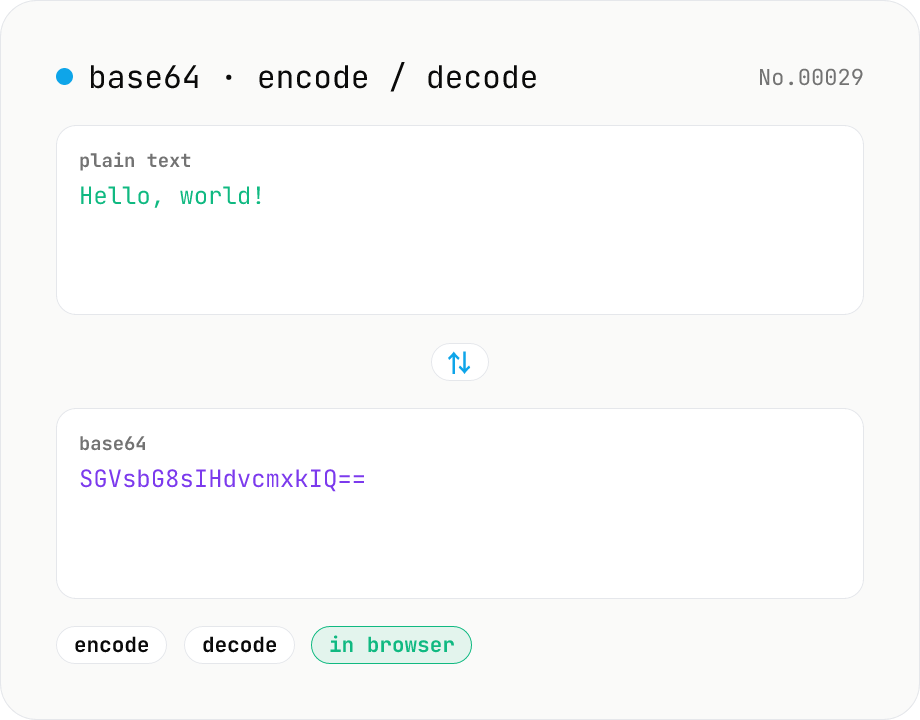
Base64 encode / decode — URL-safe variant supported
Convert between plain text and Base64. Encode with an optional URL-safe variant; decoding accepts URL-safe (- _, no padding) automatically. UTF-8 safe and runs entirely in your browser.
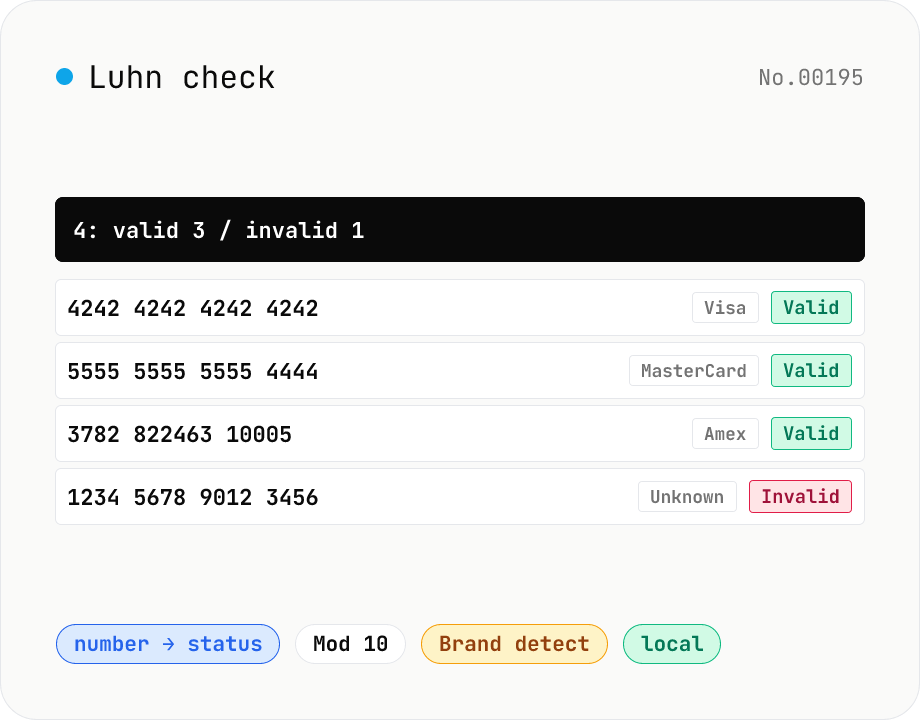
Luhn check — credit card / IMEI validator
Validate numbers with the Luhn (Mod 10) algorithm — credit cards (Visa / MasterCard / Amex / Discover / JCB / Diners / UnionPay), IMEI (mobile device IDs), Canadian SIN, and other Luhn-protected identifiers. Paste multiple lines, get bulk validation, auto-detect card brand by IIN prefix, and inspect the checksum trace (double-each-even-digit, digit-sum, total). Useful for test-data generation, form-input sanitisation, data migration QA, and bulk validation before a CSV import. Numbers stay in your browser.