
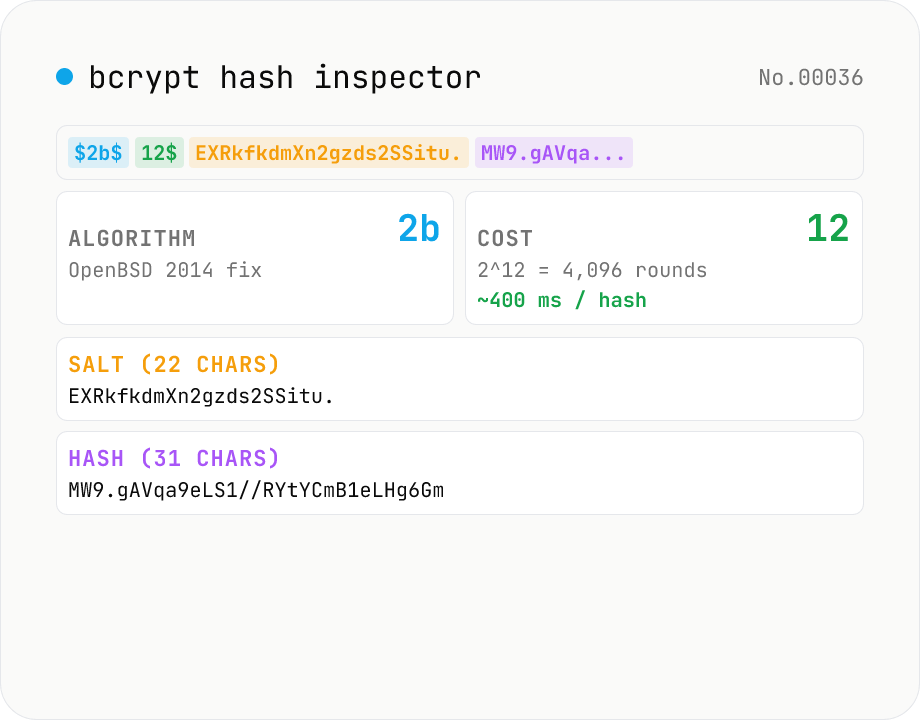
bcrypt hash inspector — break down `$2a$10$...` into algorithm / cost / salt / hash
Paste a bcrypt-format password hash (`$2a$10$N9qo8uLOickgx2ZMRZoMyeIjZAgcfl7p92ldGxad68LJZdL17lhWy` style) and see the four parts: algorithm version (`2a` / `2b` / `2y` / `2x`), cost (2^N Blowfish rounds), salt (22-char base64), and hash (31-char base64). The cost row shows the exponential workload (cost=10 → 2^10 = 1024 expanded rounds, cost=12 → 4×, cost=14 → 16×) and a rough wall-clock estimate on a 2026-era server (~100 ms at cost=10, ~400 ms at cost=12, ~1.6 s at cost=14) — useful when deciding whether to raise the cost on a legacy system. Each algorithm variant (`2a` from 1999, `2x` bug-compat, `2y` patched, `2b` recommended by OpenBSD) is explained in its own card. Nothing is uploaded. This tool only parses — it does not compute hashes, so it cannot recover the original password.
How to use
Paste a bcrypt-format hash (`$2a$10$...` or `$2b$12$...`, 60 chars) into the input. The hash is broken into four parts: algorithm version / cost (2^N rounds) / salt (22 chars) / hash (31 chars). The cost section shows the 2^N expanded rounds and a rough wall-clock estimate on a 2026-era server. Paste a salt-only prefix (29 chars) to see the salt parsed without a hash section.
In depth
What a bcrypt hash string actually contains
A bcrypt hash like $2b$12$EXRkfkdmXn2gzds2SSitu.MW9.gAVqa9eLS1//RYtYCmB1eLHg6Gm is 60 characters. Parsing it reveals four sections: the algorithm variant (2b), the cost factor (12), the salt (22 characters), and the hash (31 characters). The hash is a one-way transformation — you cannot reverse it to a password. But the full string gives an attacker everything they need to run an offline brute-force or dictionary attack: the Blowfish variant, the work factor, and the salt.
When a database dump leaks and a bcrypt hash surfaces in incident-response analysis, the natural impulse is to inspect its structure. Pasting it into an online bcrypt parser is one way, but doing so sends the salt and cost to a third-party server — information that streamlines offline cracking if the attacker combines it with a weak password list.
Online bcrypt tools and the verification anti-pattern
Searching for ‘bcrypt cost checker’ or ‘bcrypt parser online’ surfaces tools that display the parsed structure. Their server logs capture the hash string, including the salt. That alone is meaningful to an attacker, but the more dangerous pattern is verification: pasting both a plaintext password and its bcrypt hash into a service that advertises ‘check a bcrypt hash.’ Even a test-data hash sourced from a production database is a user password in another guise.
There is a structural asymmetry: the person wanting to check the hash is usually a developer trying to debug an authentication issue. The developer trusts the hash is from a safe environment — but test databases populated from production snapshots carry real users’ hashed credentials, and they get pasted into online verifiers regularly.
Parse-only, no Blowfish computation, nothing leaves the page
This tool parses the bcrypt string structure using regular expressions and string slicing. It performs zero Blowfish key-schedule computation — it cannot verify a password or generate a hash. The only library is the browser’s own string and regex engine. The cost timing estimates are static values calculated from published benchmarks on 2026-era hardware and do not require any network access.
The hash string you paste stays in the JavaScript heap of the browser tab. Open DevTools Network and paste a hash: no request fires. Navigating away clears the input.
Auditing your system’s cost factor before the next breach
Hardware performance doubles roughly every two years in the domains attackers use for cracking (GPUs, FPGAs). bcrypt’s cost factor counteracts this, but only if it is raised to match. OWASP’s 2026 guidance recommends cost ≥ 12 for new bcrypt deployments, with Argon2id as the preferred alternative for greenfield work. Pasting a few sample hashes from your production database into this tool lets you audit what cost your system is actually storing — then you can decide whether a migration is overdue. The standard pattern for existing users is to re-hash on their next successful login rather than forcing a password reset.
EksBlowfishSetup: how bcrypt is internally constructed
bcrypt was introduced by Niels Provos and David Mazières at USENIX 1999 and is built on a deliberately expensive variant of Blowfish key scheduling called EksBlowfishSetup. Standard Blowfish derives its P-array and four S-boxes from the key in a single pass; EksBlowfishSetup interleaves the password and the salt and re-runs that initialisation 2^cost + 1 times. Incrementing cost by one doubles the work — which is why the cost parameter is described as exponential.
After setup, the resulting Blowfish instance encrypts the fixed 24-byte string OrpheanBeholderScryDoubler 64 times in ECB mode, producing a 23-byte digest that is then base64-encoded. The base64 alphabet is bcrypt-specific (./A-Za-z0-9), substituting . and / for the standard + and /. This tool shows that base64-encoded portion as the 31-character hash field; decoding it gives you the raw 23-byte output (excluding the final padding byte of the 24-byte Blowfish block).
2a, 2b, 2x, 2y: version drift and interoperability traps
The bcrypt version prefix (2, 2a, 2b, 2x, 2y) is not just an identifier — each value reflects a specific implementation history. 2 (1999) is the original; 2a (2011) clarified handling of the string terminator; 2x was a bug-compatibility marker for the crypt_blowfish regression in PHP 5.3.7 that mishandled high-bit characters; 2y is the patched version of that fix; 2b (2014) is the OpenBSD implementation’s correction for passwords longer than 255 bytes. Hashes generated with 2x differ from 2a/2b hashes for the same password whenever the password contains bytes ≥ 0x80, so legacy migrations can produce silent authentication failures.
A less-known constraint: bcrypt internally truncates the input to 72 bytes because the underlying Blowfish key schedule rotates through that range. Any 73rd byte and beyond is silently ignored, so password...(arbitrary tail) produces an identical hash regardless of the tail. In passphrase-based systems this becomes a security hole — anyone who knows the first 72 bytes authenticates. The standard mitigation is to pre-hash long inputs with SHA-256 (or HMAC-SHA-256 keyed with the user identifier) and feed the resulting 32 or 64 bytes into bcrypt, which keeps the full input contributing to the final hash. hash-generate is the in-browser way to compute that SHA-256 / SHA-512 pre-digest, and during password-reset rollouts password-strength-check gives you a local zxcvbn-style score before the value ever reaches the bcrypt code path.
FAQ
- What is the bcrypt format?
- `$<algorithm>$<cost>$<22-char salt><31-char hash>` — four sections separated by `$`, 60 chars total. Example: `$2b$12$EXRkfkdmXn2gzds2SSitu.MW9.gAVqa9eLS1//RYtYCmB1eLHg6Gm`.
- What is the difference between 2a / 2b / 2x / 2y?
- `2a` is the 1999 spec — still widely interoperable. `2b` is the fixed version (OpenBSD, 2014) and should be used for new implementations. `2x` keeps bug-compat with old PHP `crypt_blowfish`. `2y` is the PHP variant after the fix, effectively equivalent to `2b`.
- What does cost (work factor) mean?
- The Blowfish key schedule is iterated 2^cost times. cost = 10 → 1024 rounds, cost = 12 → 4096, cost = 14 → 16384. Each `+1` doubles the work. This tool displays a rough 2026-era estimate: ~100 ms at cost=10, ~400 ms at cost=12, ~1.6 s at cost=14.
- What's a recommended cost?
- As of 2026, cost = 12 (~400 ms / hash) is a common recommendation. Latency-sensitive systems can stay at cost = 10. High-security systems can go to 13 – 14. OWASP recommends at least cost = 10 (and moving to Argon2id), or at least cost = 12 for new bcrypt deployments.
- Can this tool recover the original password?
- No. This tool is **parse-only** — it does not compute bcrypt itself. bcrypt is intentionally one-way; recovering the password requires a brute-force attack, which this tool does not perform.
- How does bcrypt compare to Argon2 / scrypt / PBKDF2?
- bcrypt (1999) is the classic choice — widely implemented and cost-tunable. Argon2id (2015 PHC winner) is memory-hard and the current OWASP recommendation. scrypt is its predecessor (also memory-hard). PBKDF2 is computation-only and is more vulnerable to GPU attacks. New systems should pick Argon2id; legacy bcrypt should raise its cost.
- Why is the salt 22 characters?
- The 16-byte salt is encoded with bcrypt's own base64 alphabet (`./A-Za-z0-9`, note `./` instead of standard `+/`). 16 bytes → 22 chars using non-padded encoding.
- Is anything uploaded?
- No. We only parse the string — no network calls.
How to verify nothing is uploaded
This tool never sends your input outside your browser. The pages below explain how it works, how to audit it, and how the site is run.
Related tools
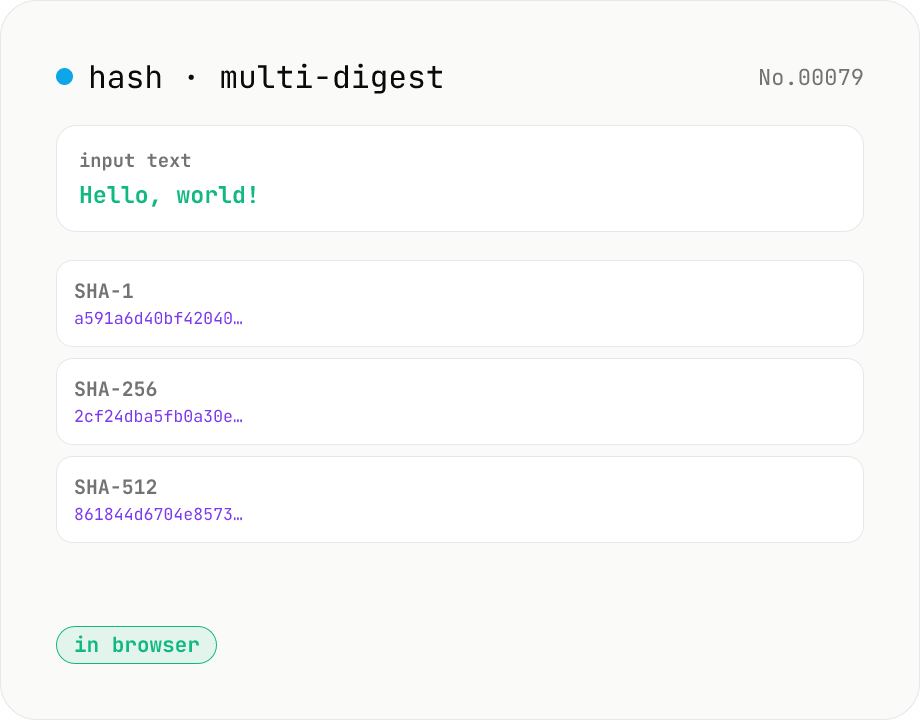
Hash generator — SHA-1 / 256 / 384 / 512
Generate SHA-1, SHA-256, SHA-384, and SHA-512 digests from text in parallel. Powered by the Web Crypto API and runs entirely in your browser.
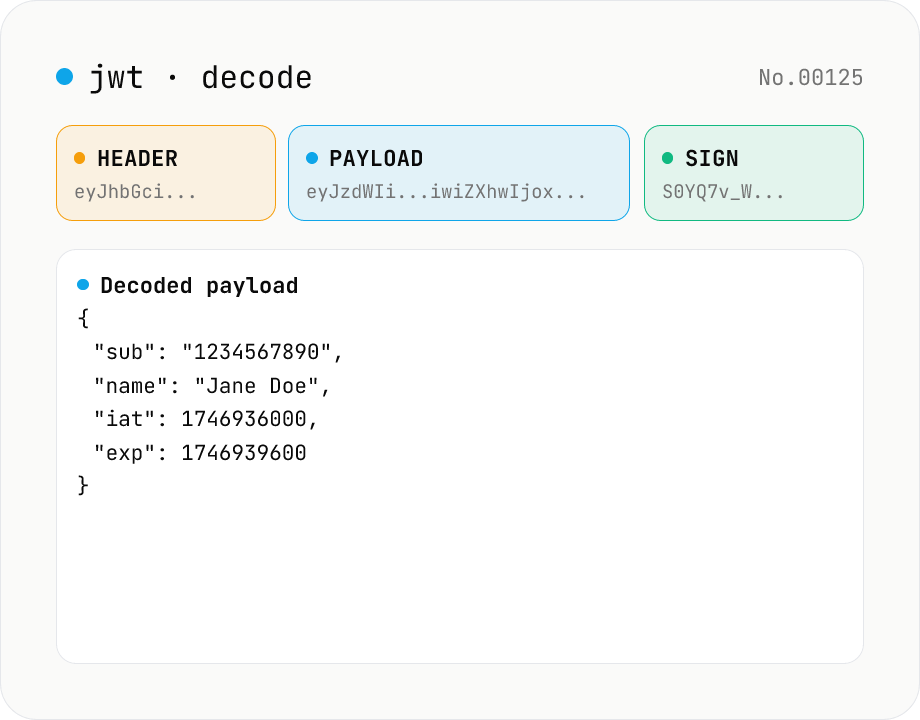
JWT decode — inspect header & payload
Paste a JWT and break it down into Header / Payload / Signature. Numeric claims like exp / iat / nbf are translated into human-readable timestamps. No signature verification — purely for inspection. Runs entirely in your browser.
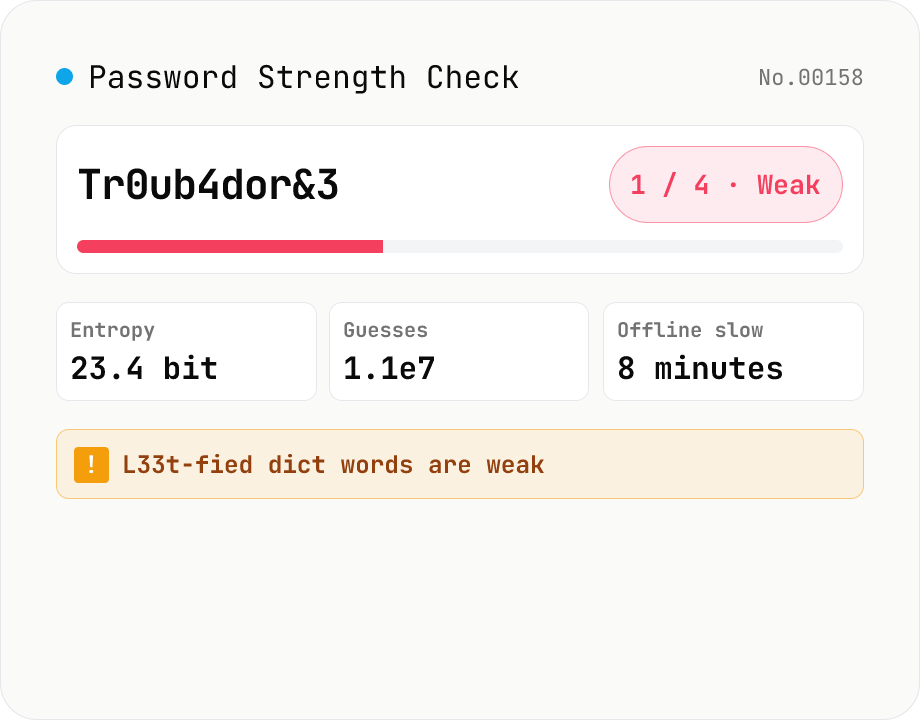
Password Strength Check (zxcvbn score / crack time / feedback)
Runs Dropbox's `zxcvbn-ts` (MIT) inside your browser to estimate password strength: a 0–4 score, log2 entropy, raw guess count, estimated crack time under four attack scenarios (online throttled, online unthrottled, offline slow hash, offline fast hash), and the detected weakness patterns (dictionary, sequence, repeat, date, keyboard, l33t). Feedback (warning + suggestions) is shown in your locale. Input is masked by default with an eye-toggle and an option to highlight look-alike characters (i/l/1/L/o/0/O). Nothing is uploaded — analysis runs entirely in your browser.
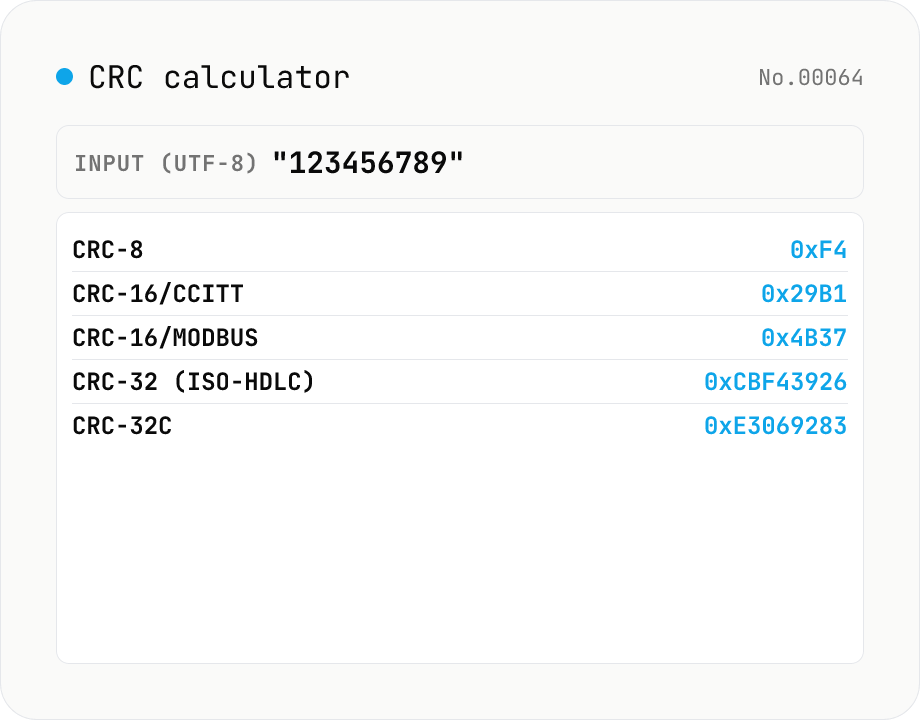
CRC calculator — CRC-8 / CRC-16 / CRC-32 / CRC-32C in parallel
Compute CRC-8, CRC-16 (CCITT-FALSE), CRC-16 (Modbus), CRC-32 (ISO-HDLC, ZIP/Ethernet) and CRC-32C (Castagnoli, SCTP/iSCSI) for the same input. CRC variants are the workhorse error-detecting checksums in binary protocols — ZIP/PNG/gzip frame trailers, Modbus industrial-control buses, SCTP/iSCSI, embedded firmware updates. They are not cryptographic hashes but they are tiny, fast, and fixed-width (8/16/32 bit). Input can be UTF-8 text or hex bytes; results are shown in both hex (uppercase) and decimal alongside each algorithm's polynomial, initial value, reflection flags and final XOR — useful for matching against datasheets. Everything runs in your browser; nothing is uploaded.