
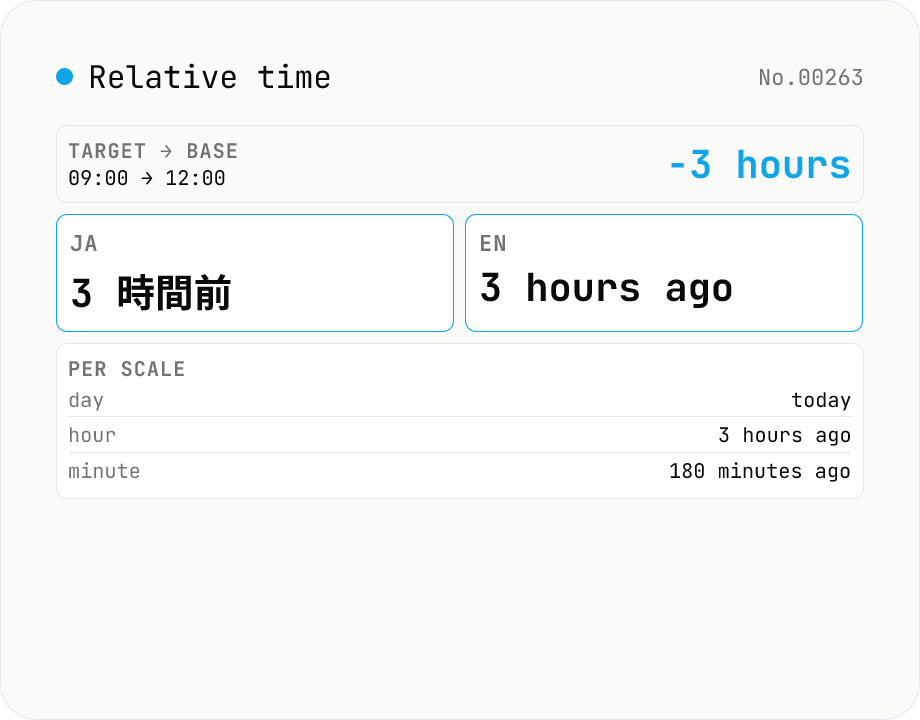
Relative time — render `3 hours ago` / `in 2 weeks` in ja and en
Pick a target datetime and a base datetime (defaults to *now*), and `Intl.RelativeTimeFormat` returns localized strings like `3 hours ago`, `in 2 weeks`, `yesterday`, or `3 ヶ月後` — exactly the format GitHub uses for `2 days ago`, Slack uses for `3h`, or Twitter uses for `5m`. Output is rendered **side-by-side in ja and en**, with toggles for style (long / short / narrow) and numeric (always / auto). A breakdown table shows the value across **all seven scales** (year / month / week / day / hour / minute / second), useful when designing the threshold logic for an `agoString()` helper. Compared with `date-diff` (numeric breakdown) and `duration-format` (elapsed-seconds formatter), this tool focuses on natural-language relative phrasing. Nothing is uploaded.
How to use
Pick a target datetime and a base datetime (the *now* button refreshes the base to current time). Toggle style (long / short / narrow) and numeric (auto / always). The result card shows both ja and en side by side. Hit *Copy* to grab either one. The table below shows the rendering at all seven scales (year / month / week / day / hour / minute / second).
In depth
What datetime pairs reveal when generating relative-time strings
‘3 days ago,’ ‘2 weeks from now,’ ‘yesterday’ — to generate a relative-time string, you input a target datetime and a base datetime. Those two values form a pair that can represent an event timestamp relative to a reference point. When the target is an incident time, a contract signing date, or a customer inquiry timestamp, it is business information.
Developers commonly test Intl API output using real production datetimes for convenience. ‘How long ago did that incident occur?’ is a natural test input that also happens to be a sensitive timestamp. Running that check in a browser-local tool keeps the production data out of any request log.
The case against an external Intl formatter
Intl.RelativeTimeFormat is a built-in browser API. An online tool that processes it on a server is routing a calculation through external infrastructure that could be avoided entirely. Every request logs the IP, the datetime pair, and the formatting options chosen.
Browser Intl implementations also vary subtly between engines (Chrome V8, Safari JavaScriptCore, Firefox SpiderMonkey). An external service that runs on one engine may return a result that differs from what your users see in their browsers. Testing the API directly in your own browser gives you the result your users will actually see.
Direct Intl.RelativeTimeFormat calls, nothing else
This tool computes the difference between the two datetime inputs in seconds, then calls new Intl.RelativeTimeFormat(locale, \{ style, numeric }).format(value, unit) for both ja and en locales. The per-scale table repeats the same call for all seven units (year / month / week / day / hour / minute / second). No external library, no external API.
Open DevTools Network while changing the datetime inputs: zero requests are fired. You are seeing your browser’s own Intl engine respond directly — which is exactly the output your users will see when you deploy code using the same API call.
Things to verify before using the output in code
The numeric: auto option returns natural-language forms like yesterday and tomorrow, but the threshold at which it switches from numeric to natural language varies by locale and browser implementation. Use the per-scale table here to spot any surprises before writing test cases.
The week unit is under-supported in auto mode — many browsers skip it entirely and return a day-count instead. The table surfaces this so you know whether your deployment target will produce last week or 7 days ago. Copy any result directly into your code comments or test spec as a verified expected value.
How Intl.RelativeTimeFormat works internally and where its data comes from
Intl.RelativeTimeFormat is part of the ECMAScript Internationalization API (ECMA-402). V8, JavaScriptCore, and SpiderMonkey each consult the Unicode CLDR (Common Locale Data Repository) for the underlying string templates. new Intl.RelativeTimeFormat('en').format(-3, 'day') returning 3 days ago maps to a CLDR entry like <unitPattern count="other">{0} days ago</unitPattern>. The count attribute follows CLDR plural rules: zero / one / two / few / many / other. Different locales use different subsets (Japanese uses only other, English uses one and other, Russian uses one, few, many, and other).
The numeric: 'auto' option produces natural-language forms when CLDR provides them, but the cutoff depends on locale and CLDR version. format(-1, 'day') in English returns yesterday; format(-2, 'day') already falls back to 2 days ago. Japanese format(-1, 'day') is 昨日, but the week unit lacks a natural-language form in most implementations and falls back to 1 週間前 / 1 week ago. This tool’s parallel display surfaces those boundaries. The style option controls verbosity: 'narrow' gives 3d ago, 'short' and 'long' both give 3 days ago in most languages.
Practical patterns and known cross-browser differences
When implementing an agoString(date) helper, the threshold design matters. GitHub uses < 1 min → just now, < 60 min → N minutes ago, < 24 h → N hours ago, < 30 day → N days ago, otherwise an absolute date like May 18, 2026. Slack’s 3h style sticks with style: 'narrow' and switches units finely. Twitter (X)‘s 5m uses narrow style with minutes up to 60, hours up to 24, then switches to absolute dates. The seven-scale table in this tool helps you pick a threshold pattern that fits your UI.
A notable cross-browser difference is the handling of week in auto mode. V8 (Chrome) typically does not return last week for most locales; SpiderMonkey (Firefox) does for some. The quarter unit is defined in CLDR but not exposed through Intl (format(-1, 'quarter') throws or falls back to numeric in many implementations). fortnight and decade are similarly absent from the spec. If you need them, format the number with Intl.NumberFormat and append the unit by hand. The Temporal API at Stage 3 does not introduce a replacement for Intl.RelativeTimeFormat, so this API will remain the standard tool for relative-time formatting for the foreseeable future. When you need the absolute day-count instead of a natural-language string, date-diff returns that directly; for an ISO 8601 duration like PT3H derived from the same gap, duration-format re-renders it; and to shift the base datetime forward or back by N units before formatting, time-arithmetic handles that step in the same browser-local pipeline.
FAQ
- What is `Intl.RelativeTimeFormat` for?
- A built-in browser API: `new Intl.RelativeTimeFormat('en').format(-3, 'day')` returns `3 days ago`. The GitHub `2 days ago`, Slack `3h`, Twitter `5m` style timestamps are usually thin wrappers on top of this.
- Numeric: auto vs always
- `auto` prefers natural-language forms (`yesterday`, `tomorrow`, `last year`, `next month`). `always` keeps it numeric (`1 day ago`, `in 1 month`). `auto` reads more naturally; `always` is safer when you need a deterministic numeric form.
- Style: long vs short vs narrow
- `long` = `3 days ago`, `short` = `3 days ago` in English (no shortening for the unit word), `narrow` = `3d ago`. Other locales differ — Japanese collapses long/short/narrow to the same string in many cases. The side-by-side rendering lets you eyeball the differences.
- How do I pick whether to show seconds, hours or days?
- The per-scale table is the reference. A typical `agoString(diffSeconds)` ladder is: < 60s → seconds, < 60min → minutes, < 24h → hours, < 7d → days, < 4w → weeks, < 12mo → months, else → years.
- Why does the *week* unit feel inconsistent?
- `RelativeTimeFormat` allows `week`, but only some browsers produce `last week` in `auto` mode. Many implementations skip the week unit entirely and jump from day to month. The table shows all seven scales so you can see the coverage.
- Is anything uploaded?
- No. `Intl.RelativeTimeFormat` is a built-in browser API — nothing leaves the page.
How to verify nothing is uploaded
This tool never sends your input outside your browser. The pages below explain how it works, how to audit it, and how the site is run.
Related tools
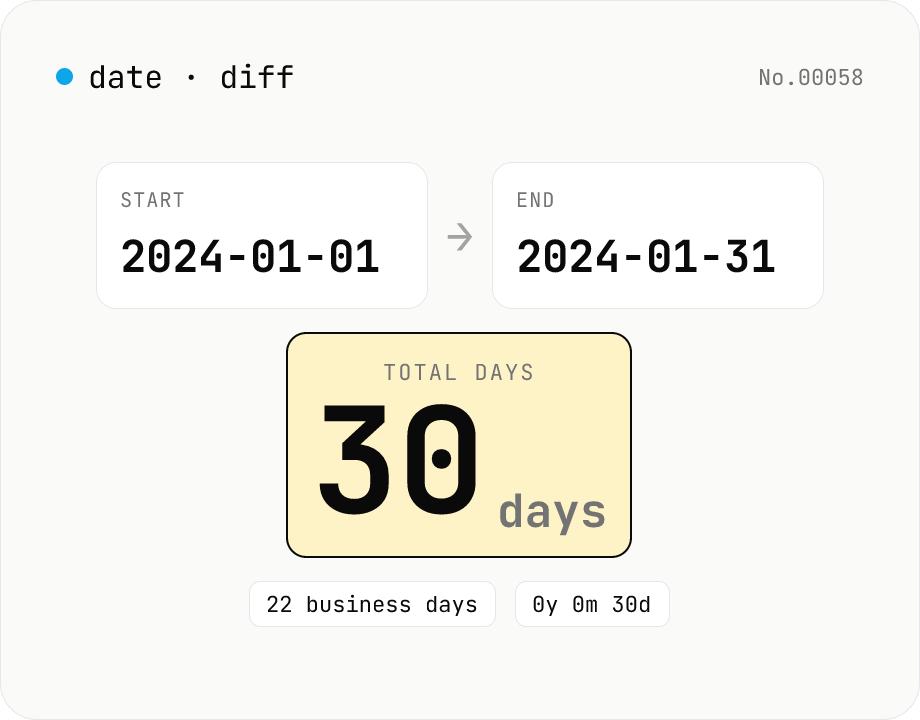
Date difference calculator — days / weeks / months / years
Compute the gap between two dates in days, weeks, business days, a years-months-days breakdown, and (optionally) hours/minutes/seconds. Toggle inclusivity and time-of-day with a checkbox. Everything runs inside your browser.
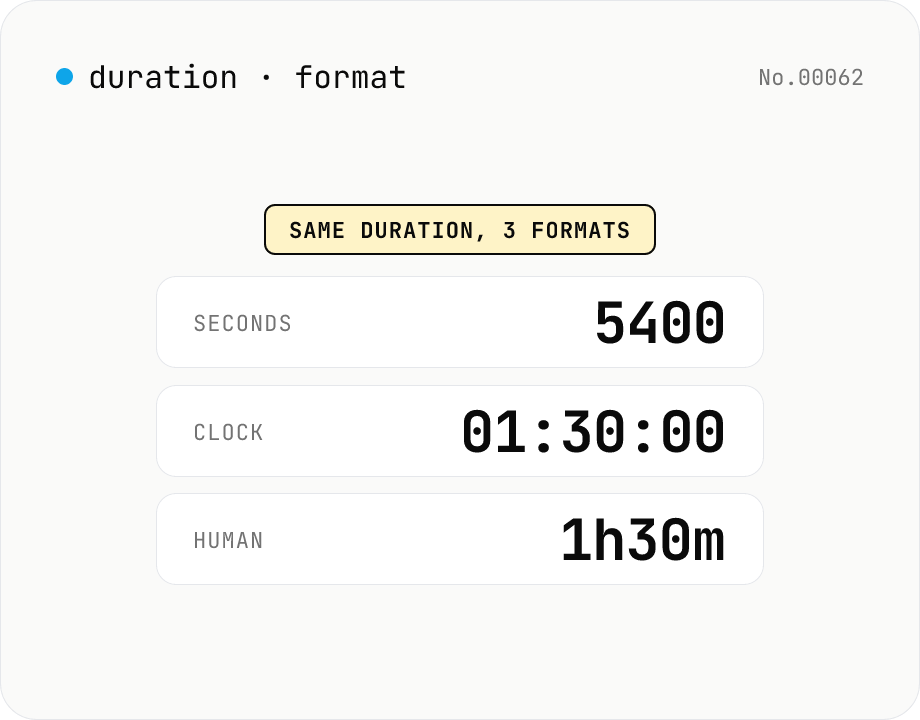
Duration format converter — seconds, mm:ss, hh:mm:ss & 1h30m bulk
Convert durations between three formats: seconds (5400), clock (01:30:00), and human-readable (1h30m). Pick the output format and the input is auto-detected — even mixed formats on different lines. Bulk-converts multi-line input and reports skipped (unparseable) lines. Supports d/h/m/s units (1d = 86400 seconds). Runs entirely in your browser.
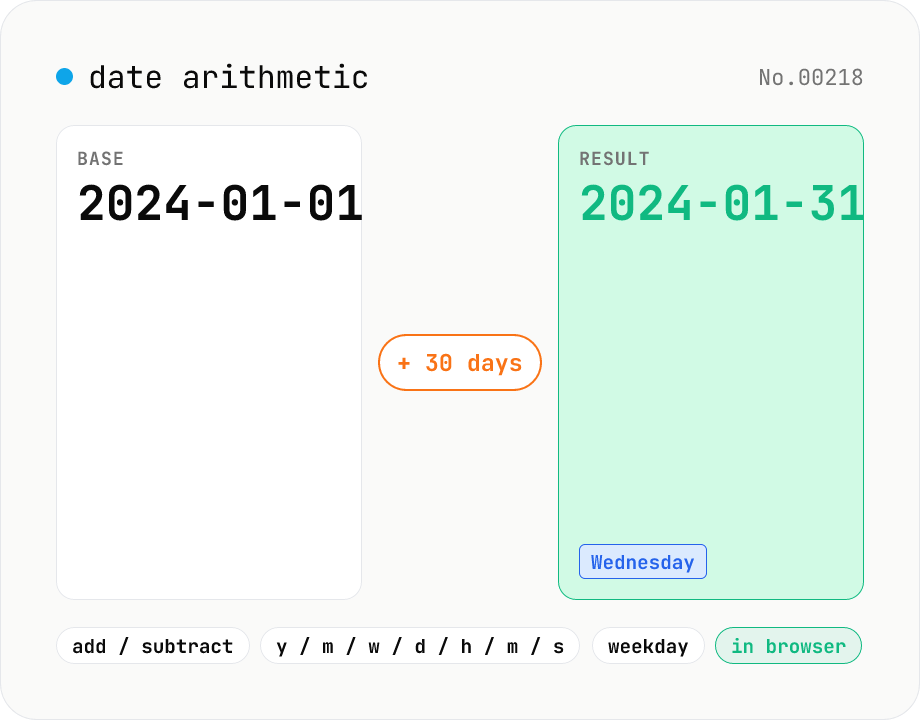
Date arithmetic — add or subtract years / months / days / hours / minutes
Add or subtract years, months, weeks, days, hours, minutes or seconds from a base date and time. Useful for due-date calculations, contract expirations, scheduling N days ahead or N hours back. Month-end arithmetic follows JavaScript's Date roll-over rules (e.g. Jan 31 + 1 month becomes Feb 28/29). The result shows the new local timestamp, the weekday, a diff summary versus the base and the Unix epoch. Runs entirely in your browser — your input never leaves the device.
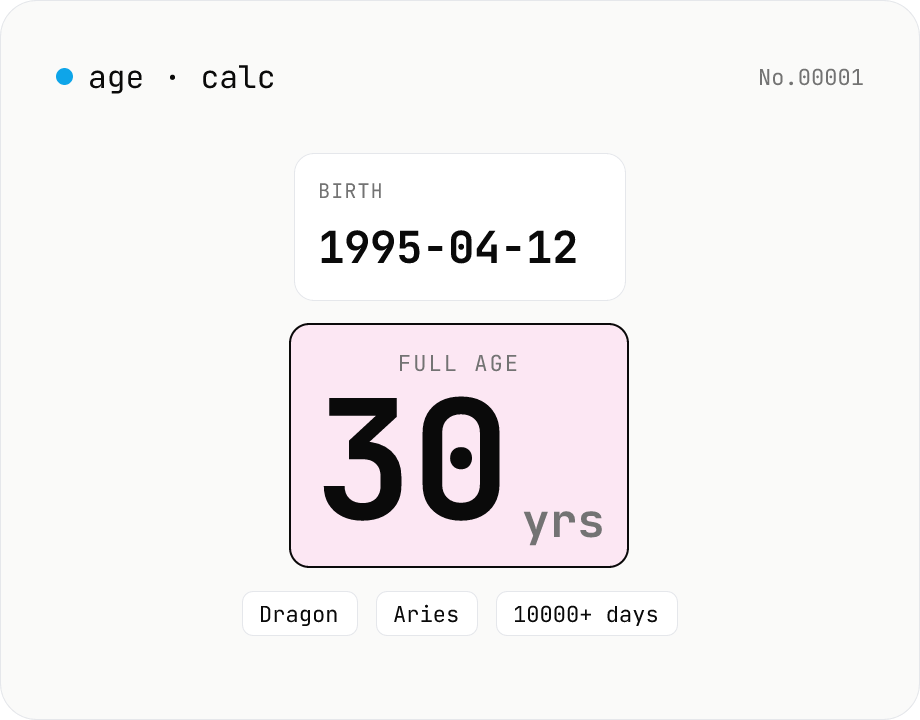
Age calculator — from birthday to years, zodiac & day count
Enter a birth date and a reference date to get the full age in years, days lived, Eastern zodiac (12 animals), and Western zodiac. Change the reference date to compute the age at any past or future point. Everything runs inside your browser — your birthday never leaves the page.