
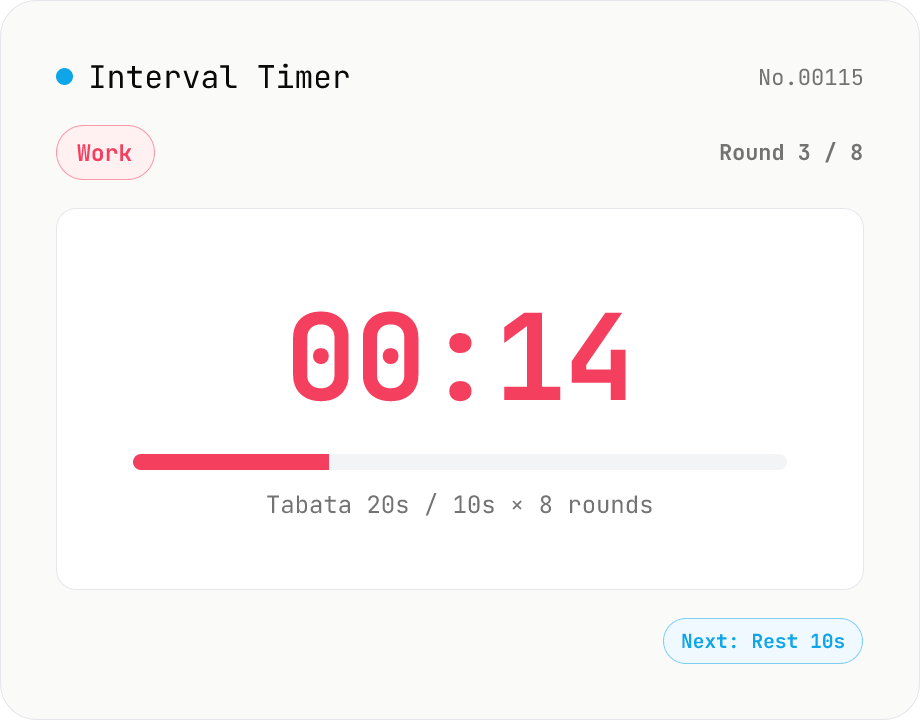
Interval Timer (HIIT / Tabata work / rest round manager)
A browser-only interval timer for HIIT (High-Intensity Interval Training) and Tabata (20 s work / 10 s rest × 8 rounds). Configure warm-up, work, rest, cool-down and rounds in seconds, with the current phase / remaining time / round progress shown live. Settings autosave to localStorage. Phase transitions trigger short Web Audio beeps (work start = high 880 Hz, rest start = low 440 Hz, finished = chord), and the final 3 seconds add an optional countdown tick. One-click presets: Tabata (20/10 × 8), HIIT 30/30, HIIT 45/15, HIIT 40/20. Uses `performance.now()` deltas so transitions stay accurate in throttled background tabs. Timer logic and audio all run inside your browser — nothing is uploaded.
How to use
1) Pick a preset (Tabata / HIIT 30-30 / HIIT 45-15 / HIIT 40-20) or manually set warm-up / work / rest / cool-down (seconds) and rounds. Settings autosave to localStorage. 2) Press Start — the warm-up phase (if any) begins, then work → rest alternates for the configured rounds. A cool-down (if any) follows the final round. 3) Phase changes trigger short Web Audio beeps (work = high, rest = low, finished = chord) and the optional final-3-seconds tick. 4) Pause, Reset and Skip work mid-session. Phases set to 0 seconds are skipped automatically.
FAQ
- What is the Tabata protocol?
- A landmark HIIT protocol published by Dr. Izumi Tabata in 1996: 20 seconds of all-out work + 10 seconds rest, repeated for 8 sets (4 minutes total). It is shown to improve both aerobic and anaerobic capacity in a short time and is widely used worldwide. Apply it instantly via the 'Tabata' preset.
- How does HIIT differ from Tabata?
- HIIT (High-Intensity Interval Training) is the broad umbrella of alternating high-intensity bursts with short rests. Tabata is one specific HIIT protocol (20/10 × 8). Common HIIT patterns include 30/30, 40/20, 45/15, 60/30 etc., chosen by goals and fitness level. Use the presets or set any values manually.
- Does it remember timer state across tabs?
- Settings (warm-up / work / rest / cool-down / rounds / audio toggles) are saved to localStorage, but the *running* state (elapsed time, current phase) is **not** persisted. Closing or reloading the tab restarts from idle.
- How does the audio work?
- Short beeps are synthesised in-browser with the Web Audio API — no external audio files. Work-start uses high tones (880 → 1320 Hz), rest-start lower ones (440 → 330 Hz), warm-up ascends (523 → 659 Hz), cool-down descends (659 → 523 Hz), finished plays a C-major chord (523 → 659 → 784 → 1047 Hz). The final-3-seconds tick is a short square pulse (1200 Hz). Browsers require a user gesture before audio works, so the AudioContext is unlocked on the first Start click.
- Does it stay accurate in background tabs?
- Phase transitions use `performance.now()` deltas, so they remain accurate even when setInterval is throttled. However, some browsers mute audio in background tabs — keep this tab in the foreground during workouts.
- What are the limits?
- Warm-up / cool-down / rest: 0–600 sec (= 10 min). Work: 1–600 sec. Rounds: 1–99. Phases set to 0 sec (e.g., warm-up or cool-down) are skipped automatically.
- Is anything uploaded?
- No. Timer logic, settings and audio synthesis all run inside your browser; nothing is sent over the network.
Related tools
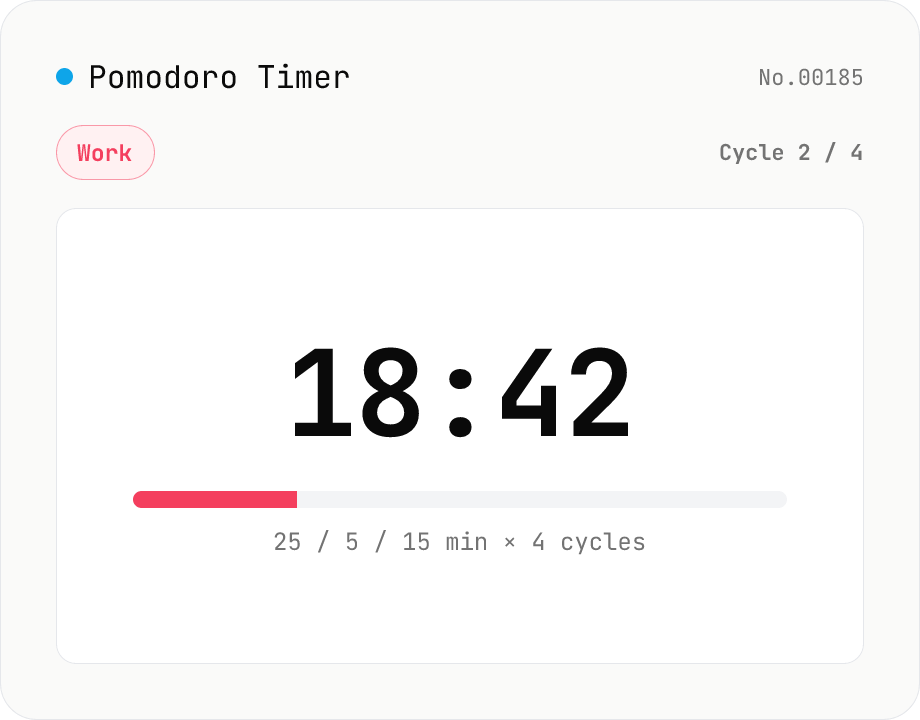
Pomodoro Timer (25 / 5 / long-break cycle)
A browser-only Pomodoro timer for focused work cycles: 25 minutes work + 5 minutes short break, then a 15–30 minute long break every fourth pomodoro. Customise work / short-break / long-break minutes, number of cycles and the audio chime — settings autosave to localStorage. Phase-end chimes are synthesised with the Web Audio API (descending for work-end, ascending for break-end, a C-major chord for set-end). Uses `performance.now()` deltas so transitions stay accurate even in throttled background tabs. Timer logic, settings and audio all run inside your browser — nothing is uploaded.
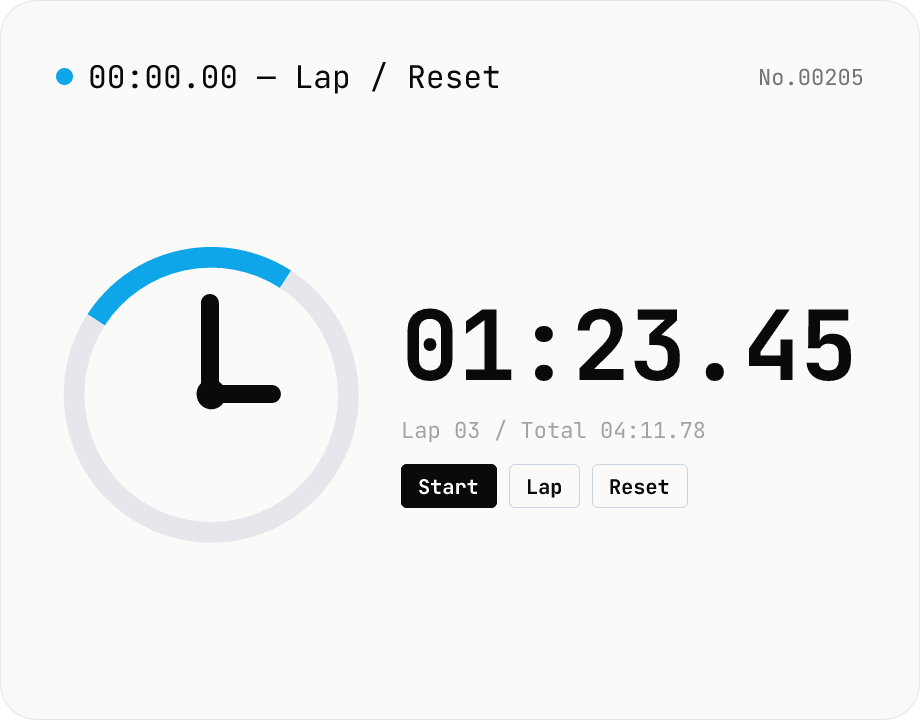
Stopwatch — lap timing with millisecond precision
A simple in-browser stopwatch with 0.01s precision and lap (split) recording. Keeps running as long as the tab stays open, and lets you export laps as CSV. While countdown counts toward a target time, this measures elapsed time from now. There is no data input — everything stays in your browser.
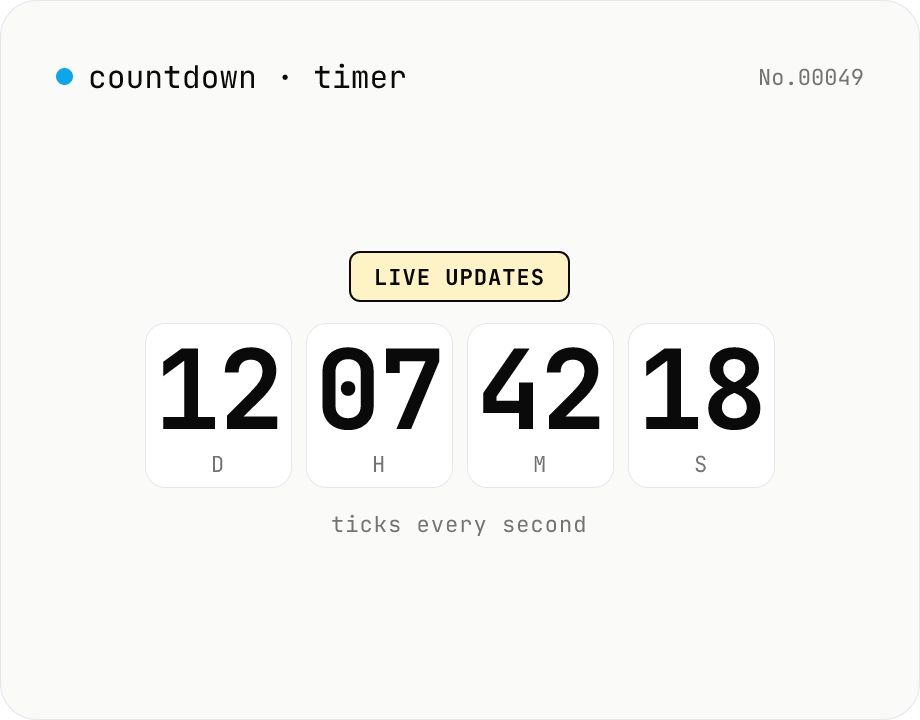
Countdown / count-up timer — time left or elapsed until target date
Real-time display of the remaining time until (countdown) or the elapsed time since (count-up) a target date. Days / hours / minutes / seconds tick every second. Copy the URL to share the current setup (?to=datetime&mode=countdown). Uses your browser's local timezone. Runs entirely in your browser — the target datetime never leaves your device.
Test Tone Generator
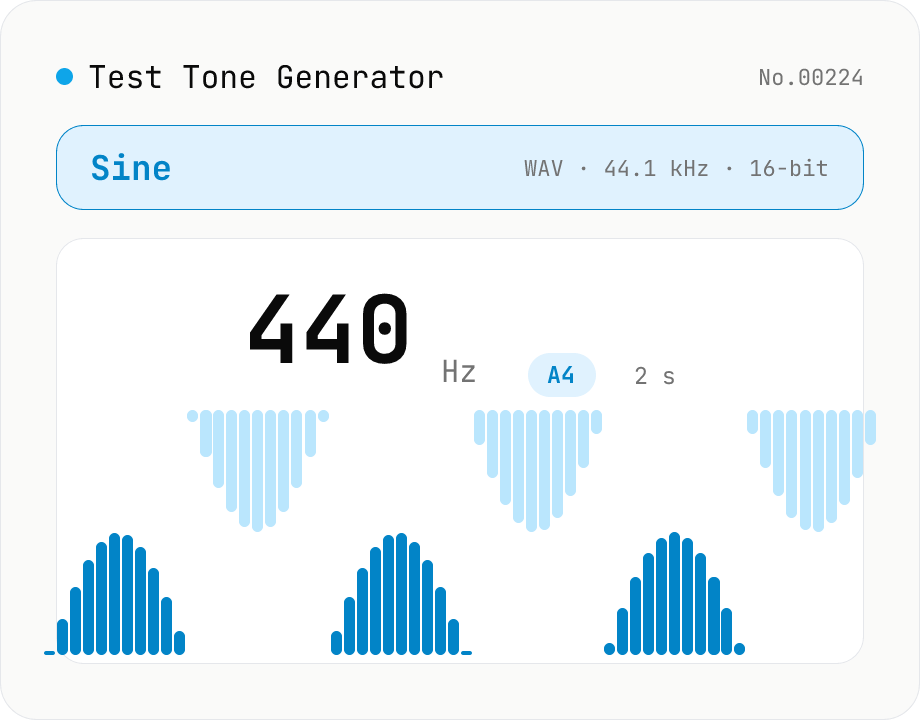
Generate test tones at any frequency from 20 Hz to 20 kHz using the Web Audio API. Choose sine / square / triangle / sawtooth, presets like A4 (440 Hz) / 1 kHz / 10 kHz, and see the matching note name and cents offset live. Built-in fade in/out avoids click noise. Download as WAV (44.1 kHz / 16-bit / mono). Useful for instrument tuning, speaker channel checks, hearing tests, and reference signals. Everything is synthesized in your browser — nothing uploaded.