
Fraction ↔ Decimal Converter
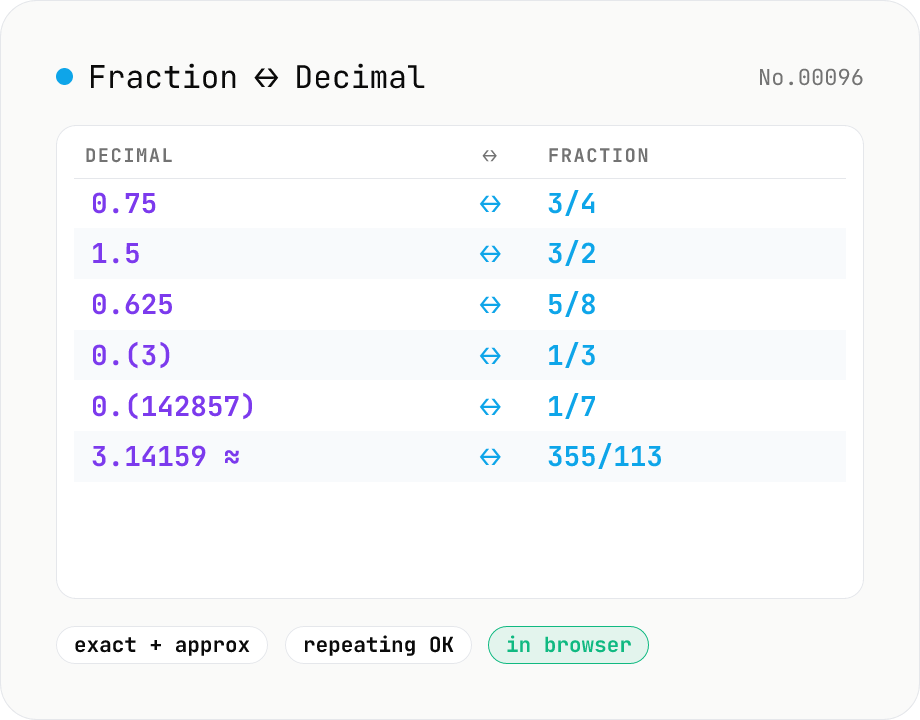
Convert between fractions (3/4, 1 1/2 mixed numbers) and decimals (0.75, 1.5, repeating decimals like 0.(3)). Finite decimals become exact reduced fractions; in approx mode, continued fractions yield approximations like π → 355/113; fraction → decimal recovers the repeating block with `()` notation. Handy for cooking recipes, imperial ↔ metric, and probability notation.
How to use
Enter one value per line, pick a direction (decimal → fraction or fraction → decimal), and click Convert. **Decimal → fraction** uses *exact* mode by default: 0.75 → 3/4, 0.625 → 5/8, and 0.(3) → 1/3 — finite decimals and parenthesized repeating decimals both produce exact reduced fractions. Toggle *Approximate* on to switch to a continued-fraction search that returns the best rational approximation under the given max denominator, so 3.14159 → 355/113. **Fraction → decimal** divides directly (3/4 → 0.75); non-terminating divisions are emitted with `()` around the repeating block (1/3 → 0.(3), 22/7 → 3.(142857)). Mixed numbers like `1 1/2` work both ways. Invalid lines become `?` and are counted as errors so the output stays aligned with the input.
In depth
Context makes the numbers sensitive
Fraction and decimal conversion is public mathematics. What makes it sensitive is the context: a medical setting converting 1/4 mg to 0.25 mg for a dosage, a production floor checking defect-rate decimals against spec fractions, an engineer verifying cryptographic parameter candidates. When the surrounding workflow is confidential, pasting intermediate calculation values into an external tool puts sensitive numbers on a third-party server without most people realising it.
Advanced features like Stern-Brocot approximation are typically used by researchers or engineers, precisely the users whose intermediate values — rational approximations for protocol constants, materials tolerances in fractional notation — are most worth protecting. The habit of ‘paste this number online to check it’ carries a small but real risk of leaking calculation context.
Simple utility pages as unexpected data collectors
Tools that look trivially simple are often where users are least guarded. Fraction converters sit at the less-scrutinised end of the privacy awareness spectrum, which makes it easy for operators to layer analytics SDKs or form-submission logging without users noticing. Google Analytics’ form submit event can capture input values in its payload; error-tracking tools like Sentry sometimes include form data in breadcrumb trails.
A single fraction is harmless. A session log that ties recurring calculation patterns to a browser fingerprint — ‘this visitor consistently works with pharmaceutical dose fractions in the 0.1–5 mg range’ — accumulates into something more descriptive than any single number.
Decimal string parsing and Stern-Brocot tree running entirely in the browser
This tool’s exact mode parses the input as a decimal string directly — it never goes through Number.parseFloat, which means it avoids IEEE 754 rounding, so 0.1 maps to exactly 1/10. Repeating decimals like 0.(3) are handled by extracting the repeating block with a regular expression and algebraically deriving the exact fraction. Approximate mode walks the Stern-Brocot tree via continued-fraction expansion in JavaScript, finding the lowest-denominator best approximation below the chosen max denominator — this is why 3.14159 correctly resolves to 355/113.
All of this runs in the browser’s page memory. There are no external library calls and no API requests. Open DevTools Network while running a conversion and you will see no outbound traffic after the initial page load.
Where to use it — and one caution
Recipe scaling, academic problem-checking, engineering tolerance conversions, financial ratio simplification — all work well here. The one caution is medical dosage calculations: the output is mathematically correct, but rounding choices and unit assumptions need a second verification step with a pharmacist or physician for any clinical use. The repeating-decimal () notation follows the JIS standard, making results easy to share in Japanese educational or professional contexts.
Stern-Brocot trees and continued fractions — why π becomes 355/113
The optimal way to approximate an arbitrary decimal with a low-denominator fraction is continued fraction expansion. Writing π = 3.14159265… as a continued fraction yields π = 3 + 1/(7 + 1/(15 + 1/(1 + 1/(292 + …)))), and truncating at each step produces the sequence of best rational approximations: 3, 22/7, 333/106, 355/113, 103993/33102, …. The remarkable accuracy of 355/113 (Milü, attributed to Zu Chongzhi in the 5th century) — error below 0.0000003 — comes from the unusually large next term (292), a number-theoretic accident of π’s continued-fraction expansion.
The approximate mode in this tool uses a recursive algorithm equivalent to walking the Stern-Brocot tree: starting from a bracketing interval [low, high], it computes the mediant (a+c)/(b+d) of the bracket endpoints and recurses into the half containing the target value. The Stern-Brocot walk and the continued-fraction expansion provably produce the same best-rational-approximation sequence, and the implementation works comfortably in JavaScript Number precision (denominators up to about 10⁶). Exposing a “maximum denominator” parameter lets you trade approximation tightness for readable fractions — capping at 1000 produces everyday fractions, while raising it to 10⁶ produces mathematically optimal ones.
IEEE 754 and repeating decimals — how exact mode avoids 0.1 + 0.2 ≠ 0.3
In IEEE 754 double precision, 0.1 is actually stored as 0.1000000000000000055511151231257827021181583404541015625, the truncated value of a binary repeating expansion. This is the well-known cause of 0.1 + 0.2 = 0.30000000000000004, and any path through Number.parseFloat("0.1") permanently loses the original rational 1/10. The tool’s exact mode parses the input string "0.1" directly as a decimal, builds numerator = 1, denominator = 10, and reduces with gcd — entirely avoiding the IEEE 754 hazard.
Repeating decimals follow separate logic. A repeating notation like 0.(3) = 1/3 resolves through the standard algebra: x = 0.333…, 10x = 3.333…, 10x − x = 3, so x = 3/9 = 1/3. The tool extracts the repeating block (N) via a regular expression, computes denominator = (10^repeat_digits − 1) × 10^non_repeat_digits, and assembles the numerator from the non-repeating and repeating digit strings. For example 0.16(6) = 1/6 resolves with non_repeat = 16, repeat = 6, denominator = (10¹ − 1) × 10² = 900, numerator = (16 × 10 + 6) − 16 = 150, giving 150/900 = 1/6 after reduction. The (N) notation is the ASCII-friendly form of the JIS standard’s overdot notation 0.1̇6̇, chosen because it survives copy-paste through any text channel. When you need to scale a recipe between fractional cup measurements and millilitres, pair this with recipe-unit-convert; when the next step is turning a fraction into a percentage (a defect rate, a probability, a yield), percent-calc keeps that arithmetic local as well.
FAQ
- Is my input uploaded?
- No. Everything happens in your browser — pure arithmetic, no external API calls.
- What does the `()` notation mean for repeating decimals?
- The contents of `()` form the repeating block. So 0.(3) = 0.333... = 1/3, 0.(142857) = 0.142857142857... = 1/7, and 0.1(6) = 0.1666... = 1/6. Characters before `()` are the non-repeating prefix; characters inside are the period. Common in JIS notation and widely used worldwide.
- How does approximate mode work?
- It walks the Stern-Brocot tree via continued fractions, picking the p/q pair under the max denominator that minimizes |x - p/q|. That matches the classic best-rational-approximation results, so π lands on 22/7 under den ≤ 99 and on 355/113 under den ≤ 1000.
- Can I enter mixed numbers like 1 1/2?
- Yes — separate the integer and fractional parts with a space: `1 1/2`, `-2 3/4`. The numerator must be smaller than the denominator (`1 3/2` is invalid; use `3/2` or `1 1/2`). Toggle the *Mixed* option to render improper fractions as mixed numbers in the output.
- What about zero or negative denominators?
- A denominator of 0 is undefined and rejected (`?`). Put the sign on the numerator or the whole expression — `-3/4` is fine, `3/-4` is not.
- Does this avoid the floating-point 0.1 + 0.2 problem?
- Exact mode parses the input *as a decimal string*, never touching IEEE 754, so 0.1 maps exactly to 1/10. Approximate mode does run through `Number.parseFloat`, but a small max denominator rounds away the noise.
How to verify nothing is uploaded
This tool never sends your input outside your browser. The pages below explain how it works, how to audit it, and how the site is run.
Related tools
Recipe Unit Converter (tsp / tbsp / cup ⇄ JP & US)
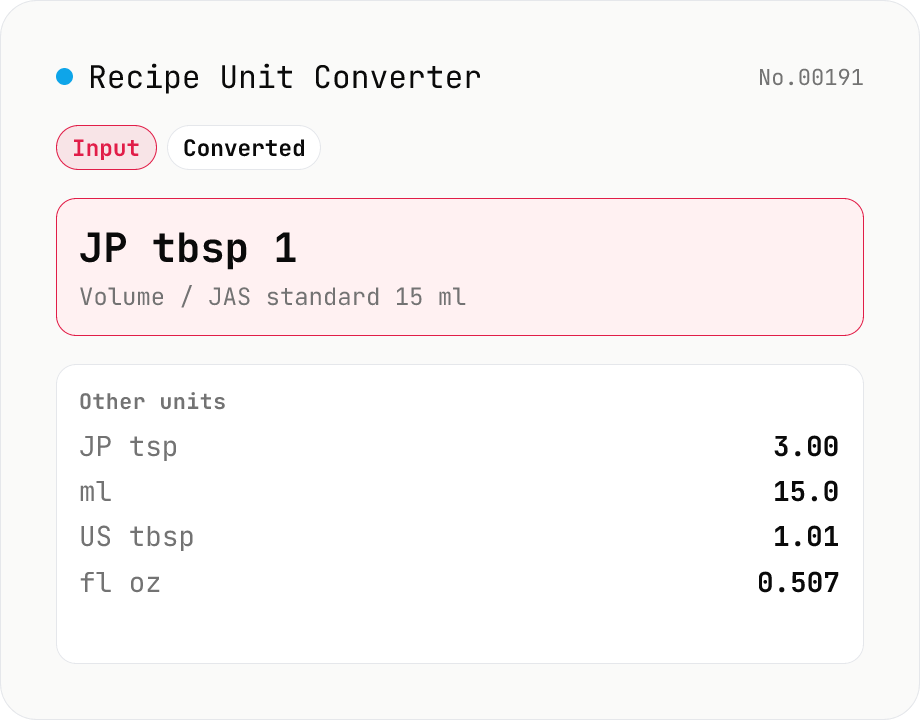
Convert recipe quantities between Japanese (tsp 5 ml, tbsp 15 ml, cup 200 ml, gō 180 ml) and US (tsp 4.93 ml, tbsp 14.79 ml, cup 236.59 ml, fl oz 29.57 ml) units side-by-side. Weight units (g, kg, oz, lb) sit in a separate Mode. Handy when cooking a US recipe with Japanese measuring tools — the JP cup is **~18% smaller** than the US cup, a gap big enough to spoil sauces and bakes. Volume and weight stay separate because the conversion depends on ingredient density (see FAQ). Runs entirely in your browser — no uploads.
Unit Converter
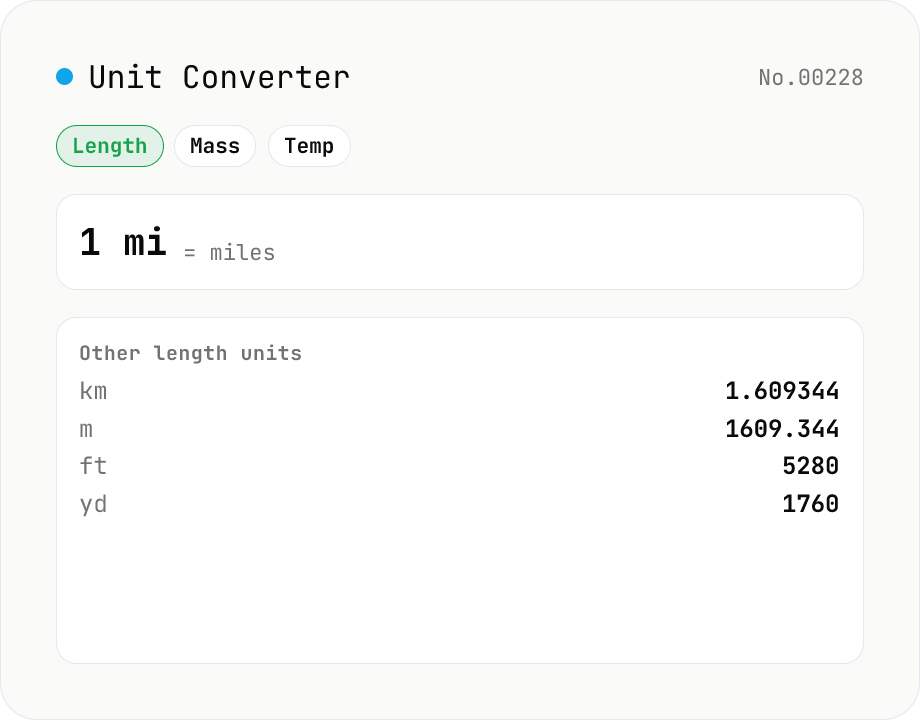
Convert between length, weight, temperature, volume, area, speed, data size, and time units. Enter one value and see equivalents in every supported unit at once. Runs entirely in your browser — no uploads.
Percentage calculator — ratio, change, and ±% in one tool
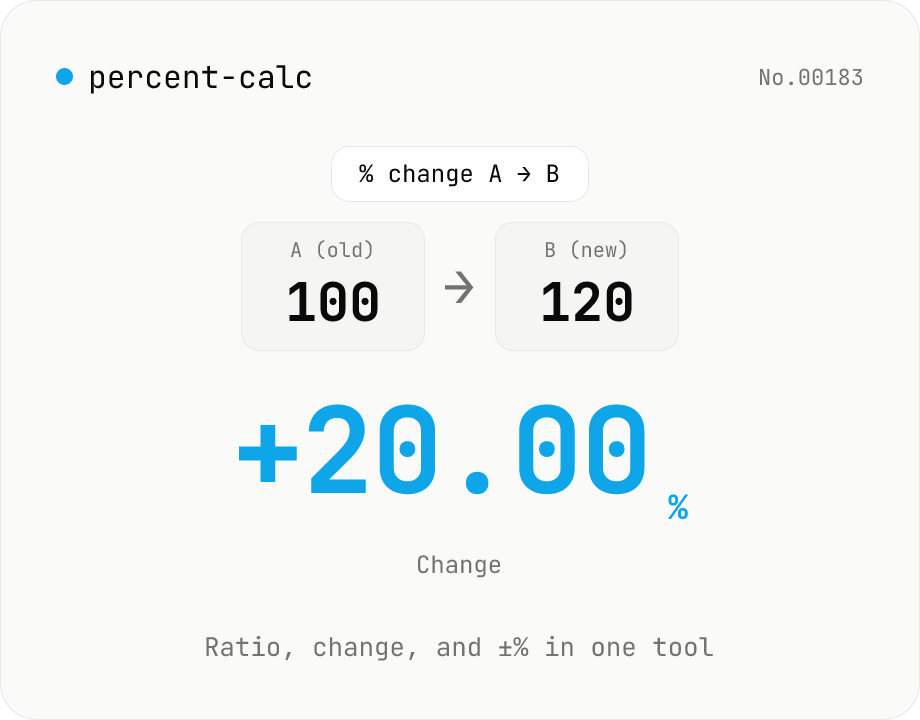
A general-purpose percentage tool with four modes: X% of Y, X as % of Y, percent change from A to B, and a value increased or decreased by N%. Use it for discounts, year-over-year change, success rates, custom tax rates, tips, or grade percentages — all in one screen. Live calculation, 0 to 10 decimal places, and one-click copy. Everything runs in your browser.
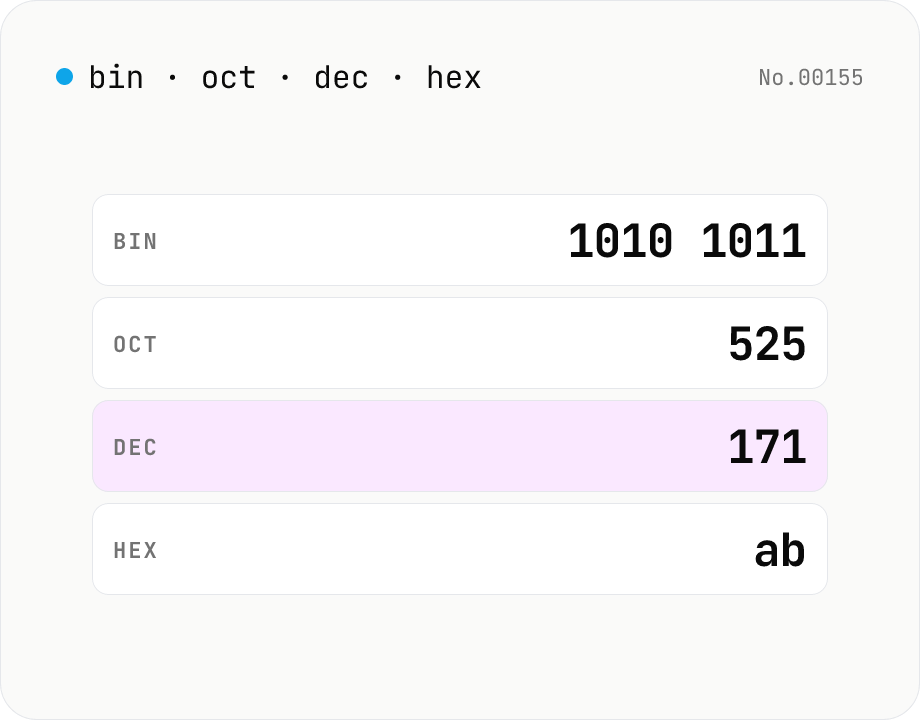
Number base — bin / oct / dec / hex
Convert between binary, octal, decimal, and hexadecimal in one step. Toggle the input base (Mode) and the other three are computed instantly. Optional 0b / 0o / 0x prefixes and 4-digit grouping. Powered by BigInt for full precision, all inside your browser.