
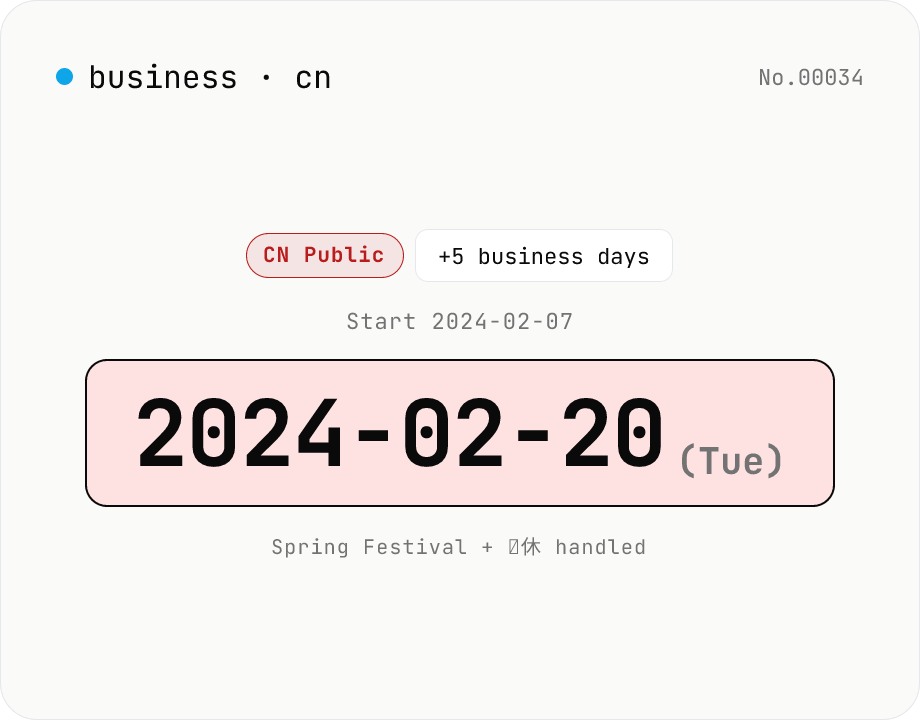
China business-day calculator — Spring Festival, National Day, 调休 makeup days
Compute the date that is N business days before or after a given date, skipping Chinese public holidays (New Year, Spring Festival, Qingming, Labour Day, Dragon Boat, Mid-Autumn, National Day) and weekends. Honours 调休 (makeup work-days) — weekends officially designated as working days to bridge long holidays. Data follows the State Council's published 2024 and 2025 schedules; 2026 is an approximation pending official notice. Runs entirely in your browser.
How to use
Pick a direction (N business days after / before), set the start date and N. The calculator returns the result date with weekend and Chinese-public-holiday skipping (New Year, Spring Festival, Qingming, Labour Day, Dragon Boat, Mid-Autumn, National Day). It also honours 调休 — the State Council's makeup work-days where a weekend is officially a working day to bridge a long break. Toggle 'Treat Saturday as a business day' for industries that operate Saturdays. The 2024 and 2025 datasets follow the State Council's published notices verbatim; 2026 is an approximation pending the official notice.
FAQ
- What is 调休 (makeup work-day)?
- To create longer breaks around Spring Festival, National Day and other major holidays, the State Council officially turns nearby weekends into working days. For example 2024-02-04 (Sun) was a 补班 (makeup work-day) before Spring Festival. The tool ships with the full list and treats those days as business days.
- Which holidays are covered?
- The seven statutory holidays: New Year (Jan 1), Spring Festival (lunar 1/1, 7–8 days), Qingming (~Apr 4–6, 3 days), Labour Day (May 1–5, 5 days), Dragon Boat (lunar 5/5, 3 days), Mid-Autumn (lunar 8/15, 3 days), National Day (Oct 1–7, 7 days). The exact dates depend on the State Council's annual notice.
- Where do the 2024 and 2025 datasets come from?
- Verbatim from 国办发明电[2023]7号 (issued 2023-10-25) for 2024, and 国办发明电[2024]12号 (issued 2024-11-12) for 2025. Makeup work-days are included per day.
- What about 2026 and beyond?
- The State Council typically publishes the next year's calendar in November. The 2026 dataset here is an approximation — fixed Gregorian holidays and estimated lunar-festival dates, with no makeup work-days. Refresh once the official notice is out (this is a static dataset shipped with the tool).
- Are industry-specific schedules reflected?
- No. Banking and manufacturing in China can use slightly different calendars (factories often take longer Spring-Festival breaks). The tool uses only the standard statutory + 调休 pattern. Confirm industry-specific schedules separately for real-world workflows.
- Is the start date counted as a business day?
- No. The start is a reference point. 'N business days after' returns the Nth business day starting the day after the start; 'N business days before' counts backwards similarly.
- Is any date information uploaded?
- No. All math runs in your browser; no dates leave your device.
Related tools
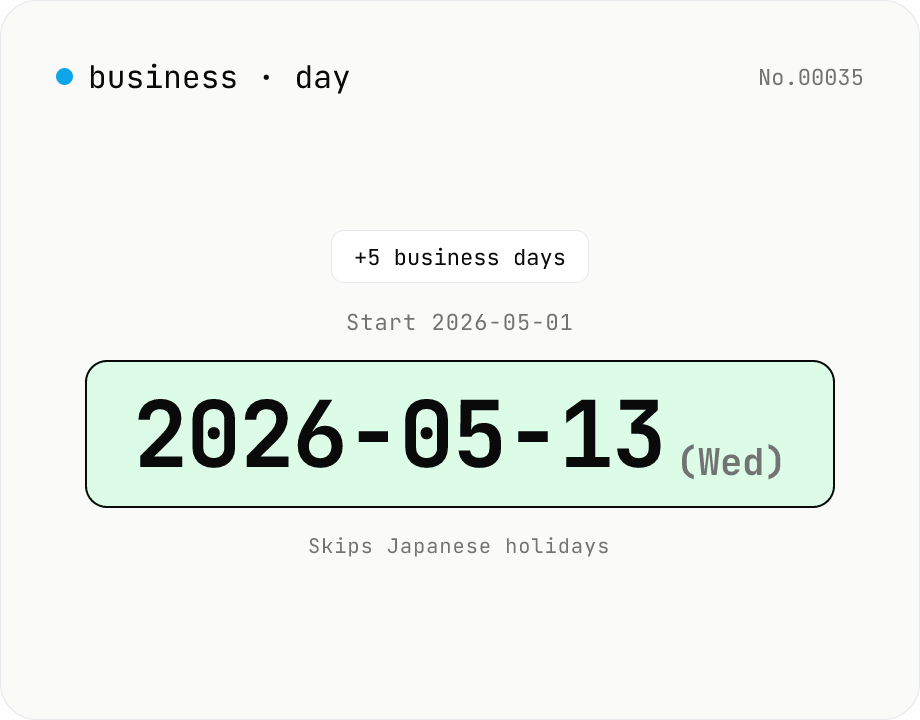
JP business-day calculator — count workdays excluding holidays
Compute the date that is N business days before or after a given date, skipping Japanese national holidays plus weekends. Handles substitute holidays, citizen's holidays, and vernal/autumnal equinoxes (1955-2099). Useful for due dates, settlement dates, and Japan-side delivery scheduling. Runs entirely in your browser.
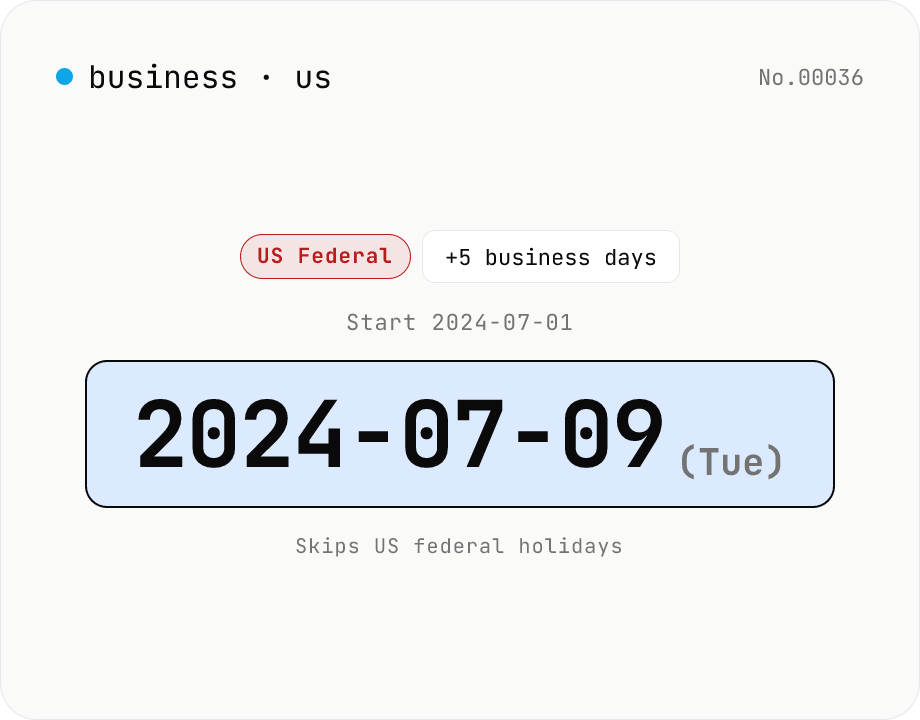
US business-day calculator — count workdays excluding federal holidays
Compute the date that is N business days before or after a given date, skipping the 11 US federal holidays (New Year's, MLK Day, Presidents' Day, Memorial Day, Juneteenth, Independence Day, Labor Day, Columbus Day, Veterans Day, Thanksgiving, Christmas) and weekends. Saturday-fall holidays observed Friday and Sunday-fall observed Monday, per federal employee rules. Juneteenth recognised from 2021; MLK Day from 1986. Runs entirely in your browser.
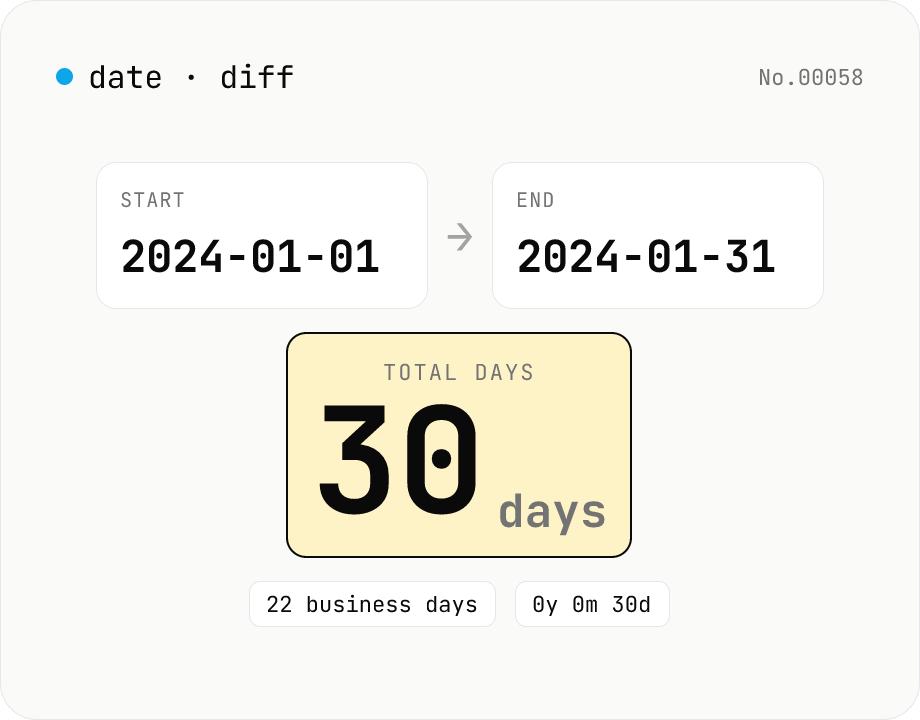
Date difference calculator — days / weeks / months / years
Compute the gap between two dates in days, weeks, business days, a years-months-days breakdown, and (optionally) hours/minutes/seconds. Toggle inclusivity and time-of-day with a checkbox. Everything runs inside your browser.
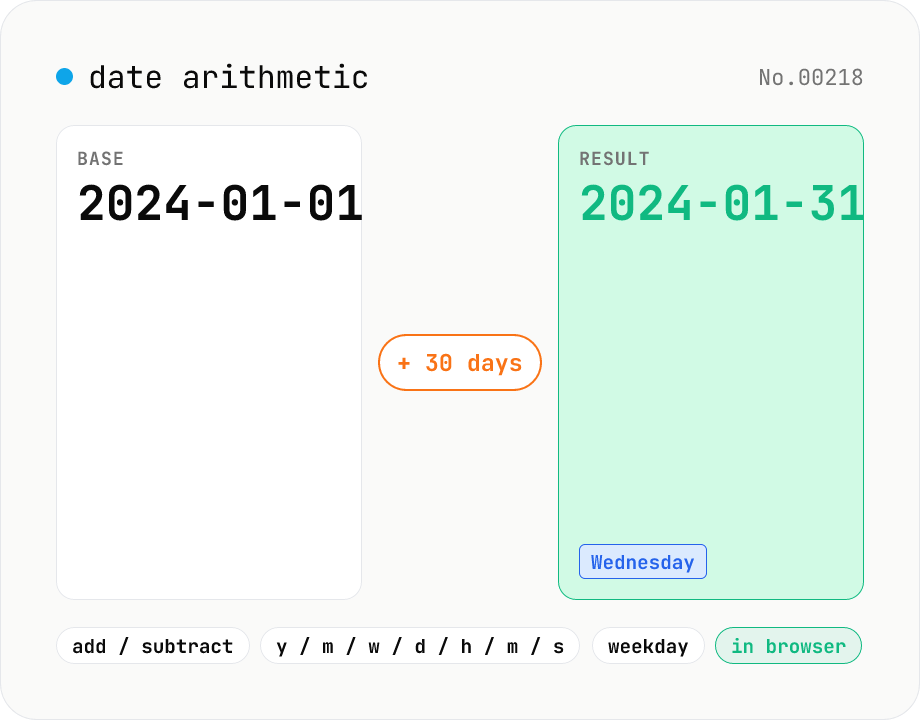
Date arithmetic — add or subtract years / months / days / hours / minutes
Add or subtract years, months, weeks, days, hours, minutes or seconds from a base date and time. Useful for due-date calculations, contract expirations, scheduling N days ahead or N hours back. Month-end arithmetic follows JavaScript's Date roll-over rules (e.g. Jan 31 + 1 month becomes Feb 28/29). The result shows the new local timestamp, the weekday, a diff summary versus the base and the Unix epoch. Runs entirely in your browser — your input never leaves the device.