
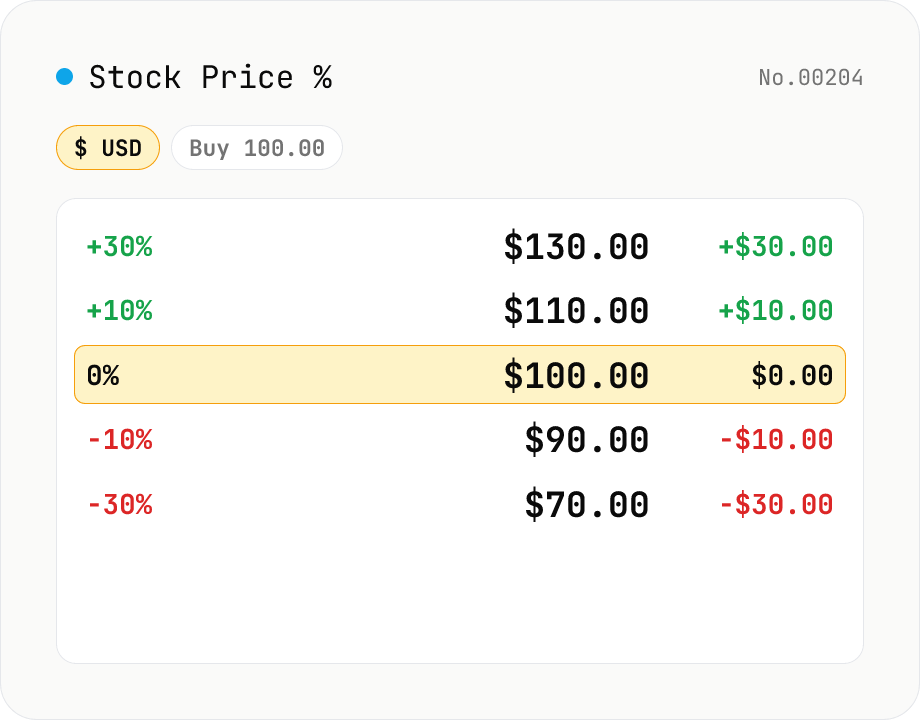
Stock Price % Mover (buy price → target %)
Calculator that answers 'what's the price if my stock goes +30%?' or 'where's my -10% stop-loss line?' at a glance. Enter your buy price and currency (¥ / $), and instantly see target prices for +100% / +50% / +30% / +20% / +10% / 0% / -10% / -20% / -30%. Add a custom % row for your own take-profit or stop-loss target. Great for placing limit orders, planning entry/exit, or charting milestones up to a 10-bagger (+900%). Runs entirely in your browser — your numbers are never uploaded.
How to use
1) Pick the currency (¥ JPY or $ USD). 2) Enter your buy price (per share) — target prices for +100% / +50% / +30% / +20% / +10% / 0% / -10% / -20% / -30% and the difference from your buy price are computed instantly. 3) Type a custom % and click Add to track your own take-profit or stop-loss line. There's no run button; the table updates live.
FAQ
- How is the '+30%' price computed?
- buy price × (1 + change% / 100). E.g. with a buy price of 100 and +30%, that's 100 × 1.30 = 130. The diff is (target − buy), so +30 in this case.
- Does the currency toggle apply an FX rate?
- No. The toggle only switches the symbol (¥ / $) and formatting (JPY uses whole numbers, USD uses 2 decimals). No FX conversion — that would require an external API, which conflicts with the site's no-uploads policy.
- How many custom % rows can I add?
- No limit. The only guard is against duplicate values — +25 / +75 / -5 and so on can all coexist. Each custom row has a Remove button.
- What's a 10-bagger in %?
- +900%. A 10× price is the original plus 9× the original. Type 900 into the custom field and click Add to pin the 10-bagger target price in the table.
- Can I include share count or commissions?
- This tool is intentionally focused on per-share price and %. For post-tax P/L or loss carry-over, use the Japanese capital gains tax tool on the same site.
- Is my input uploaded?
- No. Both the buy price and the computed prices stay in your browser and are never sent to any server.
Related tools
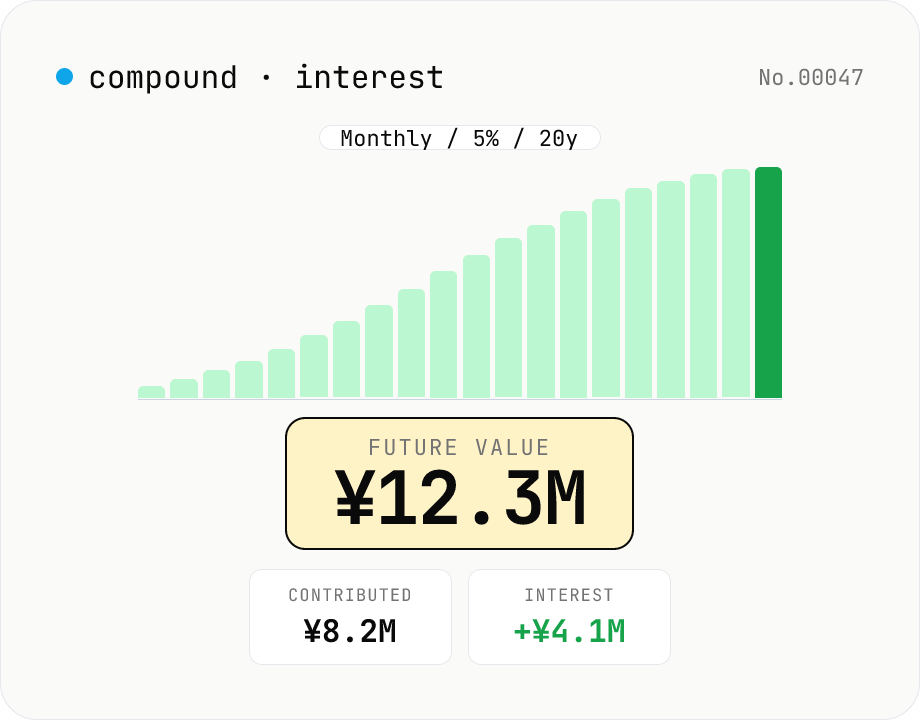
Compound interest calculator — lump-sum & monthly contribution
Project the future value of an investment compounded over time. Supports three modes: principal only, monthly contributions, or annual contributions. Great for simulating Tsumitate NISA / iDeCo / certificates of deposit. Year-by-year balances can be exported as CSV. Principal, rate, and term stay in your browser — nothing is uploaded.
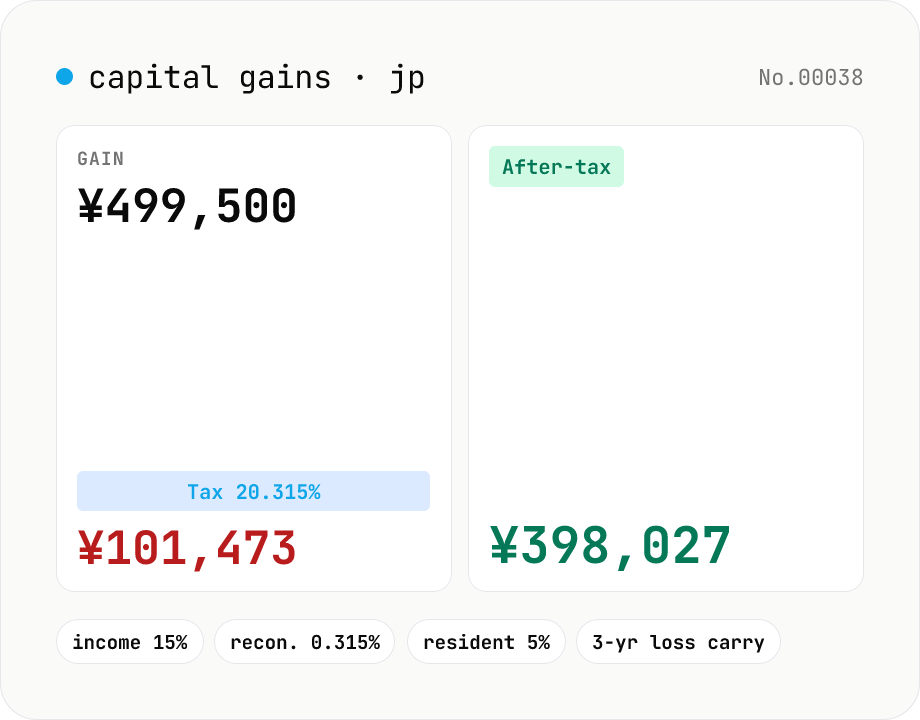
Japanese capital-gains tax (20.315%) — stock-sale net calculator
Estimate the 20.315% Japanese tax on listed-stock and mutual-fund capital gains (income tax 15% + 0.315% reconstruction surtax + 5% resident tax). Enter sale proceeds, acquisition cost (incl. buy-side fees) and sell-side expenses; the tool returns the gain, each tax line and the after-tax take-home. Losses display zero tax and a note about the 3-year carry-over deduction. Excludes NISA / iDeCo tax-free balances. Runs entirely in your browser — your figures never leave the device.
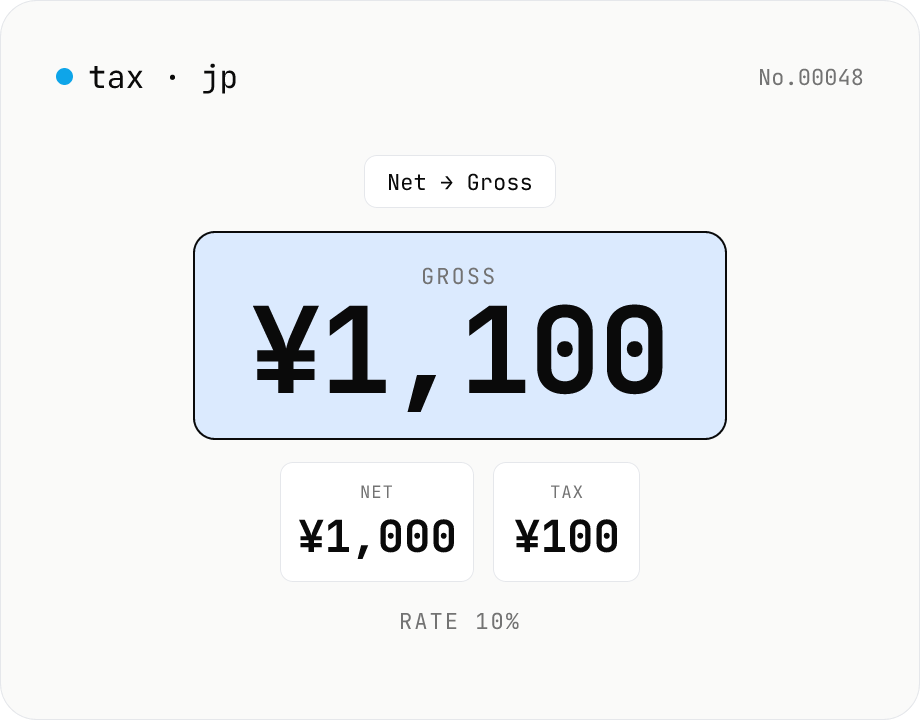
Japanese consumption tax calculator — net ⇄ gross at 10% / 8% rate
Convert Japanese consumption tax both ways (net→gross or gross→net) at 10% standard, 8% reduced, or a custom rate. Shows net, tax, and gross amounts together with selectable rounding (floor / round / ceiling). Runs entirely in your browser — no amounts are uploaded.
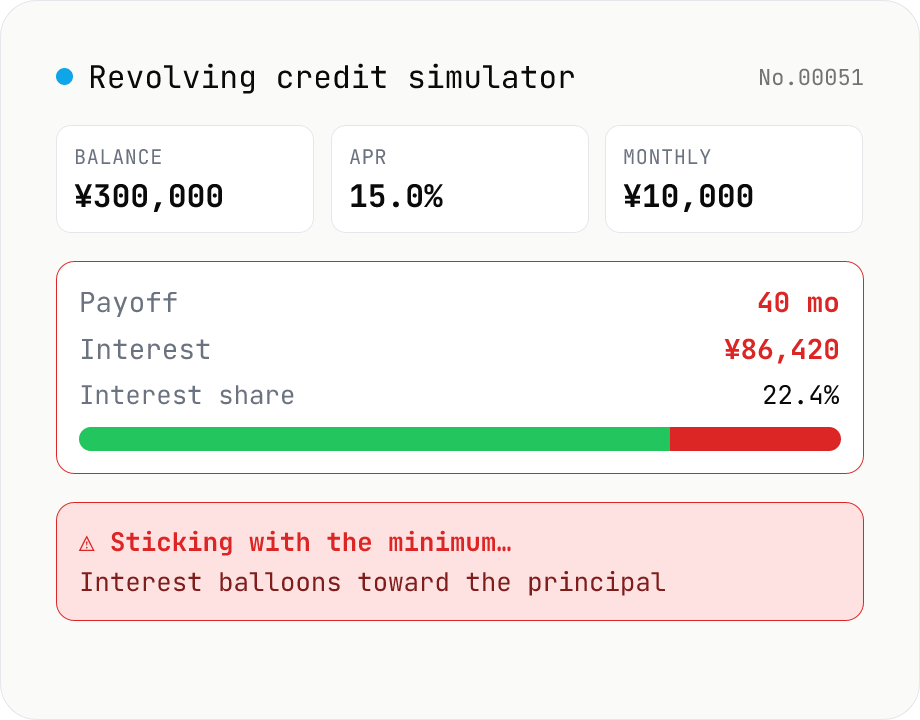
Credit-card revolving simulator — months to payoff, total interest
Simulate Japanese credit-card revolving (リボ払い) repayments month-by-month from the current balance, fixed monthly payment, and APR. Visualize months-to-payoff, total interest paid, and the principal vs interest split over time. Supports three Japanese-style methods: balance-slide (残高スライド), equal-payment (元利定額), and equal-principal (元金定額). Most card issuers charge 15.0–18.0% APR — keeping the minimum payment low usually grows the balance instead of paying it down, so the tool also lets you compare an extra-payment scenario. Nothing leaves your browser.