
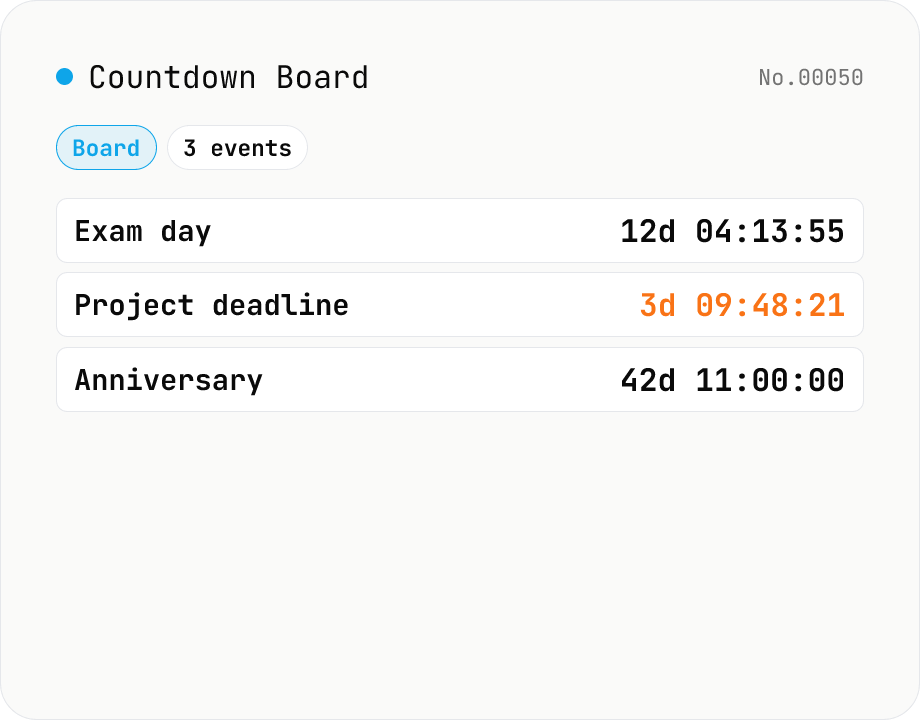
Countdown Board (multiple events at a glance)
Pin multiple upcoming events (exams, trips, project deadlines, anniversaries, concerts…) onto a single board and watch each remaining time tick down side by side. Each entry takes just a name plus a date-time, and the whole board is auto-saved to your browser's localStorage so it survives reloads. The countdown (DDd HH:MM:SS) updates every second and flips to '—' once the deadline passes. Holds up to 50 entries. Runs entirely in your browser — nothing is uploaded.
How to use
1) Enter a name and date/time in the form at the top, then press Add. 2) Entries are sorted by date, with the remaining time (DDd HH:MM:SS) updating every second. 3) Use Delete on each entry to remove it, or Clear all to wipe the board. Data is auto-saved to localStorage so it survives reloads.
FAQ
- Does the data persist across reloads?
- Yes — entries are stored as JSON in localStorage and restored when you re-open the same browser on the same domain. They are erased if you close a private / incognito window or clear browser data.
- Can I sync across devices?
- No — the tool is fully client-side and never sends data to a server. To use the same board on another device, add the entries there too.
- Is there an entry limit?
- 50. Once you hit it, the form is disabled until you delete some.
- Which timezone is used?
- Your browser's local timezone. The datetime-local field stores wall-clock time on your device. For events in other timezones, convert to your local time first (e.g. NYC New Year's Eve 23:59 → JST 13:59 the next day).
- What happens when the date passes?
- The remaining cell flips to 'Expired' and stops counting. The entry stays on the board until you delete it manually (no edit-in-place yet).
- Is my input uploaded?
- No. Everything stays in your browser's localStorage.
Related tools
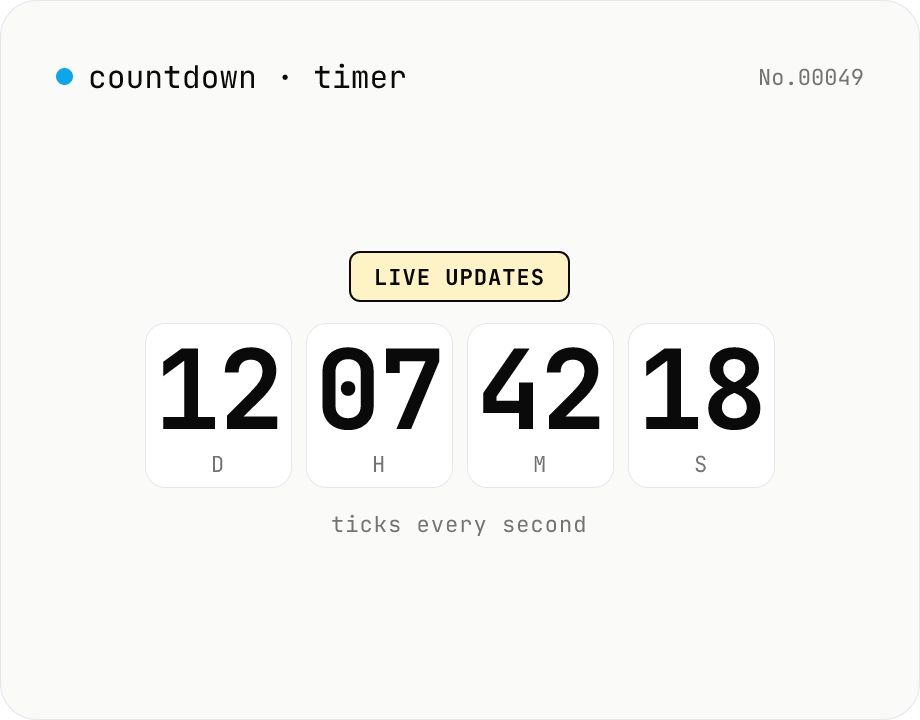
Countdown / count-up timer — time left or elapsed until target date
Real-time display of the remaining time until (countdown) or the elapsed time since (count-up) a target date. Days / hours / minutes / seconds tick every second. Copy the URL to share the current setup (?to=datetime&mode=countdown). Uses your browser's local timezone. Runs entirely in your browser — the target datetime never leaves your device.
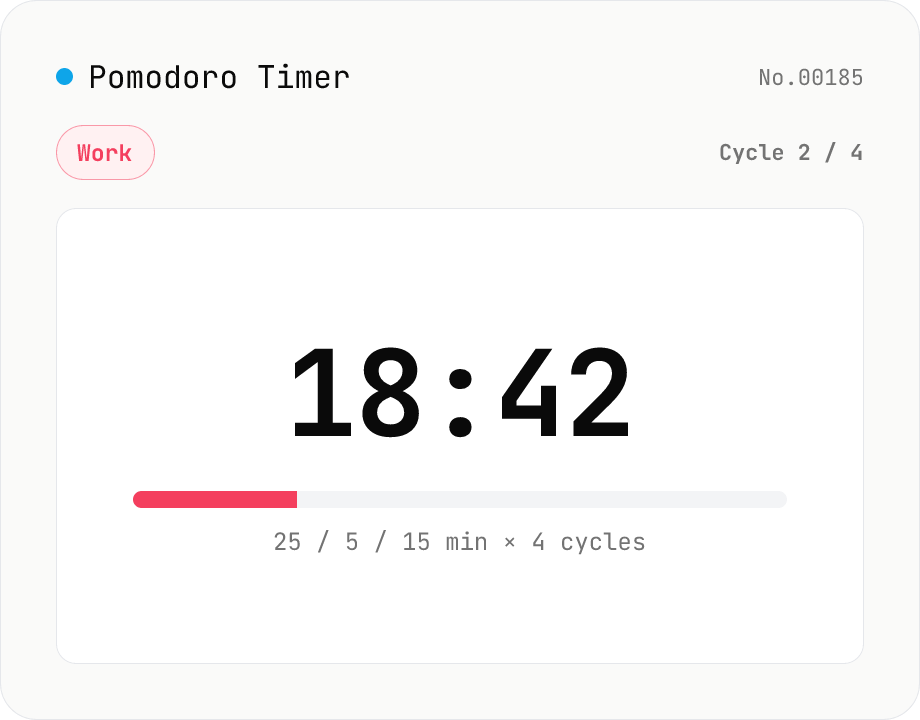
Pomodoro Timer (25 / 5 / long-break cycle)
A browser-only Pomodoro timer for focused work cycles: 25 minutes work + 5 minutes short break, then a 15–30 minute long break every fourth pomodoro. Customise work / short-break / long-break minutes, number of cycles and the audio chime — settings autosave to localStorage. Phase-end chimes are synthesised with the Web Audio API (descending for work-end, ascending for break-end, a C-major chord for set-end). Uses `performance.now()` deltas so transitions stay accurate even in throttled background tabs. Timer logic, settings and audio all run inside your browser — nothing is uploaded.
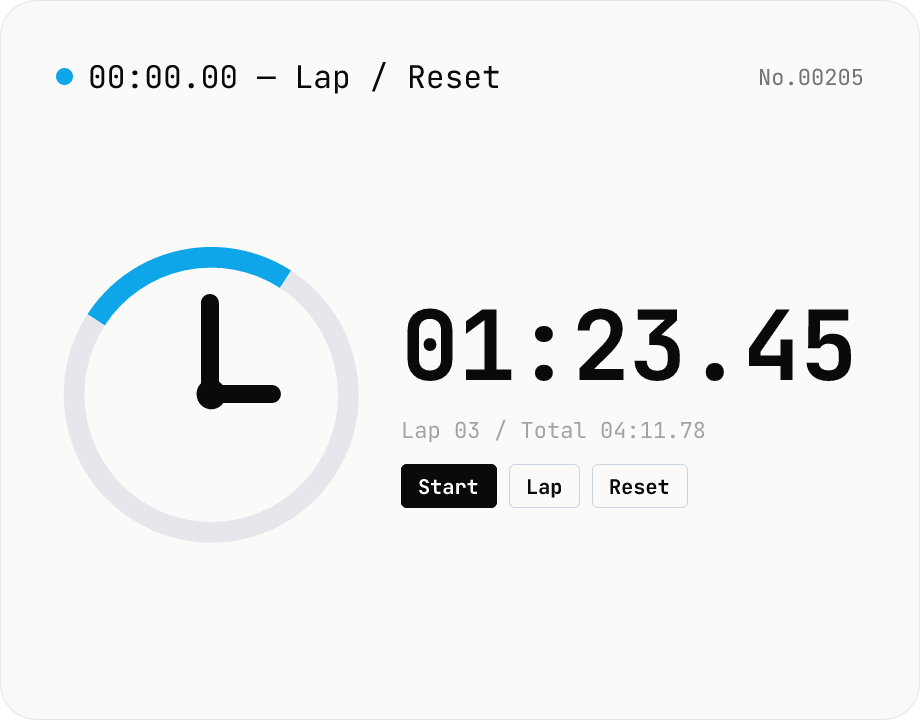
Stopwatch — lap timing with millisecond precision
A simple in-browser stopwatch with 0.01s precision and lap (split) recording. Keeps running as long as the tab stays open, and lets you export laps as CSV. While countdown counts toward a target time, this measures elapsed time from now. There is no data input — everything stays in your browser.
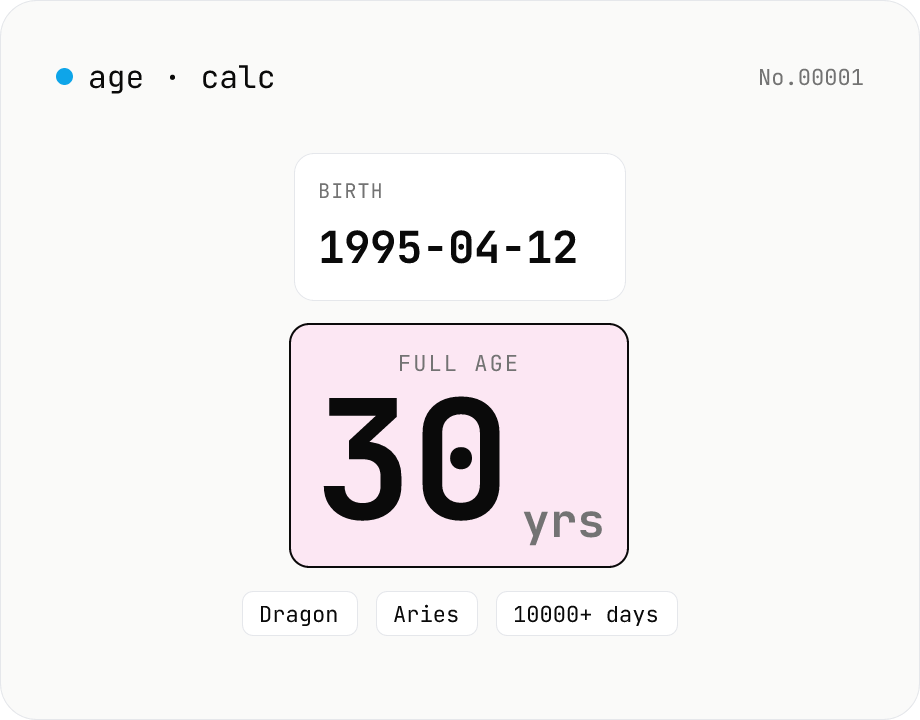
Age calculator — from birthday to years, zodiac & day count
Enter a birth date and a reference date to get the full age in years, days lived, Eastern zodiac (12 animals), and Western zodiac. Change the reference date to compute the age at any past or future point. Everything runs inside your browser — your birthday never leaves the page.